Skip to content

AI for office work

Spend less time on spreadsheets, documents, email and meeting notes.

Learn by course

See all →
  • Start hereEveryone

    AI First Steps

    What AI is, how to ask it, and what to watch out for — the basics everyone should start with, whatever their job.

    1. What is an LLM? A five-minute explainer
    2. Five principles for better prompts
    3. Why AI gets things wrong: understanding hallucinations
    4. Using AI at work safely: personal data and confidential information
    5. Tokens and pricing, explained simply

    5 guides41 min in totalBeginner
  • Courses by roleOffice workers

    For office workers: AI for everyday work

    Cut down the work you repeat every day — spreadsheets, reports, email and meeting notes.

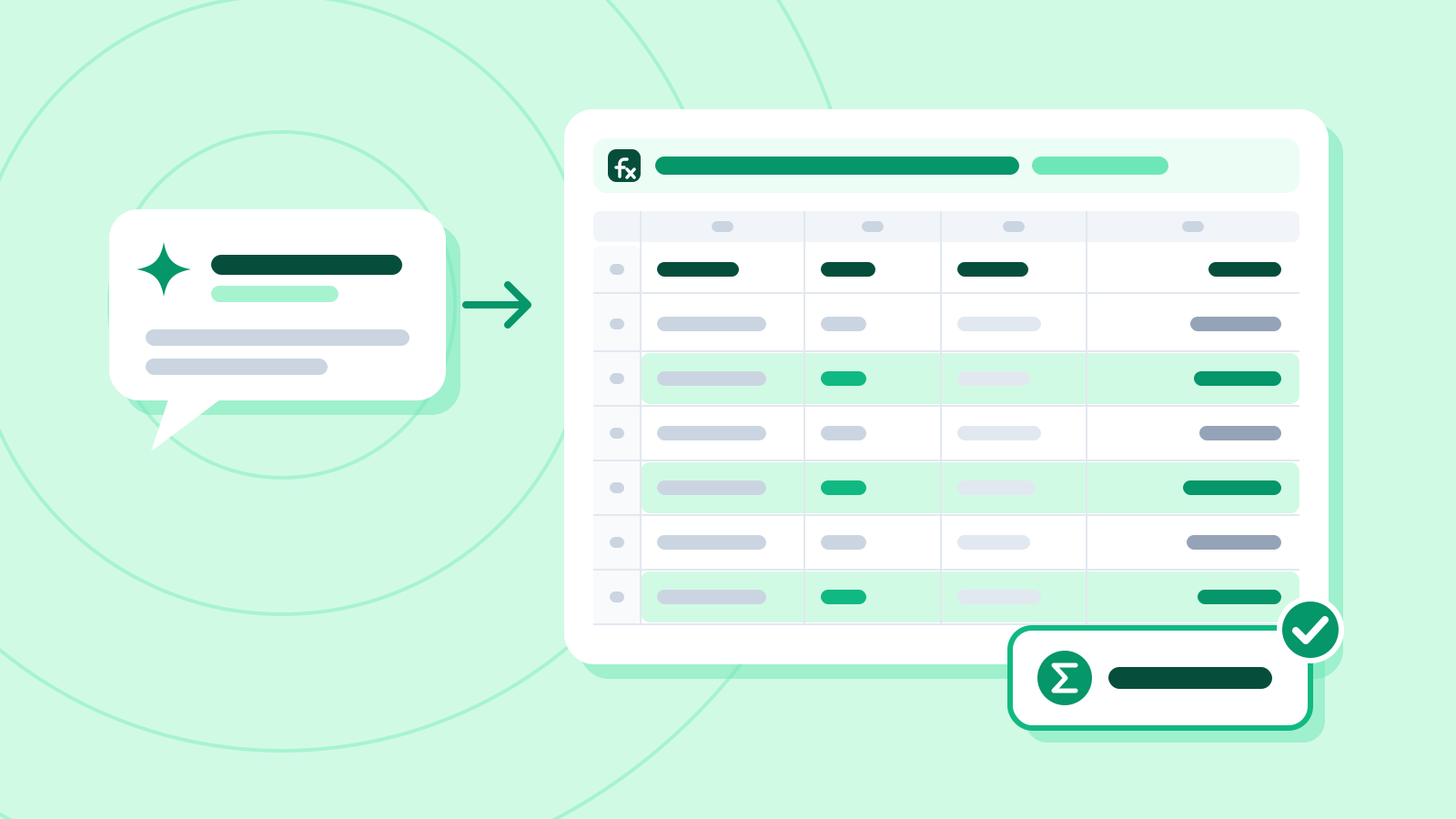
    1. Write spreadsheet formulas with AI: describe it, get the formula
    2. Get a three-line summary of a long report
    3. Write work emails in the right tone: requests, apologies, refusals
    4. Turn meeting notes into action items
    5. Let AI do the totals instead of a pivot table

    5 guides53 min in totalBeginner → Practical

  • How-to guide10 min

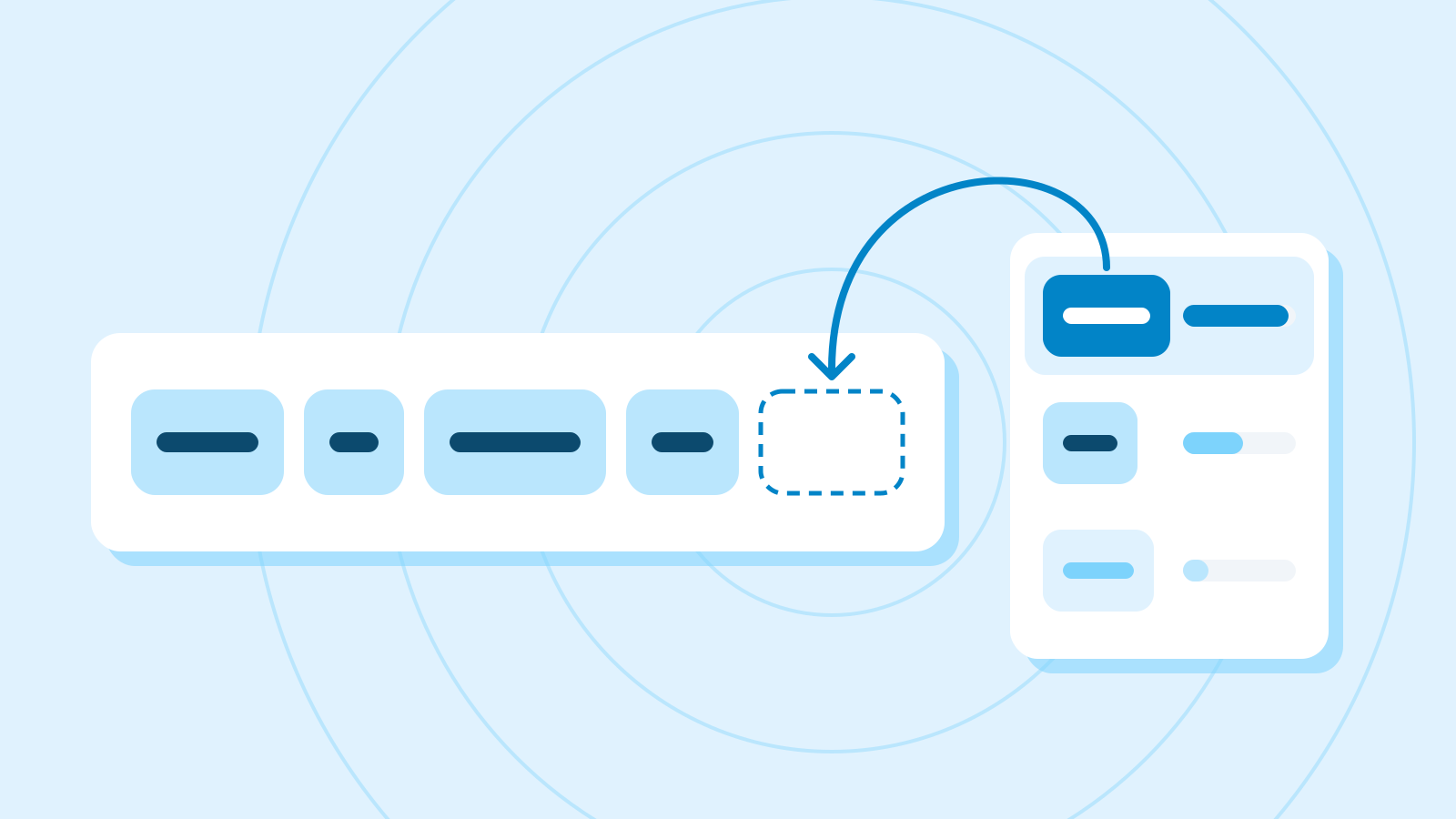
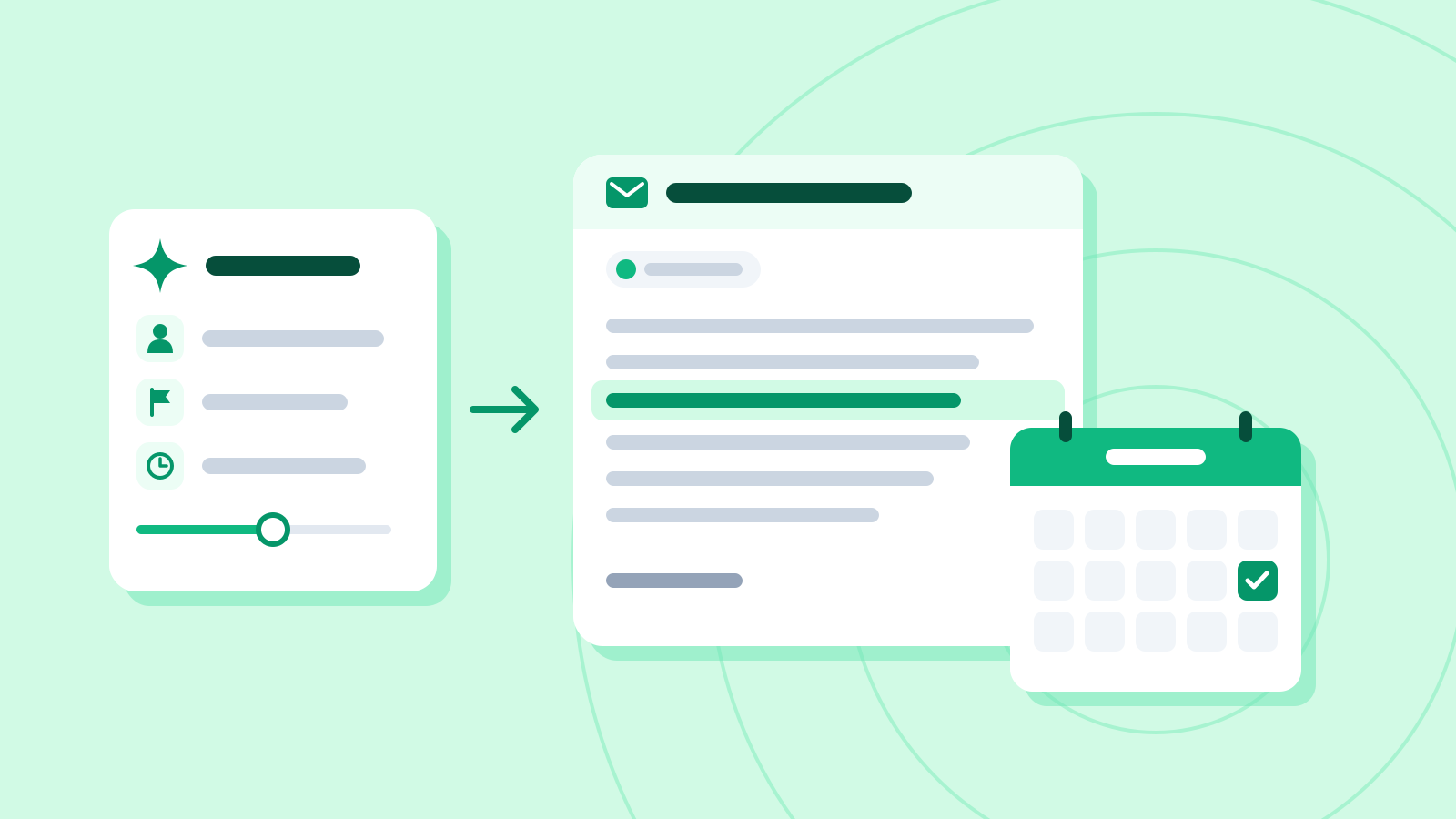
    Five principles for better prompts

    Role, context, task, format and an example — five things that noticeably change what AI gives back.

    BeginnerBeginnersOffice workersMarketers
  • Explainer8 min

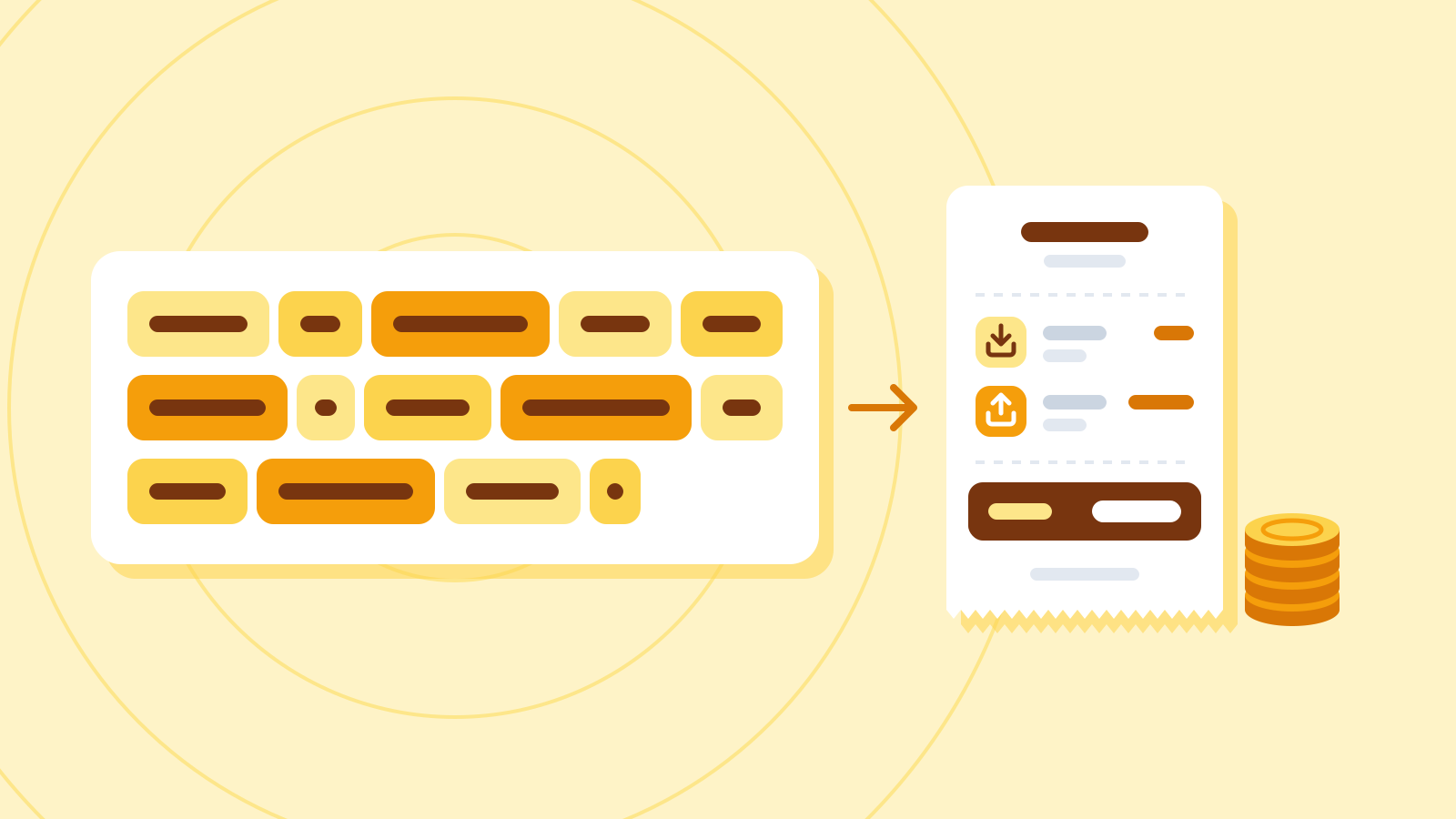
    Tokens and pricing, explained simply

    What "$2 per million tokens" on an AI price list means, and how to estimate what your own usage would cost.

    BeginnerBeginnersOffice workersDevelopers
  • How-to guide9 min

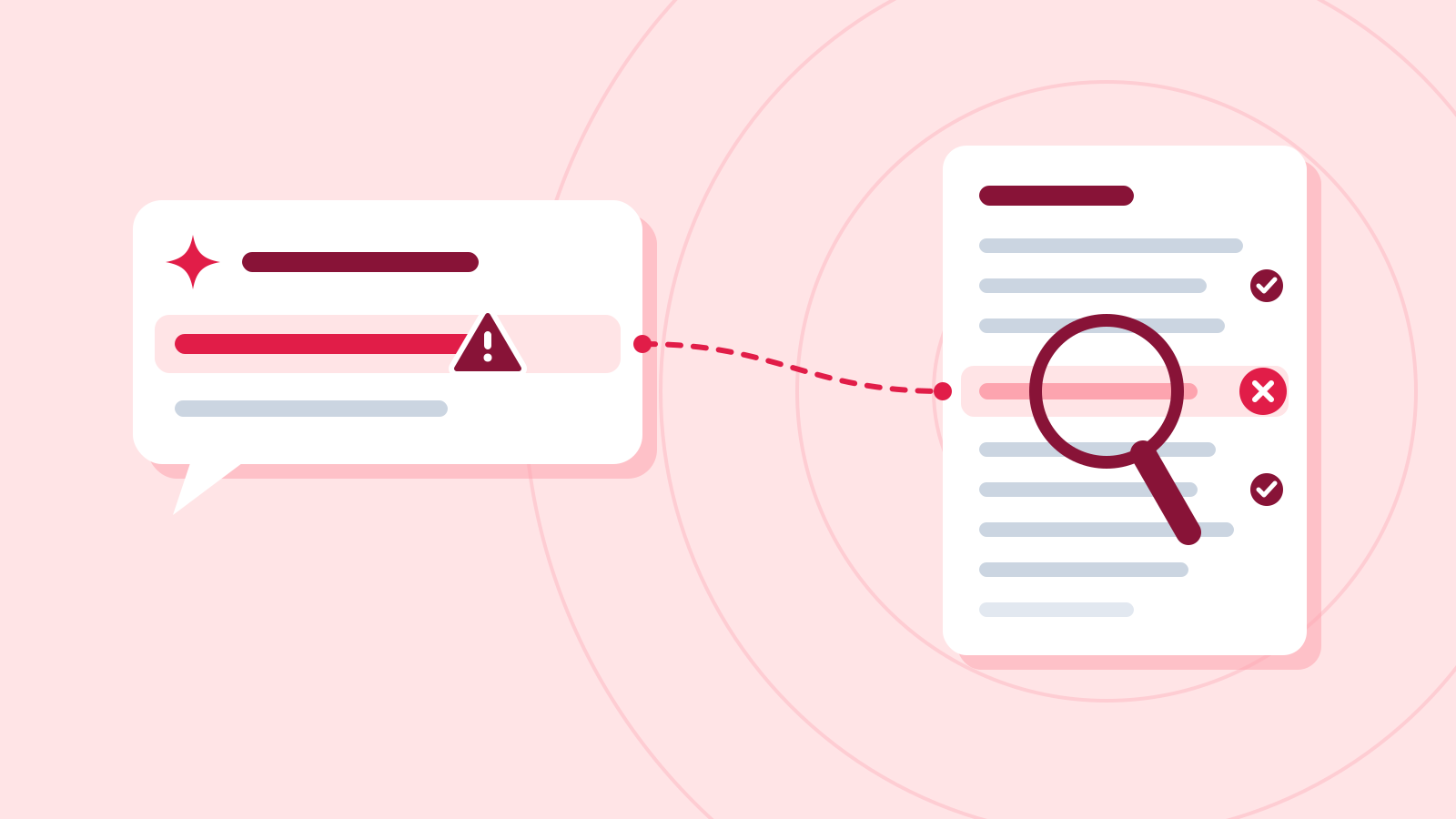
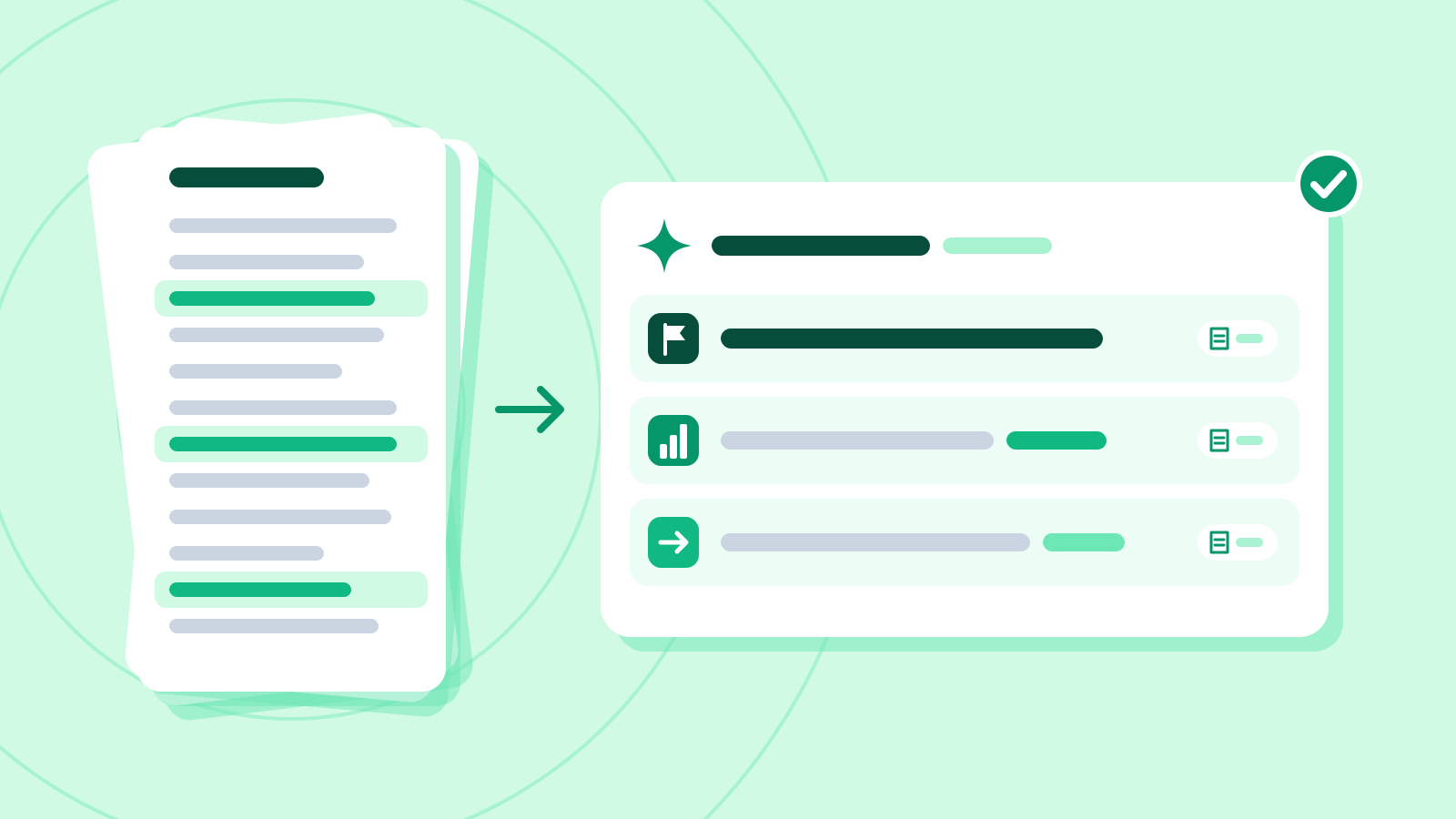
    Get a three-line summary of a long report

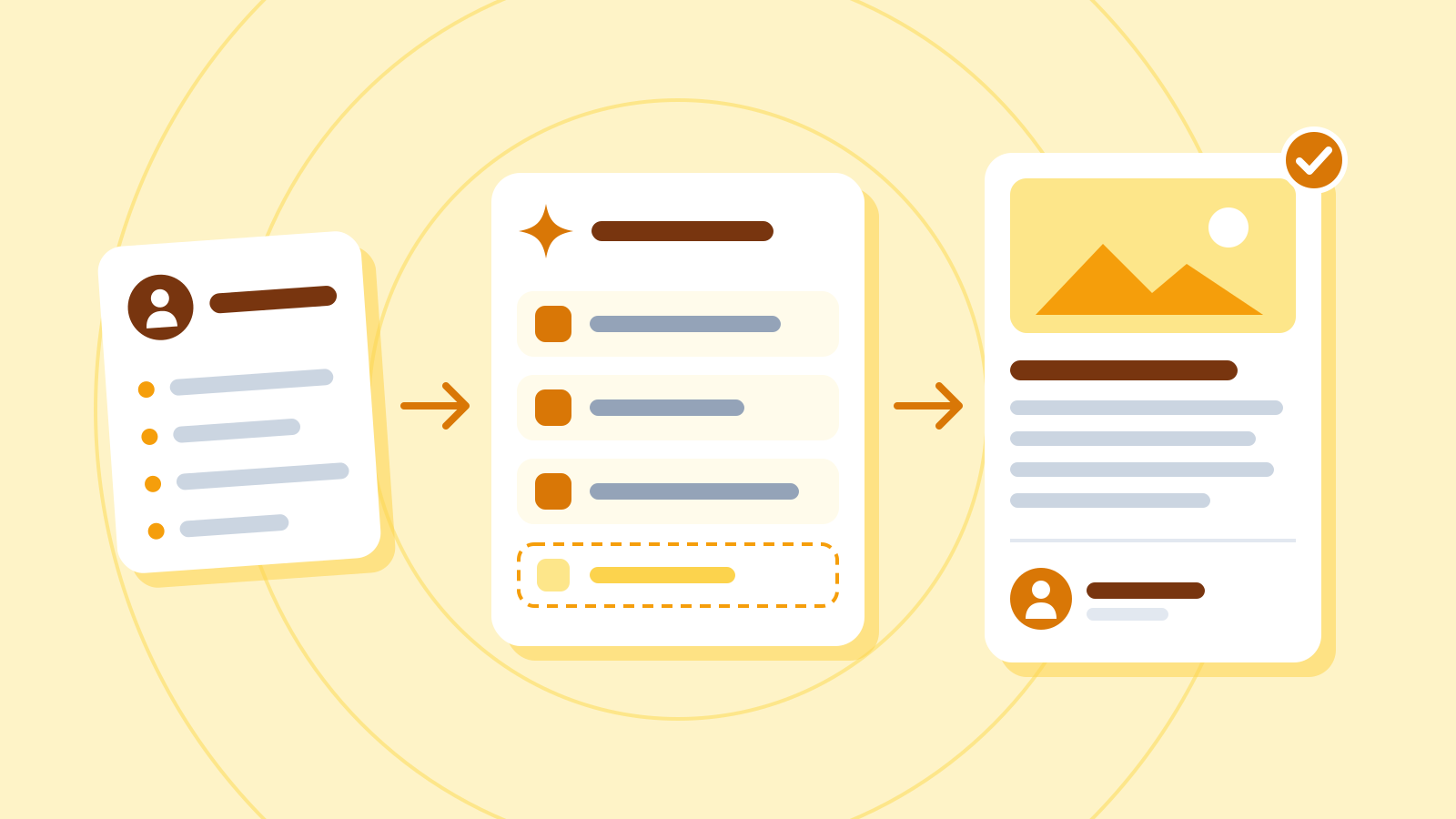
    Tell the assistant who will read it and what shape the three lines should take, and a long report comes back as a summary you can pass straight on. This guide also shows how to check its figures against the original.

    BeginnerOffice workersBeginners
  • How-to guide10 min

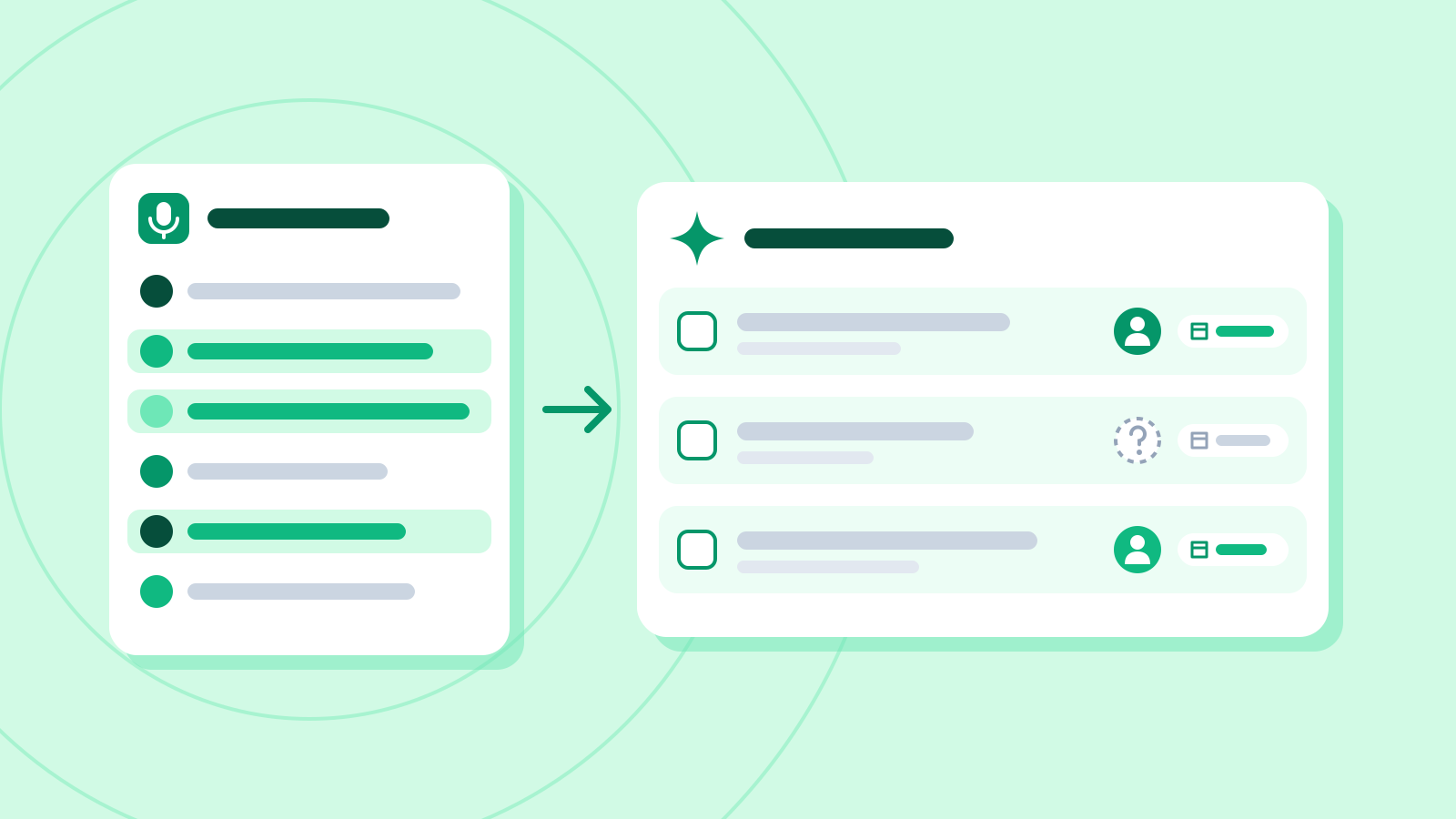
    Turn meeting notes into action items

    Get meeting notes sorted into decisions, open items and action items, without the assistant guessing owners or deadlines, and confirmed by the people who were there.

    BeginnerOffice workers
  • How-to guide12 min

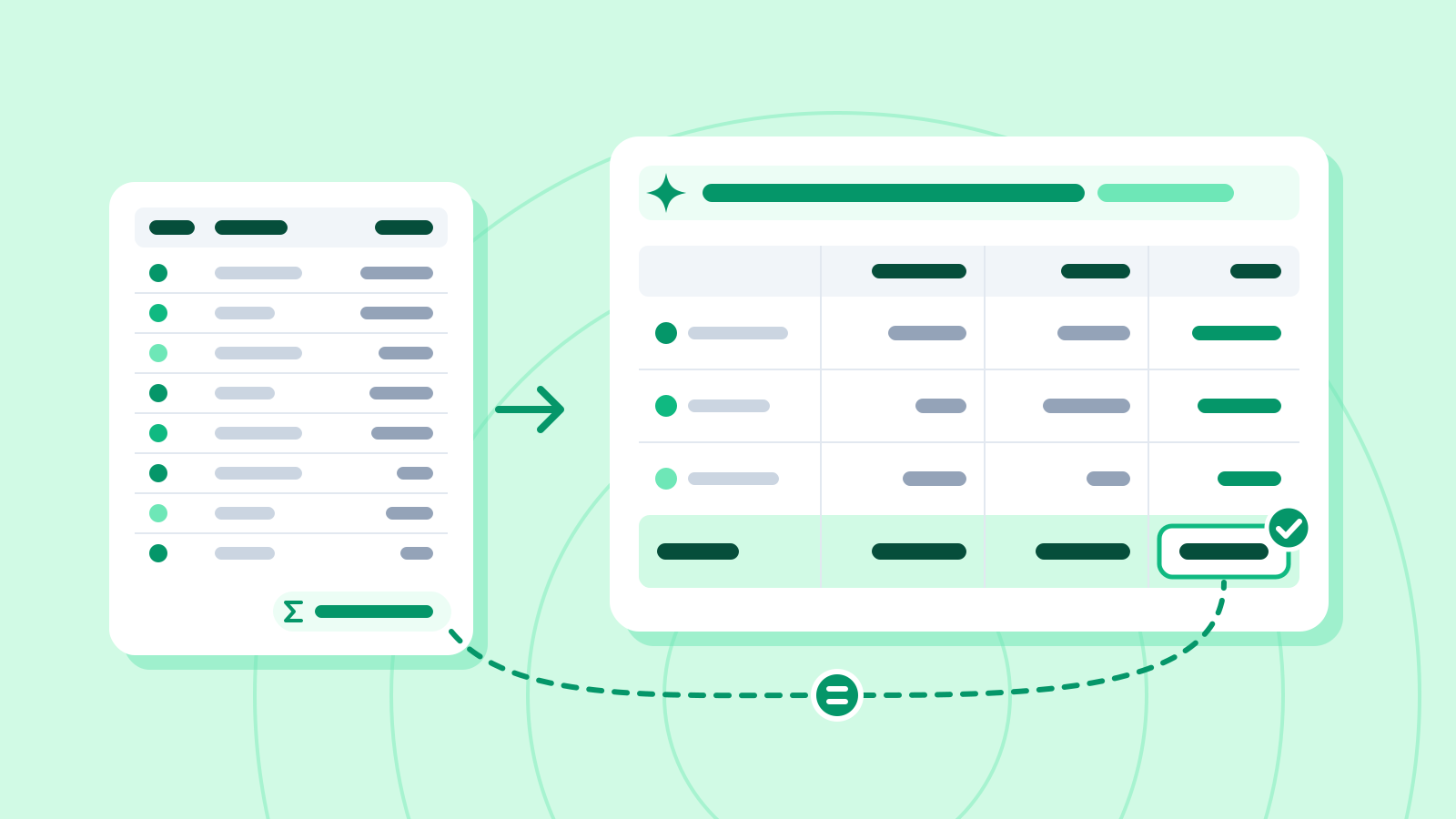
    Let AI do the totals instead of a pivot table

    You don't need to know the PivotTable menus: describe the rows, columns and values, and the assistant writes the formula. The numbers come from the sheet or from code, never from the chat, and you check them against the source.

    PracticalOffice workersMarketers
  • How-to guide12 min

    AI drafts, people finish: a blog workflow

    A blog workflow where AI handles the outline and first draft, and people handle the plan, the fact-checking, the real experience and the final check.

    BeginnerMarketersOffice workers

News