Why AI gets things wrong: understanding hallucinations
Why AI states wrong things with confidence, where it slips most often, and how to check its answers.
7 minAs of Oct 2026
By the end of this guide
- Explain that AI continues text plausibly rather than looking facts up.
- Spot the places it slips most: numbers, citations, recent events.
- Ask in ways that reduce mistakes, and make checking answers a habit.
Who this is for
- Anyone unsure whether AI answers can go straight into work documents
- Anyone who has been caught out by a made-up source or number
What you need
- Reading "What is an LLM?" first will help.
Key ideas
It continues text plausibly
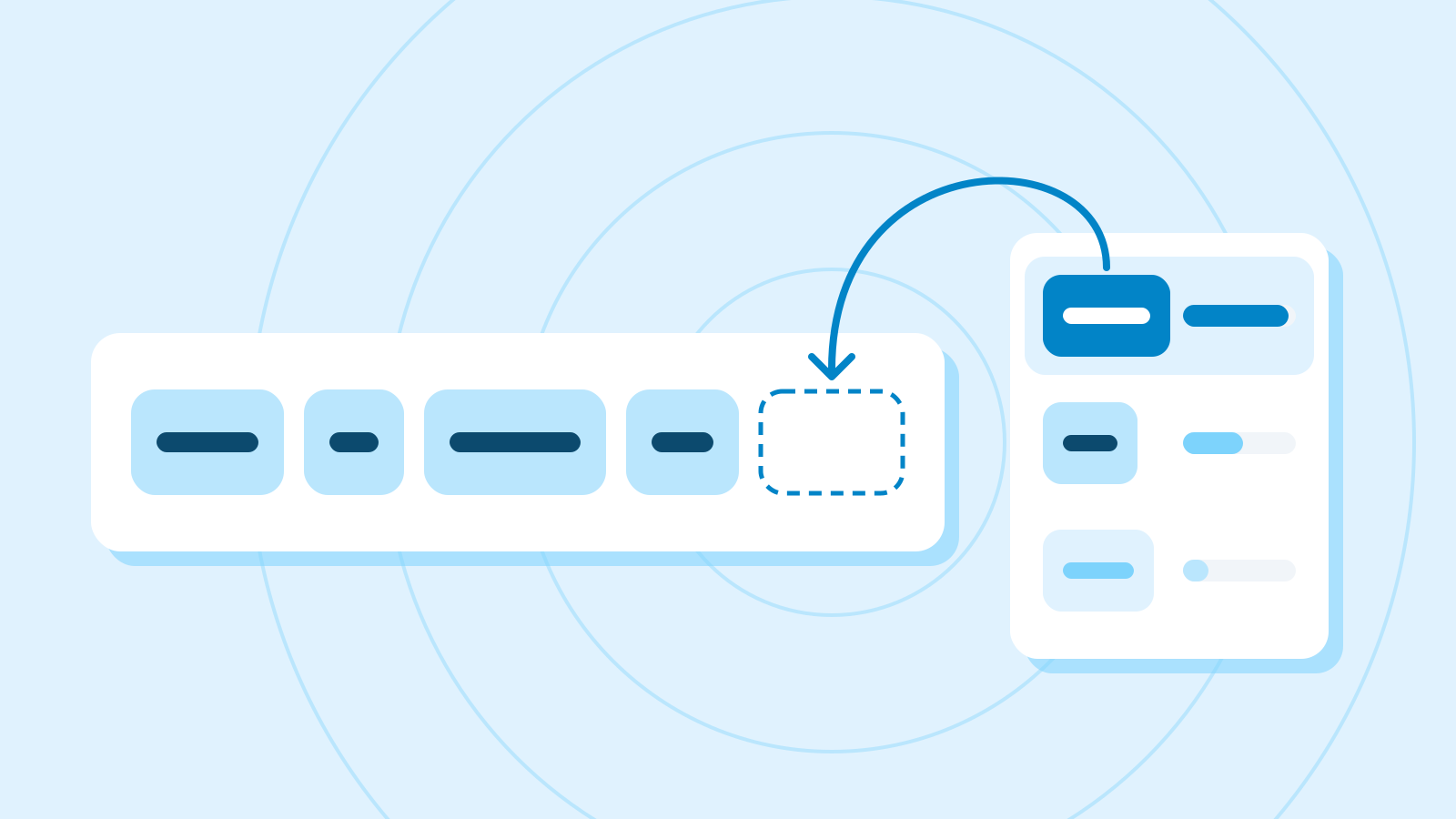
Given a question, an LLM doesn't search for facts; it continues the text with whatever is likely to come next. Usually that prediction is right, but even when it doesn't know, it keeps going and produces something that sounds right.
Stating something untrue with confidence like this is called a hallucination. The real problem is that the tone alone won't tell you a right answer from a wrong one.
Where it slips most
Mistakes follow patterns. If an answer contains any of the five below, check those parts first.
Some assistants search the web as they answer, but they can still misread what they find or lean on the wrong page, so the same checks apply.
Five common trouble spots, and how to check them Where How it goes wrong How to check Numbers and dates Statistics, years or amounts slightly off Compare each figure with the original source Quotes and sources Papers, articles or links that don't exist Open the link and check the title and content Recent events Doesn't know what changed after its training data Look for a dated official announcement Names Mixes up similar people, companies or products Check the official site or the original text Long calculations Slips in a middle step Redo it with a calculator or a spreadsheet Ask in ways that reduce mistakes
Paste in the material and ask it to answer only from that, and there's less room to invent. Tell it that "I don't know" is an acceptable answer, and ask it to quote the sentences each answer rests on.
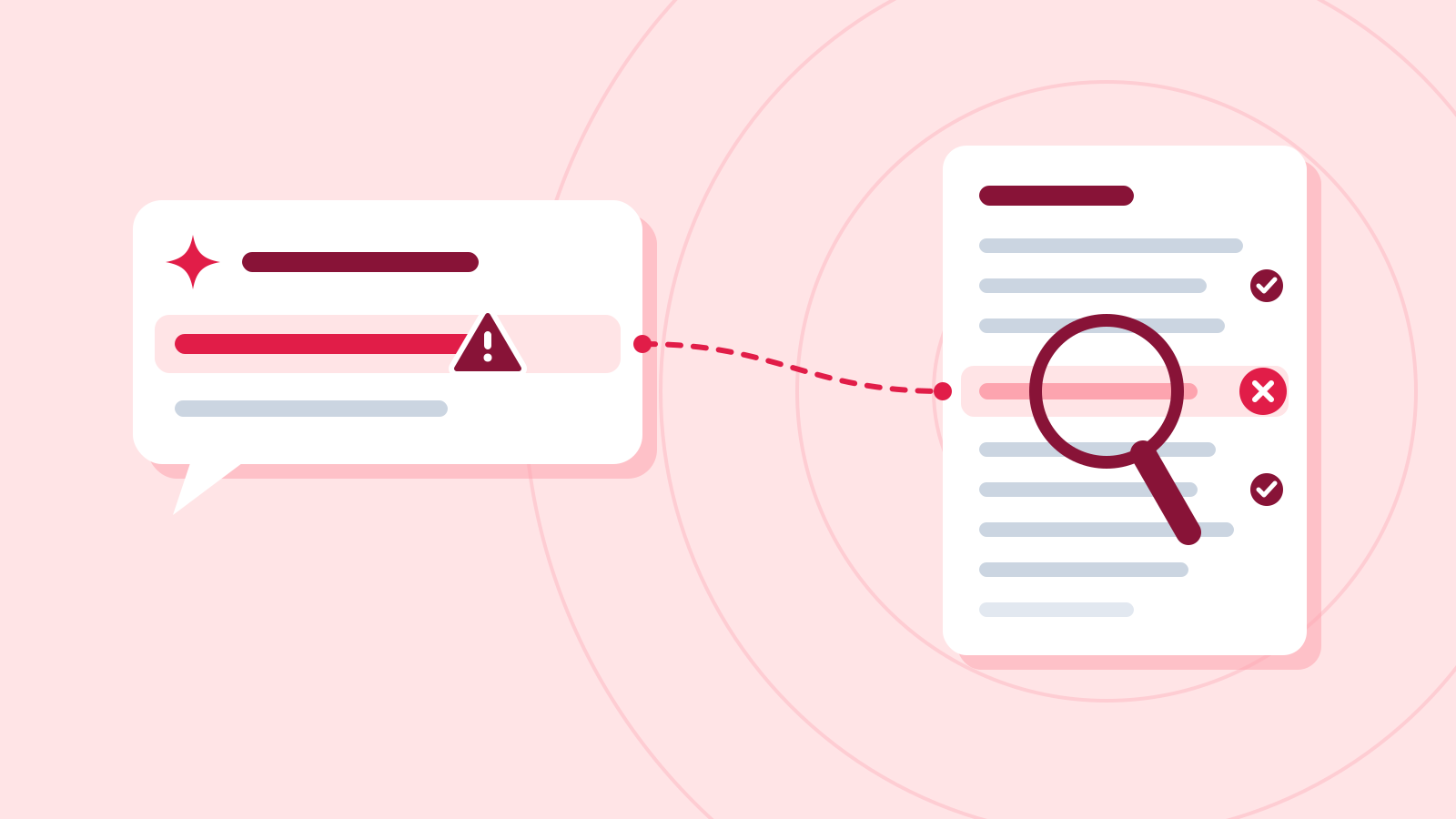
With the quotes in hand, you can check just those sentences instead of rereading the whole source. Ask for sources without supplying any material and it may invent convincing quotes and citations — so always give it the material.
None of this removes mistakes entirely, so the checking habit in the next step still applies.
Example prompt Answer the questions using only the press release below. If something isn't in it, say "Not in the source," and quote the sentence each answer comes from. Questions: When does it launch, and what does it cost? [Paste the press release]
Example AI reply Launch date: 13 October — source: "It is available worldwide from 13 October."
Price: Not in the source — the press release doesn't mention a price.
Check it
- Search the source for each quoted sentence. If a quote isn't actually there, discard that answer.
Make checking a habit
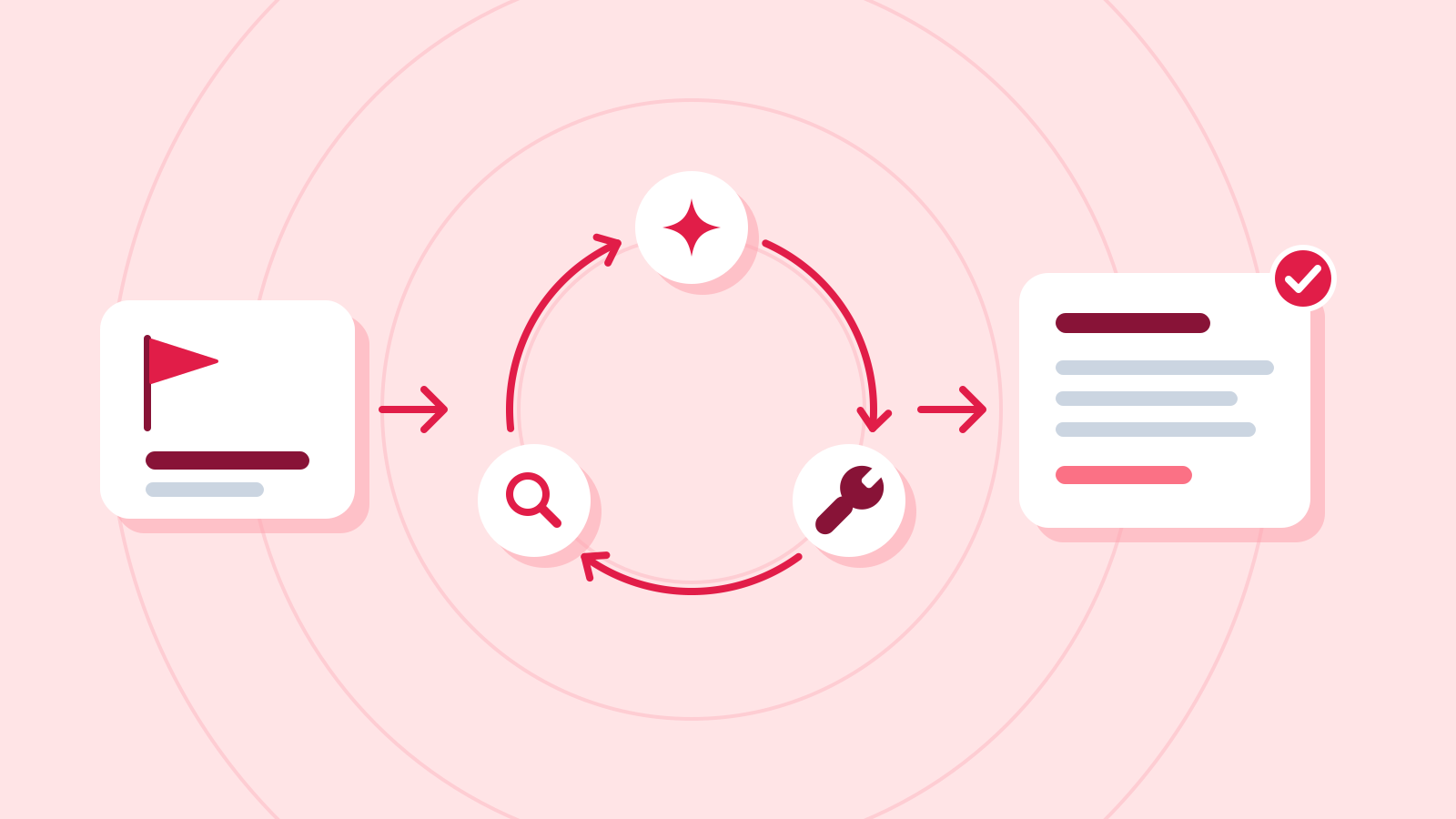
You don't need to doubt every answer. But numbers, names, quotes and links that go into anything you share must be checked yourself.
Check it
- Mark every number, name, quote and link in the answer.
- Check each one against the original source or the official site.
- For anything a decision depends on, confirm it with a second, independent source.
Common mistakes
- Trusting an answer because it sounds confident
- Citing a link the AI gave you without opening it
- Expecting "be accurate" in the prompt to prevent mistakes
References
- Reduce hallucinations — Claude Platform Docs (Anthropic)
- Why Language Models Hallucinate — arXiv (Kalai et al., 2025)
- Artificial Intelligence Risk Management Framework: Generative Artificial Intelligence Profile (NIST AI 600-1) — NIST
- Learn about responses from Gemini Apps — Gemini Apps Help