What is an AI agent?
Unlike a chatbot that only answers, an agent takes a goal and keeps going, using tools and checking results, until the job is done. How it works, what it suits, and what to settle before you hand it work.
9 minAs of Oct 2026
By the end of this guide
- Explain the difference between a chatbot, a fixed workflow and an agent.
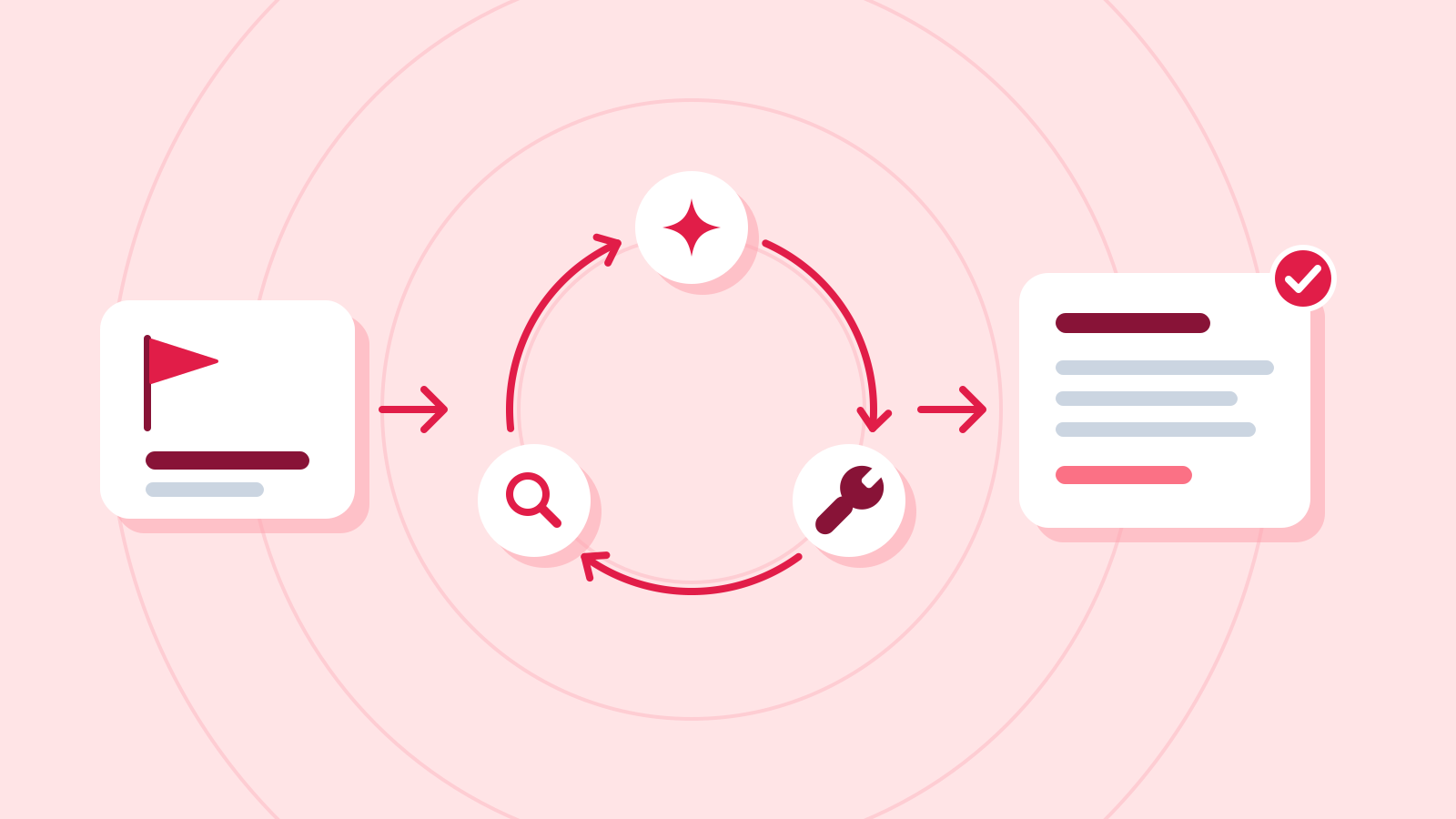
- Understand how an agent works by repeating a loop: decide, use a tool, check the result.
- Check permissions, approval steps and stopping conditions before handing work to an agent.
Who this is for
- Anyone who keeps seeing "agents" in AI news and launches and wants to know what it really means
- Anyone weighing AI agents for their team's work
What you need
- Reading "What is an LLM?" first will help.
Key ideas
From answering to doing
A chatbot answers as much as you ask. Give an agent a goal, such as "find out why refunds went up last month," and it decides for itself what to do first, then looks things up and runs the numbers until the job is done.
Between the two sits the workflow: it uses an LLM, but a developer fixes the order of steps in advance, such as classify, draft, then human review. With an agent, the LLM decides even that order as it goes.
Chatbot, workflow and agent compared Approach Who decides the next step Example Chatbot A person, one question at a time Paste in meeting notes and get a summary Workflow A developer, in a fixed order A message arrives → classify → draft a reply → staff review Agent The LLM, step by step as results come in To find why refunds rose, it queries data, calculates, then queries again It loops: decide, use a tool, check
Inside, an agent is usually simple. The LLM looks at the goal and picks a tool and its inputs; the app or service runs the tool and returns the result. The LLM reads the result, decides the next step, and repeats until the goal is met.
Tools are capabilities wired in ahead of time: search, database queries, reading files, calculations, drafting an email. Because it sees a real result at every step, it can change course midway when the first plan turns out wrong.
An agent working on "Tell me whether refund requests rose this month compared with last month" (example) Step The LLM decides Tool used Result 1 Start with this month's messages Query the support database (October) 412 messages 2 Count only the refund requests Tally by category 57 refund requests 3 Last month's figure is needed to compare Query the support database (September refunds) 41 refund requests 4 Ready to answer (no tool) "57, up 16 from 41 last month" Check it
- When you use an agent-based service, check that it shows a step-by-step log of which tool it used with which inputs. Without one, you can't tell at which step a wrong result crept in.
Good fits, and jobs it isn't ready for
Agents suit work where you can't predict how many steps it will take or fix the order in advance. In exchange, every extra step adds time and cost, and a small mistake early on can carry through to the end.
So start with the simplest approach that works. If one request does the job, use a chatbot; if the steps are always the same, a workflow is enough.
Matching the approach to the job Kind of job Best fit Why Answering one question, summarizing, translating Chatbot (one request) One step, so no agent needed Repetitive work that always runs in the same order Workflow A fixed order is cheaper and more predictable Research or fixes where the number of steps is unknown Agent The next step depends on each result Hard-to-undo actions (payments, mass deletion) A person does it, or a person must approve A small misjudgment would be carried out as is Example prompt I want to pick which of my team's tasks suit an agent. For each of the three below, tell me in a table whether it fits 'one request', 'a fixed workflow' or 'an agent', and why. 1) Building the weekly sales report every Monday, always in the same format 2) Finding out why customer complaints suddenly went up 3) Translating a one-page contract from English
Example AI reply Here's how the three break down.
The best fit for each task (example) Task Best fit Why Weekly sales report Fixed workflow The same data is gathered in the same order into the same format each week, so the steps can be set in advance Why complaints went up Agent There's no telling in advance which data to check, or how many times Contract translation One request It's a single step, but check your company's security rules before pasting in a contract Settle these first: permissions, approval, stopping
Because an agent carries out several steps on its own, the damage from a mistake, or from being tricked, can grow just as much. Run it thoroughly in a test environment first, and connect it to real work only after settling the four points below.
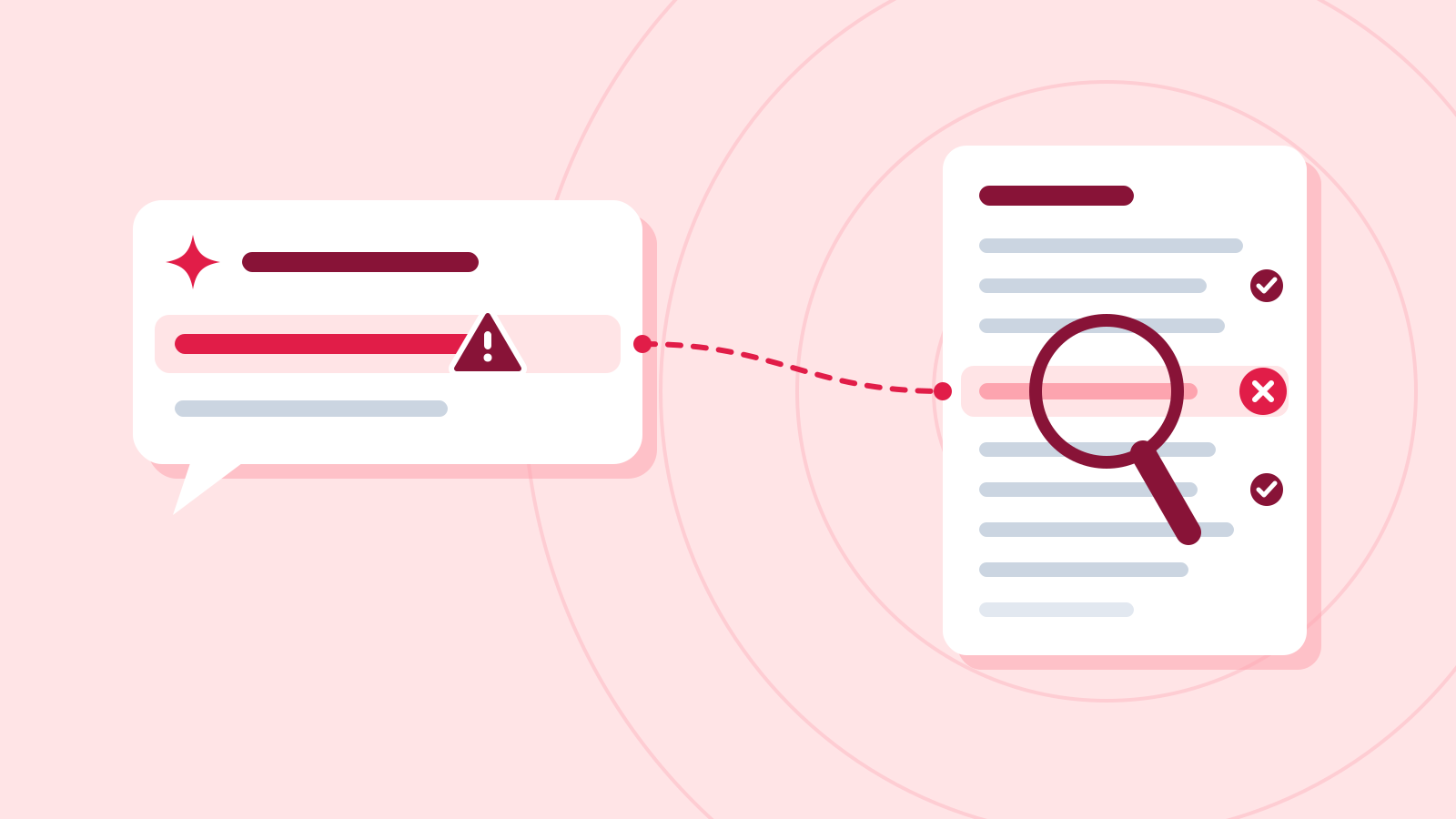
Agents that read web pages, emails or documents can be fooled by instructions hidden inside them. This is called prompt injection, and attackers use it to steal data or trigger unwanted actions.
A checklist before you connect an agent Settle Why Example Minimum permissions Limits how far a mistake or an attack can reach Allow reading only at first; block writing and deleting Human approval for hard-to-undo actions Stops a small misjudgment from being carried out A person confirms before any email is sent, payment made or file deleted Stopping conditions Keeps it from looping on and running up costs A maximum number of steps, a spending cap Treat what it reads as data only So hidden instructions in web pages or emails can't steer it Don't let it follow instructions found in outside content; review its log Check it
- Start with a test account and fake data, and check the step-by-step log for what the agent did and why.
- Test that the approval step really works, and that the agent actually stops when you don't approve.
Common mistakes
- Building an agent for a job one request could do, adding only time and cost
- Granting write, delete and send permissions from day one
- Letting an agent follow instructions hidden in the web pages or emails it reads
References
- Building effective agents — Anthropic
- Tool use with Claude — Claude Platform Docs (Anthropic)
- What are AI agents? Definition, examples, and types — Google Cloud
- Artificial Intelligence Risk Management Framework: Generative Artificial Intelligence Profile (NIST AI 600-1) — NIST