Write work emails in the right tone: requests, apologies, refusals
Tell the assistant who you're writing to, what you need, by when and in what tone, and it drafts an email that fits. Worked examples for requests, apologies and refusals, plus what to check before you send.
10 minAs of Oct 2026
By the end of this guide
- Ask for a draft that covers the recipient, situation, action, deadline, tone and length.
- Know the order that works for request, apology and refusal emails.
- Check names, dates, amounts, attachments and any promises the assistant added before you send.
Who this is for
- Anyone who agonizes over the tone of emails to clients or other teams
- Anyone who keeps putting off awkward emails such as apologies and refusals
What you need
- Any chat assistant, such as ChatGPT, Claude or Gemini (free versions work), or the AI writing feature in your email app
- Reading "Five principles for better prompts" first will help.
Step by step
What to tell the assistant first
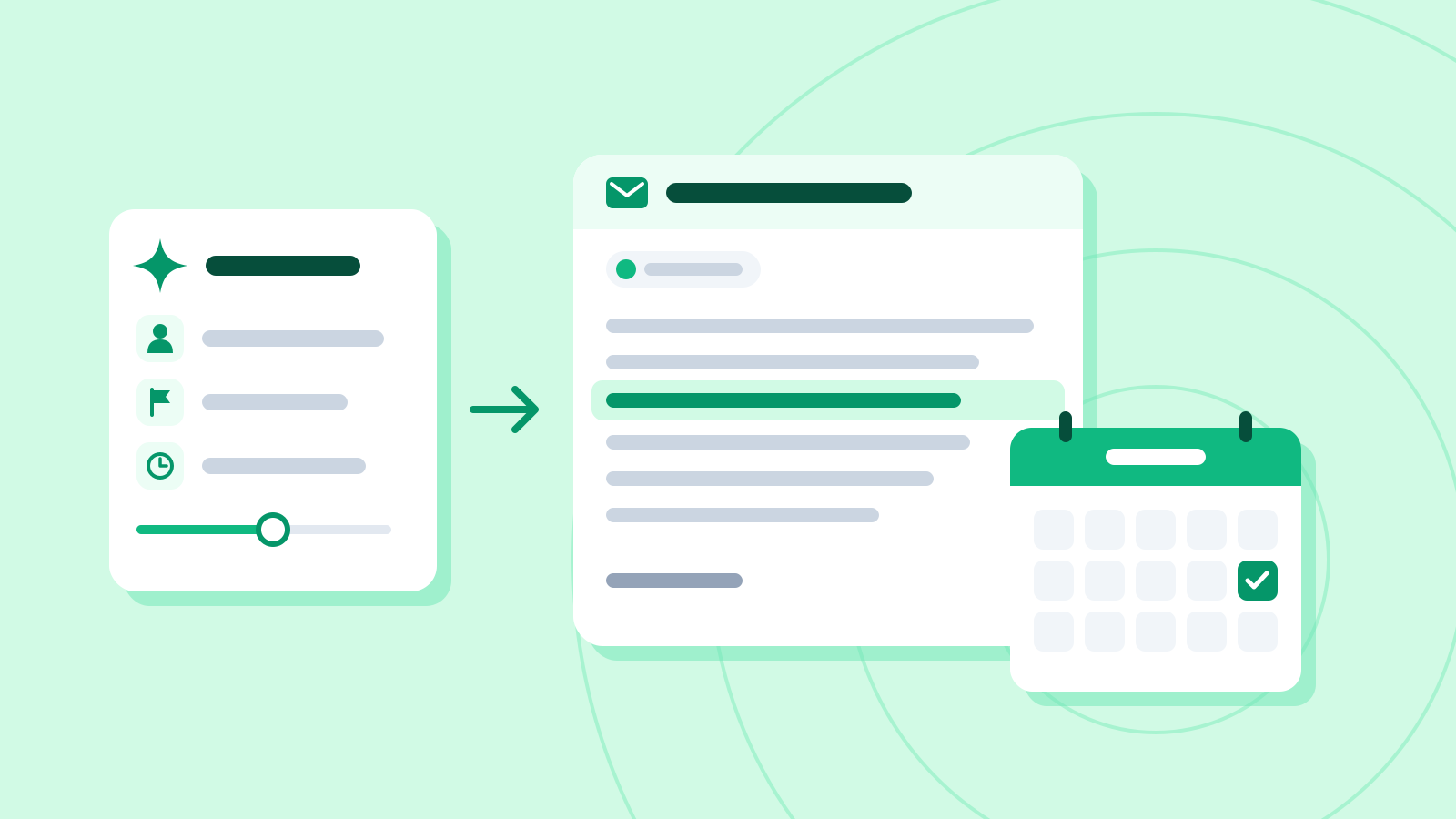
The assistant doesn't know who you're writing to or how well you know them. The same favor sounds different to a client you've never met and to the team next door, so give it these six things first.
Gmail and Outlook have built-in AI features that draft emails too, though availability depends on your plan and your organization's settings. Gmail's help center likewise suggests naming the recipient, the subject and the action needed, and the tone you want.
Six things to include (from the request email in step 2) What Example Without it Recipient Lee Doyun at our print shop (we've worked together twice) Too stiff, or too casual Situation Our event moved earlier, so we need 800 leaflets, not 500 They have to guess why you're writing Action Send a revised quote for 800 They don't know what to do next Deadline By 3 p.m. on Friday 23 October They can't tell it's urgent, so the reply comes late Tone Polite but brief A tone you didn't intend Length Four sentences at most, not counting greeting and sign-off An email much longer than it needs to be Requests: what, by when and why
Open a request with what you're asking for, then give the reason briefly. For deadlines, "this week" is vague; "3 p.m. on Friday 23 October" — date, day and time — leaves no room for misunderstanding.
Example prompt Write a request email to Lee Doyun at the print shop we use. - Relationship: we've worked together twice; polite but relaxed - Situation: our event has been moved earlier, so we need 800 leaflets instead of 500 - What I want: a revised quote for 800 - Deadline: 3 p.m. on Friday 23 October - Tone and length: polite but brief. A subject line, then four sentences at most, not counting the greeting, closing and signature I'm Kim Hana from the marketing team.
Example AI reply Subject: Revised quote for 800 leaflets (by 3 p.m. Friday 23 October)
Hi Doyun,
I'm writing to ask for a revised quote for our leaflets. Our event has been moved earlier, so we now need 800 copies instead of 500. Could you send a revised quote for 800 by 3 p.m. on Friday 23 October? Sorry for the short notice, and thank you for your help.
Best regards, Kim Hana
Check it
- Check the date and weekday against a calendar: 23 October 2026 is a Friday. Assistants sometimes pair a date with the wrong day.
- See whether the subject line alone tells them what you need and by when.
Apologies: no promises you haven't made
Structure an apology as: apology → what happened → what you've done → what changes from now on. That keeps it from sounding like an excuse. Get what happened exactly right, down to the numbers.
While polishing an apology, the assistant may add promises you never made: compensation, a discount, a date. Tell it not to, and check the draft for them anyway.
Example prompt Write an apology email to Choi Yujin, a team lead at one of our clients. - What happened: the quote we sent on Monday 19 October left the 10% tax out of the total. It said $1,200; the correct total is $1,320 ($1,200 plus $120 tax). - What we've done: the corrected quote is attached to this email - From now on: a second team member will check every quote before it goes out - Order: apology, what happened, what we've done, what changes - Length: a subject line, then five sentences at most, not counting the greeting, closing and signature Don't offer compensation or discounts, and don't add any dates I haven't given you. I'm Park Seojun from the sales team.
Example AI reply Subject: Apology and corrected total for the 19 October quote
Dear Ms Choi,
I'm sorry: the total on the quote we sent you on Monday 19 October was wrong. It showed $1,200, which left out the $120 tax; the correct total is $1,320. I've attached the corrected quote to this email. From now on, a second team member will check every quote before it goes out. Apologies again for the trouble.
Kind regards, Park Seojun
Check it
- Check each amount against the quote, and confirm the sum on a calculator: $1,200 + $120 = $1,320.
- If the draft promises anything you didn't give it, such as compensation, a discount or a date, delete it.
Refusals: polite but clear
A refusal works well as: thanks → a short reason → an alternative → a friendly close. Hedge too much and they have to ask whether it's a no; cut it short with no reason or alternative and you may strain the relationship.
Choose the alternatives yourself, and only ones you can actually offer. Leave them to the assistant and it may propose something you can't deliver.
One refusal, three tones Tone Example How it lands Too blunt "I can't do the 27th." No reason, no alternative: it can feel like a brush-off Too vague "The 27th might possibly be a little tricky…" They have to ask again whether it's a yes or a no About right "I'm at a company workshop on the 27th, so I can't make it. Would Thursday the 29th at 2 p.m. work?" A reason and an option they can answer right away Example prompt Jung Minjae at a partner company has suggested meeting at 2 p.m. on Tuesday 27 October, but I'm at a company workshop that day. Write an email turning it down. - Order: thanks for the suggestion → a short reason → alternatives → a friendly close - Alternatives: 2 p.m. on Thursday 29 October or 10 a.m. on Friday 30 October - Tone: polite, but clear that it's a no - Length: a subject line, then four sentences at most, not counting the greeting, closing and signature I'm Kim Hana from the marketing team.
Example AI reply Subject: Rescheduling our 27 October meeting
Hi Minjae,
Thank you for suggesting a meeting. Unfortunately, I'm at a company workshop on Tuesday 27 October, so I can't make it. Would 2 p.m. on Thursday 29 October or 10 a.m. on Friday 30 October suit you? I'm looking forward to working with you on this project.
Best, Kim Hana
Check it
- Make sure the no is unmistakable. If you see hedges like "might be a bit difficult," ask for "I can't make it" instead.
- Check the weekdays of the alternatives too: 29 October is a Thursday and 30 October a Friday.
Check before you send
Whoever drafted it, the email goes out under your name. Numbers and dates are easy to get plausibly wrong, so run through the table below before you send.
Some apps can review your own draft for tone and clarity, such as coaching in Copilot for Outlook. That doesn't guarantee the dates and amounts are right, so check the facts yourself.
Before-you-send checklist Check How Names, titles The name and title in the email match the person in the To field Dates, weekdays Open a calendar and check each date against its weekday Numbers Compare every amount and quantity with the source, one by one Attachments If it says "attached," make sure the file really is To and Cc No one is copied who shouldn't see it Personal data No other customers' phone numbers or similar details left in the text Check it
- Read it aloud once. Rewrite anything that doesn't sound like you or reads awkwardly.
- For important emails such as apologies and refusals, wait a little and reread before you send.
Common mistakes
- Asking for "a polite email" without saying who it's for or how well you know them
- Sending a draft with a compensation offer or a date the assistant added on its own
- Not checking dates, weekdays and amounts against a calendar or the source
References
- Draft emails with Gemini in Gmail — Gmail Help
- Draft an email message with Copilot in Outlook — Microsoft Support
- Get email coaching with Copilot in Outlook — Microsoft Support