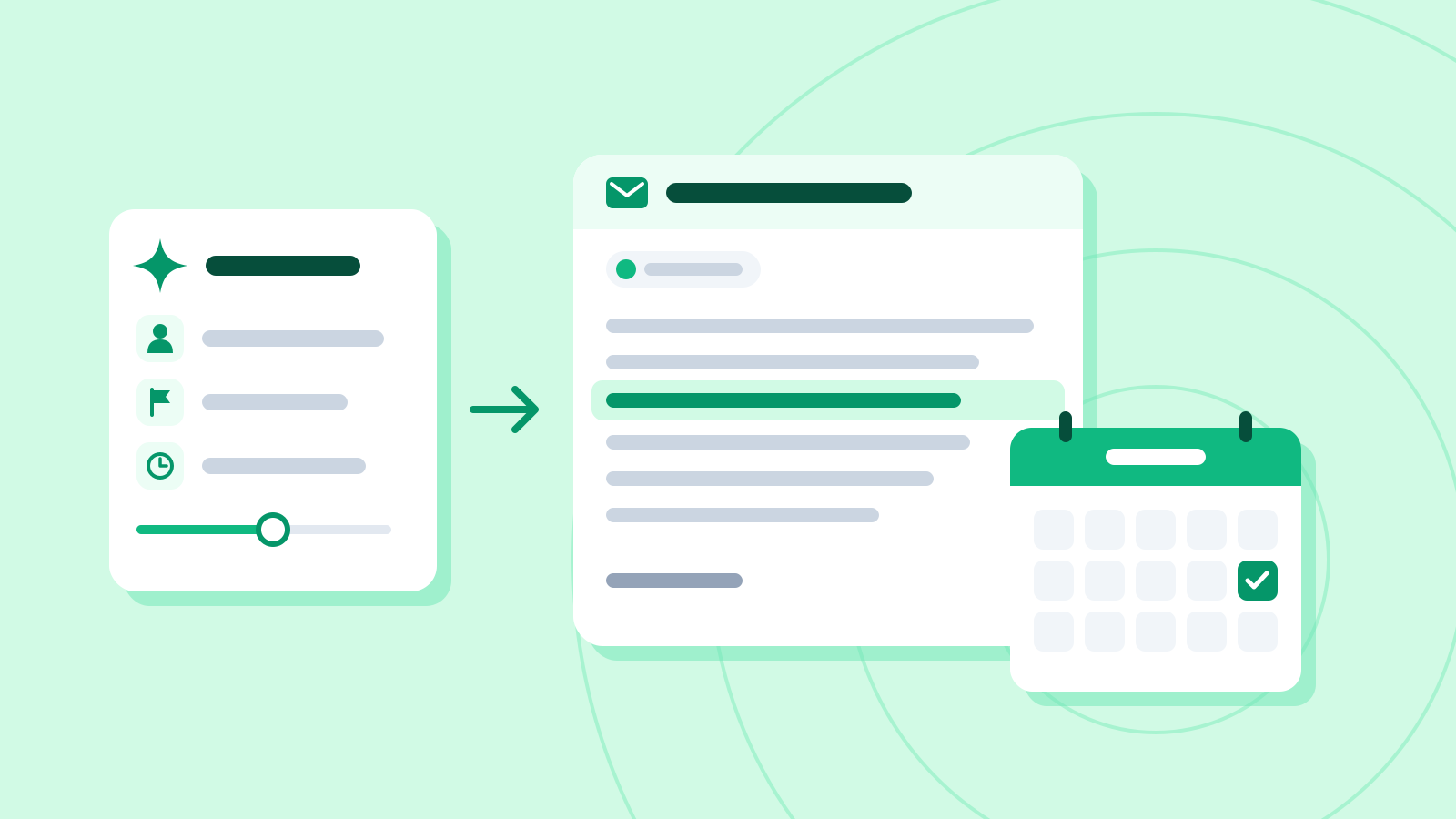
Get a three-line summary of a long report
Tell the assistant who will read it and what shape the three lines should take, and a long report comes back as a summary you can pass straight on. This guide also shows how to check its figures against the original.
9 minAs of Oct 2026
By the end of this guide
- Get a three-line summary built from a conclusion, the evidence and the next step, by saying who will read it and why.
- Summarize a document dozens of pages long chapter by chapter, then combine the results.
- Get the source sentence behind each line and check the figures and dates against the original.

Who this is for
- Anyone who reads long reports and has to pass the key points to a manager
- Anyone without time to read a 40-page pack before a meeting
What you need
- Any chat assistant, such as ChatGPT, Claude or Gemini (free versions work) — for internal documents, one your company has approved
- Reading "Using AI at work safely: personal data and confidential information" first will help.
Step by step
Decide who will read it
The same report needs a different summary for your manager, for your own planning and for a supplier. The assistant doesn't know who the summary is for or where it will go, so without that it writes something safe that suits nobody in particular.
One line about the reader and the purpose settles what stays and what goes. If the summary is leaving the company, say clearly that internal figures must come out.
One report, three readers, three different summaries Reader Used for Include Leave out Manager Weekly meeting The conclusion, the cause, the decision needed Figures that barely changed (ad spend, inquiries) You Planning next quarter Figures with comparisons, causes Background you already know Supplier A note to the packaging vendor Damage figures and the packaging plan Internal figures such as revenue and ad spend Fix the shape and length of the three lines
Spell out what goes in each line and you'll get the same shape every time. For a manager, "conclusion → evidence with figures → next step" works well. Set a length limit for each line too.
Paste the report first and put your request at the very end. Anthropic's prompting guide also recommends long documents at the top and the question at the end. Numbering the paragraphs makes the evidence easier to find later.
Summarize internal reports only in an AI service your company allows. If there isn't one, practice first on a copy with the figures and names changed.
The example report used in this guide (a made-up Q3 online sales analysis, key paragraphs only) Para. Text 1 Q3 (July–September) online revenue was $1.32 million, up 10% from $1.2 million in Q2. 2 Of the $120,000 increase, $100,000 came from subscriptions. Subscription revenue grew 40%, from $250,000 to $350,000. 3 The return rate rose from 3.0% in Q2 to 4.5% in Q3. 52% of returns were for "damaged in transit." 4 Damage reports were concentrated in orders shipped in the thinner packaging introduced in July. 5 Ad spend was unchanged at $150,000, and customer inquiries were similar: 1,240 against 1,210 in Q2. 6 The operations team proposes switching back to the previous packaging by 31 October and rechecking the November return rate. It requests approval for an extra $3,000 a month in packaging costs. Example prompt [Paste the report here] Turn the report above into a three-line summary for my manager, who will read only this just before our weekly meeting and decide what to do. Line 1: the conclusion Line 2: the evidence (include figures from the report) Line 3: the next step and the decision needed Keep each line to 15 words or fewer, and don't add anything that isn't in the report.
Example AI reply Q3 revenue rose 10%, but the return rate climbed from 3.0% to 4.5%.
52% of returns were damaged in transit, clustered in orders using July's new packaging.
To switch back by 31 October, we need approval for an extra $3,000 a month.
Check it
- Count the words in each line. The example lines have 13, 14 and 15 words.
- Check that every line carries figures from the report, and that things your manager doesn't need, such as ad spend, were left out.
Split very long documents by chapter
A document dozens of pages long can be hard to paste in one go, and even when it fits, important details can drop out of the summary. How much you can paste at once varies by service and plan.
Instead, ask for each chapter on its own — "List up to five key points from this chapter, with figures" — then collect the chapter summaries and ask for the final three lines. Summarizing in parts and then combining often catches details that a single pass misses.
A 40-page report split by chapter (made-up example) Chapter Pages What each chapter summary must keep 1. Market trends 1–8 Market size and competitors' price changes 2. Sales results 9–20 Revenue, growth and subscription results 3. Returns, inquiries 21–32 Return rate, reasons for returns, number of inquiries 4. Proposals 33–40 What's proposed, dates and costs Example prompt [Chapter 1 summary] [Chapter 2 summary] [Chapter 3 summary] [Chapter 4 summary] Above are chapter-by-chapter summaries of a 40-page Q3 report. Using only these four summaries, write the same three-line summary for my manager as before. Keep each line to 15 words or fewer, and don't use any figure that isn't in the summaries.
Check it
- Make sure every figure in the final three lines appears in the chapter summaries. If one doesn't, look it up in the original.
Get the source behind each line
Shortening a document is exactly where figures get changed and interpretations creep in. Ask for the sentence behind each line, word for word, and you can check just those sentences instead of rereading the whole thing.
Some document apps have AI summaries built in, such as Copilot in Word (depending on your plan and your organization's settings). Microsoft notes that it currently doesn't always cite content from later in the document. Whatever tool you use, check figures, names and dates yourself.
Example prompt For each line of that summary, quote the report sentence it's based on, word for word, with the paragraph number. If you can't find a source sentence for a line, mark it "No source."
Example AI reply I found source sentences for all three lines. Each line combines two sentences.
The source behind each line (example) Line Source sentence (word for word) Para. 1 Q3 (July–September) online revenue was $1.32 million, up 10% from $1.2 million in Q2. 1 1 The return rate rose from 3.0% in Q2 to 4.5% in Q3. 3 2 52% of returns were for "damaged in transit." 3 2 Damage reports were concentrated in orders shipped in the thinner packaging introduced in July. 4 3 The operations team proposes switching back to the previous packaging by 31 October and rechecking the November return rate. 6 3 It requests approval for an extra $3,000 a month in packaging costs. 6 Check it
- Search the report for each quote to make sure it's really there, word for word. If a quote isn't in the report, drop that line and ask again.
- Compare every figure and date with the quotes, one by one. In this example: 10%, 3.0%, 4.5%, 52%, July, 31 October and $3,000.
Common mistakes
- Asking for "a summary" without saying who it's for or where it will be used
- Passing on the figures in a summary without checking them against the original
- Pasting a whole internal report into an AI service your company hasn't approved
References
- Prompting best practices — Claude Platform Docs (Anthropic)
- Legal summarization — Claude Platform Docs (Anthropic)
- Reduce hallucinations — Claude Platform Docs (Anthropic)
- Create a summary of your document with Copilot in Word — Microsoft Support