Skip to content

Learn AI for office work

Spend less time on spreadsheets, documents, email and meeting notes.

Learning series

Explore a series and its curriculum, then choose the lesson you need.

Learn by course

See all →
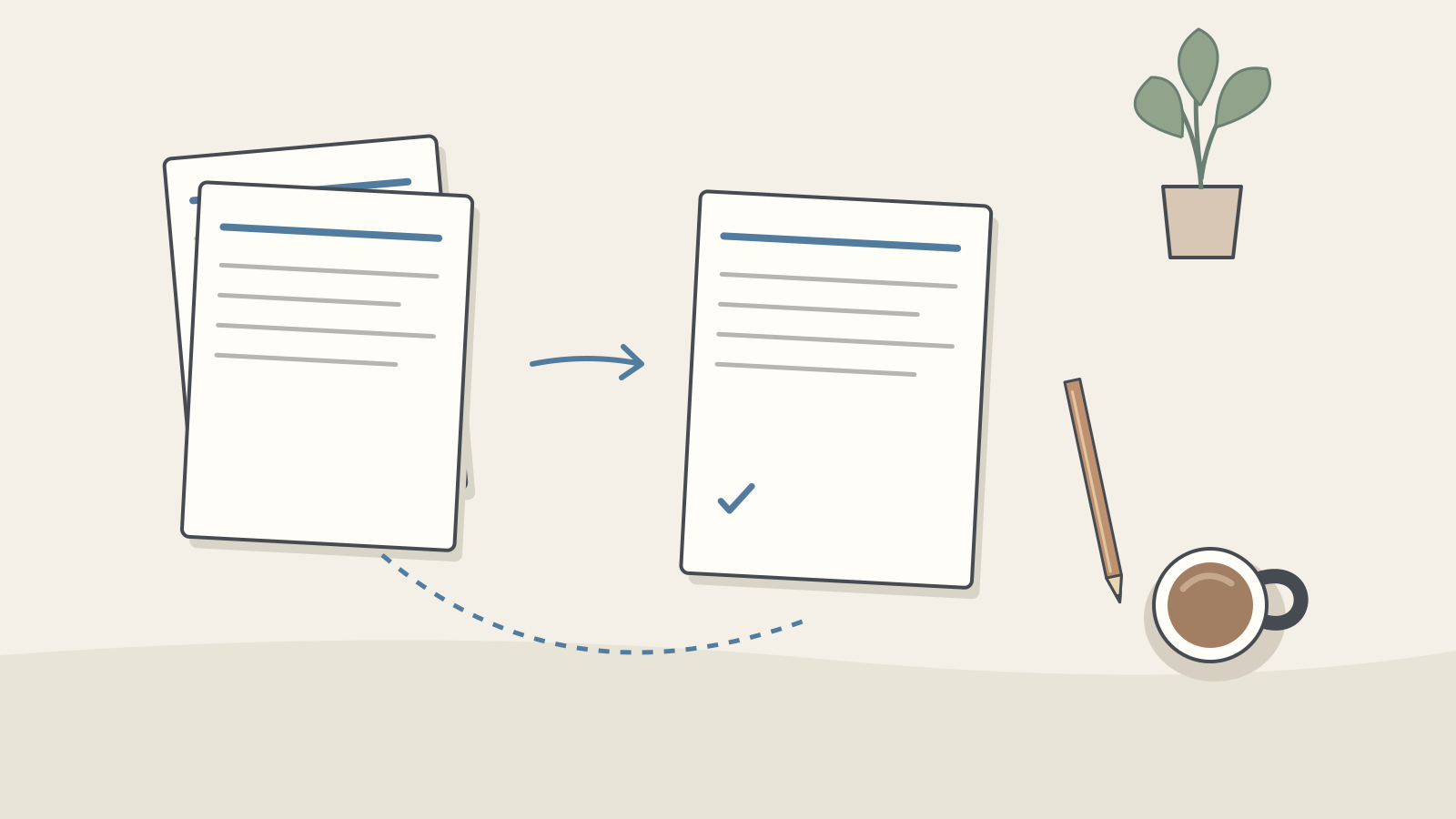
  • A notebook, tally sheet and checked document on a desk

    Stage 3 · Role applicationsOffice workers

    For office workers: AI for everyday work

    Use AI for email, notes and spreadsheets, then follow a multi-file monthly report from prompt to checked revision.

    What you will be able to do

    • Edit messages and meeting notes without changing their facts.
    • Locate evidence for a report's conclusions.
    • Check generated formulas and summaries against a small hand-calculated table.

    In this lesson

    1. Write work emails in the right tone: requests, apologies, refusals
    2. Turn meeting notes into action items
    3. Get a three-line summary of a long report
    4. Write spreadsheet formulas with AI: describe it, get the formula
    5. Let AI do the totals instead of a pivot table
    6. Use AI to reconcile monthly reports across CSVs

    6 guidesAbout 98 min reading, plus practiceBeginner → Intermediate · practical → Advanced

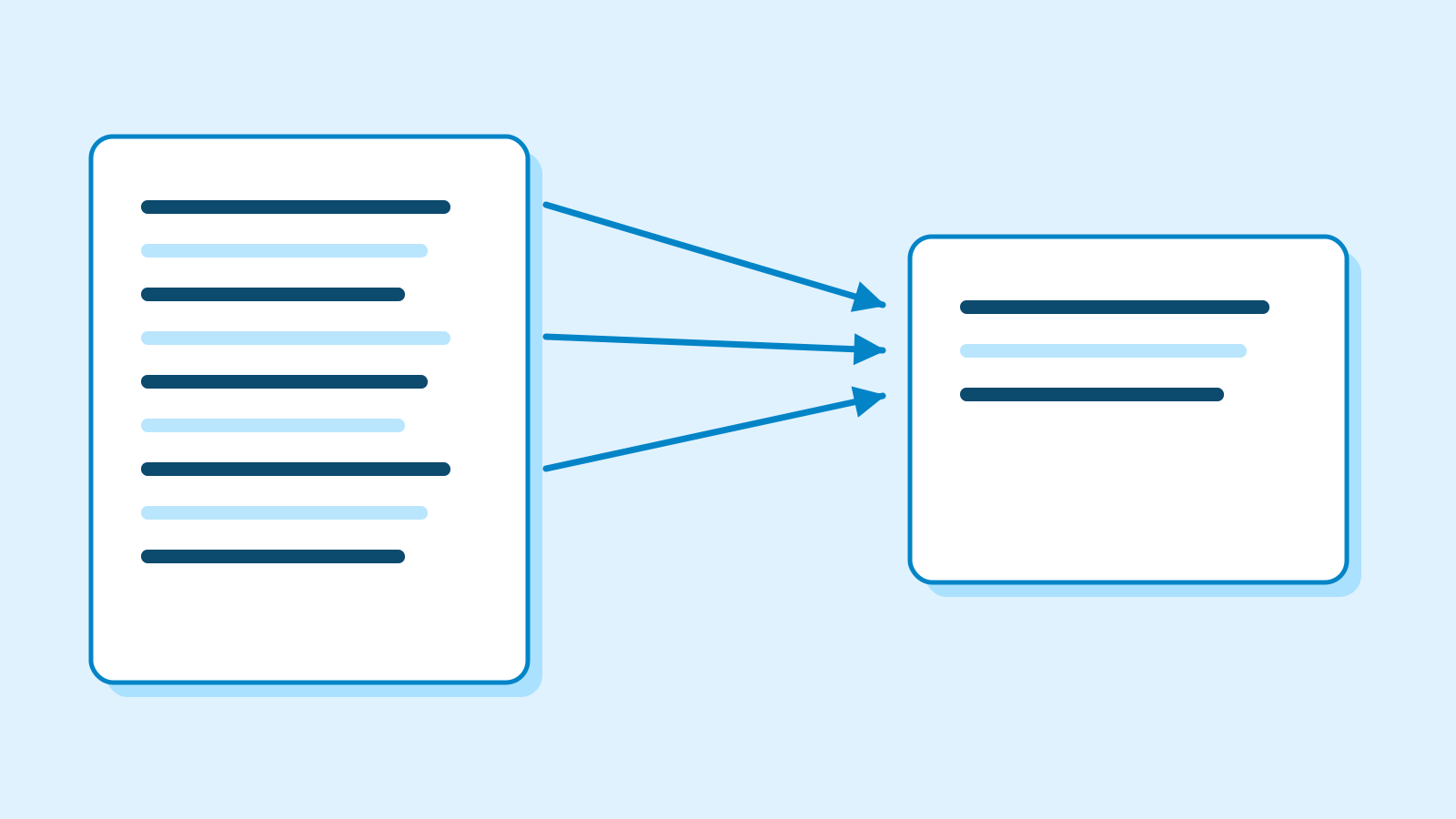
  • A desk with notes beside a conversation

    Stage 1 · First stepsEveryone

    AI First Steps

    Begin with a plain-language explanation of AI. Follow an invitation example, then learn about inputs, mistakes, how replies work and costs. Read the theory and explanations without using a tool.

    What you will be able to do

    • Distinguish AI, models and prompts using simple examples.
    • Separate source facts from added claims in an invitation example.
    • Explain how replies are generated and how usage limits differ from charges.

    In this lesson

    1. What AI does, without the jargon
    2. Your first AI conversation: write a short invitation
    3. Before you paste: choosing suitable practice material
    4. How to write a prompt: why the same model gives completely different answers
    5. Why AI gets it wrong: where hallucinations come from and how to catch them
    6. What is an LLM? How ChatGPT actually produces an answer
    7. Tokens and costs: what does a long conversation use?

    7 guidesAbout 108 min reading, plus practiceBeginner

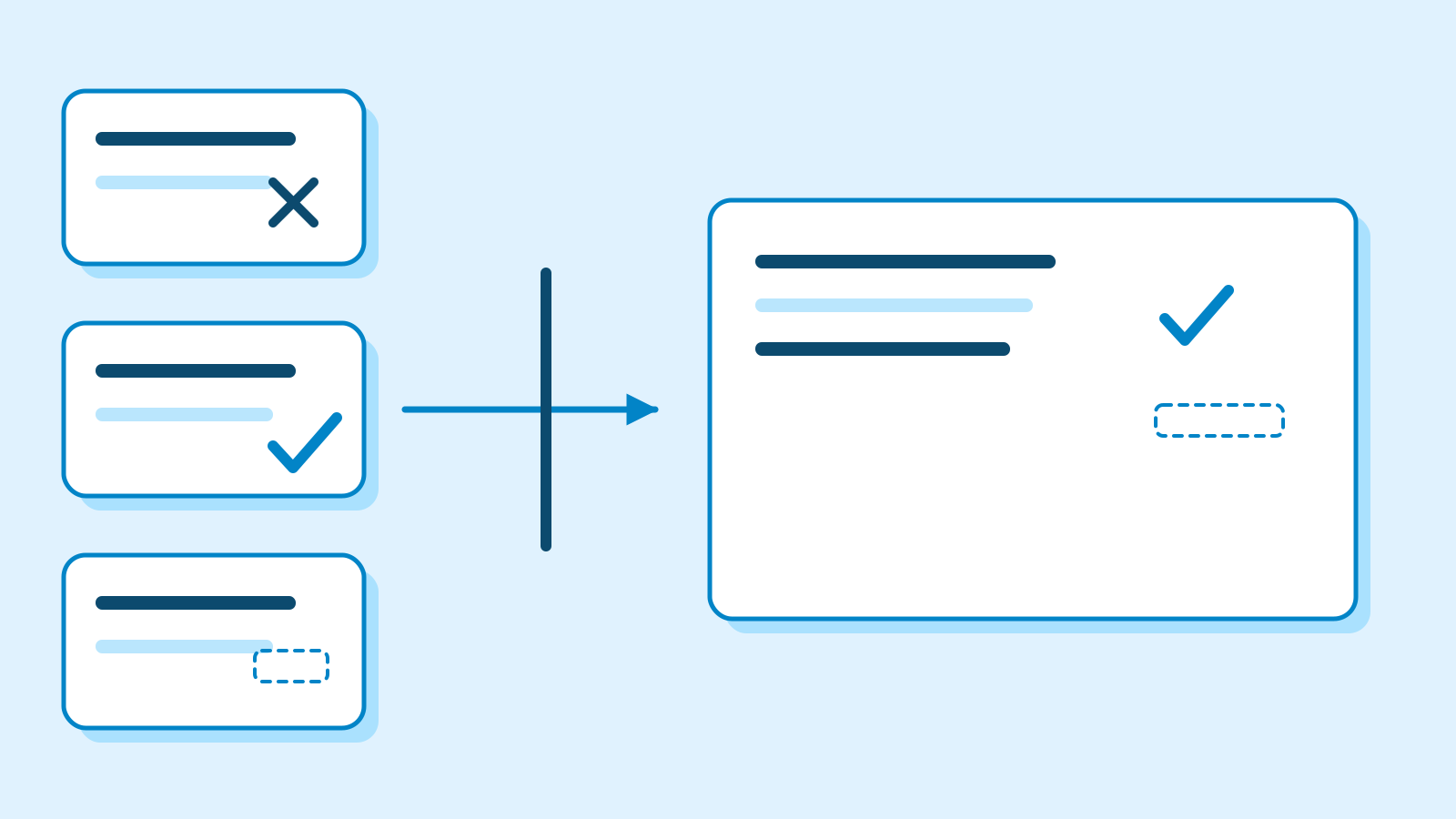
  • Reading glasses on an open book, with notes and a pencil on a desk

    Stage 2 · FoundationsEveryone

    Everyday foundations: summarise, organise and compare

    Build on AI First Steps with one familiar reading-group scenario. Learn to select facts, understand action sequences and compare options. Worked examples and explanations let you follow without running a tool.

    What you will be able to do

    • Distinguish supported facts from guesses in a summary.
    • Explain task ownership, deadlines and prerequisites.
    • Separate requirements from preferences and recognise when a decision must wait.

    In this lesson

    1. Find the facts you need in a set of notes
    2. How notes become actions: order, ownership and gaps
    3. How to read an AI recommendation: criteria and evidence

    3 guidesAbout 58 min reading, plus practiceBeginner

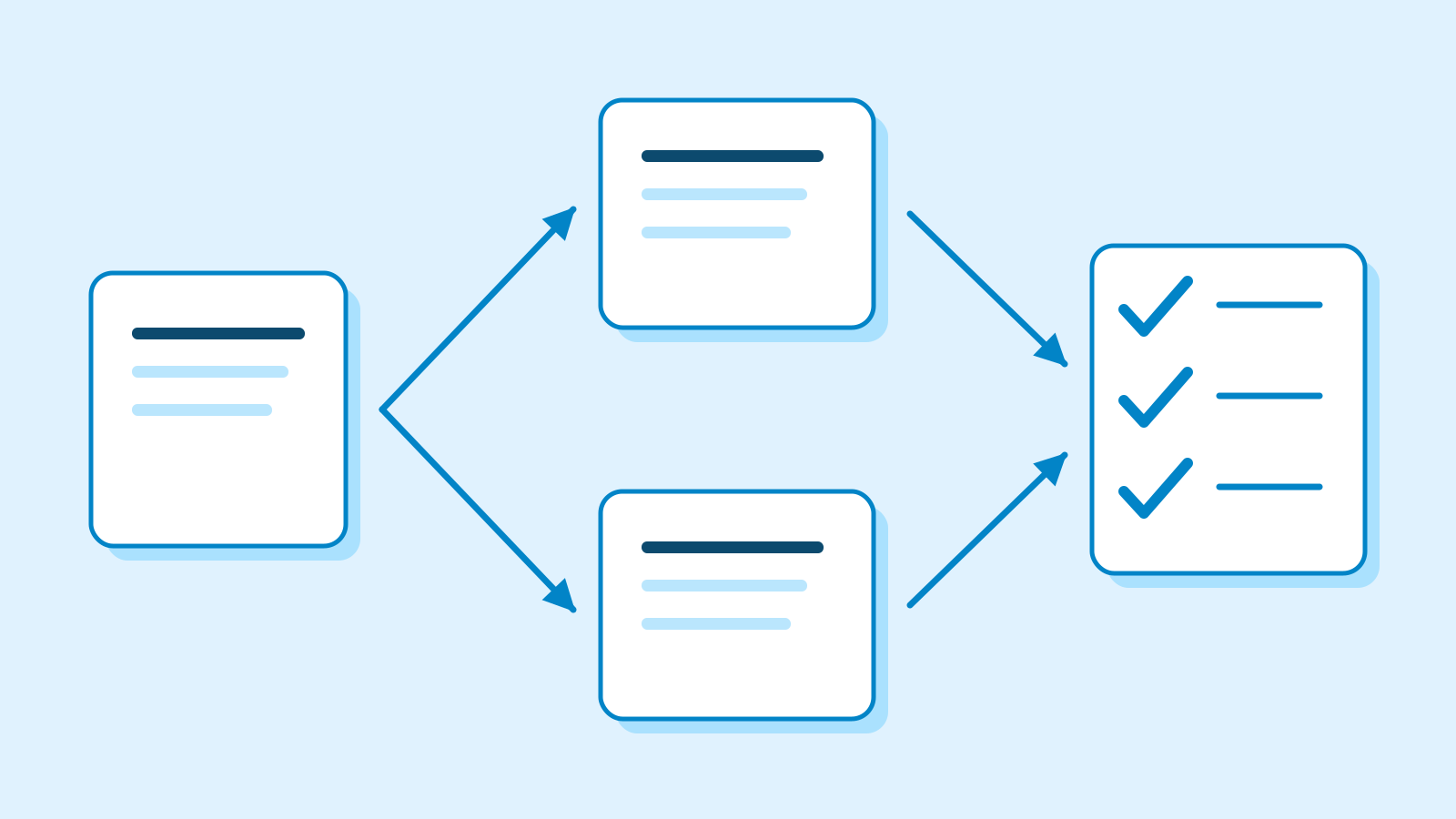
  • A workbench with source material, a review overlay, a checked deliverable, clock and ruler

    Stage 4 · Deeper understandingEveryone

    Advanced practice: evaluate, review and improve

    After drafting work in your role, learn to evaluate it, design review points and measure a pilot. Complete three lessons without code, then apply them in a role project.

    What you will be able to do

    • Compare results consistently and verify changes on fresh cases.
    • Design drafting, review, approval and failure handling.
    • Choose adoption scope from quality and total work, including review and repair.

    In this lesson

    1. Evaluate AI work beyond first impressions
    2. Design an AI workflow with clear review points
    3. Measure an AI pilot and decide when to stop

    3 guidesAbout 54 min reading, plus practiceAdvanced

News