How notes become actions: order, ownership and gaps
Understand the difference between a summary and an action plan. Follow a worked checklist to learn about owners, deadlines and prerequisites.
About 18 min readingAs of Oct 2026
Lesson guide · goals & preparation
By the end of this guide
- Distinguish a description from an action.
- Spot invented owners and deadlines.
- Explain which action depends on a prior check.
Who this is for
- A long assistant reply leaves you unsure what to do first.
- You want to understand the structure of a usable checklist.
What you need
- Understand confirmed facts, proposals and unknowns from the previous lesson.
- The tables and explanations are sufficient; running an assistant is optional.
This lesson’s terms, in plain language
Read the short meanings here. Open a term for a fuller explanation and example.
- workflow
- A sequence of work with conditions for moving between steps.
This reading lesson explains how to use external AI tools. Read from theory to the workflow, examples and explanations, or use the contents to jump to a section.
1 / 4
Theory
Understand what to ask AI to do, how to ask, and the ideas behind the workflow.
'In preparation' does not tell you the next action
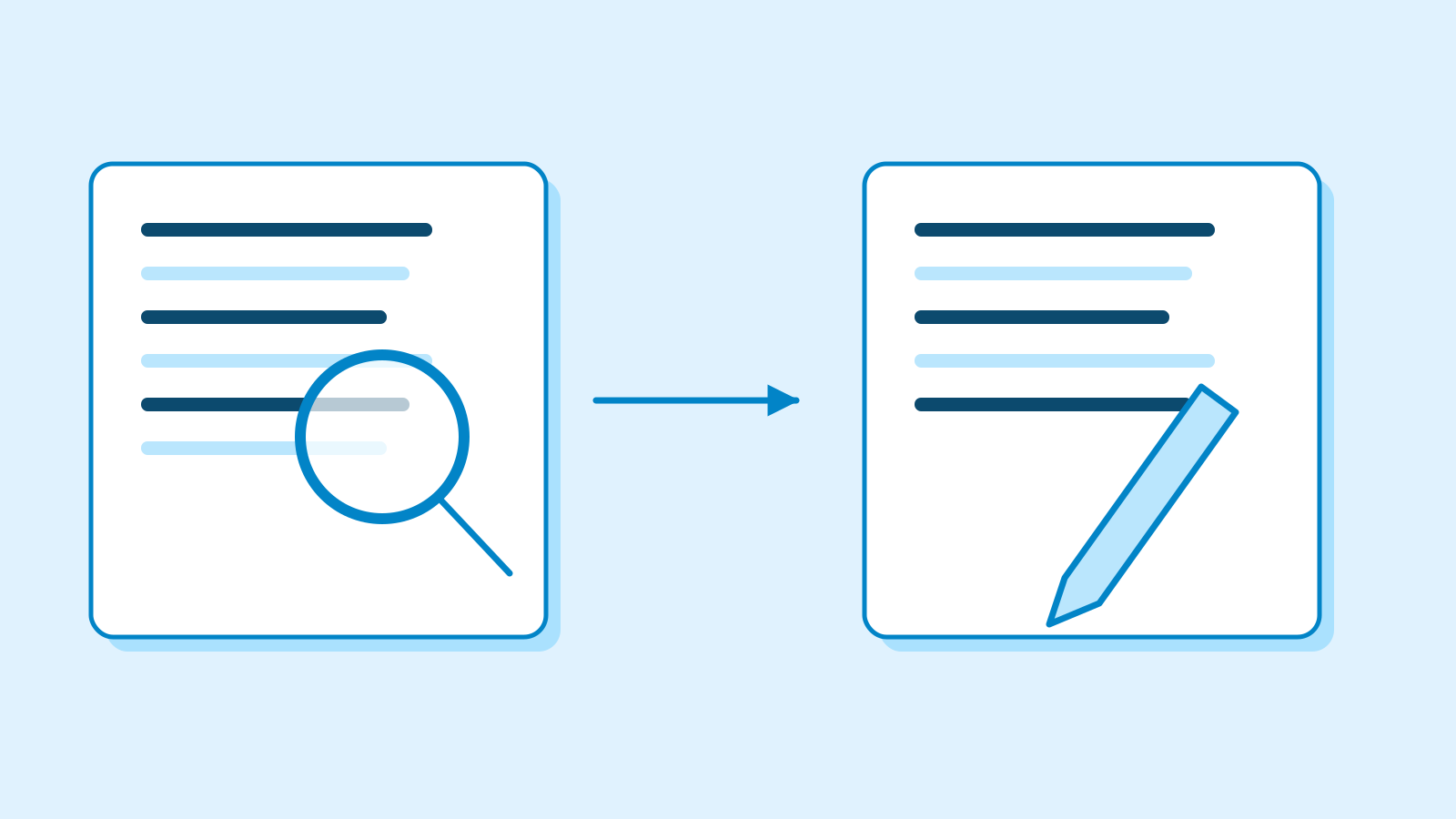
'Venue confirmed, fee undecided, notice in preparation' describes a situation but does not tell you what to do next. A summary reports the source; an action plan specifies actions and their conditions. Relabelling a summary as a checklist does not create that missing structure.
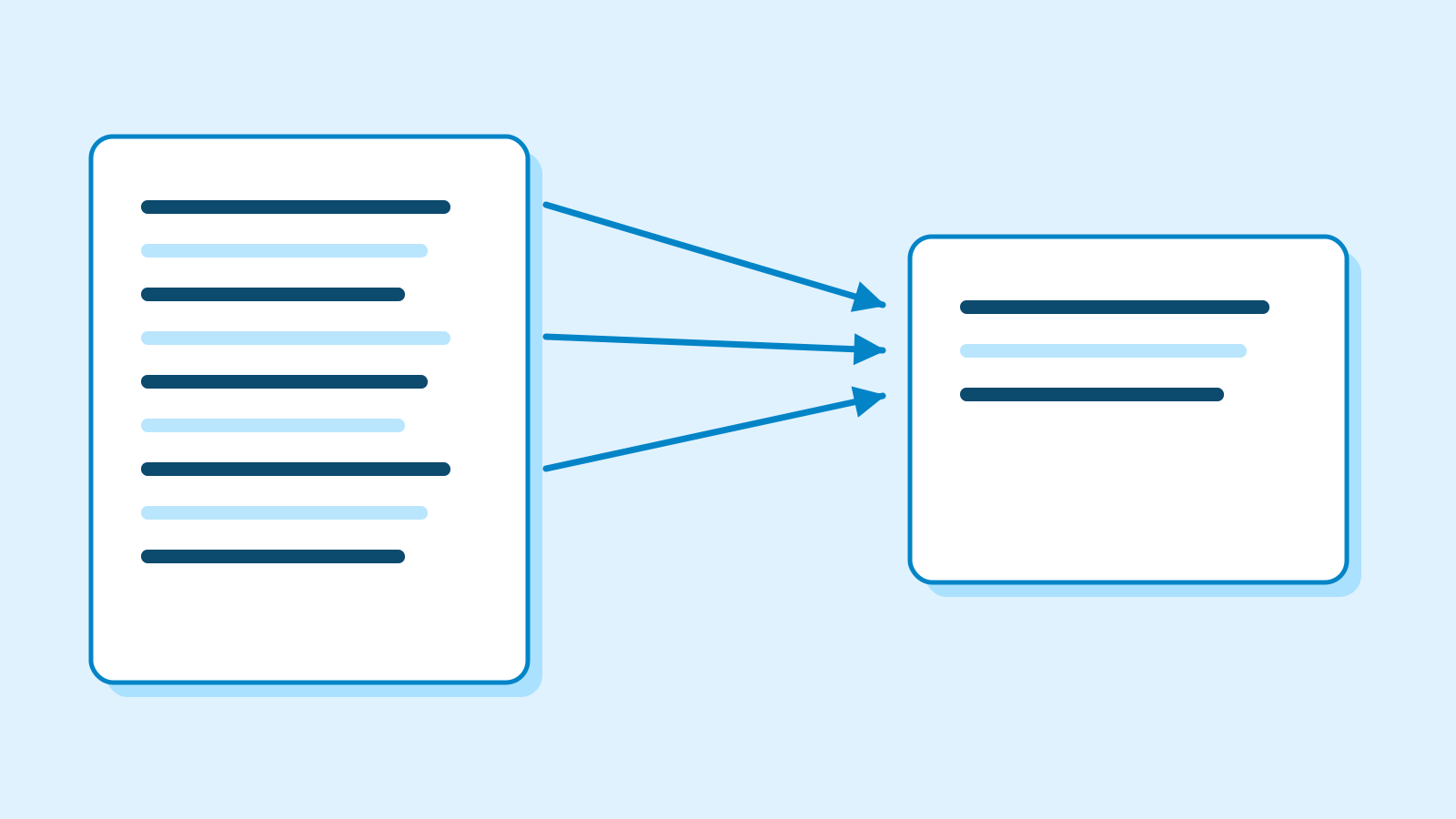
Compare 'notice', 'review the notice', and 'a draft checked against the date, venue and book requirement'. These are an object, an action and an observable result. A useful task connects the latter two so you can tell when it is complete.
The people and dates below are fictional. Nothing is assigned or sent to real people. Begin by understanding the worked table and spotting unsupported entries. Writing your own plan or using an assistant is optional.
Understand four fields in an action table
Our table uses action, owner, deadline and completion evidence. These fields are a teaching aid, not a universal workflow requirement. When the source supplies no owner or date, write 'unassigned' or 'not set' rather than completing the pattern by guesswork.
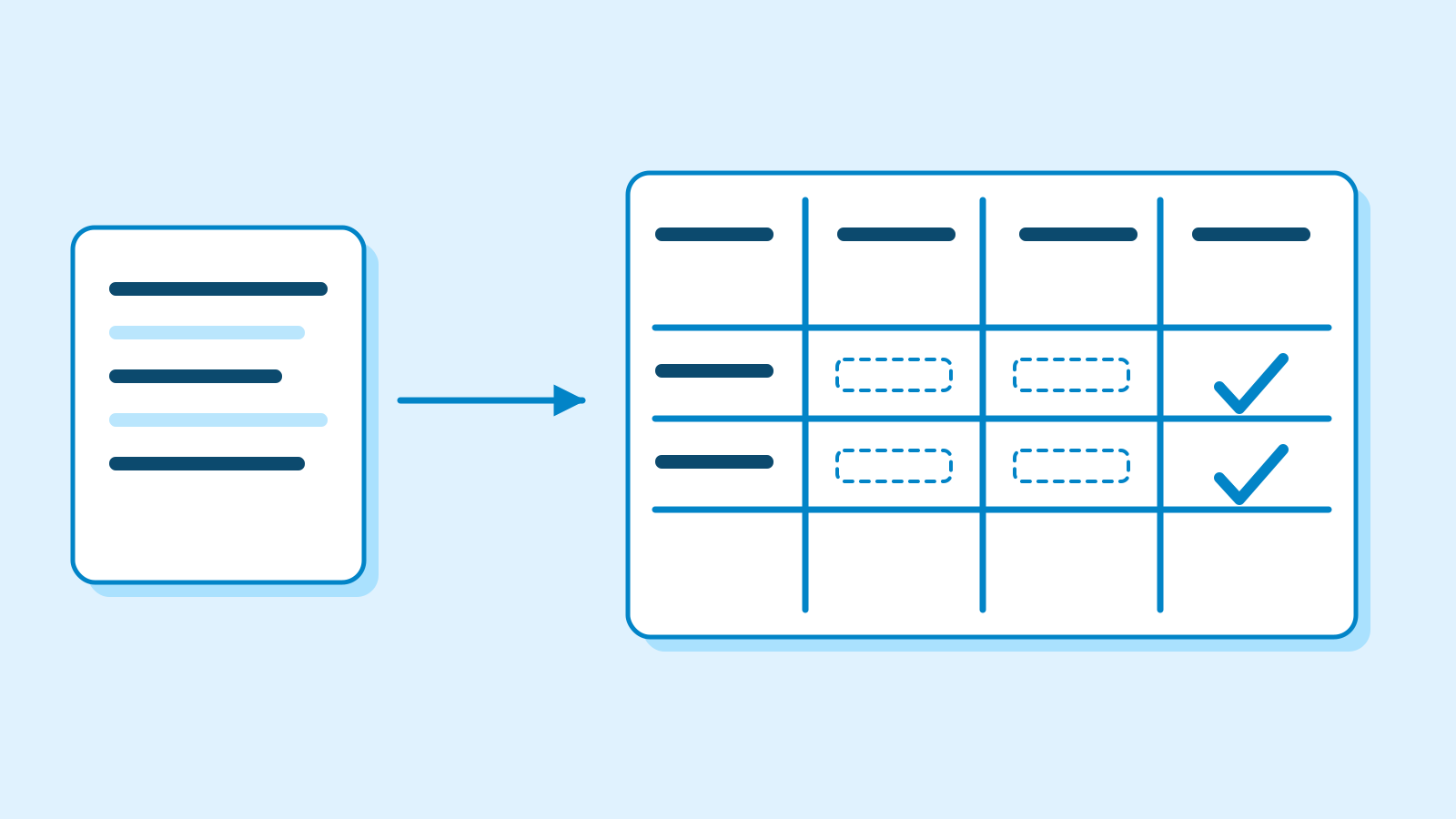
Figure: leave unsupported owners and deadlines as explicit gaps · AI Ping The person who mentions a task is not automatically its owner. 'A says we need a notice' and 'A agreed to draft the notice' carry different commitments. Inspect the supporting sentence before copying a speaker's name into the owner column.
A relative deadline needs a reference date. 'Next week' cannot become an exact date if the note's date is unknown. Our source gives November 5 for the draft, but no deadline for deciding the fee. Preserve that difference.
Fictional preparation notes written for this lesson ID Source T1 The community centre's first floor is the confirmed venue. T2 A agreed to write a draft notice by November 5. T3 No owner or deadline is set for deciding the fee and registration process. T4 Review the notice after those details are confirmed. No reviewer is assigned yet. T5 Send after final review. The sender and send time are not set.
2 / 4
Step-by-step use
Learn what to prepare, how to request help and how to revise the result through examples and explanations.
Read the worked checklist one row at a time
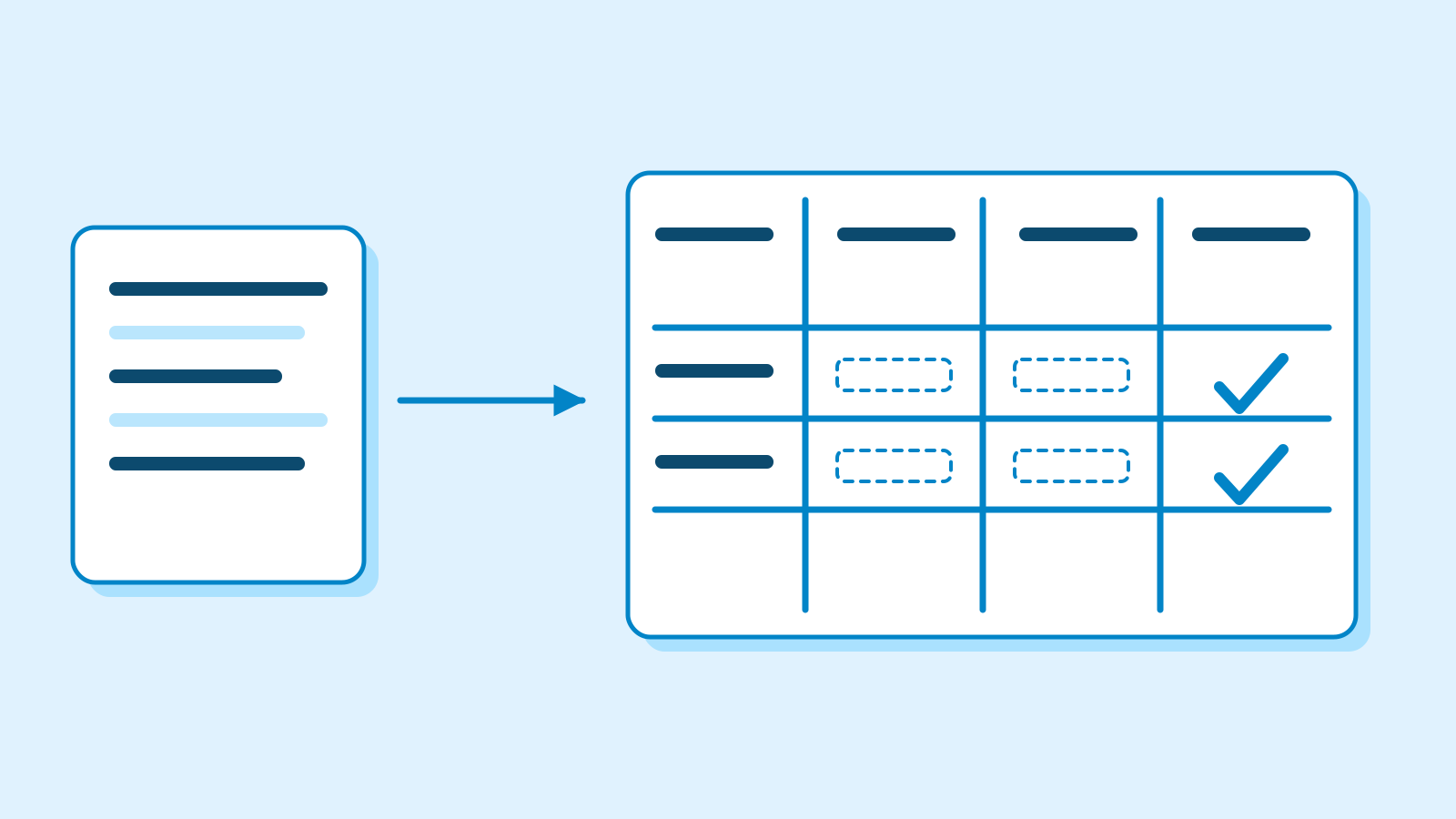
The table below is an editorial worked example, not a model response. A and November 5 come from T2. A draft can retain unresolved fee and registration fields; drafting and final factual confirmation need not finish at the same moment.
The second row is necessary but unassigned. The next useful question is who will settle the details and by when. Filling A into this row would create a commitment absent from the notes. A visually complete table is not evidence of a complete agreement.
Review and sending remain separate. A wrong venue may require correction and another review. The exercise explains that sequence; it does not authorise an external action. Understand what passes from one step to the next.
Editorial worked checklist — unknown fields are part of the result Action Owner Deadline Completion evidence Draft the notice A November 5 A draft available for review [T2] Confirm fee and registration Unassigned Not set Recorded confirmed details [T3] Review final notice Unassigned After confirmation Draft checked against the facts [T4] Send notice Unassigned After final review Delivery result checked [T5] Order can depend on a condition, not just a date
A prerequisite is something that must be available before another action can complete. Final review requires confirmed fee and registration details. Assigning review a time on a calendar does not make those missing details appear.
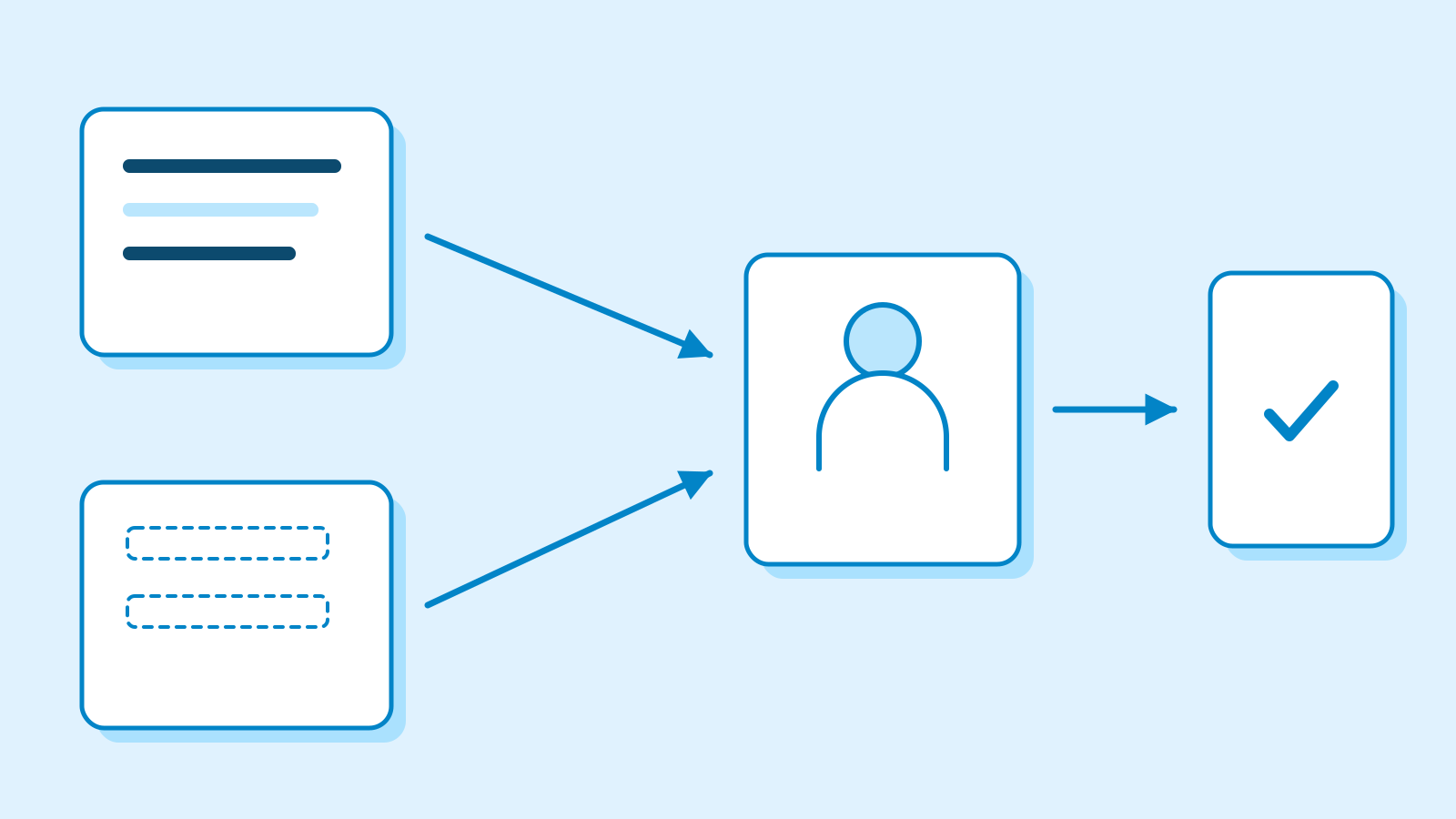
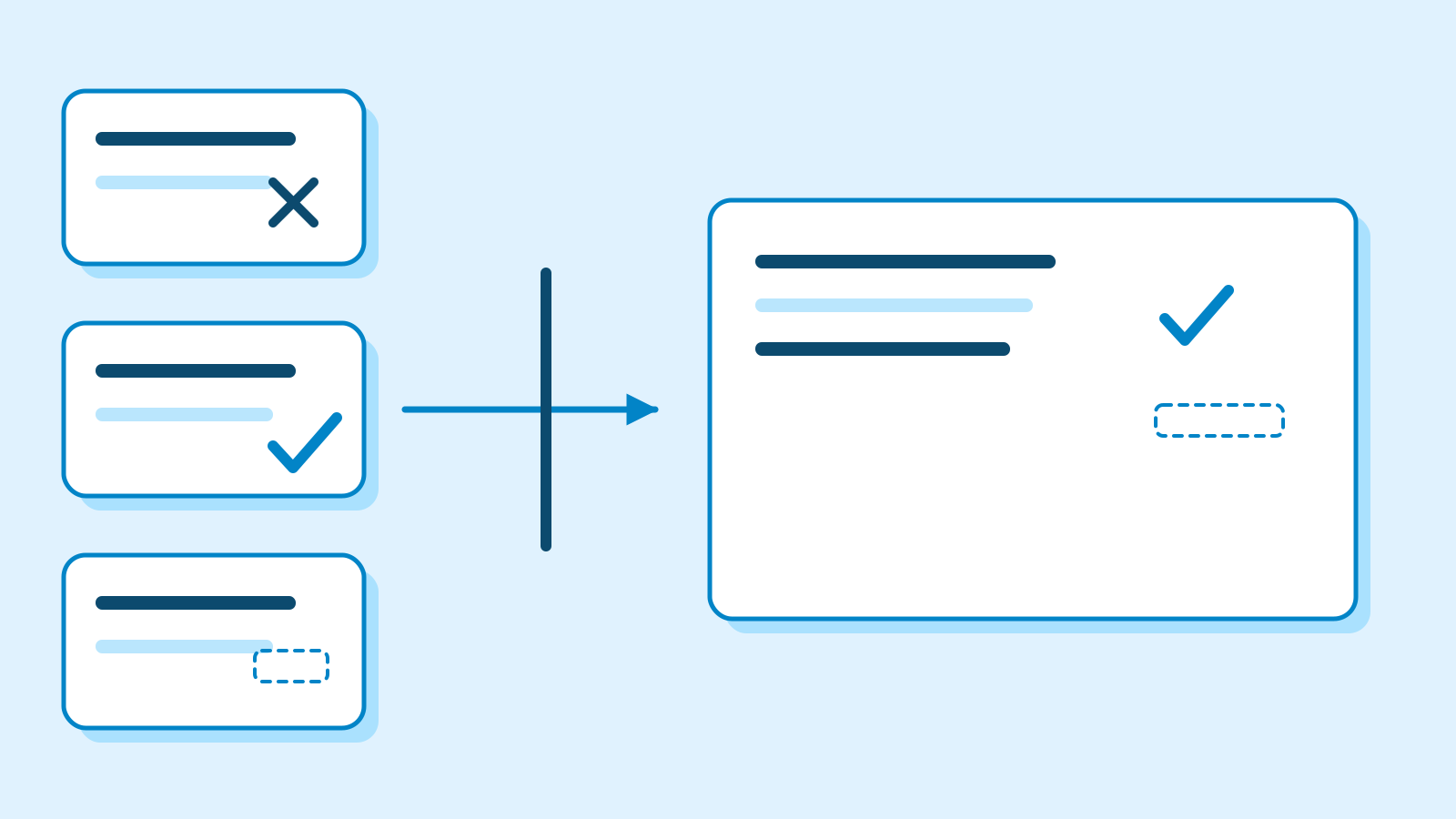
Figure: final review needs both a draft and confirmed information · AI Ping Some work can proceed together. A can draft the confirmed portions while someone clarifies the missing facts. The branches must meet before final approval. Ask 'What does this action need first?' instead of memorising scheduling terminology.
The diagram shows both branches joining before review. If only the draft is ready, the final check waits. The useful response is to identify the missing information and its confirmation path, not to invent it to keep the diagram moving.
Find the unsupported step before rewriting a plan
Consider this flawed editorial plan: 'A will decide the fee and send the notice by November 5.' It transfers the draft deadline and owner to unrelated actions. T2 only commits A to writing a draft.
Split the claim: A drafts by November 5; the owner and deadline for confirming details are unset; sending follows review with its owner and time still unset. Shorter claims are easier to trace independently to the source.
If you choose to use an assistant, request the source-based table below and inspect its owners and deadlines first. Reading and correcting the worked example is enough for the conceptual lesson. The objective is recognising unsupported commitments, not operating a particular button.
Example prompt [Paste source notes T1–T5 here] Use only these notes to make a table of actions, owners, deadlines and completion evidence. Mark missing owners or deadlines as unset. Separate drafting, final review and sending, showing prerequisites. Produce a plan only; do not assign work or send anything.
3 / 4
Check & explain
Think about what you would ask AI, then read the explanation. Written submissions and external AI use are optional.
This is a learning check, not a test you must pass. Use the explanations to understand the ideas.
Q1A says a notice is needed. A. Assign A to send it. B. Leave the owner unset unless an assignment was agreed.
Write your thoughts (optional)
Your writing is not sent anywhere. It disappears when you leave or reload this page, so copy anything you want to keep.
Read the answer and explanation
B. Mentioning a need does not establish ownership. The source only assigns A to draft the notice.
This is your own review, not an automatic score.
Q2The fee is confirmed but registration is unknown. A. All details are ready, so send. B. Hold final completion until registration is clarified.
Write your thoughts (optional)
Your writing is not sent anywhere. It disappears when you leave or reload this page, so copy anything you want to keep.
Read the answer and explanation
B. T4 requires both details before final review. Drafting may continue, but sending is not ready.
This is your own review, not an automatic score.
Q3Which makes completion easier to inspect? A. The notice is really well written. B. A draft exists with date, venue and book requirement checked, and unknowns marked separately.
Write your thoughts (optional)
Your writing is not sent anywhere. It disappears when you leave or reload this page, so copy anything you want to keep.
Read the answer and explanation
B states observable evidence another reader can inspect. 'Well written' is too vague to establish what was completed. All dates and people in this worksheet are fictional.
This is your own review, not an automatic score.
Common mistakes
- Treating a speaker as the task owner.
- Copying the draft deadline to review and sending.
- Inventing missing facts to make the table look complete.
Your learning record
Completion is optional. Mark this lesson when you feel ready, or move to the next lesson without marking it.
Completion is saved in this browser.
4 / 4
Apply to your work
Consider how new material changes the workflow and checking criteria. Trying an external AI tool is optional.
Try it: check the plan without writing a new table
Add a fictional update: admission is now confirmed free, but registration remains undecided. Find the changed field with your eyes before writing anything. One unknown is resolved; the condition for final review still is not.
This connects to the next lesson on comparing options. Keep known facts, missing facts and conclusions that would change with new evidence separate. Planning includes understanding the relationship between information and action, not just filling a calendar.
An optional three-line note is enough: draft now; clarify registration; wait before final sending. Explain why these actions have different statuses. You do not need to submit a table or contact anyone to continue learning.
Write a note (optional)
Use this only if you want to record a prompt or your understanding. This is a notebook, not a connected AI assistant.
Your writing is not sent anywhere. It disappears when you leave or reload this page, so copy anything you want to keep.
References
- Prompting best practices — Anthropic
- Reduce hallucinations — Anthropic