Firefox adds AI page watches for price drops and job listings
3-line summary
- English beta starts in the US and Canada.
- Checks run while Firefox is open.
- Users manage watch conditions and alerts.

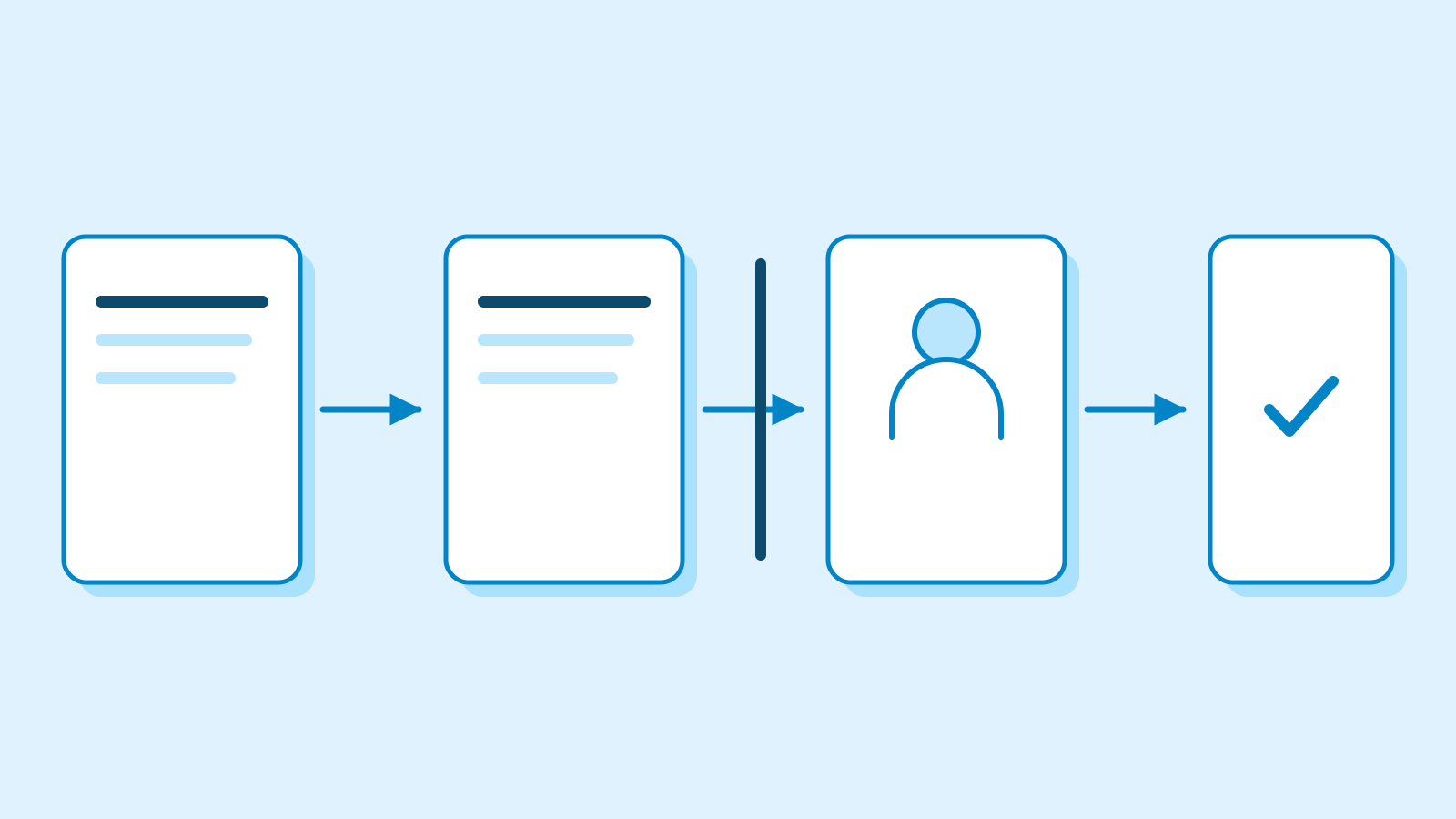
Mozilla added AI page watching to Firefox 159, released on October 27. The feature checks selected websites for changes such as price drops or restocks and notifies users when their conditions are met. It lets people schedule checks on stores or job boards, provided Firefox remains open.
The additions are rolling out in the desktop Smart Window beta in English in the United States and Canada. Firefox labels page watching a progressive rollout. Smart Window is an optional window type that requires a Mozilla account; Classic and Private windows remain available alongside it.
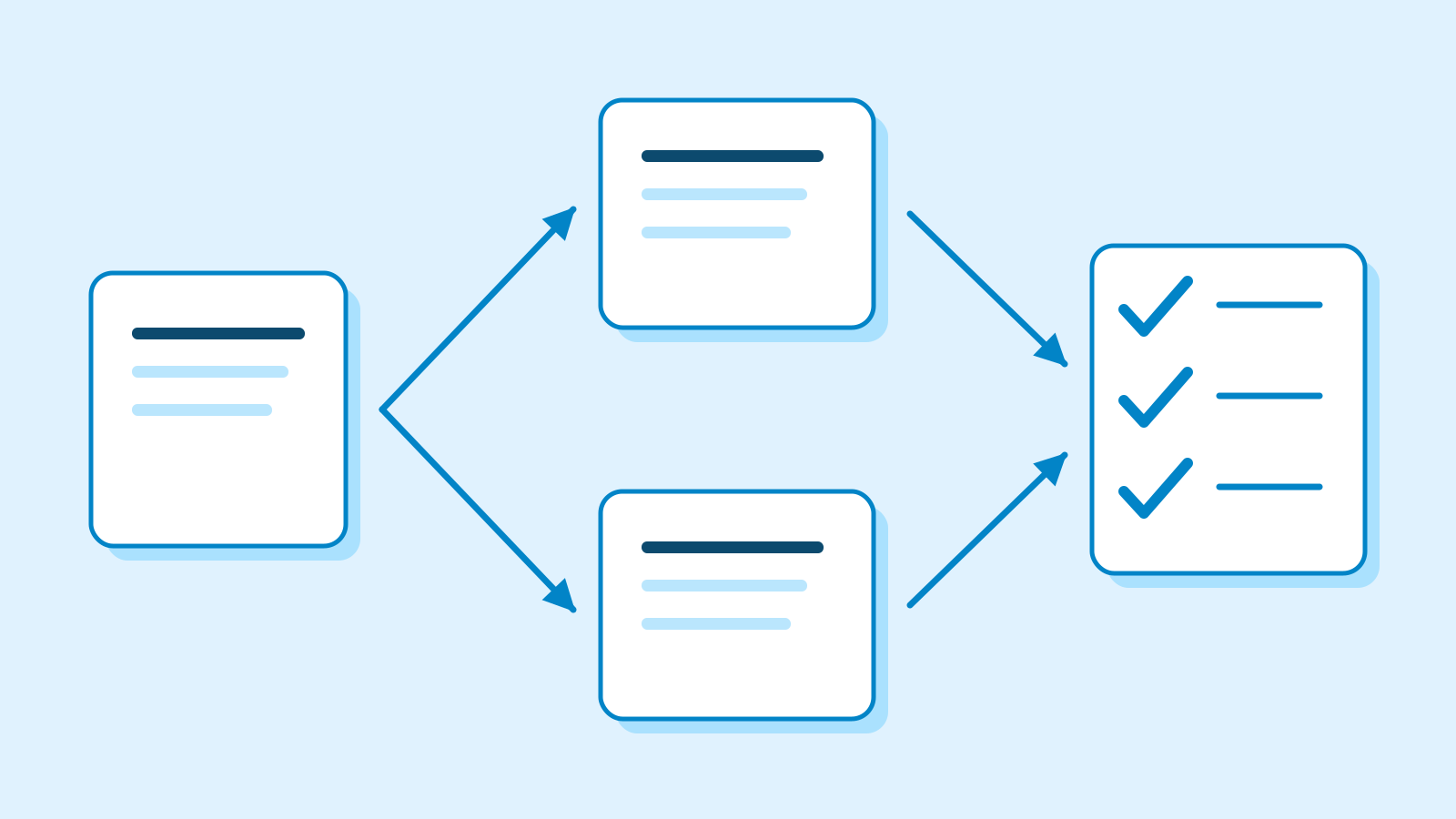
Each watch has a name, a written description of the change to look for and up to five webpage addresses. Users can maintain 15 active tasks. Mozilla’s examples include lower prices and new vacancies containing a particular job title or company name.
Checks run daily or weekly. A task can start through the /watch chat command or the task-management interface.

Qwen evaluates whether page changes match a task, regardless of the model selected for Smart Window chat. The in-chat model picker affects the current conversation while leaving the default unchanged. Settings separately control the default for future conversations. Mozilla says its model-selection process includes tests of browser tasks such as summaries and questions, alongside sensitive-content handling.
Notifications and data handling
The existing Smart Window privacy notice describes sending chat prompts and relevant context through Mozilla servers to an external language model. The provider sees Mozilla’s IP address. Page titles, URLs, content and relevant memories may enter a request. Starting an AI feature inside a browser does not establish entirely local processing. The notice separately describes technical and interaction data used to maintain reliability. Mozilla says it does not retain chat logs without permission and requires consent when people share logs for human review to diagnose problems.
A matching change puts a green dot on the toolbar’s Tasks button, with results available in its panel. Desktop notifications require permission and are off by default on macOS, according to Mozilla’s guide.
Users can revise tasks, pause them, resume them or delete them. Mozilla says a task automatically pauses after 60 days without a match, limiting how long an unproductive watch continues running.

Mozilla’s safety guidance acknowledges that AI can produce incorrect information. It describes defenses against instructions hidden in web content, including distinguishing instructions from data and restricting actions around untrusted material. These are the provider’s described safeguards. The launch announcement supplies no measured detection-accuracy result for page watching.
Smart Window can be blocked in Firefox’s AI Controls. Choosing the broader Block AI enhancements setting also blocks Smart Window. Mozilla says Private Window activity is excluded from its browsing context, and excludes saved passwords and payment information from assistant access. Chats and memories stay on the device and currently do not sync between devices. The company plans to expand the additions to further markets in the coming months, without country-specific dates.
Sources
- Firefox 159.0 release notes — 27 October 2026 — Mozilla
- Skip the busywork with Smart Window — 27 October 2026 — Mozilla
- Create tasks in Smart Window — Mozilla Support
- Get started with Smart Window — existing account and control conditions — Mozilla Support
- Model choices in Smart Window — Mozilla Support
- Smart Window Privacy Notice — 1 September 2026 — Mozilla
- Is Smart Window safe and private — Mozilla Support