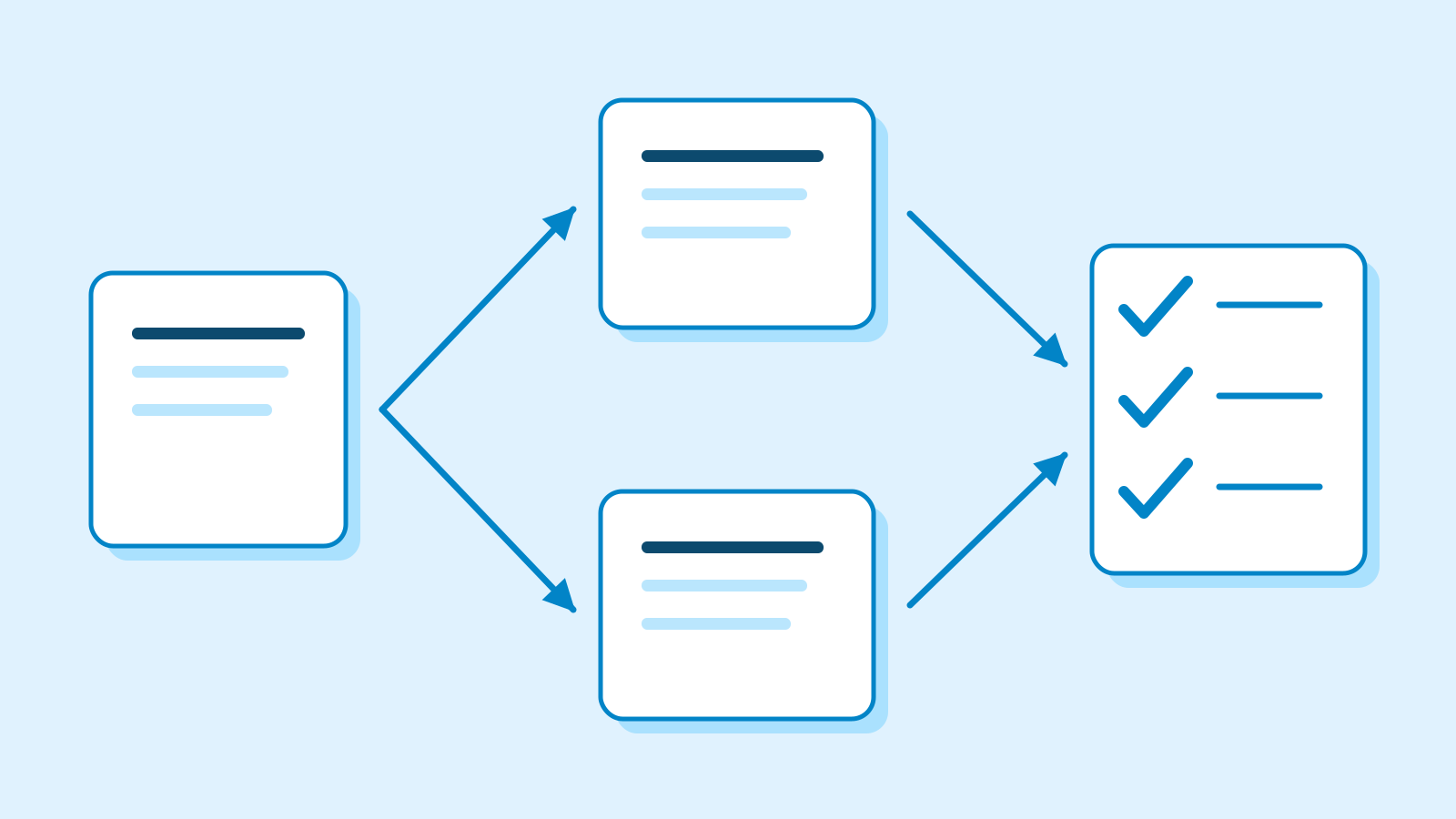
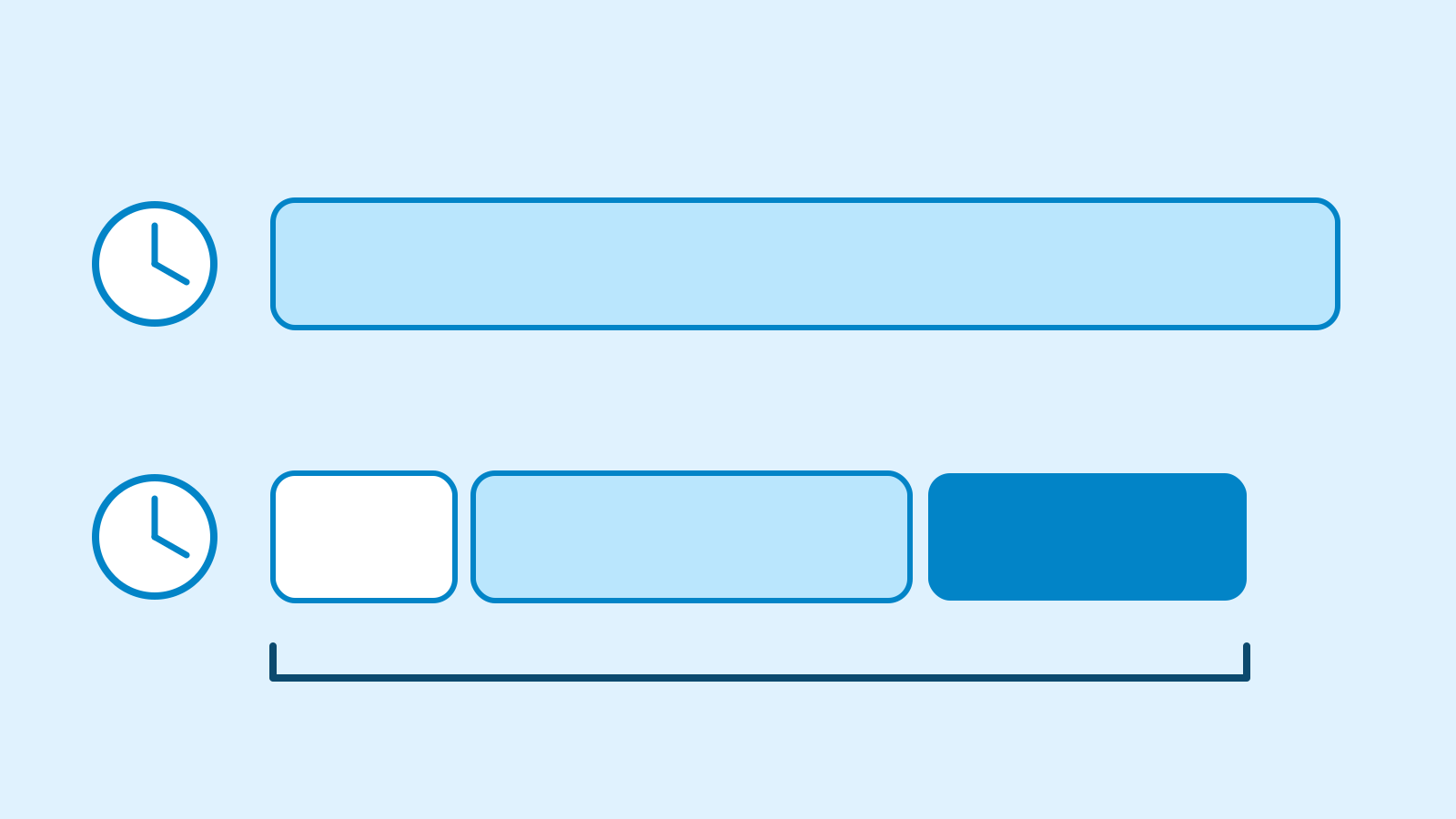
Design an AI workflow with clear review points
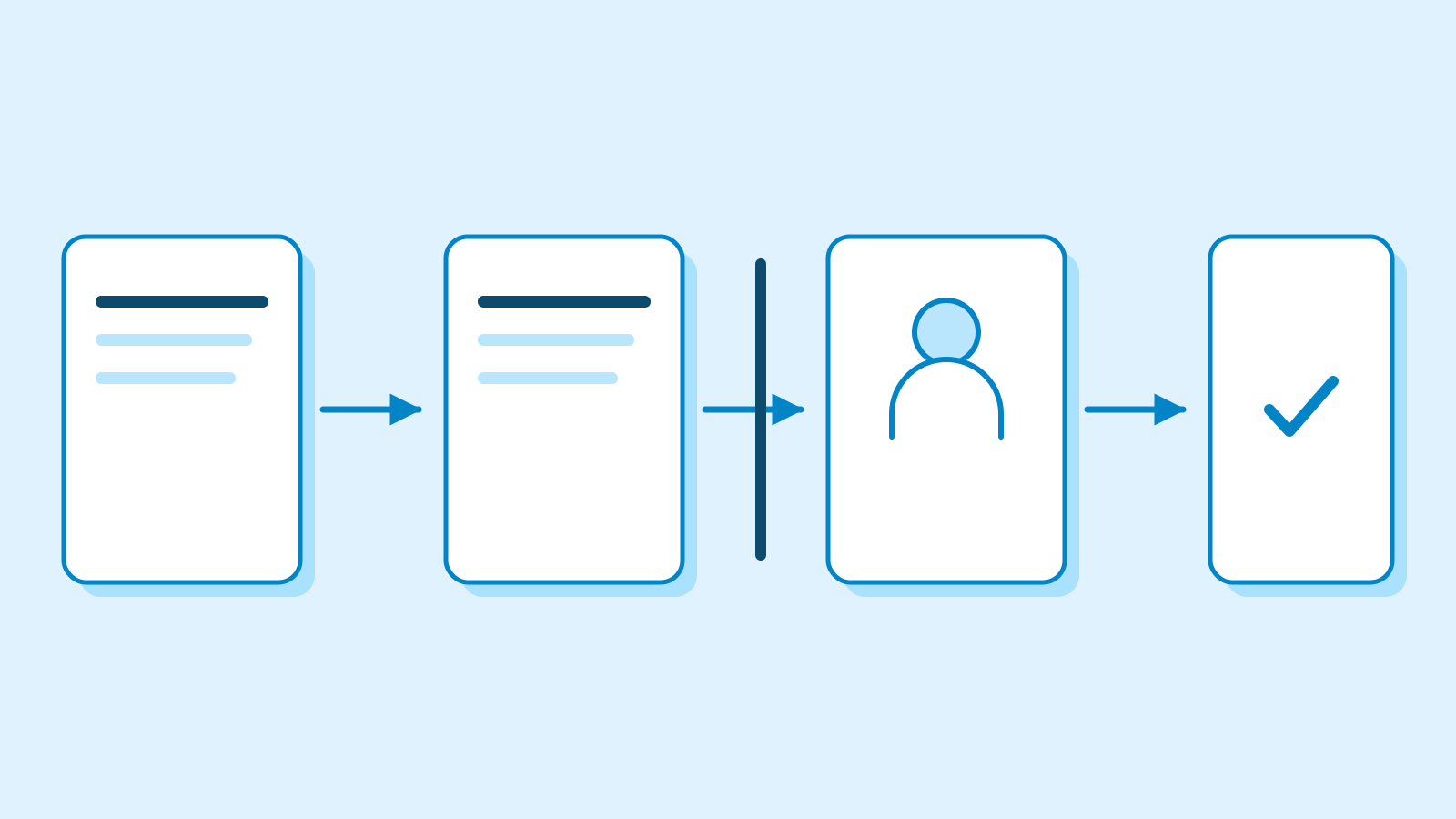
Map intake, drafting, review and approval. Walk through missing information and retries on paper, with explicit stop and handoff conditions.
About 17 min readingAs of Oct 2026
By the end of this guide
- Split a task into steps with an input, action and output.
- Define review evidence and what approval authorises.
- Trace missing information, timeouts and duplicate requests by hand.
Who this is for
- You want to move from personal drafting to team use.
- You need a workflow specification before asking someone to automate it.
What you need
- Bring the rubric from the previous lesson.
- Use a notes app or paper. This exercise involves no real messages, customer-record edits or external integrations.
This lesson’s terms, in plain language
Read the short meanings here. Open a term for a fuller explanation and example.
- workflow
- A sequence of work with conditions for moving between steps.
- AI agent
- An AI that, given a goal, plans and uses tools to complete multi-step work on its own.
- human-in-the-loop
- Placing human judgment, revision or approval within an AI process.
- fallback
- An alternative path when the current process cannot finish the task.
- idempotency
- A property that prevents repeated handling of the same request from duplicating its intended effect.
Step by step
A good draft is only one part of the job
A strong proposal draft is not a completed task if it reaches a customer before review—or sits in a queue with no reviewer. Map where inputs come from, who checks them and what changes at the end.
A workflow specifies a sequence and its conditions. A fixed draft-and-review process often needs no model-selected next action. Missing-field and duplicate-ID checks can be ordinary rules. An agent choosing its own actions introduces additional boundaries to design.
Anthropic distinguishes predefined workflows from model-directed agents and recommends starting with the simplest adequate structure. We apply that distinction to an original fictional sales exercise, not a real integration or a vendor's interface.
Specify what enters and leaves each step
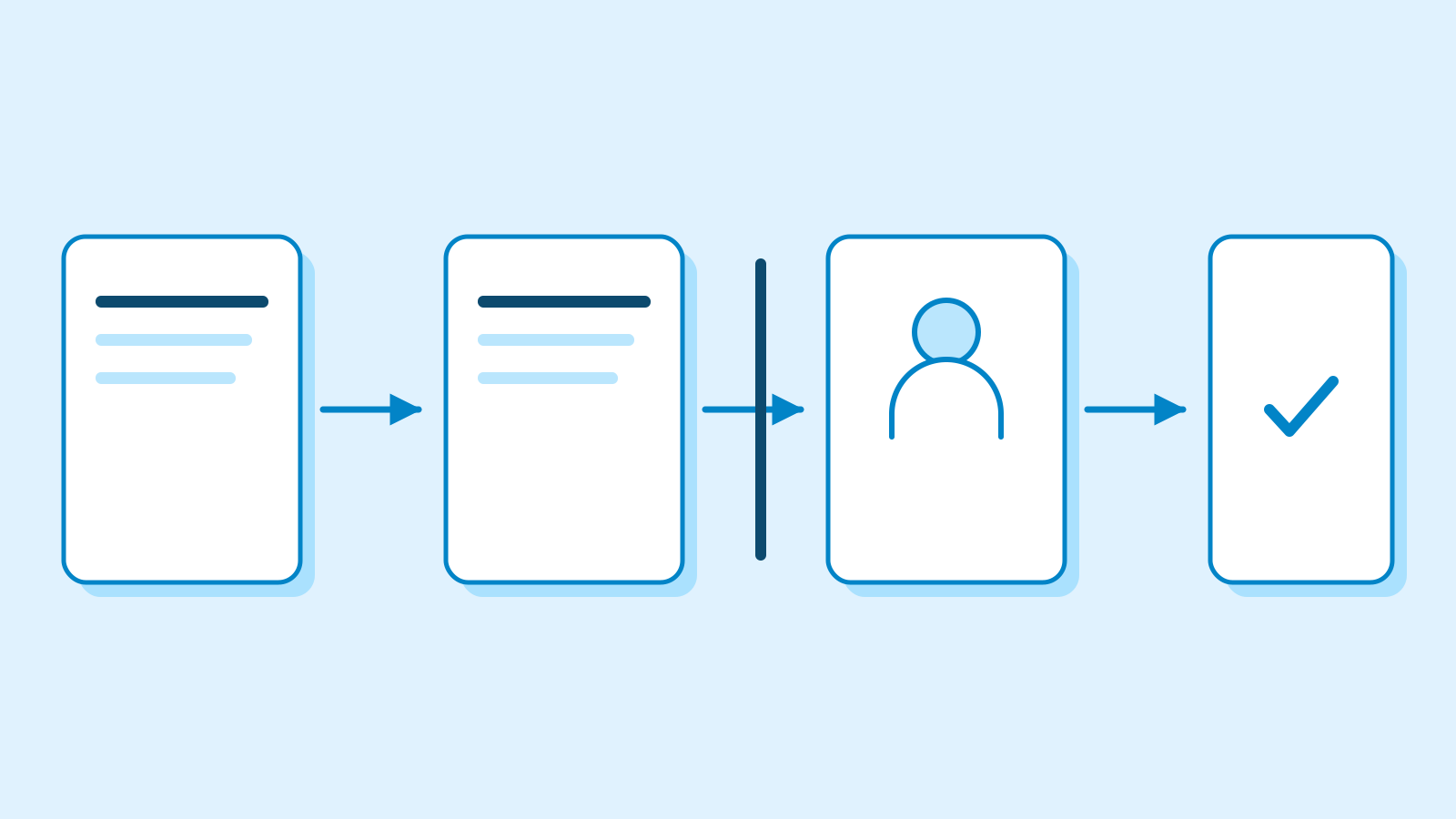
Figure: the draft reaches review together with its evidence · AI Ping Fictional request W1 asks whether files can be exported. Product source P1 confirms CSV export but says system integration is unverified. Retain the request ID, original wording and source version so a reviewer can trace later claims.
Make the output a draft, evidence IDs and unresolved questions. A draft that promises integration returns for revision. Give the reviewer the actual source, not just the assistant's explanation of its own work.
The table below is a paper-executable specification. It can inform implementation but is not itself an access control. Assign a reviewer and an alternate route when that person is unavailable; an unowned review queue is not an effective check.
W1 · Practice workflow Step Input Output Intake Question + source P1 W1 + original question + source version Draft Intake record Proposal + evidence + unresolved fields Review Draft + source + rubric Pass or revision reasons Approval Exact reviewed draft version Approver + time + authorised action Confirmation Actual action record Confirmed result or unresolved status Approval belongs to an exact version and action
If D1 was reviewed and the assistant creates D2 afterward, do not transfer approval automatically. Bind approval to an exact version and action. Saving a draft, sharing internally and sending to a customer are distinct permissions.
Human-in-the-loop review requires access to evidence, time to judge and the ability to reject or request changes. A ceremonial checkbox is insufficient. Missing information should enter a request-for-information state with an owner, rather than being treated as either approval or an unexplained error.
Bind a design approval to a file and usage, a campaign approval to copy and channel, and a planning decision to its reopening conditions. Research-summary approval need not establish a finding; code review need not authorise a release. Record these distinctions on paper without taking external action.
Give failures a stop point and a route forward
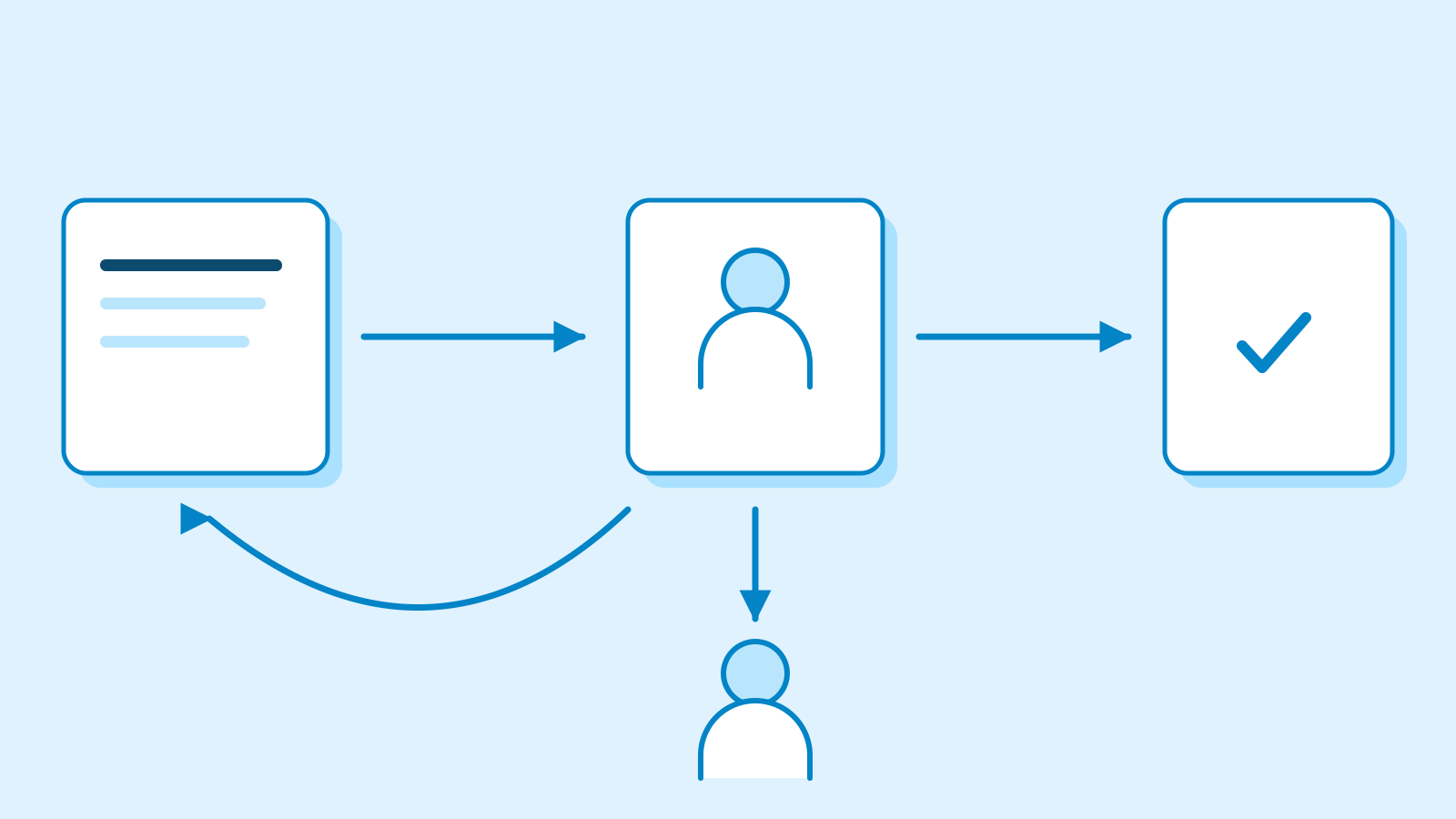
Figure: pass, request information and revise lead to different actions · AI Ping Retrying cannot create missing evidence. If integration support is absent from W1, ask the product owner and keep that claim pending. A fallback is a route that lets the work continue through another process, such as human review, with a clear explanation of what is missing.
A timeout may mean an action failed—or that it succeeded but its acknowledgement was lost. Check the actual action record before repeating an external effect. Idempotency means repeated handling of the same request does not duplicate that effect; adding an ID to a table alone does not implement it.
Add a paper card saying W1 has already completed. Route a duplicate to its existing result, while changed content needs a new version and review. Google PAIR's error guidance distinguishes error sources and ways for users to move forward. Apply that idea instead of treating every failure as a retry.
Walk through normal, missing, conflicting and duplicate cases
Move four paper cards through the flow: W1 asks only about CSV export; W2 has no product source; W3 contains conflicting documents; the final card repeats an already completed W1. These invented cases reveal ambiguous transitions without claiming exhaustive coverage.
W2 should request evidence before drafting product claims. W3 should expose the conflict for source verification instead of letting the assistant guess which document is authoritative. Duplicate W1 should check its prior result. Every waiting state needs an owner and next action.
Another person should be able to follow the arrows. Replace 'use judgment' with the evidence needed for that decision. An honest unresolved state can be a valid outcome, but drafting complete and customer delivery confirmed must remain different statuses.
Create a workflow sheet for your role
Choose a role project and draw intake, draft, review, approval and confirmation. Write each step's input, record, owner and transition condition. Add or remove steps as the task requires; preserve visibility of actions and recovery paths.
Test a missing date, an edit after approval and a missing completion acknowledgement. Specify who checks what before resuming. This is a useful implementation brief, but actual access controls and service behaviour still need separate implementation testing.
Continue when every state has an owner, unsupported commitments fail review and approved versions match performed actions. Revisit any unconditional retry. Keep this flow for the next lesson, where you measure all of the work—including review and repair.
Common mistakes
- Giving reviewers a draft without its evidence.
- Treating draft approval and permission to send as the same status.
- Repeating an external action before resolving its uncertain status.
Practice
W2 arrives without product evidence. Should drafting proceed first?
See a suggested answer
Route product-claim work to an evidence request. Preparing an empty structure is different from asserting capabilities; keep those actions separate.
After D1 is approved, one date is changed in D2. May it be sent under the old approval?
See a suggested answer
The changed date affects the recipient's actions, so review the new version. Bind approval to the exact document and authorised action.
The screen freezes after a send request. What could go wrong if W1 is sent again?
See a suggested answer
The first send might have succeeded while its acknowledgement was lost, causing a duplicate. Check the request ID and action record; escalate unresolved status instead of guessing.
References
- Building effective agents — Anthropic
- Errors + Graceful Failure — Google PAIR