Close your laptop, keep work going: Claude Duet enters research preview
3-line summary
- Anthropic opened a Claude Duet waitlist for Pro and Max subscribers in the US.
- The company says it keeps working in the cloud, with morning briefs and relevant alerts.
- The preview has no extra charge, but background work draws on existing plan limits.
Anthropic announced the research preview of its workplace agent app Claude Duet on October 21. Access is by invitation for US Pro and Max subscribers; Team and Enterprise are excluded.
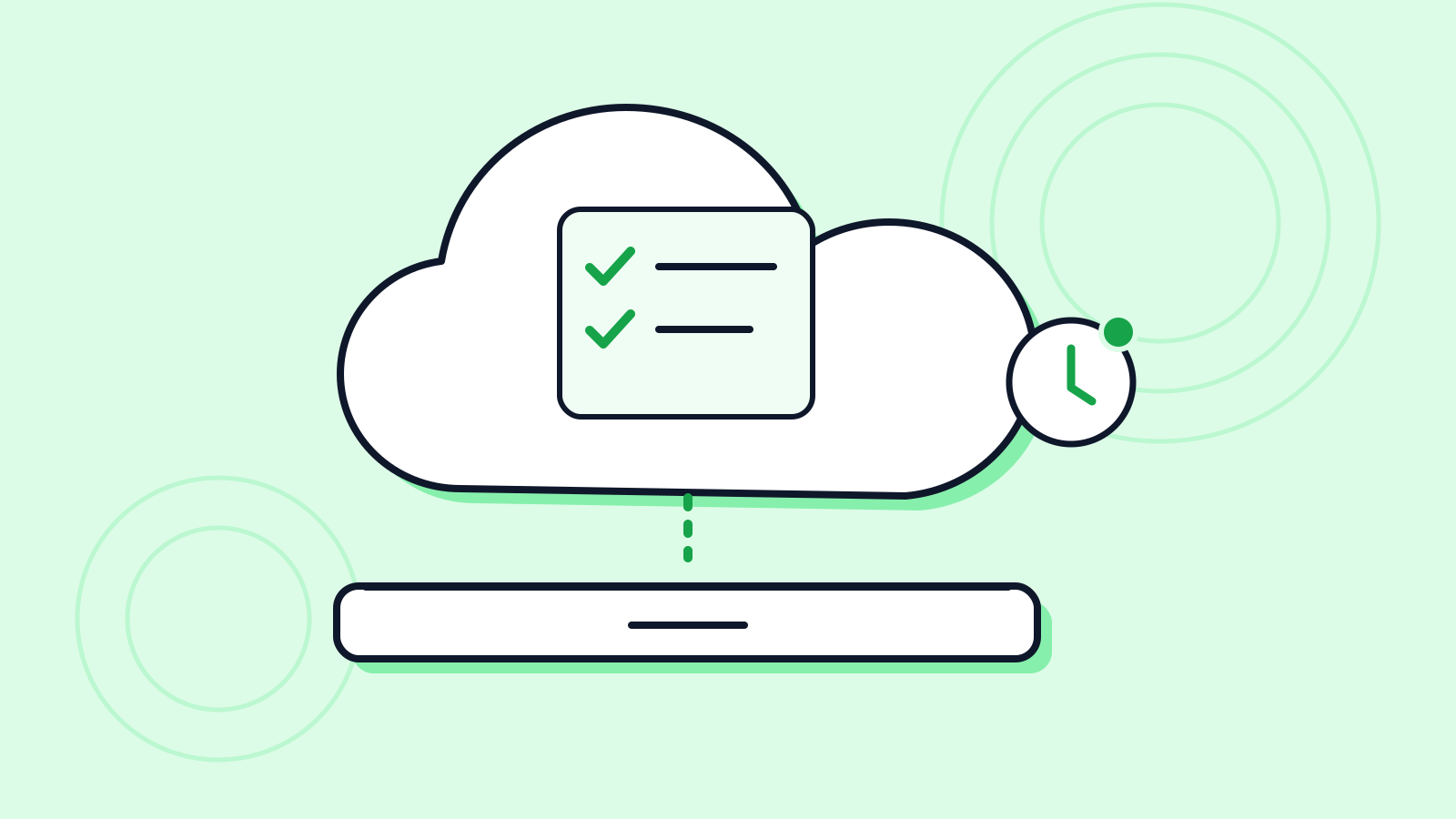
The company's pitch is work that continues after the laptop closes. It says Duet uses its own virtual machine and browser, and sends a morning brief covering important items in connected apps. Account checks happen every few hours rather than continuously.
Price and capacity are separate questions. The help guide says the preview has no extra charge, but morning briefs and background checks count against the plan's five-hour session and weekly limits. That leaves less capacity for ordinary chats.
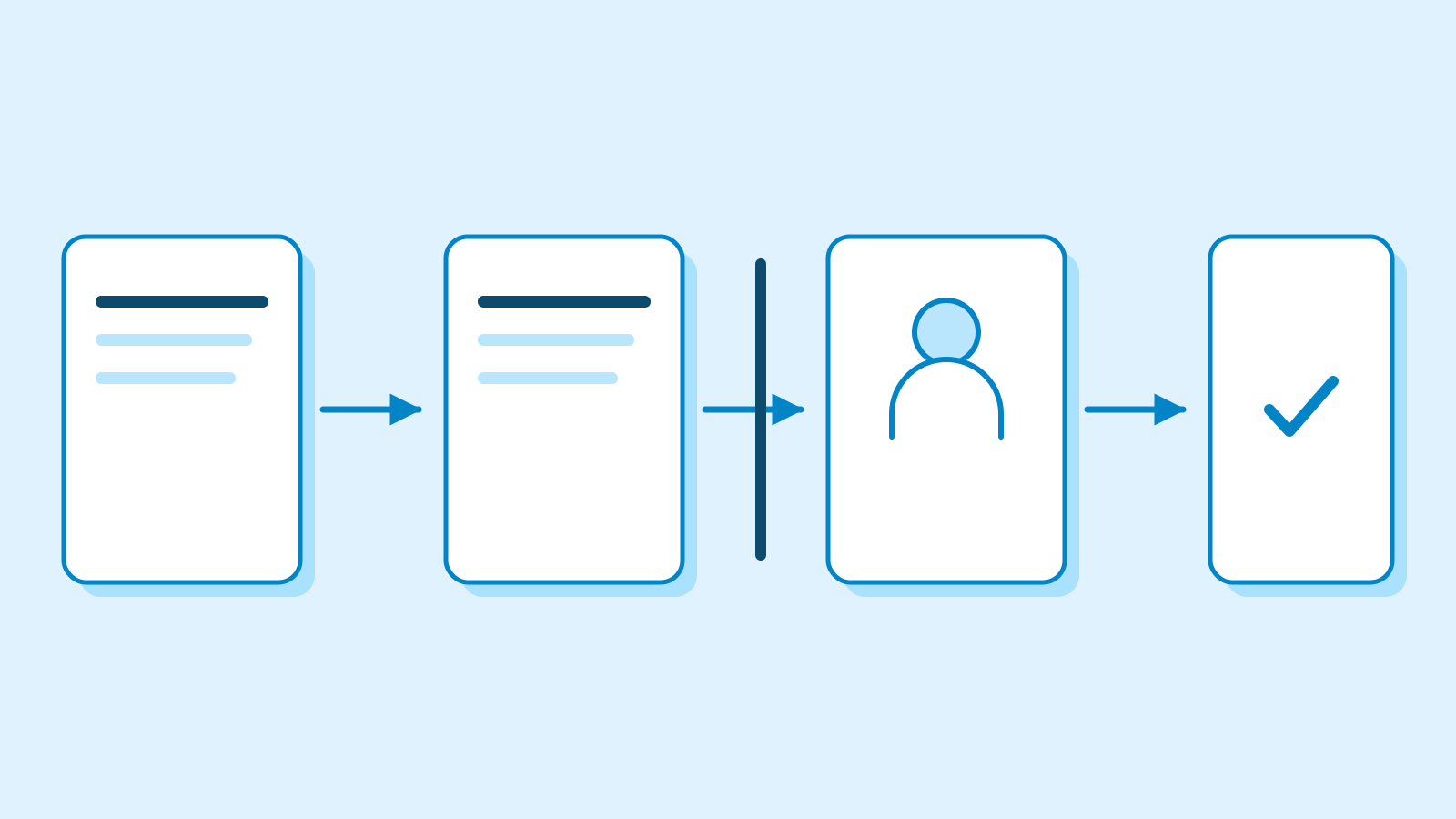
Anthropic says Duet is designed to await approval before sending messages, paying, signing documents or deleting content. Its guide also warns of misread conversations and mistaken urgency judgments; users cannot watch or take over its browser. This article reviews public documentation, not independently tested work results.
Why it matters
AI Ping's assessment is that reviewable results matter more than keeping an app open. Teams evaluating recurring work should compare review time alongside the usage allowance left for other tasks.
Who it's for
- Office workers
- Check eligibility first; if admitted, start by recording the accuracy and usage cost of one morning brief.
- Marketers
- For customer follow-ups, define separate steps for drafting and approving the actual send.
Sources
- Introducing Claude Duet — Anthropic
- Get started with Claude Duet — Claude Help Center
- Release notes — October 21, 2026 — Claude Help Center