Your first AI conversation: write a short invitation
Start with a few notes, turn them into an invitation, ask for one change, then check the result against the original. No technical background needed.
About 15 min readingAs of Oct 2026
By the end of this guide
- Send a first request using the supplied notes.
- Ask for a specific change in the same conversation.
- Check the date, time and place, and leave unknown details unresolved.

Who this is for
- You have opened an AI chat but are not sure what to type.
- You are used to search engines and new to conversation-based tools.
What you need
- A phone or computer you can type on.
- A chat assistant you already have access to. This exercise needs no paid subscription or file upload.
- If you cannot access one, work through the supplied notes and practice questions first.
This lesson’s terms, in plain language
Read the short meanings here. Open a term for a fuller explanation and example.
- prompt
- The instructions you give an AI.
Step by step
One small thing to make today
You are announcing a reading-group meeting. You have the details, but turning your notes into a friendly message takes a little effort. That is our task today. The aim is to see how your instructions shape the result, rather than to produce impressive prose.
Here, AI means a tool you can exchange written messages with. Your request is often called a prompt. It is an ordinary request, not a special programming command. Giving the audience and the facts makes the result easier to judge than typing a few search keywords.
The meeting below is invented for practice. Use these notes rather than a real company document or someone else's messages. You can learn the process without sharing private information.
Practice notes — use only these supplied facts Item Note Event Neighbourhood reading group Date and time November 7 at 2 pm Place Meeting room, second floor of the local library Bring One book you would like to read Not yet known Fee and how to register Send the notes and the request together
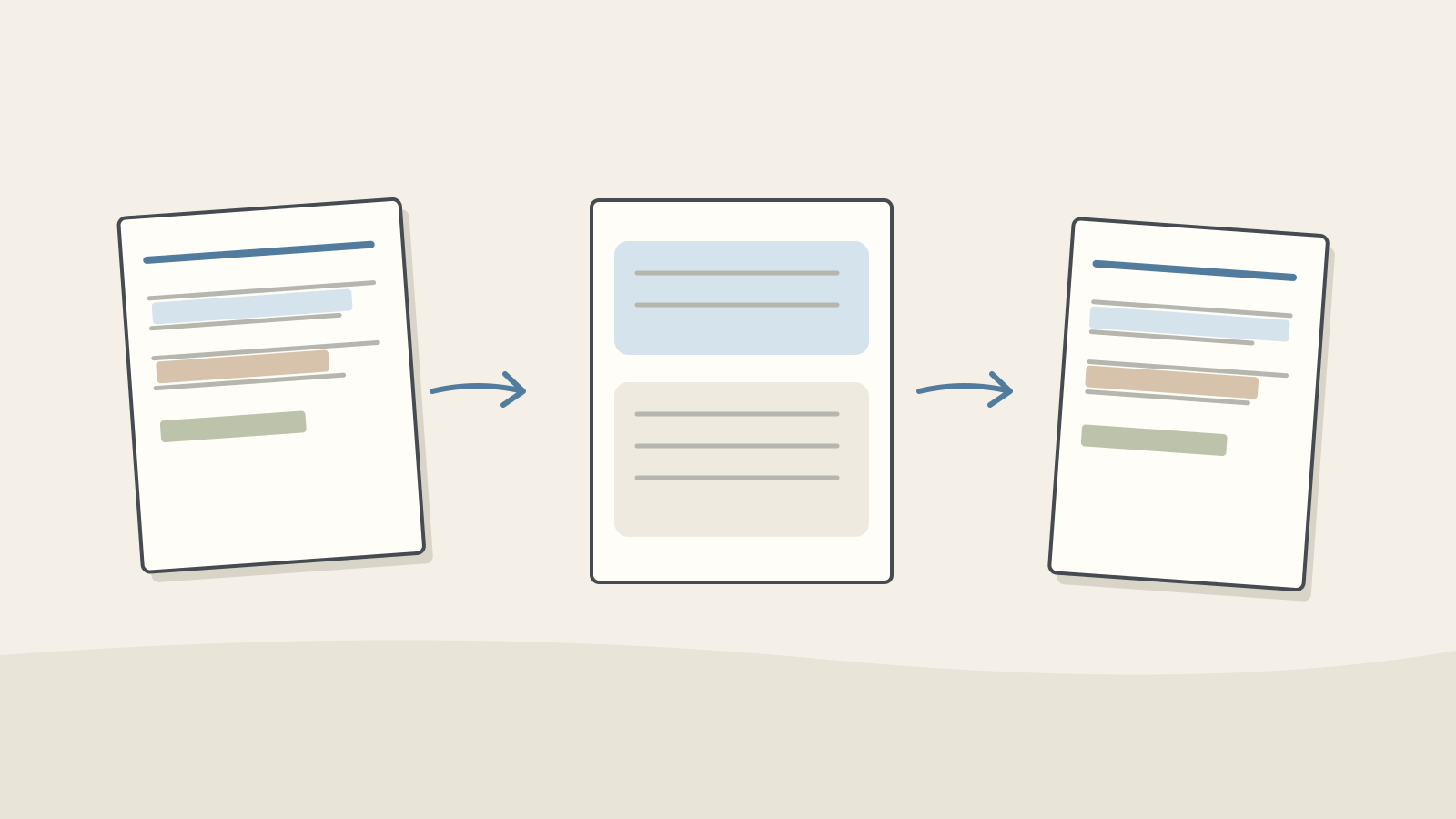
Figure: trace each supplied fact from the notes into the invitation · AI Ping Put the request below into the assistant's message field and use the send control shown by that service. We do not need attachments, voice input or search for this lesson.
The first part says what to make; the notes supply the facts. Three sentences sets the length, and a first-time visitor sets the audience. Asking it to leave the fee unresolved is a constraint, not a guarantee. We will still check.
Wait for the reply rather than submitting repeatedly. If you see an access or usage-limit message, follow the service's guidance and return later. A service error is different from a disappointing piece of writing.
Example prompt Write a three-sentence invitation for a first-time visitor to our neighbourhood reading group, using only these notes. Include the date, time, place and what to bring. The fee and registration process are unknown: do not invent them. List them separately under 'Still to check'. [Notes] Date and time: November 7 at 2 pm Place: meeting room, second floor of the local library Bring: one book you would like to read
Your wording will probably be different
One reply may begin with a welcome; another may lead with the date. Different phrasing is fine. Find the date, time, place and book requirement and compare them with the notes.
Here is an editor-written draft, not a recorded AI reply: 'Our reading group meets on November 7 at 2 pm in the meeting room on the library's second floor. Please bring one book you would like to read. New visitors are welcome.' It does not settle the fee or registration process.
If your reply says admission is free, it has added an unsupported fact. A weekday is also unsupported: our notes specify no year. For this task, keep the date and leave the weekday out unless you obtain the missing information.
Check it
- Are all four supplied facts present?
- Has it added a fee, registration rule or weekday you did not provide?
Ask for one change
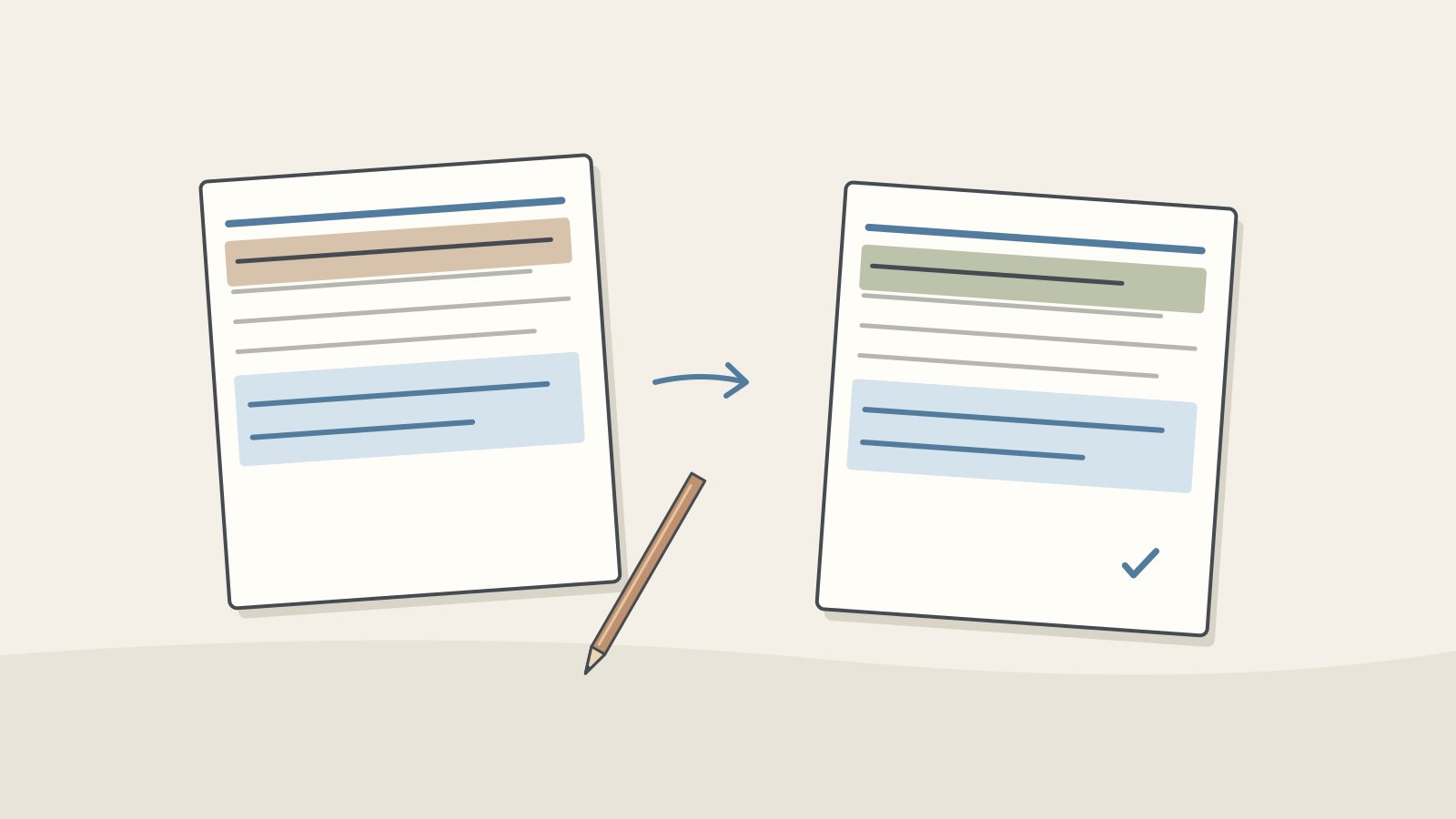
Figure: separate wording you can change from facts you must keep · AI Ping If the invitation sounds stiff, use the next message in the same conversation to ask for a change. Restate the facts that must stay fixed; earlier instructions are not a promise that every detail will survive.
'Make it natural' is hard to judge. Point to a phrase and suggest the kind of wording you want. After one change, read the whole result and stop if it works. More revisions do not automatically improve a message.
If you open a new conversation, include the notes and current draft again. Do not assume the assistant can see your old conversation. For an unrelated task, starting fresh helps keep the instructions separate.
Example prompt Keep the date, time, place and book requirement unchanged. Make only the first sentence more conversational, without exaggeration or exclamation marks. Keep the other sentences as they are.
Check before you use it
Read the original notes first, then locate each corresponding fact in the final draft. Repeatedly reading a fluent draft can make an altered detail feel familiar. Smooth writing and factual accuracy are separate checks.
The fee and registration process should still be marked as unresolved. In a real task, ask the organiser. Asking the same assistant whether it is sure does not supply new evidence.
Read the invitation as something you would sign your name to. Change phrases you would not use. This exercise ends with a draft; creating text is separate from sending it or booking anything.
Your turn: the venue has changed
Imagine the venue changes to the meeting room on the community centre's first floor. Everything else stays the same. Before opening the suggested answer below, write your own request to change only the venue. The old place should disappear from the final draft.
Save your draft with the original request, the revision and a short list of checks. Keeping the method as well as the result makes the task easier to repeat.
Keep the earlier draft long enough to compare it. A corrected venue can hide a newly omitted book requirement; check what changed as well as what should have stayed.
Even if you did not finish the message, noticing an invented fact is useful progress. You are ready to continue when you have practised giving information, asking for a change and checking the result.
Common mistakes
- Expecting the assistant to know the event details without supplying them.
- Missing a changed fact while checking a change in tone.
- Accidentally sending internal 'Still to check' notes with the public invitation. Keep the two separate.
Practice
The reply adds 'Free admission; no reservation needed'. What should you change?
See a suggested answer
Remove both claims and keep the fee and registration process under 'Still to check'. These are invented practice notes; they contain no evidence that admission is free.
Only the venue changes to the community centre's first-floor meeting room. Write the revision request.
See a suggested answer
For example: 'Keep the date, time, book requirement and tone; change only the venue to the first-floor meeting room at the community centre.' Then check that the old venue has disappeared. A clear request does not replace checking the result.
Should you paste a real group conversation containing friends' names and phone numbers?
See a suggested answer
It is unnecessary for this task. Extract just the event details. If you need to distinguish people, use labels such as 'Participant A', and also remove private circumstances from the message itself.
References
- Reduce hallucinations — Anthropic
- Prompting best practices — Anthropic