Open WebUI shows where your AI chat was summarized
3-line summary
- Open WebUI 0.12.4 marks compaction points and exposes expandable summaries in chat.
- Compaction now handles short, tool-heavy chats and temporary conversations.
- The feature remains off by default, with administrator-controlled thresholds and retention.

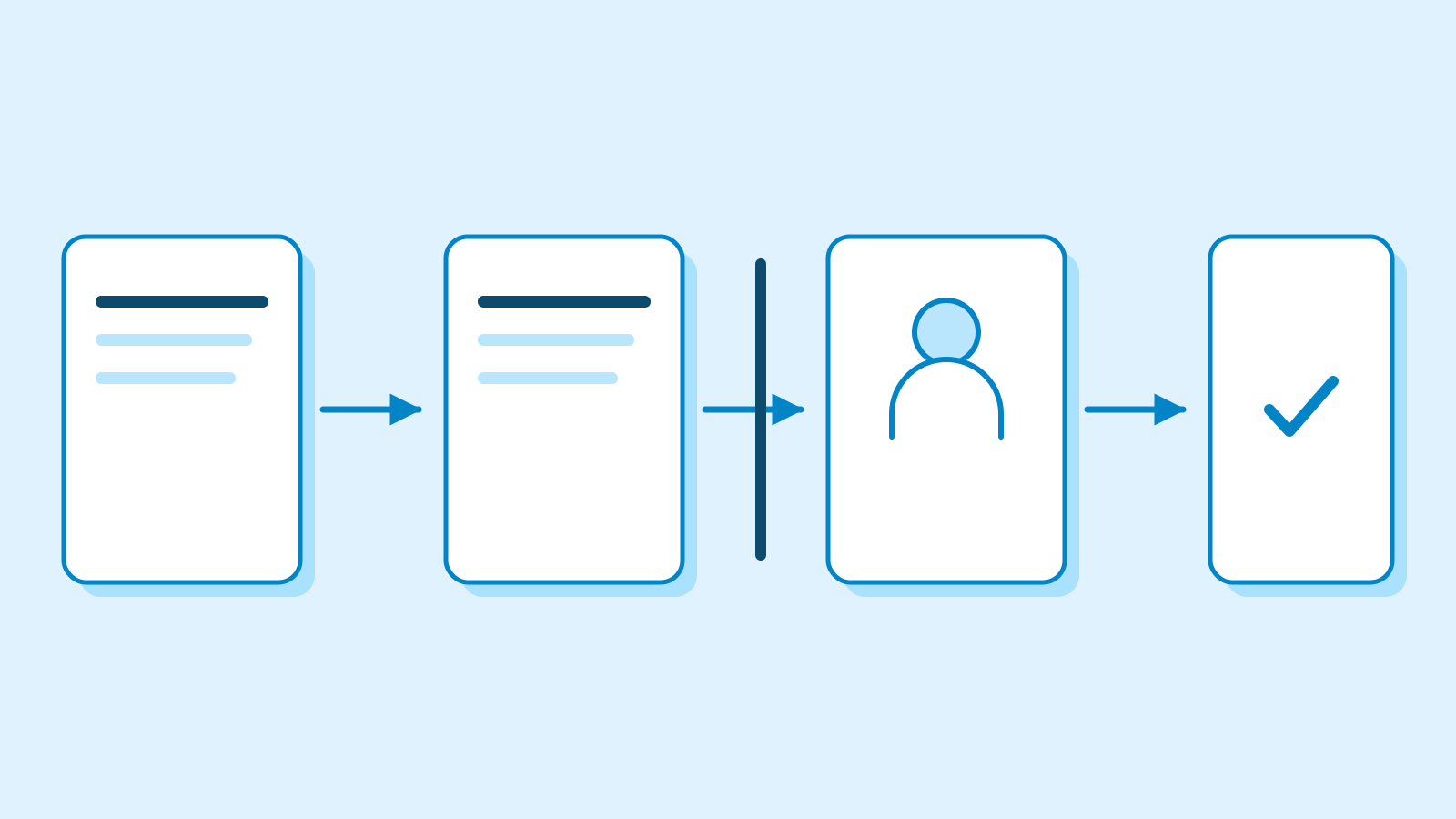
Open WebUI 0.12.4, released on October 25, shows where older conversation content was summarized and lets users expand the resulting summary inside the chat. A Context compacted marker also appears within a reply when compaction happens between its tool calls.
Open WebUI is a self-hosted AI chat platform connecting local Ollama models and OpenAI-compatible APIs. The context sent to a model grows with earlier conversation, attached material, tool definitions and tool results. Context compaction replaces older material with a summary while retaining recent messages in the request.
Chat Controls’ Overview identifies the message where compaction occurred. Progress and errors now appear inside the conversation rather than in transient pop-up notices. The earlier feature request described difficulty seeing when compaction happened outside the API.
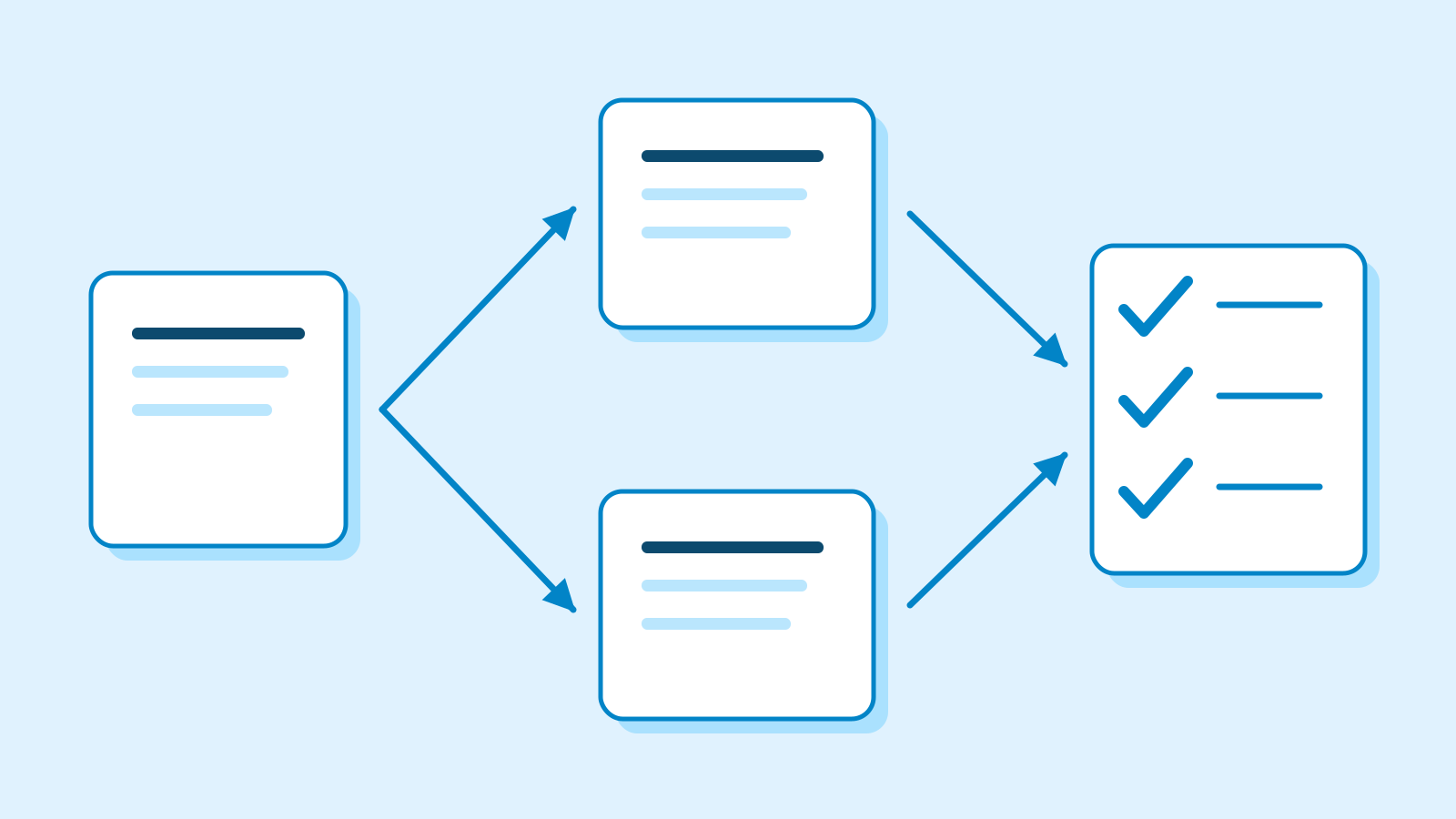
The release also fixes short chats being skipped despite exceeding the threshold. One question and a tool-heavy reply could leave the next request failing; regenerating or editing that follow-up did not solve it. The updated boundary selection can split at the first follow-up user message, retaining fewer messages than the administrator’s configured share when necessary.

Temporary chats now receive request-start compaction too. An earlier bug report described summaries produced during long tool runs being ignored on the next turn. The change includes temporary chat identifiers in request-start processing, allowing the next request to resume from a summary checkpoint and the messages after it.
For temporary chats, the browser attaches the checkpoint summary to a message and sends it with the next request. The implementation writes a summary to the chat database only for saved chats. The full conversation remains available for display.
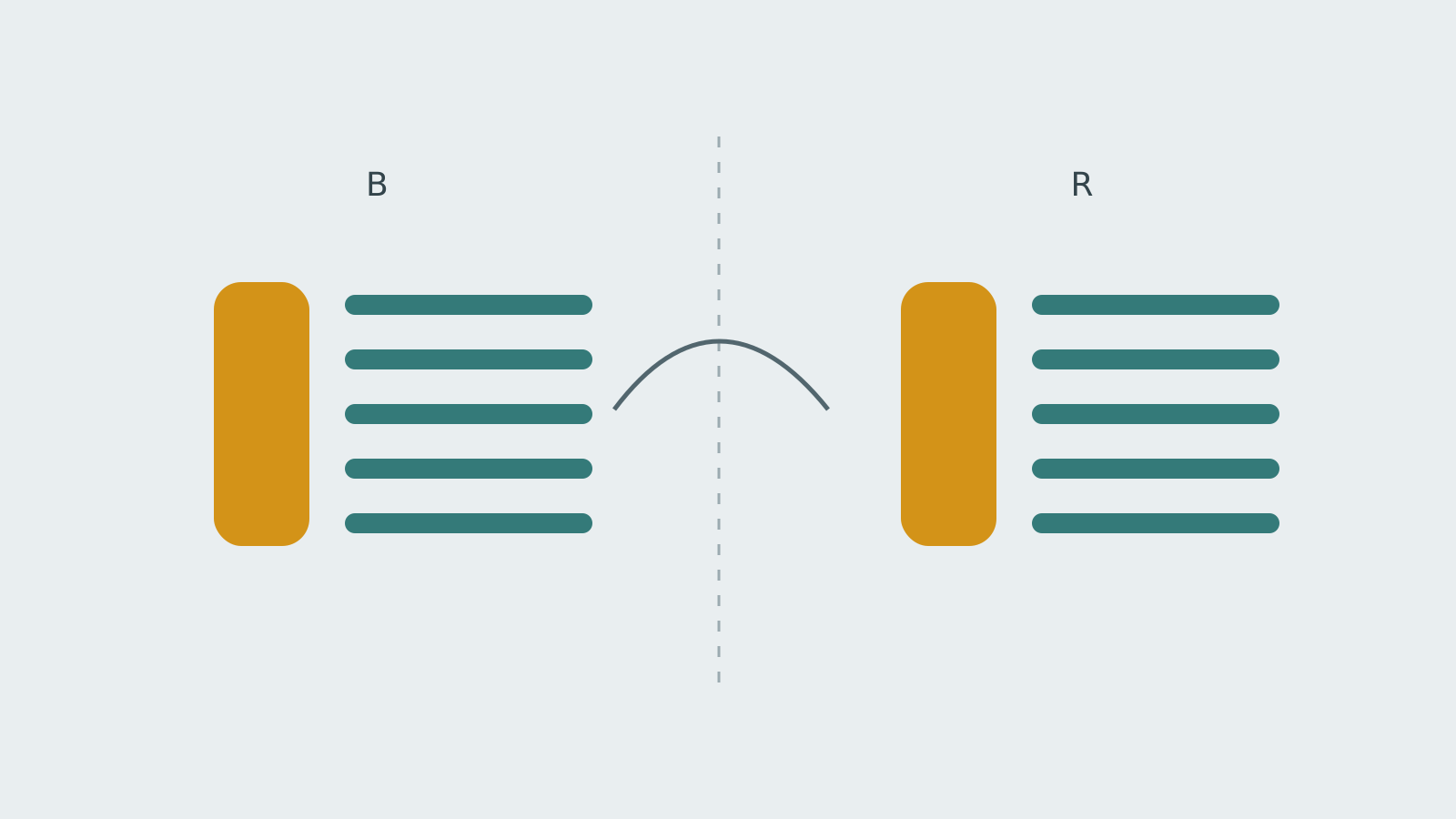
The checkpoint rolls forward. Later turns use the latest summary and subsequent messages; when the threshold is crossed again, the previous summary is folded into a new one. During a native tool loop, splitting happens at a tool-round boundary so a tool call stays together with its results.
Compaction is disabled by default. Once enabled by an administrator, its global defaults are an estimated 80,000-token threshold and a 40% recent-message retention share. The retention setting is clamped between 10% and 50%. This is a share of messages, not a guarantee that every detail survives summarization.
Individual models can use different thresholds, bounded by the global Token Cap. If no separate cap is set, the global threshold supplies that ceiling. The implementation skips compaction if there is no older segment to summarize or recent segment to retain.
Sources
- v0.12.4 release — Open WebUI
- Release-pinned product overview — Open WebUI
- Compaction markers and summary display — Open WebUI
- Compaction progress and errors in chat — Open WebUI
- Short-chat compaction boundary — #32794 — Open WebUI
- Temporary-chat checkpoint handling — Open WebUI
- Temporary-chat original report — #32600 — Open WebUI
- Context window and checkpoints — Open WebUI Docs
- Context compaction configuration — Open WebUI Docs