Dify bundles inline agents and files into portable AI apps
3-line summary
- Dify 1.18.0 packages app configuration, inline agents, skills and files in .ifpkg archives.
- Exports use node-bound snapshots; imports rebuild destination-owned resource references.
- Site presentation settings travel, while deployment and access policy remain local.

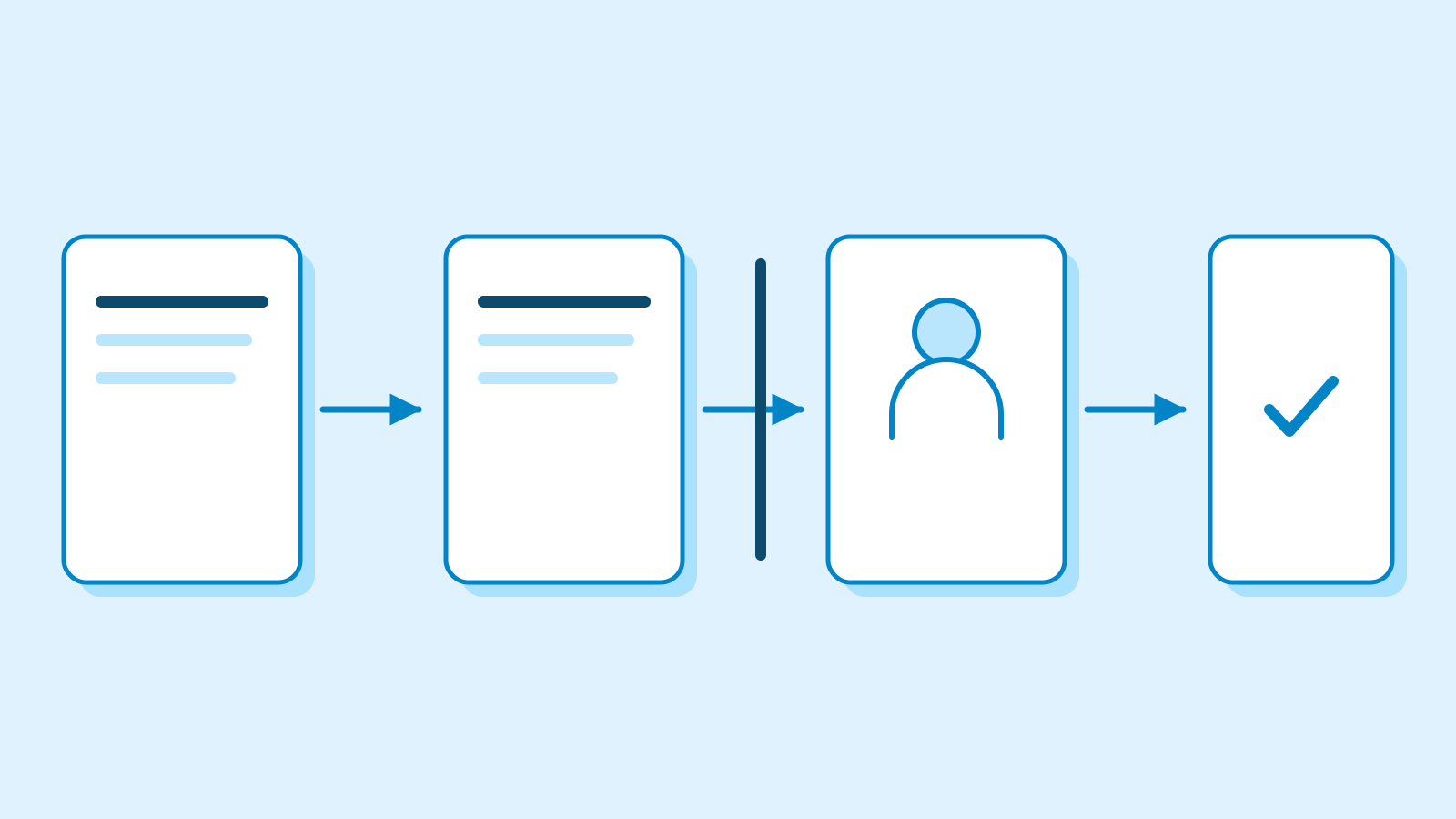
Dify introduced portable .ifpkg application packages in version 1.18.0, released on October 23. Workflow and Chatflow exports can carry inline agents, their skills and attached files alongside application configuration. Imports recreate those resources in the destination workspace. Packages become the default export, while explicit YAML export remains available.
Dify is an LLM application development platform with a visual workflow editor, retrieval-augmented generation pipelines, model management and application monitoring. Agents can operate as chat applications or as steps inside workflows. The package format brings application configuration and its supported resources together when moving an application between workspaces.
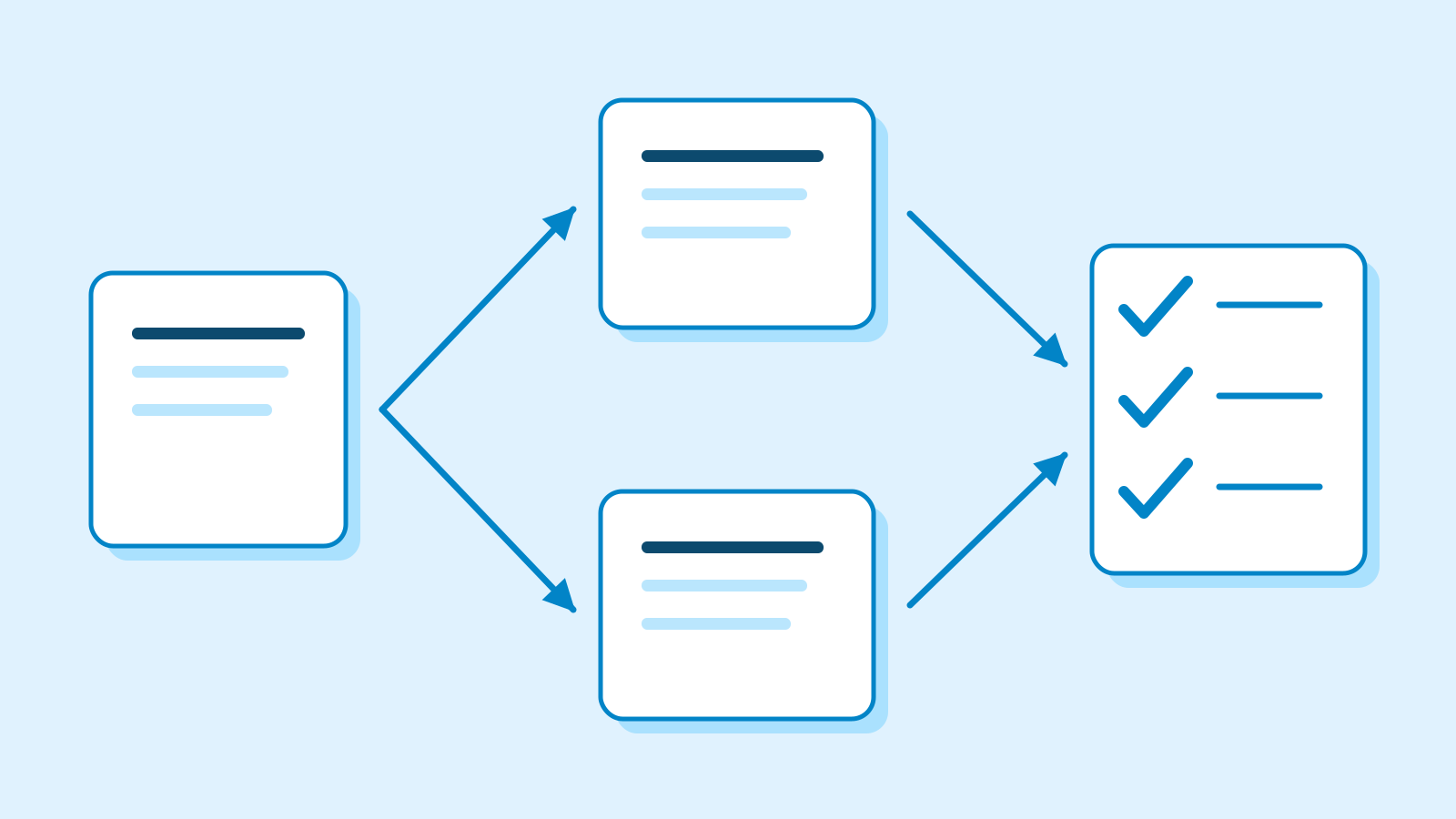
Workflow and Chatflow packages collect inline-agent skills and files from each node’s bound configuration snapshot. They preserve that binding instead of substituting the agent draft currently being edited elsewhere.
Imports create destination-owned agents and rewrite file and skill references. Regression cases check two nodes with distinct bound snapshots, preserving their prompts and assigning the restored resources to the destination workspace.
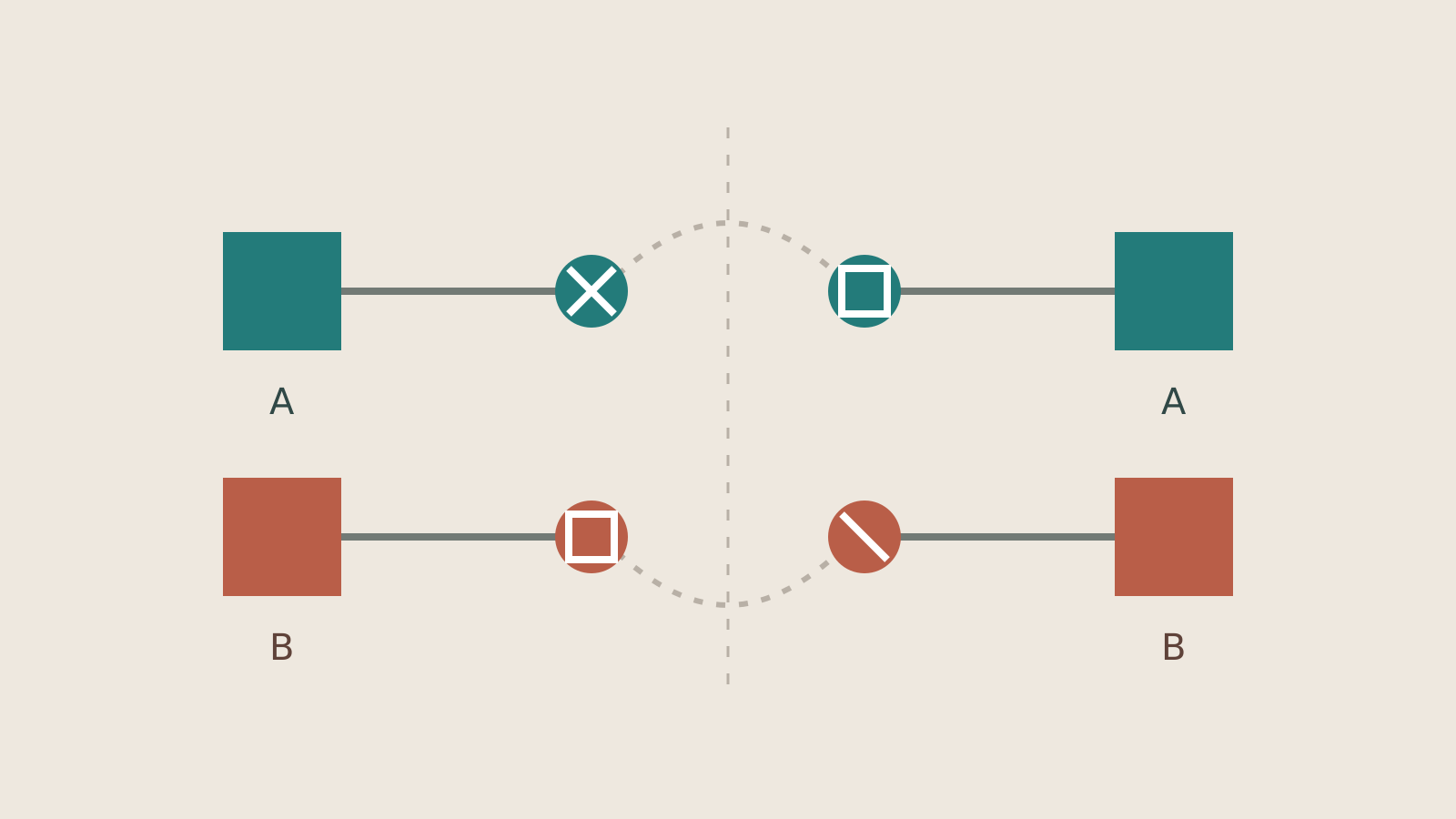
A manifest records resource paths, sizes and SHA-256 digests alongside the application configuration. The reader compares declared resources with archive members and checks size and digest information. Duplicate or unsafe paths, symbolic links and encrypted members are rejected. These are structural and integrity checks on the archive. Limits also cover member count and total uncompressed size; streamed reads stop if a member exceeds its declared size.
Uploaded image icons also travel as file content. Shared app and agent icons are deduplicated, then restored with destination-owned file identifiers. Distinct app and Site icons can each be restored as their own destination image. Standalone YAML cannot carry those uploaded image bytes between workspaces. When an imported Site image identifier is inaccessible, the implementation falls back to the imported application’s icon.
Portable Site fields include the title, description, language and color theme. Deployment identity and access settings, including custom domains, token strategy and publication status, stay local to the destination. The implementation drops paid-only copyright and input-placeholder settings for free Dify Cloud workspaces during import. Importing presentation settings does not duplicate the source deployment’s access policy.

Another included change allows agent-package imports when required plugins are not installed. Missing plugins remain visible through the existing post-import dependency check. Import acceptance therefore does not establish that the execution tools are ready.
Both .ifpkg and YAML can be imported from files or URLs. For self-hosted upgrades, the official release guidance calls for matching versions of the API, workers, Agent Backend and runtime images.