From a Teams bug alert to a pull request: GitHub unifies its app
3-line summary
- GitHub’s October 23 update combines repository notifications and Copilot in one Teams app.
- Notification-app users should update; the separate legacy GitHub app retires on November 16.
- The Copilot integration remains a paid-plan public preview with permission and setup requirements.

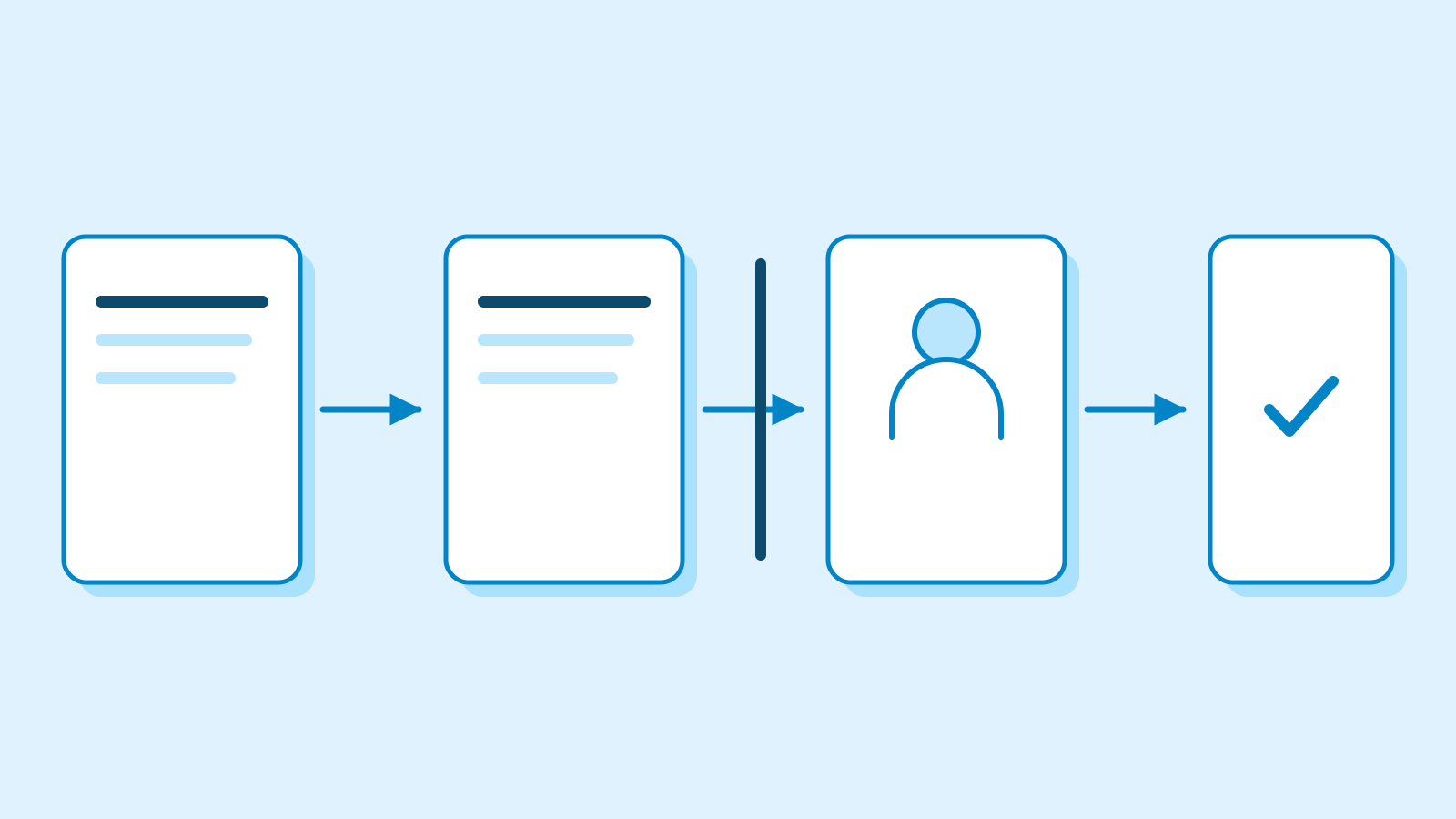
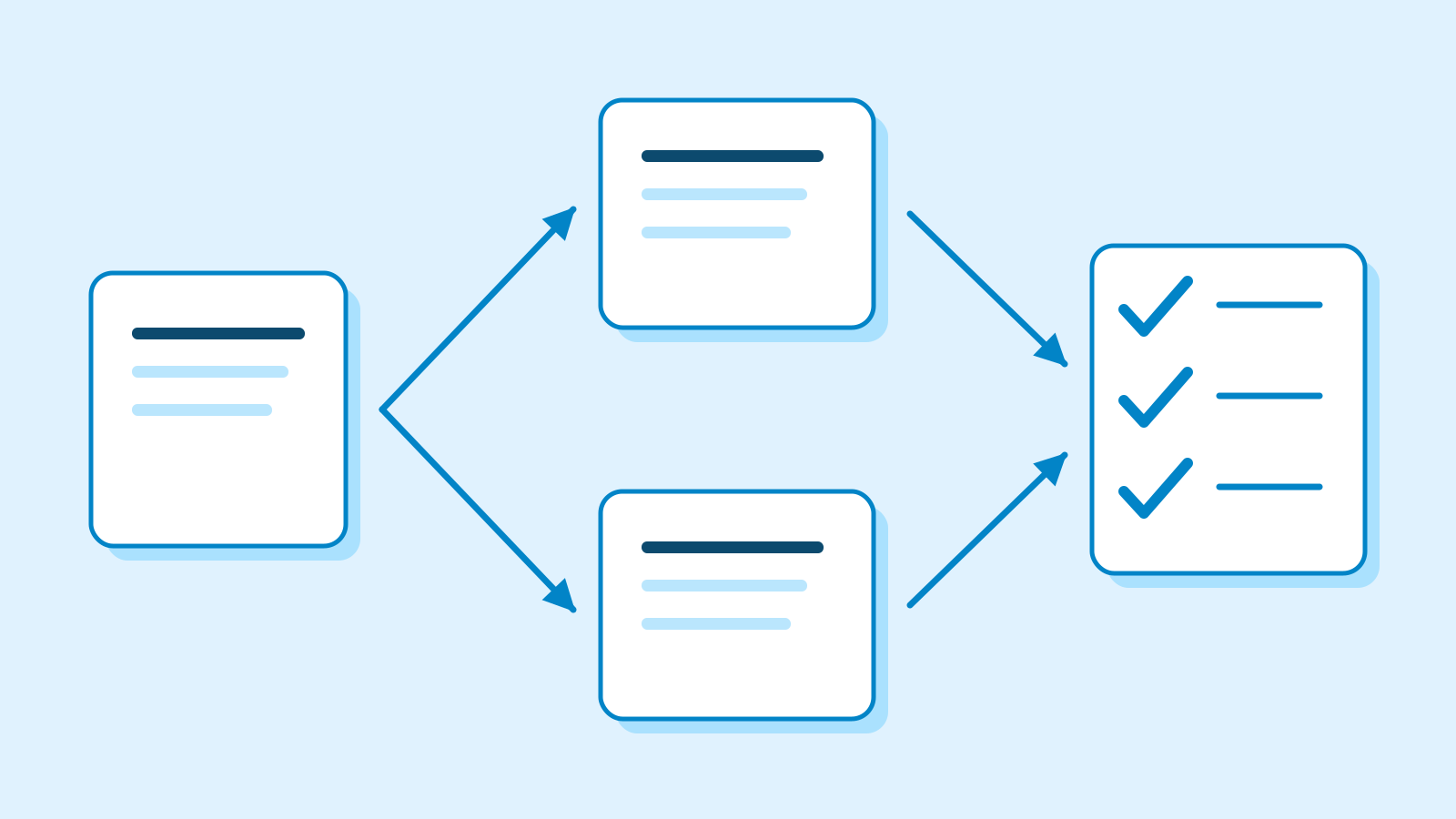
A Teams bug alert can lead to an @GitHub request for investigation, code changes and a pull request (PR). GitHub announced the combined notifications-and-Copilot app on October 23. This consolidates the apps; it is not the first availability of Copilot in Teams.
Users of GitHub notifications should update that app. The separate legacy GitHub app will be renamed GitHub (deprecated) and retired on November 16. Its users need the consolidated app to continue using Copilot in Teams.
Copilot tasks require a paid Copilot plan and enabled cloud sandboxes. The setup guide also requires Microsoft Public Developer Preview in the Teams client and permission to install apps. The Copilot integration remains in public preview.
GitHub’s documentation says a request captures the entire thread as context, which is stored in generated artifacts. Starting code changes requires repository write access. The team then inspects and tests the proposed changes before deciding to merge the PR.
Why it matters
AI Ping sees potential to reduce the work of translating a bug discussion into a development task. Teams should review the conversation context behind a PR alongside its code changes.
Who it's for
- Developers
- Identify whether you use the retiring legacy app, then test the request-to-review workflow with a small issue.
- Office workers
- Include reproduction steps and expected behavior in a bug-report thread so the development context is clear.
Sources
- Turn notifications into code with GitHub Copilot in Teams — GitHub
- Integrating Copilot cloud agent with Teams — GitHub Docs
- Integrating GitHub with Teams — GitHub Docs
- Using GitHub in Teams — notifications and agent conversations — GitHub Docs
- Multi-repository support and other improvements for GitHub in Slack and Teams — October 15 context — GitHub