ChatGPT connects to iCloud Mail and Calendar, including on the Free plan
3-line summary
- ChatGPT can search iCloud mail and update calendar events.
- Access covers all plans on web, desktop and iOS.
- Account connection and action completion are distinct.

OpenAI added iCloud Mail and Calendar plugins to ChatGPT on October 27, including access for Free accounts. The launch covers the web, desktop and iOS. After connecting an account, users can find email, catch up on their inbox, check their schedule and update calendar events within a conversation.
Mail and Calendar arrive as separate plugins, each including read-only contact lookup. Standalone Contacts and Reminders plugins are outside this release. OpenAI describes a global rollout, subject to workspace app controls. Organization-managed accounts therefore remain governed by the apps and access their workspace permits.
The account identifiers can differ. Mail requires an iCloud address ending in @icloud.com, @me.com or @mac.com; Calendar uses the primary Apple Account email. That can be an address at another provider. Each service needs its own connection. Installing or reconnecting one does not authorize or update the other connection.
Authentication uses Apple's existing app-specific passwords. These separate credentials let third-party apps access iCloud mail, contacts and calendars while keeping the main Apple Account password out of the app. Apple requires two-factor authentication to generate and use them. OpenAI directs users to enter an app-specific password in the connection form, keeping credentials out of conversation text.

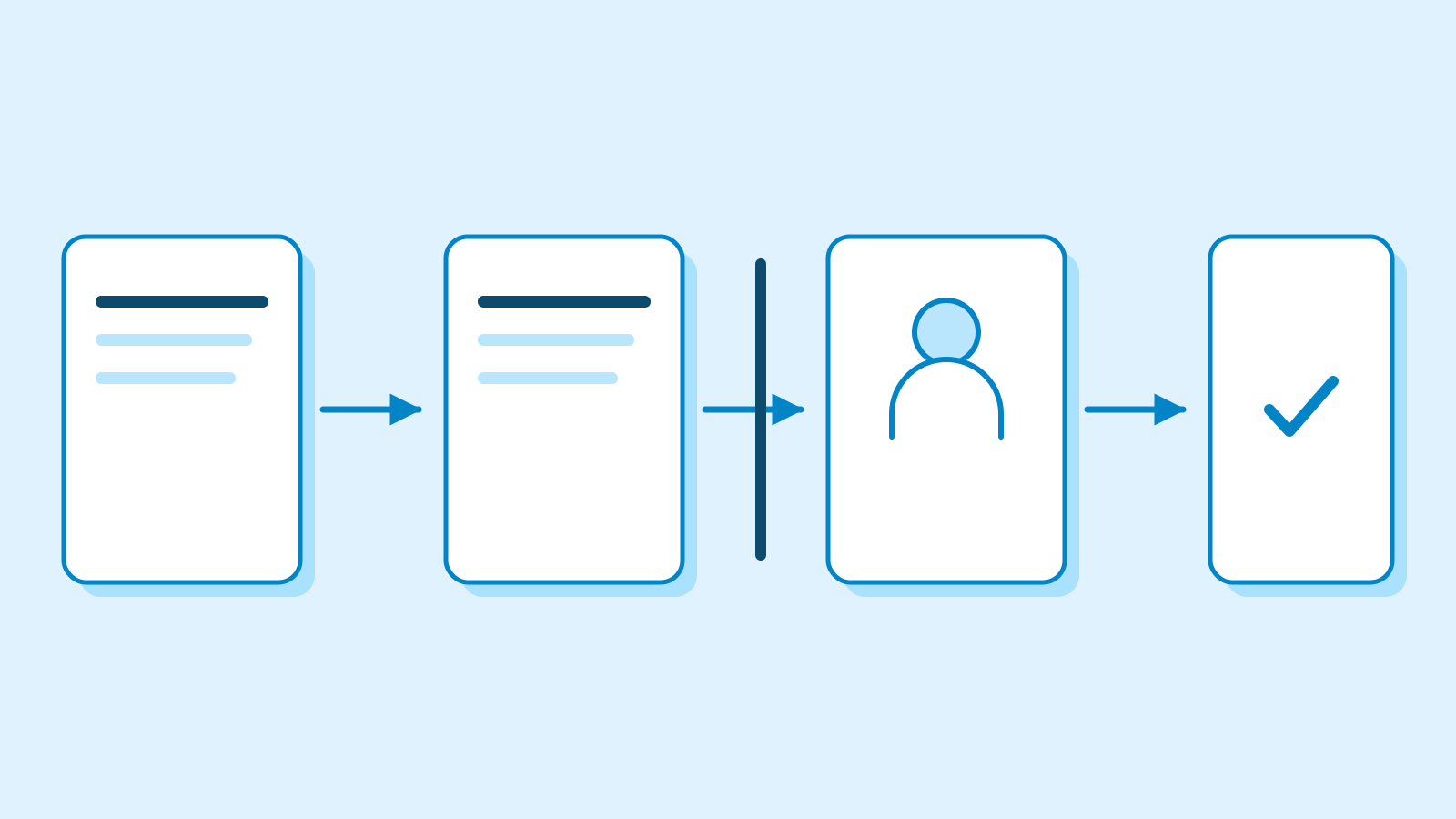
Connecting an account and approving an action are separate
ChatGPT's existing app permissions govern confirmation. Always ask requests approval before reads or changes; Allow read actions permits reading but asks before changes. Allow low-risk actions can approve routine operations automatically, while sensitive actions may need confirmation or be denied. Available choices depend on the account, app and workspace. These controls govern use of access already granted. A narrower workspace policy takes precedence. Separate connected accounts can also have different confirmation settings.
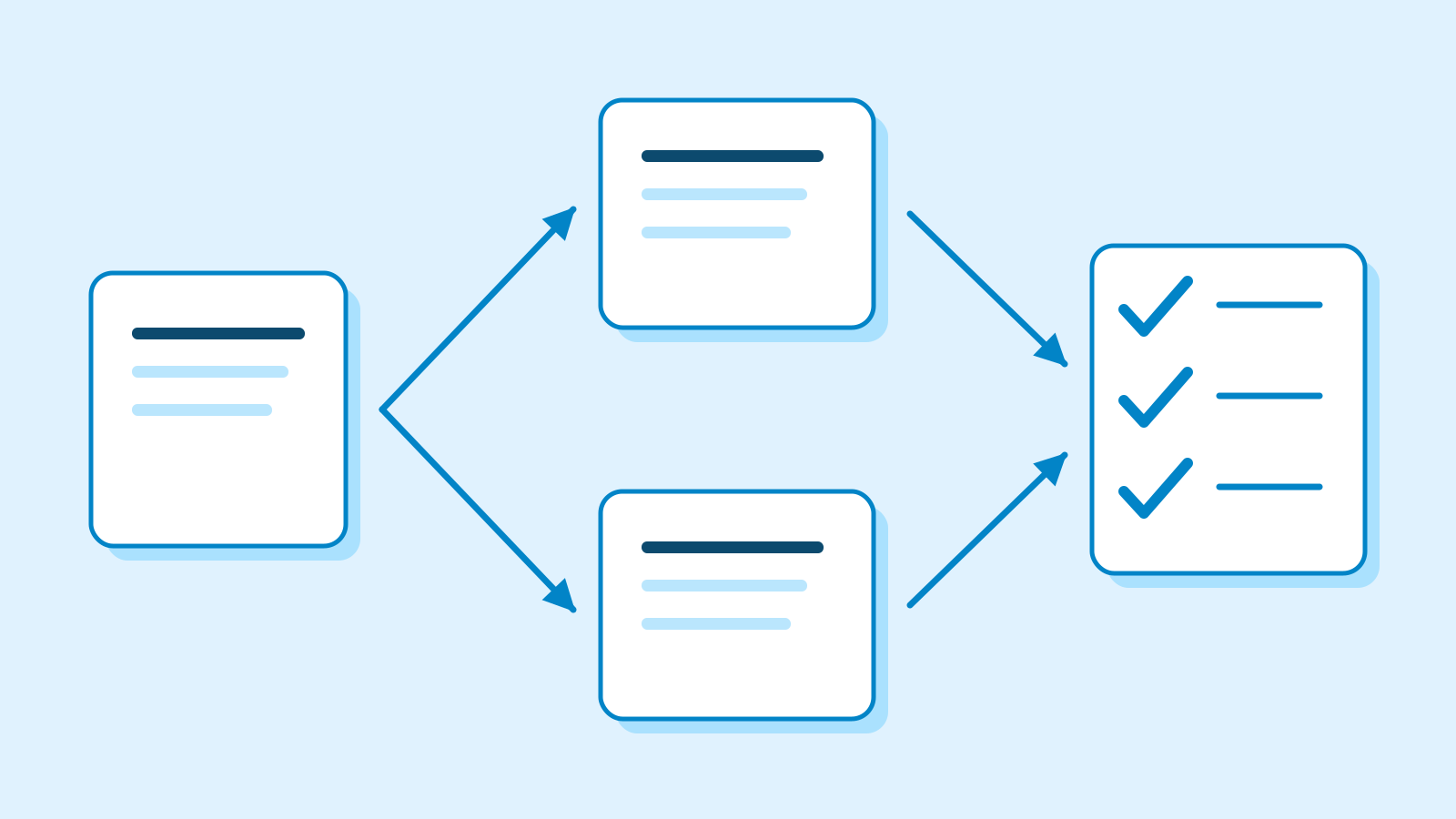
OpenAI's troubleshooting guidance separates a connected account from a completed operation. Read access alone establishes no permission to edit or send. When an email send or calendar change has an unclear outcome, the guidance calls for inspecting the intended account's sent folder, event or recurring series before repeating remaining work. A partially completed request can otherwise repeat changes that already happened.
Data settings apply to retrieved information. OpenAI says app information may train models for Free, Go, Plus and Pro users when Improve the model for everyone is enabled. Business, Enterprise and Edu data is excluded by default. When Memory is enabled, relevant retrieved information may also be remembered unless the connected source restricts saving it.
Disconnection stops future access through that account. Existing and archived conversations, saved files and memories remain until separately managed. It also leaves the Apple app-specific password active: revocation is a separate Apple-side control. Other connections using the same password can be affected when it is revoked.

Apple allows up to 25 active app-specific passwords, revocable individually or together. Revocation signs out apps using that credential until they authenticate with a replacement. Changing or resetting the main Apple Account password automatically revokes every app-specific password. OpenAI says affected Mail or Calendar connections then need a new app-specific password.
Sources
- ChatGPT release notes — iCloud plugins, October 27, 2026 — OpenAI
- Connected apps in ChatGPT — checked October 28, 2026 — OpenAI
- Connecting and managing app accounts — checked October 28, 2026 — OpenAI
- App-specific passwords — October 8, 2025; checked October 28, 2026 — Apple
- Managing app permissions — checked October 28, 2026 — OpenAI
- Troubleshooting plugins and apps — checked October 28, 2026 — OpenAI