Why AI gets it wrong: where hallucinations come from and how to catch them
A fluent draft can still get dates and numbers wrong. Practice connecting claims to evidence, checking arithmetic and leaving unknown details unresolved.
About 15 min readingAs of Oct 2026
Lesson guide · goals & preparation
By the end of this guide
- Distinguish unsupported additions, missing conditions and calculation errors.
- Connect individual claims to supporting source material.
- Check a source’s text, date and scope rather than just its title.
- Remove or flag unresolved claims.
Who this is for
- Anyone who copies AI replies into reports or emails
- Anyone who has heard "the AI said so" in a meeting
What you need
- Read the practice notes in the first lesson or prompting lesson. Paper or a calculator is enough for the arithmetic exercise.
This lesson’s terms, in plain language
Read the short meanings here. Open a term for a fuller explanation and example.
- hallucination
- When an AI confidently makes up something that isn't true.
This reading lesson explains how to use external AI tools. Read from theory to the workflow, examples and explanations, or use the contents to jump to a section.
1 / 4
Theory
Understand what to ask AI to do, how to ask, and the ideas behind the workflow.
One extra line in the notice
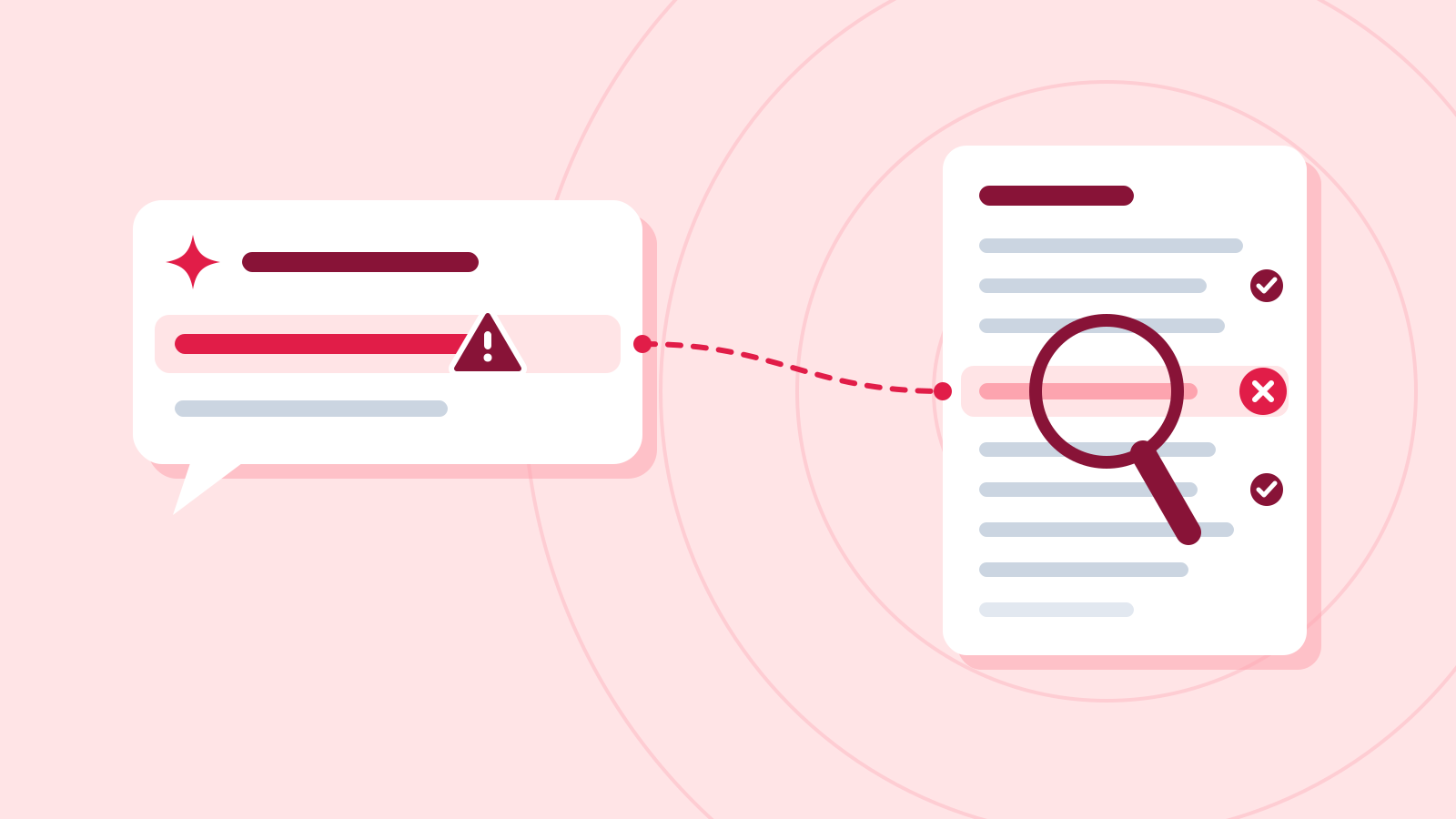
Suppose a reading-group notice adds “Admission is free.” Our notes say nothing about admission. We cannot establish that it is false, but we also cannot support it. The defensible finding is: “Not established by this source.”
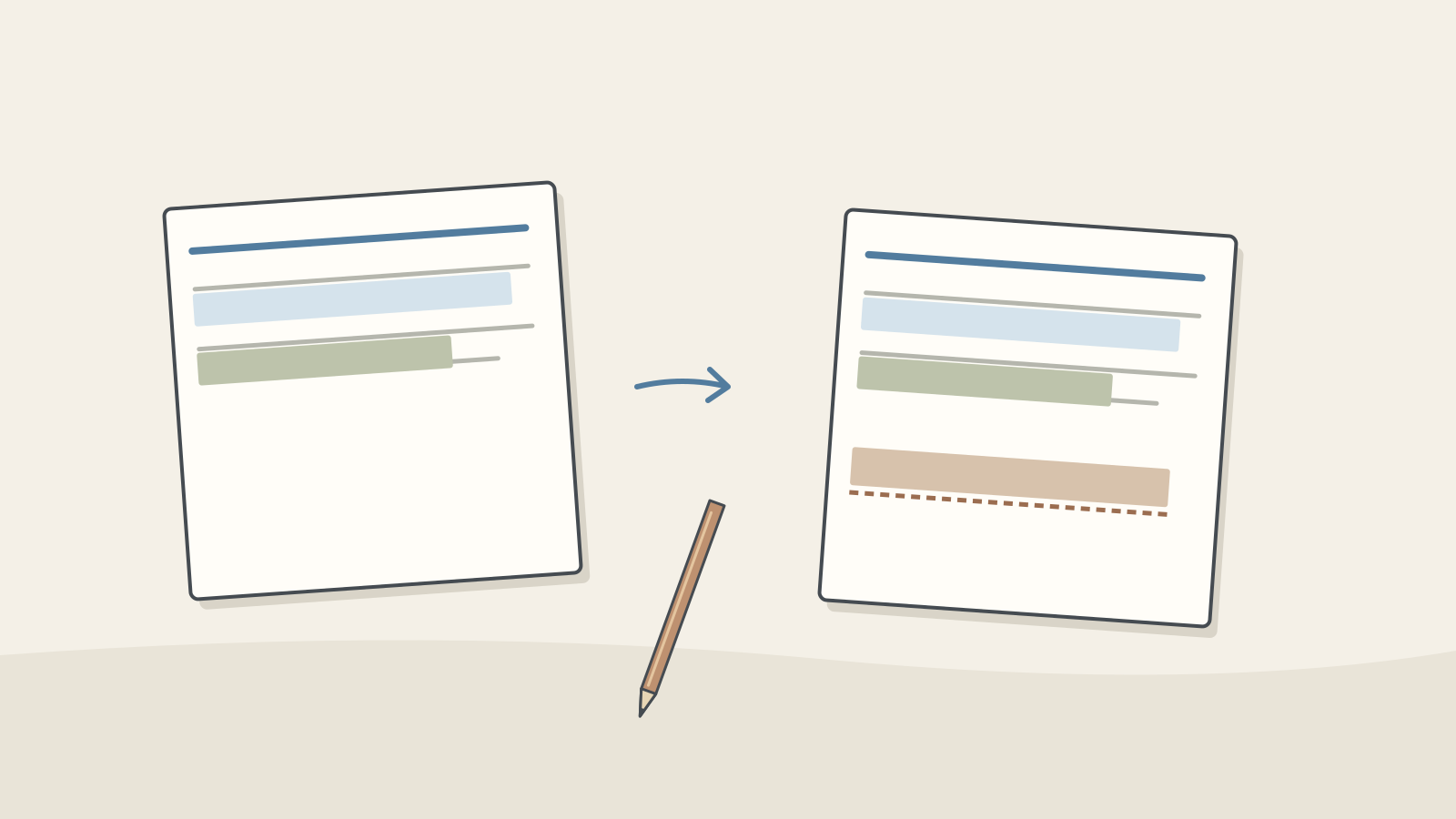
Figure: a complete sentence may still contain a piece unsupported by its source · AI Ping This is an editorial example, not a quotation from a tested model. “Hallucination” commonly describes generated material that is false or unsupported by the supplied context. Different errors still need different checks.
A changed date calls for source comparison, arithmetic needs recalculation and an outdated rule needs a date check. Identify the error and examine any conclusions that depend on it.
Training, reasoning, retrieval, calculation tools and validation can reduce mistakes. No short instruction guarantees their elimination. Nor is it useful to claim models cannot calculate at all or that every limitation is permanent. Focus on checking the result in front of you.
2 / 4
Step-by-step use
Learn what to prepare, how to request help and how to revise the result through examples and explanations.
Mark the kind of mismatch
Put the source and draft side by side. In our invented exercise the reference details are 7 November, 2 p.m., second floor and one book. The table shows four useful checks for this notice, not an exhaustive error taxonomy.
Omissions matter. “Meet at the library” may be true but insufficient for a newcomer because the floor is missing. Label “free” as unsupported rather than deciding without evidence that it is false.
Write a precise finding such as “no support for free admission” or “second floor omitted.” It becomes a checkable revision request. A complete rewrite may change facts you have already verified.
Editorial examples of notice errors Source or requirement Draft issue Check 7 November Changed to 9 November Restore the supplied date Second floor Floor omitted Add the floor No price supplied Says admission is free Remove or flag For a first-time attendee Uses unexplained internal shorthand Explain in plain language Check arithmetic by recalculating
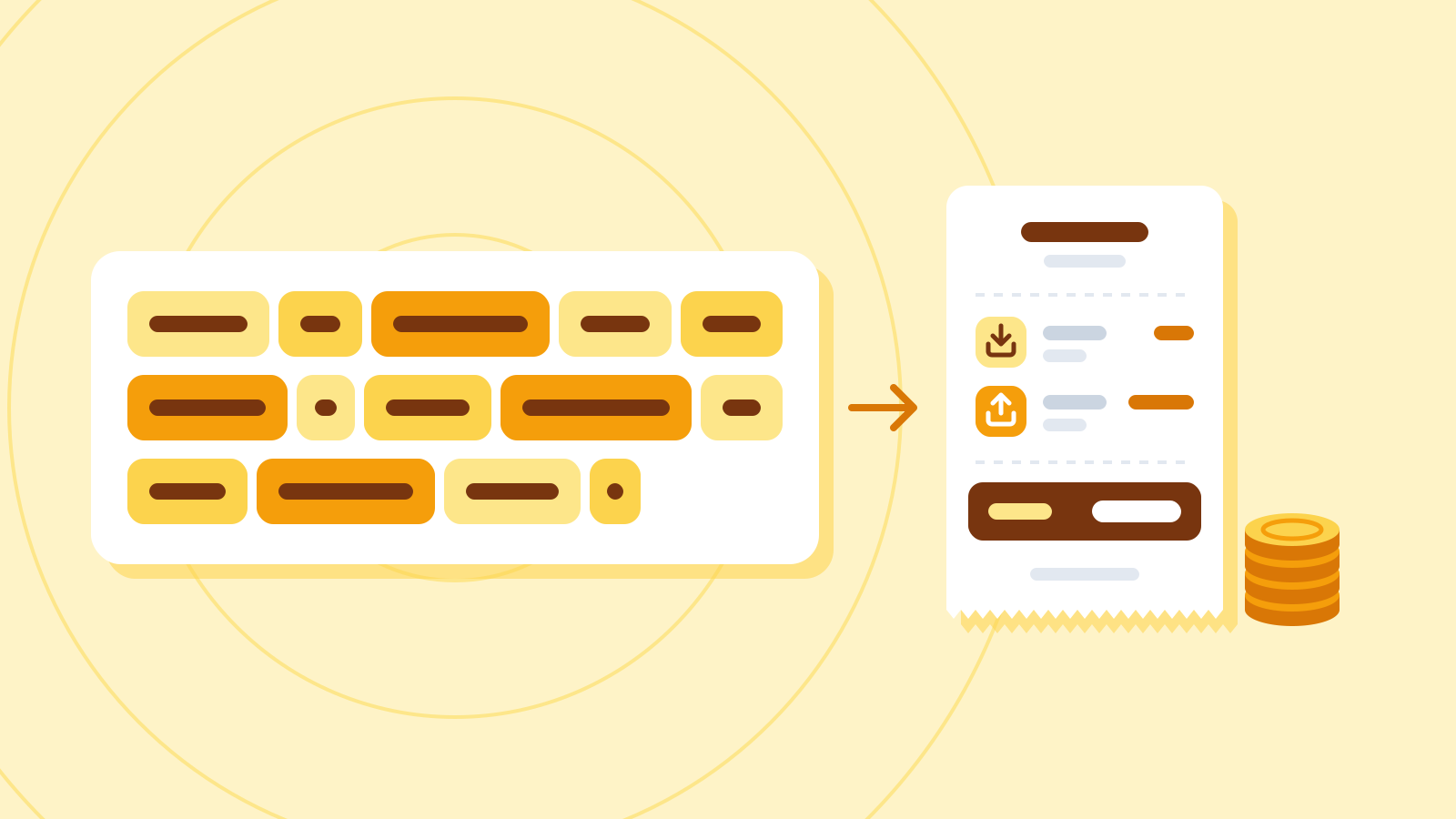
For a made-up inventory exercise, suppose each of 627 boxes contains 483 items. Calculate 483 × 627. Splitting it gives 289,800 + 13,041 = 302,841. Check with a calculator or spreadsheet.
Compare that with the deliberately incorrect editorial example 303,141: a difference of 300. A detailed explanation and correct unit labels cannot rescue a wrong total. The incorrect number is not a reported model response.
Even correct arithmetic can use the wrong assumptions. Empty boxes or unequal quantities would make this multiplication unsuitable. Check the meaning of the data, the formula and then the answer.
Real prices, taxes and exchange rates require applicable, current inputs. A tool processes a formula; it does not establish that the assumptions fit the situation. Our invented inventory is not evidence for a real transaction.
Look for support, not just a link
Open the cited page, locate the supporting passage and check its date and scope. A real link to last month’s library notice may not support today’s opening hours.
Keep the claim beside its supporting passage and the date you checked it. An official document might concern a different branch or a future plan. Confirm what the document actually covers.
If you cannot open or read the source, record that limitation. A title or search snippet does not mean you read the full text. Seek an accessible primary source or omit the unresolved claim.
Two assistants agreeing is not the same as two independent sources. Comparing answers can expose disagreements worth investigating, but agreement alone does not verify a claim.
Give unknowns a visible place
When supplying material, specify how unknowns should be handled: “Use only facts established in the notes; list missing details separately.” That provides a review criterion, not a guarantee that every unsupported claim will be caught.
A confirmation list is a useful output. For our notice it includes admission and registration. Keep established details clear while distinguishing what remains unknown.
“I am certain” and a confidence score do not add evidence. Without a validated measurement method, do not read such scores as objective accuracy. Ask which passage supports the claim.
3 / 4
Check & explain
Think about what you would ask AI, then read the explanation. Written submissions and external AI use are optional.
This is a learning check, not a test you must pass. Use the explanations to understand the ideas.
Q1The notes omit admission but the draft says it is free. Mark it false, true or unsupported by this material, and choose the next action.
Write your thoughts (optional)
Your writing is not sent anywhere. It disappears when you leave or reload this page, so copy anything you want to keep.
Read the answer and explanation
Unsupported by this material. The notes establish neither free nor paid admission. Remove or flag the claim and obtain confirmation if publication requires it.
This is your own review, not an automatic score.
Q2With the practice quantities of 483 items per box and 627 boxes, a draft total is 303,141. Give the correct total, the difference and one assumption to check first.
Write your thoughts (optional)
Your writing is not sent anywhere. It disappears when you leave or reload this page, so copy anything you want to keep.
Read the answer and explanation
The correct total is 302,841; the draft is 300 too high. Check whether every box actually contains 483 items. These are invented practice quantities, and correct arithmetic does not validate the assumption.
This is your own review, not an automatic score.
Q3A source link opens, but it gives last year’s opening hours for a different library branch. What must you check instead?
Write your thoughts (optional)
Your writing is not sent anywhere. It disappears when you leave or reload this page, so copy anything you want to keep.
Read the answer and explanation
Find the applicable branch’s current notice and its effective dates. A working link alone is not supporting evidence. If you cannot find an applicable source, record the hours as unconfirmed.
This is your own review, not an automatic score.
Common mistakes
- Confusing unsupported with proven false.
- Treating the generating model’s reassurance as verification.
- Checking the arithmetic result but not the inputs or formula.
- Recording a source as reviewed after reading only its title.
Your learning record
Completion is optional. Mark this lesson when you feel ready, or move to the next lesson without marking it.
Completion is saved in this browser.
4 / 4
Apply to your work
Consider how new material changes the workflow and checking criteria. Trying an external AI tool is optional.
Try it: a three-line review record
Compare your notice with the original notes and connect each event detail. Record each mismatch in three fields: problem, evidence and revision. For example: “Free admission / absent from notes / remove and add to organizer-confirmation list.”
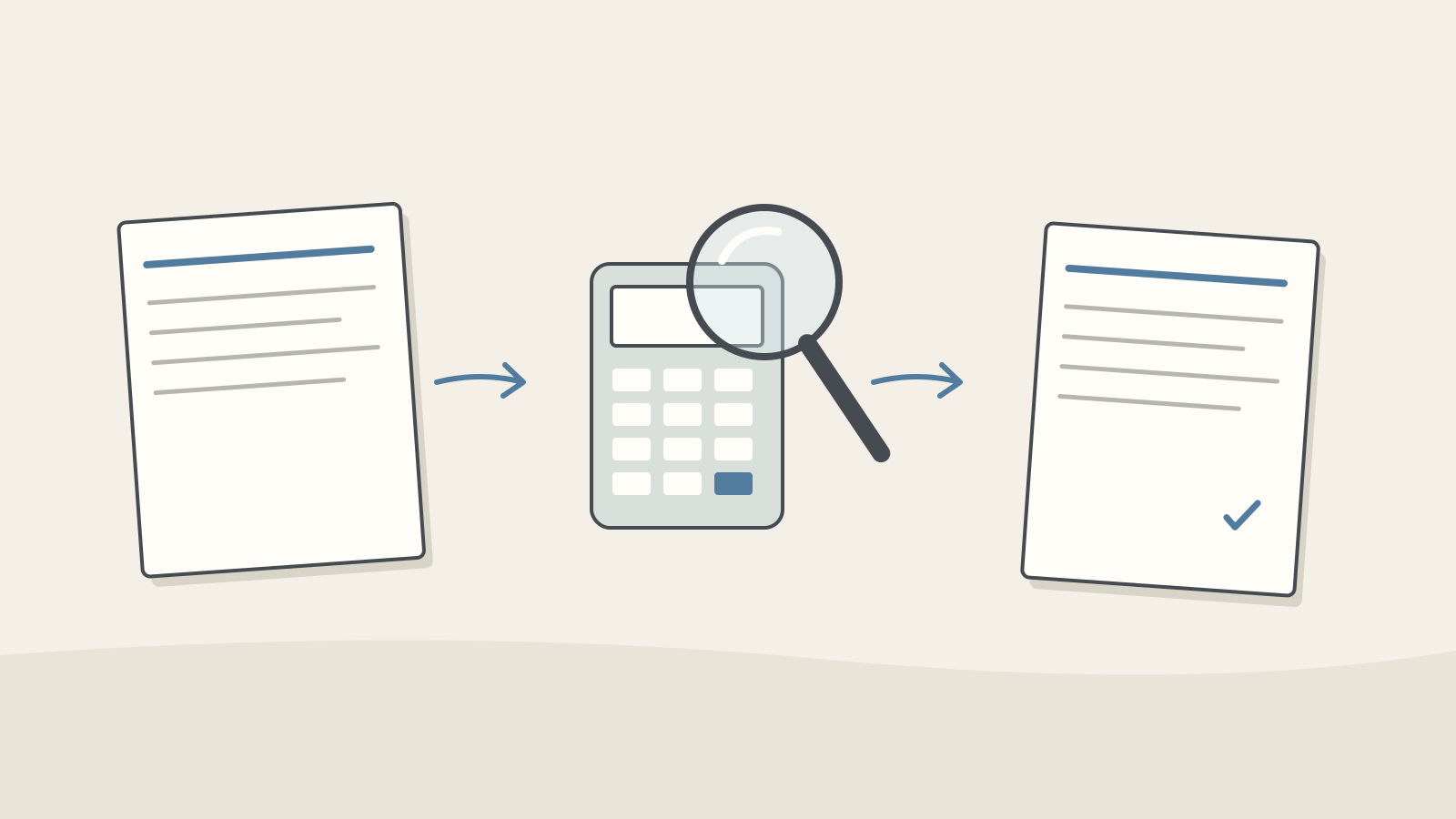
Figure: compare the source, verify independently and review the correction · AI Ping Read the corrected notice again. Verify the fix and ensure it did not change other details. Finish after the necessary checks, not after an arbitrary time limit.
The method scales, but longer or higher-impact work requires more checking and sometimes specialist judgment. Record unresolved questions and who can answer them. Start with a small piece of material you understand and complete the whole review.
Write a note (optional)
Use this only if you want to record a prompt or your understanding. This is a notebook, not a connected AI assistant.
Your writing is not sent anywhere. It disappears when you leave or reload this page, so copy anything you want to keep.
References
- Prompting best practices — Anthropic
- Reduce hallucinations — Claude Platform Docs (Anthropic)