Turn meeting notes into action items
Get meeting notes sorted into decisions, open items and action items, without the assistant guessing owners or deadlines, and confirmed by the people who were there.
About 10 min readingAs of Oct 2026
Lesson guide · goals & preparation
By the end of this guide
- Get meeting notes sorted into decisions, items to revisit and action items.
- Stop the assistant guessing owners and due dates, and check each one against its source line.
- Draft the follow-up email that asks attendees to confirm the summary.
Who this is for
- Anyone who ends up writing the minutes after meetings
- Anyone who often loses track of who agreed to do what
What you need
- Your meeting notes, or a transcript of the recording
- Any chat assistant, such as ChatGPT, Claude or Gemini (free versions work), or the AI summary feature in your meeting app
- Reading "Using AI at work safely: personal data and confidential information" first will help.
This reading lesson explains how to use external AI tools. Read from theory to the workflow, examples and explanations, or use the contents to jump to a section.
1 / 4
Theory
Understand what to ask AI to do, how to ask, and the ideas behind the workflow.
Get the record ready
“I will let you know by Friday” is incomplete without a speaker, meeting date and subject. Keep those details and source-line numbers before summarizing. Begin with the seven-line fictional record below.
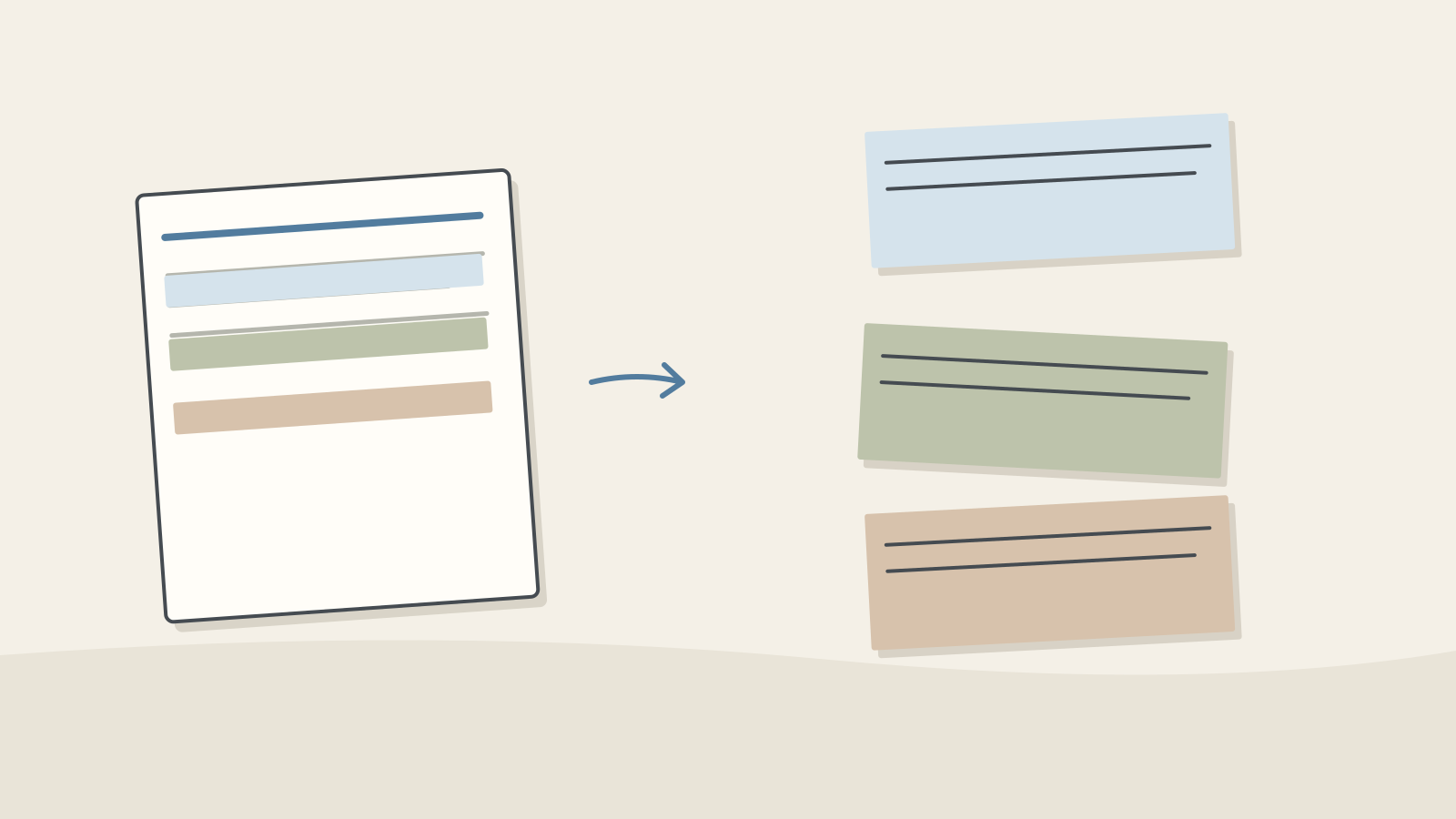
Figure: A numbered record is separated into three differently colored categories · AI Ping Names, dates and discount figures are invented for practice; the solution is editorial. No recording or real customer data is needed. For real meetings, follow applicable recording and retention procedures.
The speaker is not automatically the task owner. Proposing, checking feasibility and performing a task are different commitments. Source lines make that distinction reviewable.
The meeting record used in this guide (a made-up planning meeting for a November sale, Tuesday 20 October) Line Speaker What was said 1 Kim Hana We'll run the November sale from Tuesday 10 November to Monday 16 November, with a 20% discount. 2 Lee Doyun I'll make the banner drafts and share them by 27 October. 3 Park Seojun The product page copy needs fixing too, but we haven't decided who'll do it. 4 Choi Yujin We'll get more inquiries during the sale. Can we add support staff? 5 Kim Hana I'll check with HR and let you know by Friday. 6 Lee Doyun Nobody knows how much of the social media ad budget is left. 7 Kim Hana Let's look at the budget again at the next meeting. That's Tuesday 27 October at 10 a.m. Check it
- Make sure every line names its speaker, and that no contact details or unreleased figures are left in.
2 / 4
Step-by-step use
Learn what to prepare, how to request help and how to revise the result through examples and explanations.
Ask for a fixed format
Ask only to "tidy up the notes" and you'll often get the conversation shortened in order. Ask for decisions, items to revisit and action items separately, with the action items in a table of source line, owner and due date.
Tell it to write "TBD" where the notes give no owner or due date. Giving it permission to say it doesn't know helps cut down on made-up details.
Example prompt [Paste the meeting notes here] Organize the meeting notes above. The meeting was on Tuesday 20 October 2026. - Order: decisions, items to revisit, then an action-item table - Table columns: source line, task, owner, due date - If the notes give no owner or due date, write "TBD" — don't guess - Turn deadlines given only as a weekday, like "Friday," into dates, counting from the meeting date - Don't add anything that isn't in the notes
Worked example & explanation Decisions: the sale runs from Tuesday 10 November to Monday 16 November, with a 20% discount (line 1). The next meeting is Tuesday 27 October at 10 a.m. (line 7).
To revisit: how much of the social media ad budget is left (lines 6–7, at the next meeting).
The action items are in the table below. Owners and due dates the notes don't give are marked TBD, and "by Friday" in line 5 is dated Friday 23 October, counting from the meeting date.
Action items (example) Line Task Owner Due 2 Make the banner drafts and share them Lee Doyun 27 October 3 Fix the product page copy TBD TBD 4, 5 Ask HR whether support staff can be added, and report back Kim Hana Friday 23 October Check it
- Go through the record line by line to make sure nothing is missing. This one should give three decisions (the dates and discount in line 1, the next meeting in line 7) and three action items (lines 2, 3 and 4–5).
Don't let it guess owners or deadlines
Assistants sometimes fill gaps in the record with something plausible: making whoever raised a topic its owner, counting "Friday" in the wrong week, or turning a postponed question into a task with an owner.
Guessed cells like these cause confusion after the meeting: someone finds a task they never agreed to, or a real task has no owner. Anything marked TBD should be settled by people, at the next meeting or in the follow-up email.
Resolving a weekday is an interpretation. This exercise assumes Friday of the meeting week, 23 October. If the actual wording is ambiguous, retain it and ask for a date instead of silently deciding.
Cells an assistant tends to fill by guessing (example) Cell What the record says Guessed Correct Copy owner "we haven't decided who'll do it" (line 3) Park Seojun (who raised it) TBD HR check due "let you know by Friday" (line 5) Friday 30 October (the week after) Friday 23 October Ad budget "look at the budget again at the next meeting" (line 7) Task: check the budget (owner Lee Doyun) To revisit (no owner) Check it
- For each row of the action table, find its source line and check that the owner and due date are really there.
- Work out weekday-only deadlines again on a calendar. "Friday" said at a meeting on Tuesday 20 October means 23 October.
Confirm with attendees, then share
Review the draft against its source lines and obtain clarification where needed. A correction request should not silently assign an unresolved task.
The message below is an editorial example. Review its content and audience without sending it, just as in the email lesson.
Example prompt Turn this summary into an email to everyone who attended. - Briefly cover the decisions and the item to revisit, and say the action-item table is pasted below the email - Suggest we settle the owner and due date for the product page copy before the next meeting - Ask people to flag anything missing or wrong by Thursday 22 October - A subject line, then five sentences at most, not counting the greeting, closing and signature I'm Kim Hana.
Worked example & explanation Subject: Notes from the 20 October meeting on the November sale
Hi all,
Today we agreed to run the November sale from Tuesday 10 November to Monday 16 November with a 20% discount. We'll come back to the social media ad budget at the next meeting, on Tuesday 27 October at 10 a.m. The action items are in the table below this email. The product page copy still has no owner or due date, so let's settle both before the next meeting. If anything is missing or wrong, please let me know by Thursday 22 October.
Thanks, Hana
Check it
- Check the dates and names in the email against the action table and the record once more.
- When attendees send corrections, update the table and tell everyone which rows changed.
3 / 4
Check & explain
Think about what you would ask AI, then read the explanation. Written submissions and external AI use are optional.
This is a learning check, not a test you must pass. Use the explanations to understand the ideas.
Q1Park Seojun mentions the copy task, but its owner is undecided. Can you assign it to him?
Write your thoughts (optional)
Your writing is not sent anywhere. It disappears when you leave or reload this page, so copy anything you want to keep.
Read the answer and explanation
Mentioning a task is not accepting ownership. Leave it undecided and cite line 3 for clarification.
This is your own review, not an automatic score.
Q2An HR feasibility inquiry becomes “Staffing increase approved.” Correct it.
Write your thoughts (optional)
Your writing is not sent anywhere. It disappears when you leave or reload this page, so copy anything you want to keep.
Read the answer and explanation
Remove it from decisions and record a task to check feasibility. An inquiry is not approval.
This is your own review, not an automatic score.
Q3A later clarification resolves owner and deadline. Should you rewrite transcript line 3?
Write your thoughts (optional)
Your writing is not sent anywhere. It disappears when you leave or reload this page, so copy anything you want to keep.
Read the answer and explanation
Preserve the transcript and update the task table with an amendment note. Keep the later source distinct. The follow-up details are invented exercise conditions.
This is your own review, not an automatic score.
Common mistakes
- Turning on recording or automatic notes without telling the attendees
- Sharing owners and due dates the assistant filled in without checking them against the record
- Leaving deadlines as a bare weekday, like "by Friday," instead of turning them into dates
Your learning record
Completion is optional. Mark this lesson when you feel ready, or move to the next lesson without marking it.
Completion is saved in this browser.
4 / 4
Apply to your work
Consider how new material changes the workflow and checking criteria. Trying an external AI tool is optional.
Try it: apply one confirmed amendment
Suppose a later clarification assigns the page copy to Choi Yujin by 29 October. This is a new exercise condition. Update the task row and record the later confirmation; do not rewrite the original transcript as though the assignment happened there.
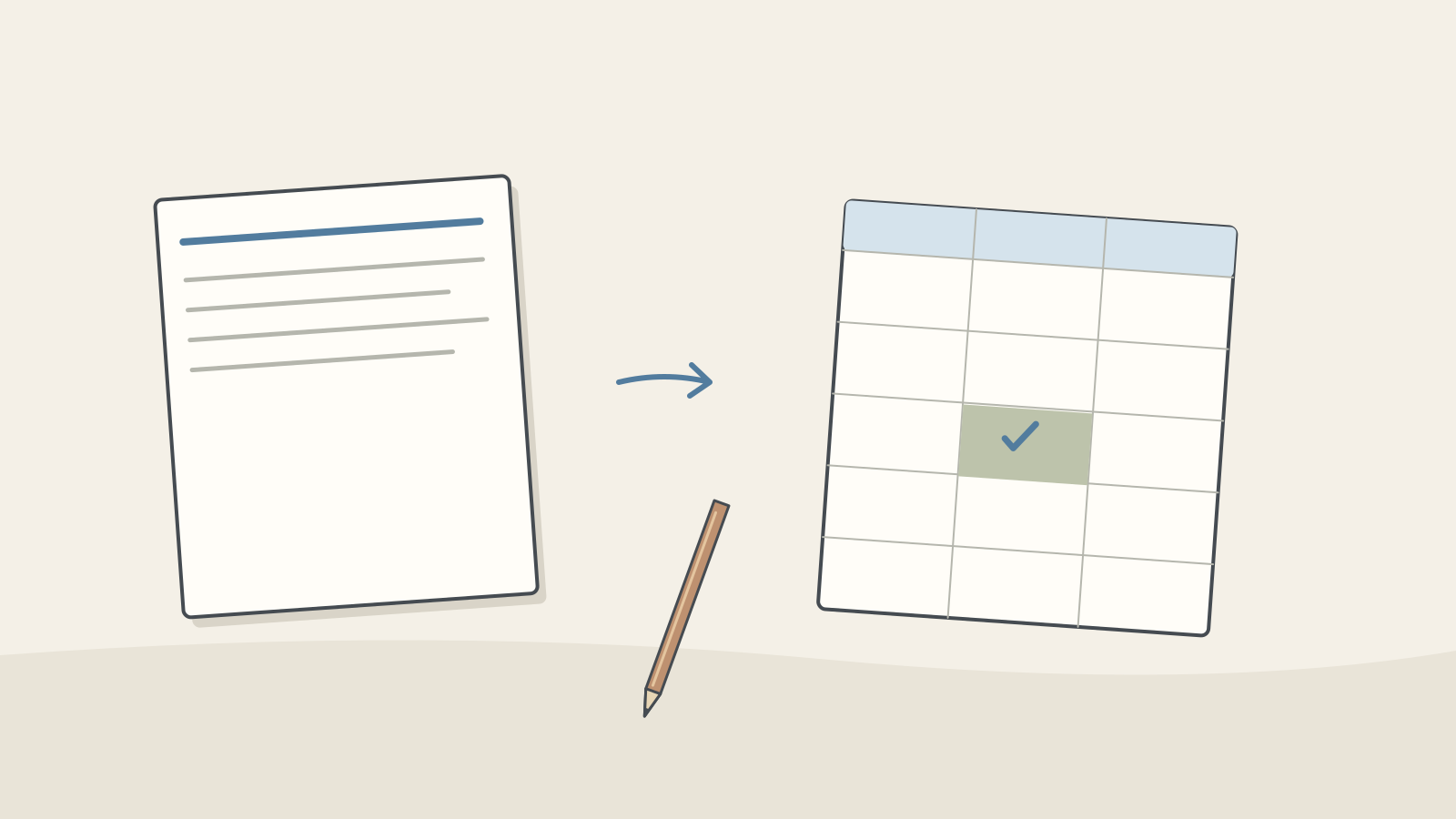
Figure: The source stays intact while one cell in a task table is updated · AI Ping Keep the banner task and staffing inquiry unchanged. Asking HR about additional staff is not approval to increase staffing. Verify the status of untouched rows.
Save decisions, open questions, tasks and the amendment note. An accurately unresolved field is useful information, not a failure to finish.
Write a note (optional)
Use this only if you want to record a prompt or your understanding. This is a notebook, not a connected AI assistant.
Your writing is not sent anywhere. It disappears when you leave or reload this page, so copy anything you want to keep.
References
- "Take notes for me" in Google Meet — Google Meet Help
- Start, stop, and download live transcripts in Microsoft Teams meetings — Microsoft Support
- Catch up on meetings with Microsoft Copilot in Teams — Microsoft Support
- Reduce hallucinations — Claude Platform Docs (Anthropic)