Skip to content

Learn AI for designers

Image and video generation, AI features in design tools, and faster ways to explore concepts.

Learning series

Explore a series and its curriculum, then choose the lesson you need.

Learn by course

See all →
  • Image studies, paper swatches and a pencil on a worktable

    Stage 3 · Role applicationsDesigners

    For designers: image generation done right

    Write image prompts, describe visual problems and request focused revisions, then work through character constraints and multi-format delivery examples.

    What you will be able to do

    • Replace vague adjectives with visible choices about composition, light and materials.
    • Compare variants that change one element and explain your choice.
    • Check tool terms, input rights, people and logos separately before publication.

    In this lesson

    1. Image prompt basics for designers
    2. Build and review an AI-assisted mood board
    3. Copyright and commercial-use checklist for generated images
    4. Keep a character or product consistent across scenes
    5. From an AI image brief to targeted revisions and three-format delivery

    5 guidesAbout 84 min reading, plus practiceBeginner → Intermediate · practical → Advanced

  • A desk with notes beside a conversation

    Stage 1 · First stepsEveryone

    AI First Steps

    Begin with a plain-language explanation of AI. Follow an invitation example, then learn about inputs, mistakes, how replies work and costs. Read the theory and explanations without using a tool.

    What you will be able to do

    • Distinguish AI, models and prompts using simple examples.
    • Separate source facts from added claims in an invitation example.
    • Explain how replies are generated and how usage limits differ from charges.

    In this lesson

    1. What AI does, without the jargon
    2. Your first AI conversation: write a short invitation
    3. Before you paste: choosing suitable practice material
    4. How to write a prompt: why the same model gives completely different answers
    5. Why AI gets it wrong: where hallucinations come from and how to catch them
    6. What is an LLM? How ChatGPT actually produces an answer
    7. Tokens and costs: what does a long conversation use?

    7 guidesAbout 108 min reading, plus practiceBeginner

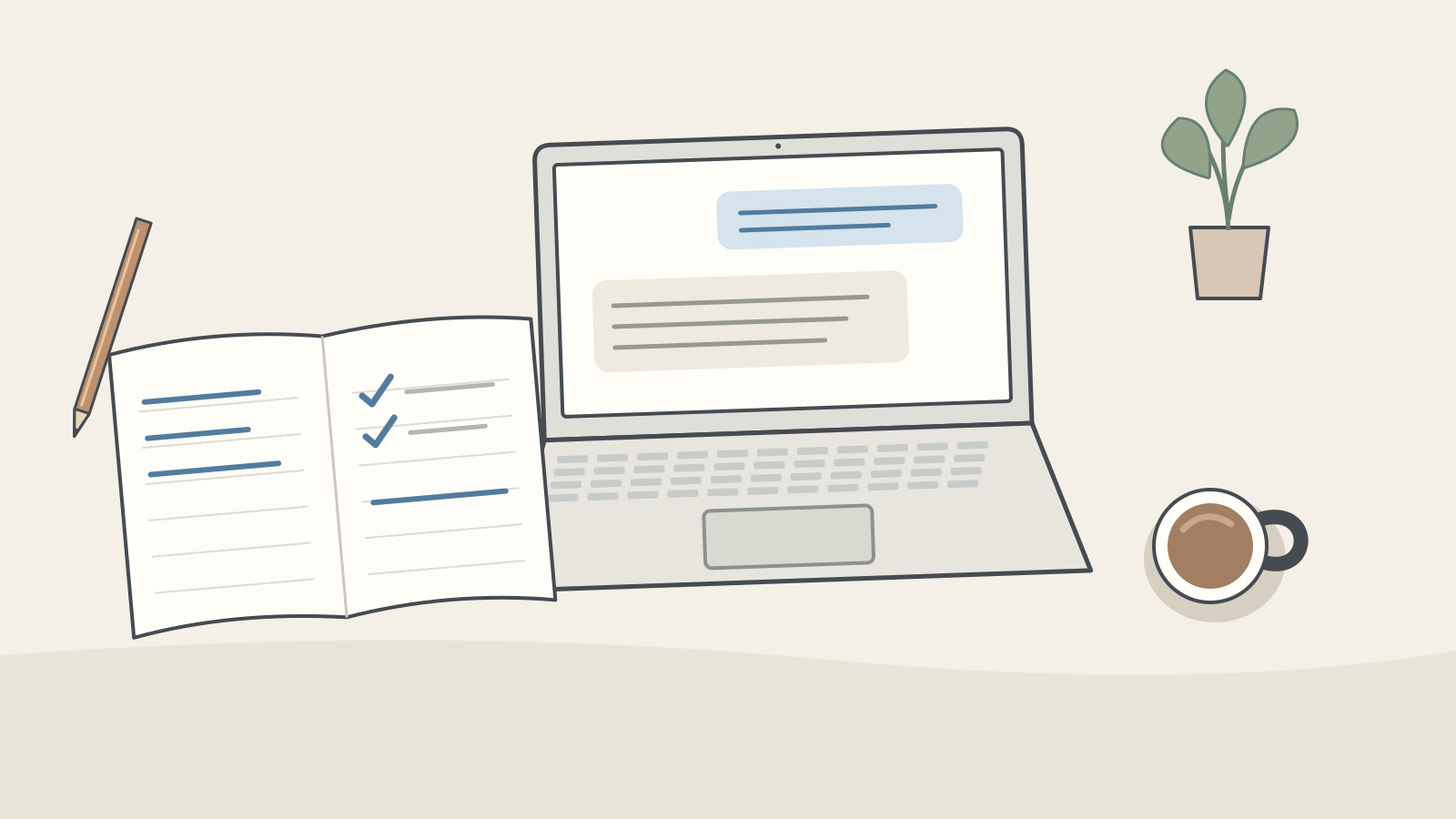
  • Reading glasses on an open book, with notes and a pencil on a desk

    Stage 2 · FoundationsEveryone

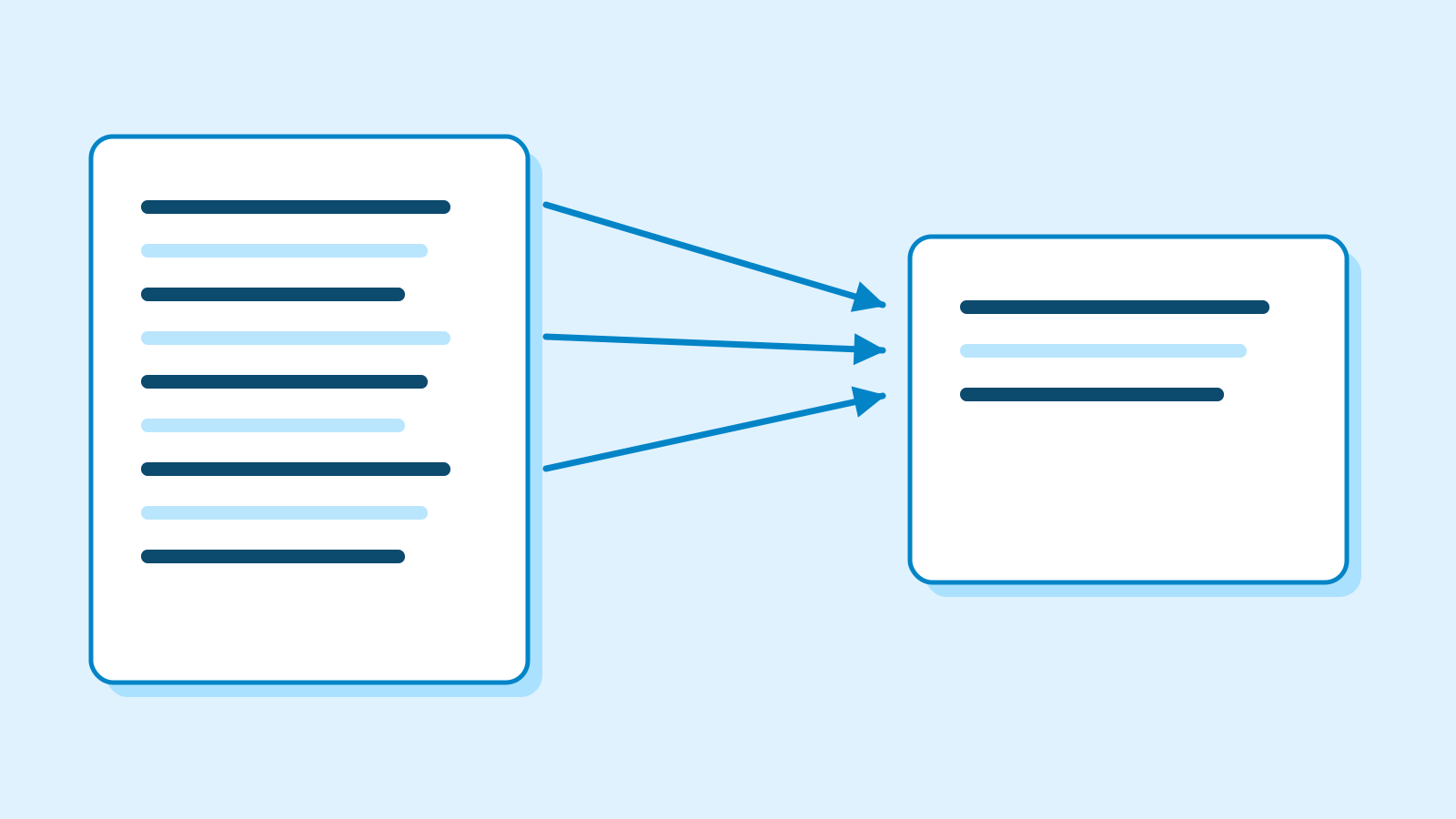
    Everyday foundations: summarise, organise and compare

    Build on AI First Steps with one familiar reading-group scenario. Learn to select facts, understand action sequences and compare options. Worked examples and explanations let you follow without running a tool.

    What you will be able to do

    • Distinguish supported facts from guesses in a summary.
    • Explain task ownership, deadlines and prerequisites.
    • Separate requirements from preferences and recognise when a decision must wait.

    In this lesson

    1. Find the facts you need in a set of notes
    2. How notes become actions: order, ownership and gaps
    3. How to read an AI recommendation: criteria and evidence

    3 guidesAbout 58 min reading, plus practiceBeginner

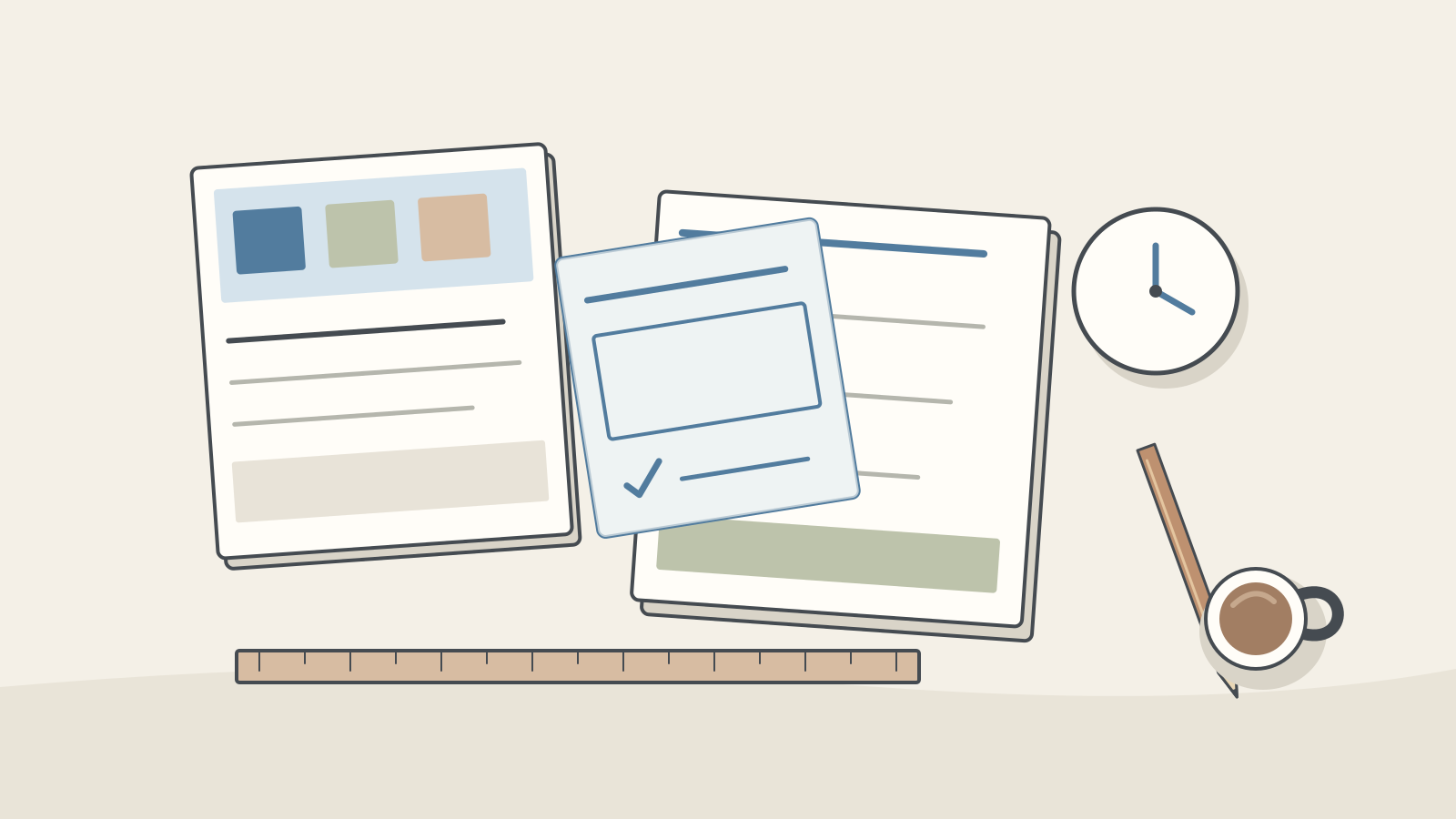
  • A workbench with source material, a review overlay, a checked deliverable, clock and ruler

    Stage 4 · Deeper understandingEveryone

    Advanced practice: evaluate, review and improve

    After drafting work in your role, learn to evaluate it, design review points and measure a pilot. Complete three lessons without code, then apply them in a role project.

    What you will be able to do

    • Compare results consistently and verify changes on fresh cases.
    • Design drafting, review, approval and failure handling.
    • Choose adoption scope from quality and total work, including review and repair.

    In this lesson

    1. Evaluate AI work beyond first impressions
    2. Design an AI workflow with clear review points
    3. Measure an AI pilot and decide when to stop

    3 guidesAbout 54 min reading, plus practiceAdvanced

News