How-to guide12 min
Write spreadsheet formulas with AI: describe it, get the formula
You don't need to know function names. Describe your table and the result you want, and a chat assistant writes the formula.
BeginnerOffice workersMarketers
Practical AI guides and plain-language explainers. Filter by role and level.
How-to guide12 min
You don't need to know function names. Describe your table and the result you want, and a chat assistant writes the formula.

How-to guide14 min
Just ordering your prompt as subject, style, composition and light makes a difference. Here's how to write prompts that multiply your concepts fast.
How-to guide12 min
Give it the product, audience and channel, and you'll have copy from several different angles in minutes.

How-to guide17 min
Give context, work in small steps, verify with tests — a workflow that makes AI-written code something you can trust.

How-to guide10 min
Role, context, task, format and an example — five things that noticeably change what AI gives back.
How-to guide8 min
What not to paste into AI, how to swap in fake values when you must, and what to check before you start.
How-to guide9 min
Tell the assistant who will read it and what shape the three lines should take, and a long report comes back as a summary you can pass straight on. This guide also shows how to check its figures against the original.
How-to guide10 min
Tell the assistant who you're writing to, what you need, by when and in what tone, and it drafts an email that fits. Worked examples for requests, apologies and refusals, plus what to check before you send.
How-to guide10 min
Get meeting notes sorted into decisions, open items and action items, without the assistant guessing owners or deadlines, and confirmed by the people who were there.
How-to guide12 min
You don't need to know the PivotTable menus: describe the rows, columns and values, and the assistant writes the formula. The numbers come from the sheet or from code, never from the chat, and you check them against the source.
How-to guide12 min
Turn a summary of your reviews, support tickets and surveys into three personas with AI, separate evidence from assumptions, and test the assumptions before you spend money on them.
How-to guide12 min
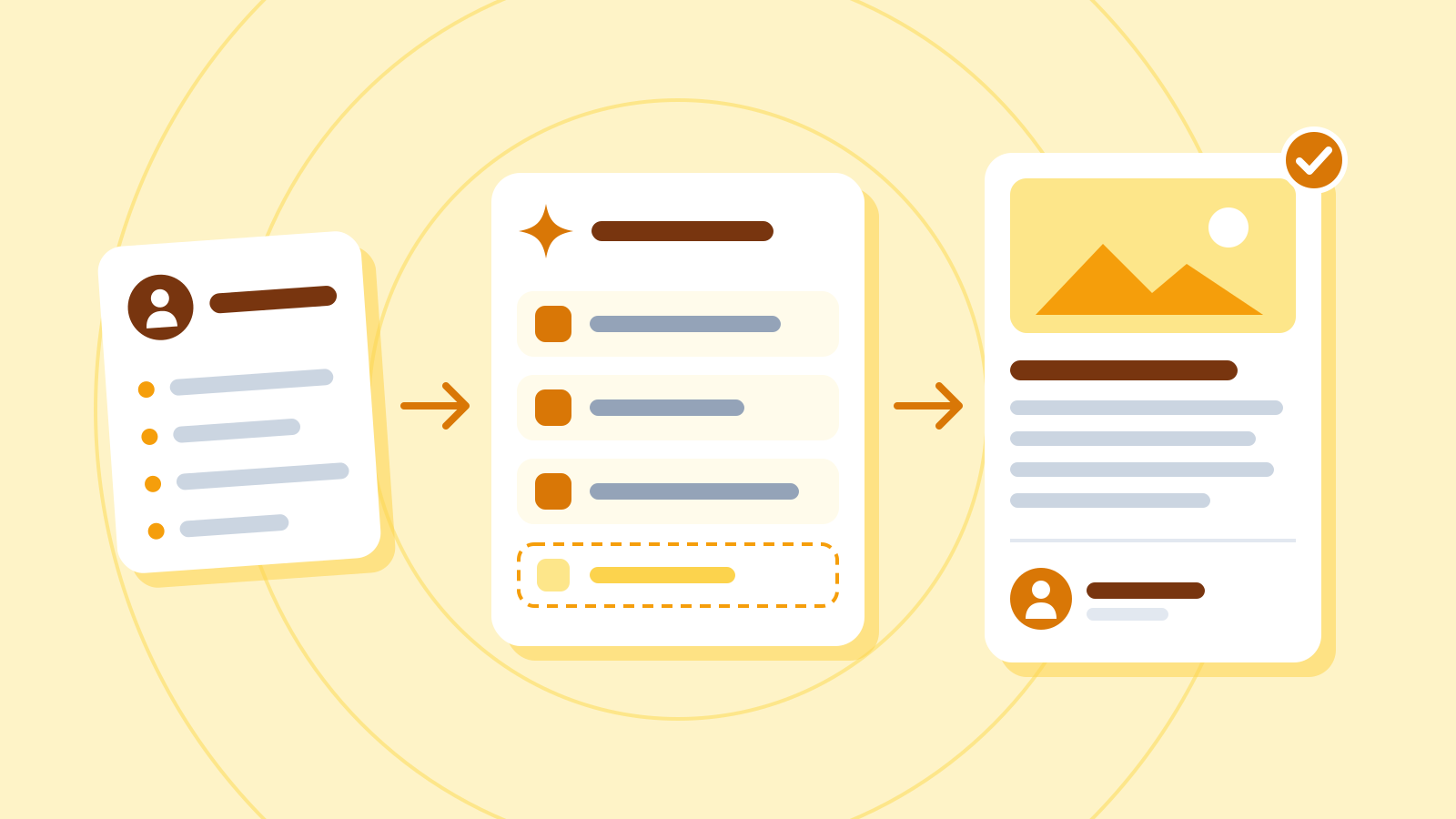
A blog workflow where AI handles the outline and first draft, and people handle the plan, the fact-checking, the real experience and the final check.
How-to guide14 min
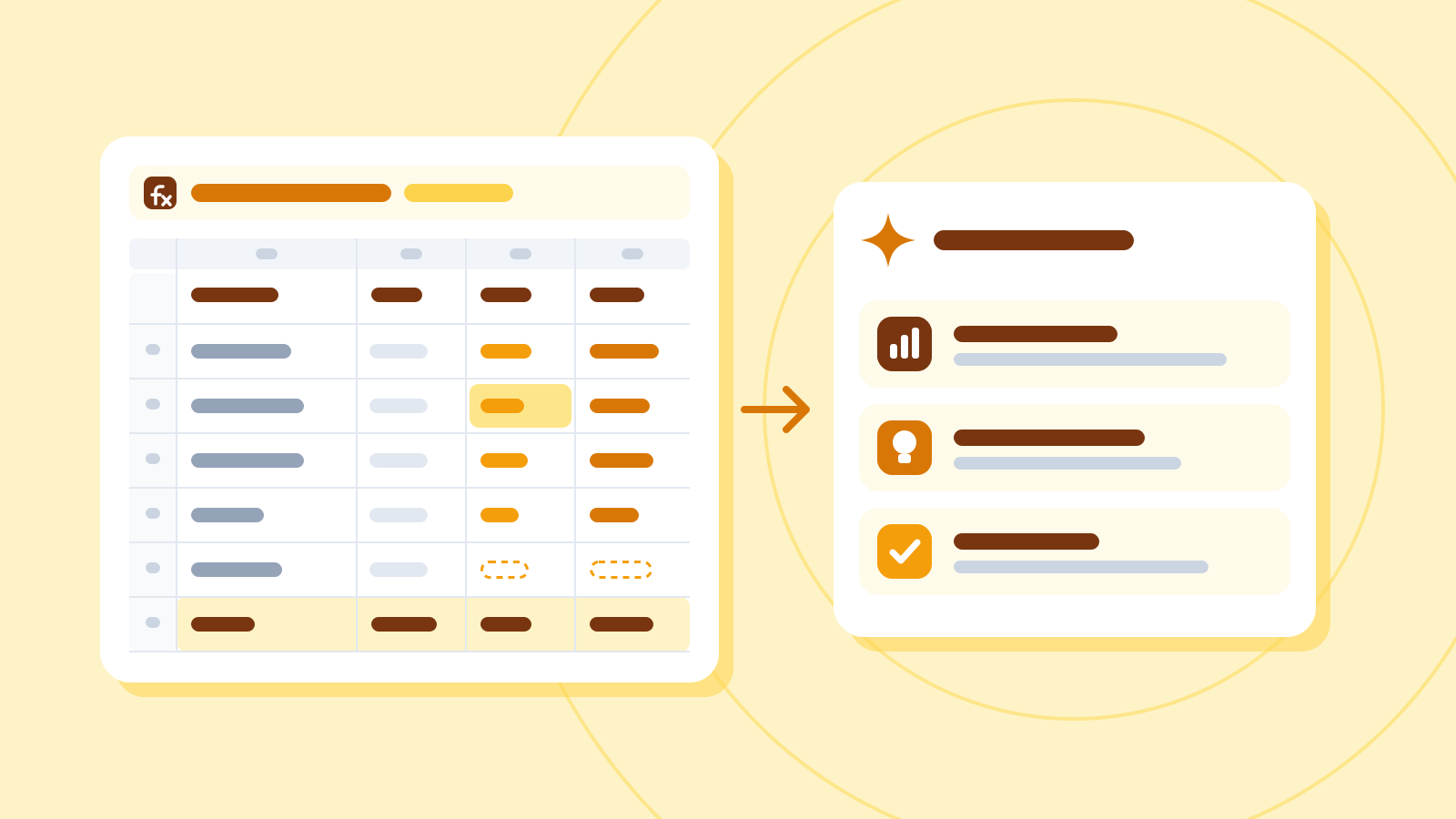
Do the maths in your spreadsheet and the interpreting with AI. Turn campaign results into insights written as observation, hypothesis and how to check, then pick your next experiment.

How-to guide12 min
Turn a short brief into visual keywords, nine images in one consistent style and a five-color palette, then lay them out as a one-page mood board.

How-to guide14 min
Pin down what must never change in a character sheet, then use a fixed block and reference images to keep the same look in every scene.
How-to guide14 min
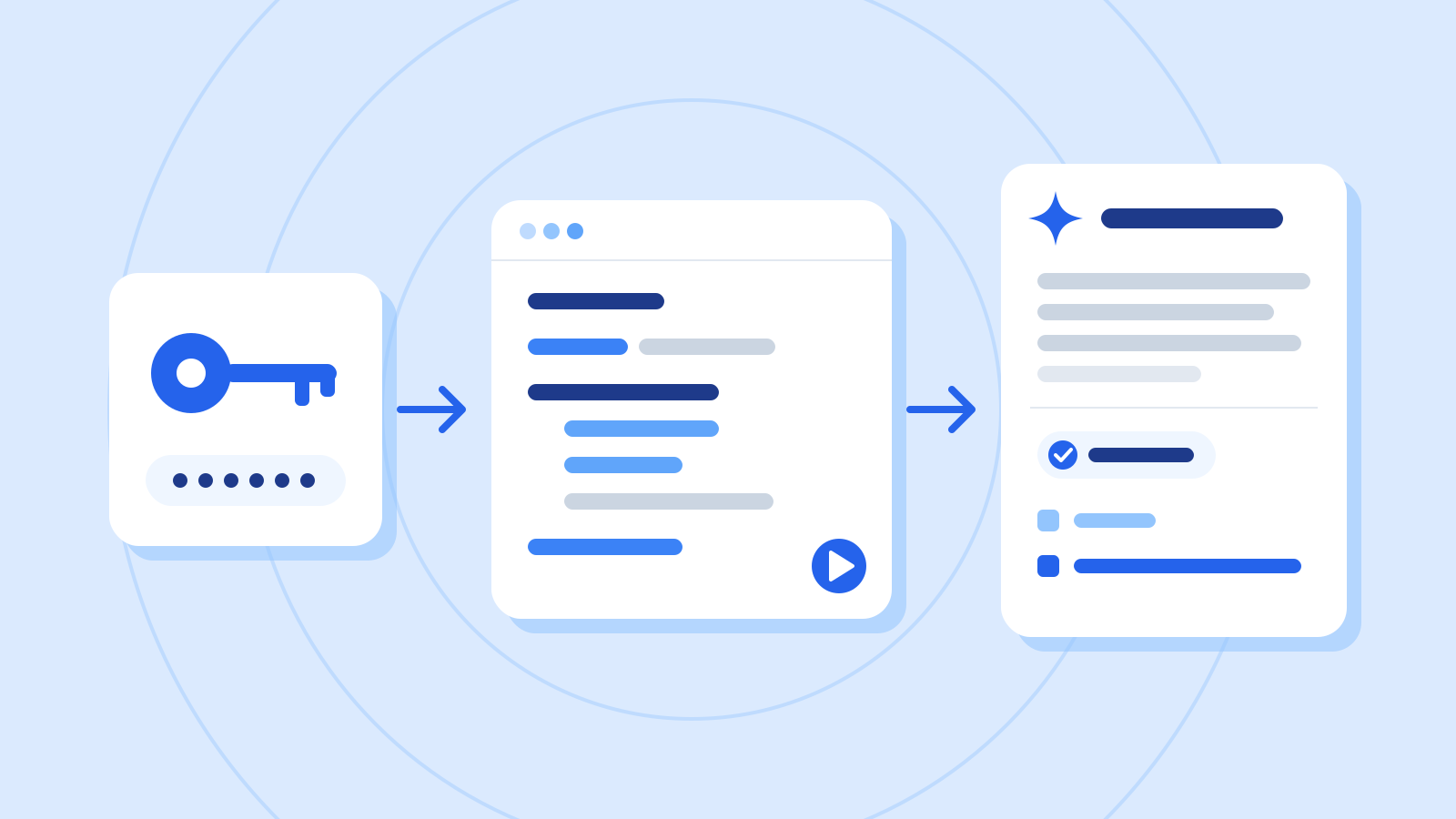
Using the Claude API as the example: keep your API key safe, send a first request from Python, and read the answer, the stop reason and the token usage.
How-to guide15 min
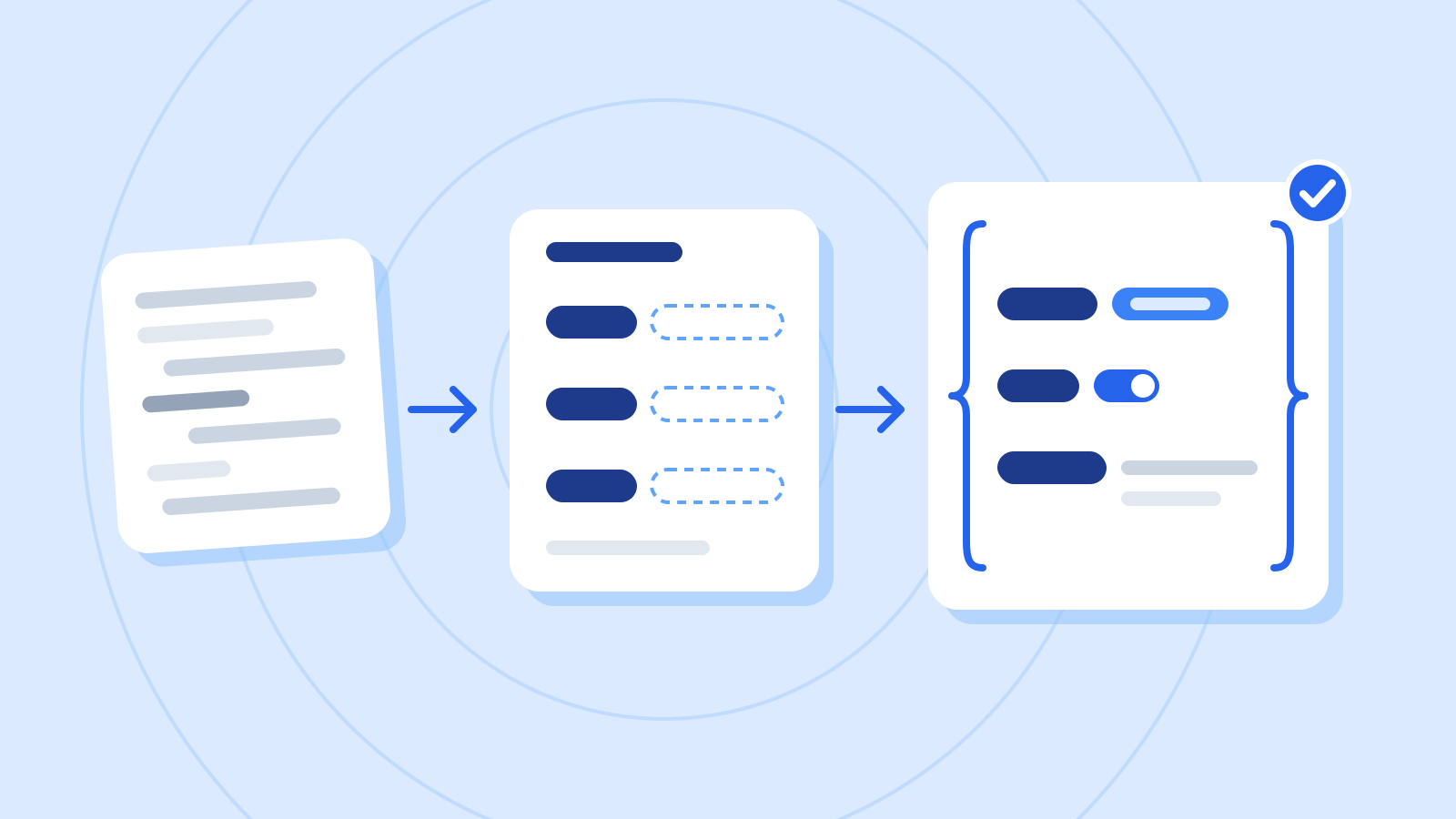
Instead of asking for JSON and hoping, define the shape as a schema and get responses your code can use directly. Worked through with a customer-message classifier.
How-to guide15 min
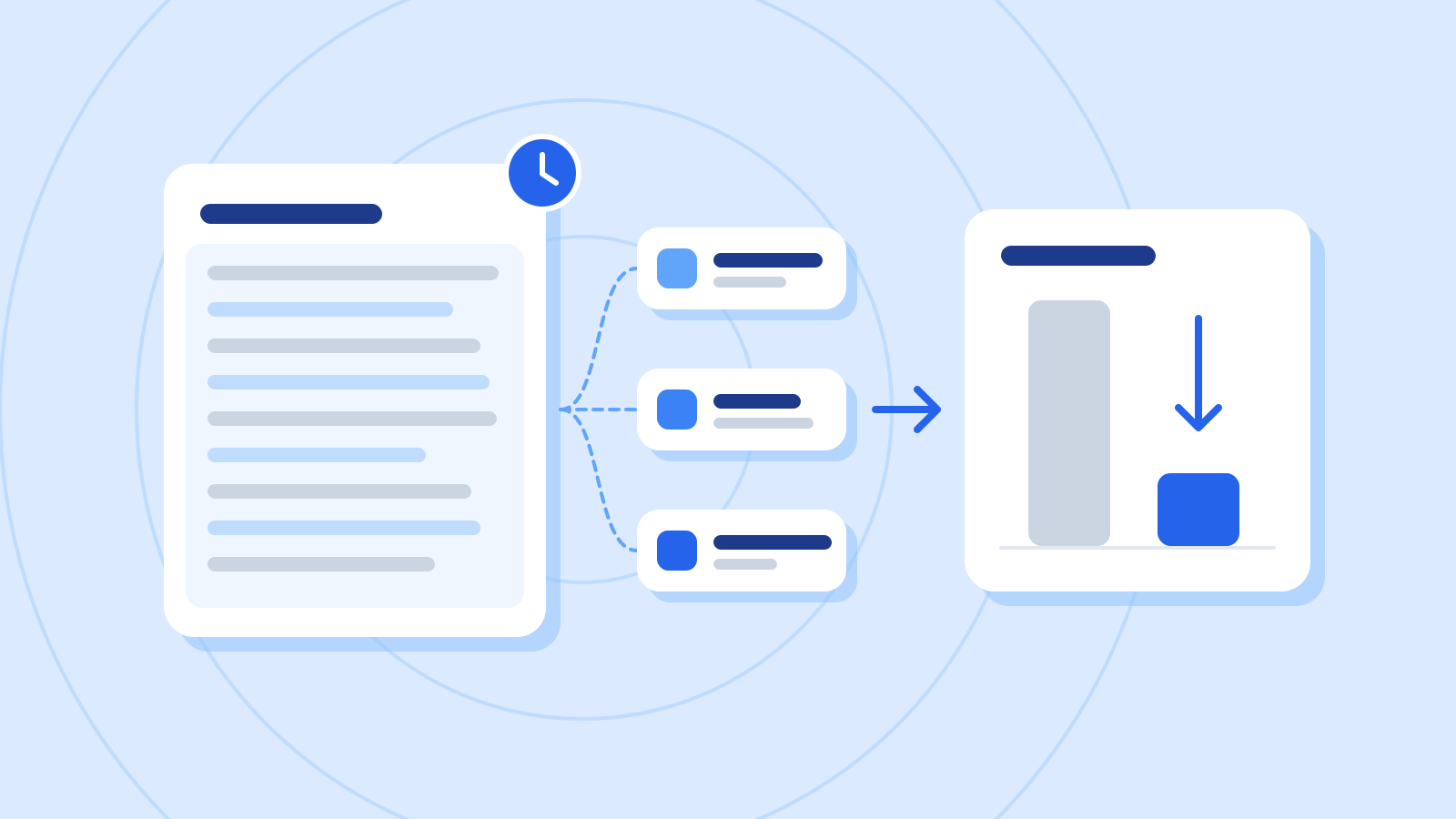
Cache the long instructions and documents you resend with every request, and their input cost drops sharply. Using a support bot built on a manual, here's how to place the cache point and check that it works.
How-to guide18 min
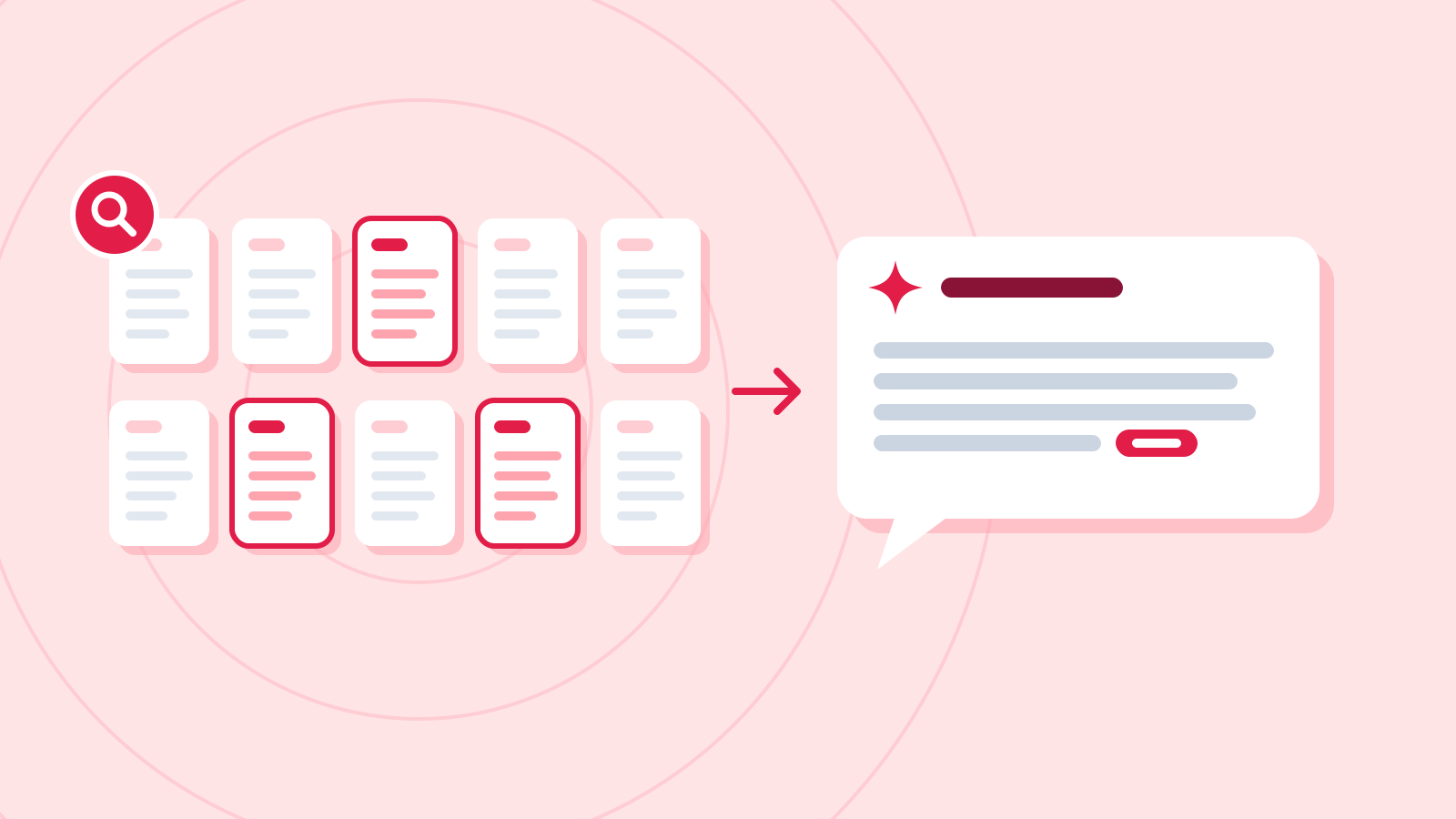
Build a Python chatbot that searches ten internal policy documents with embeddings and answers only from what it finds, then test search and answers separately and fix what breaks.