Getting good results from AI coding assistants
Give context, work in small steps, verify with tests — a workflow that makes AI-written code something you can trust.
17 minAs of Oct 2026
By the end of this guide
- Write requests with a goal, constraints and a definition of done, so the assistant stops changing the wrong things.
- Have it write a test that reproduces the bug first, so you can judge its fix objectively.
- Know what to ask when it reviews code, and what to check yourself.

Who this is for
- Developers who find AI coding tools hit-or-miss
- Teams evaluating AI coding tools
What you need
- An AI coding tool (editor plugin or terminal agent)
- A project where you can run tests
Step by step
State the goal, constraints and definition of done
Instead of "fix login," say what's broken, what must not change, and how you'll know it's done. Include relevant file paths and the full error message.
The same task, asked vaguely and specifically Item Vague Specific Goal Fix login Fix password reset emails being sent twice Scope (none) src/auth/reset.ts, src/mail/send.ts Constraints (none) Don't change the email template or the public API Done when (none) One email per reset request; existing tests pass Example prompt Goal: fix password reset emails being sent twice Files: src/auth/reset.ts, src/mail/send.ts Constraints: don't change the email template or the public API Done when: one email per reset request, and existing tests pass
Ask in small steps
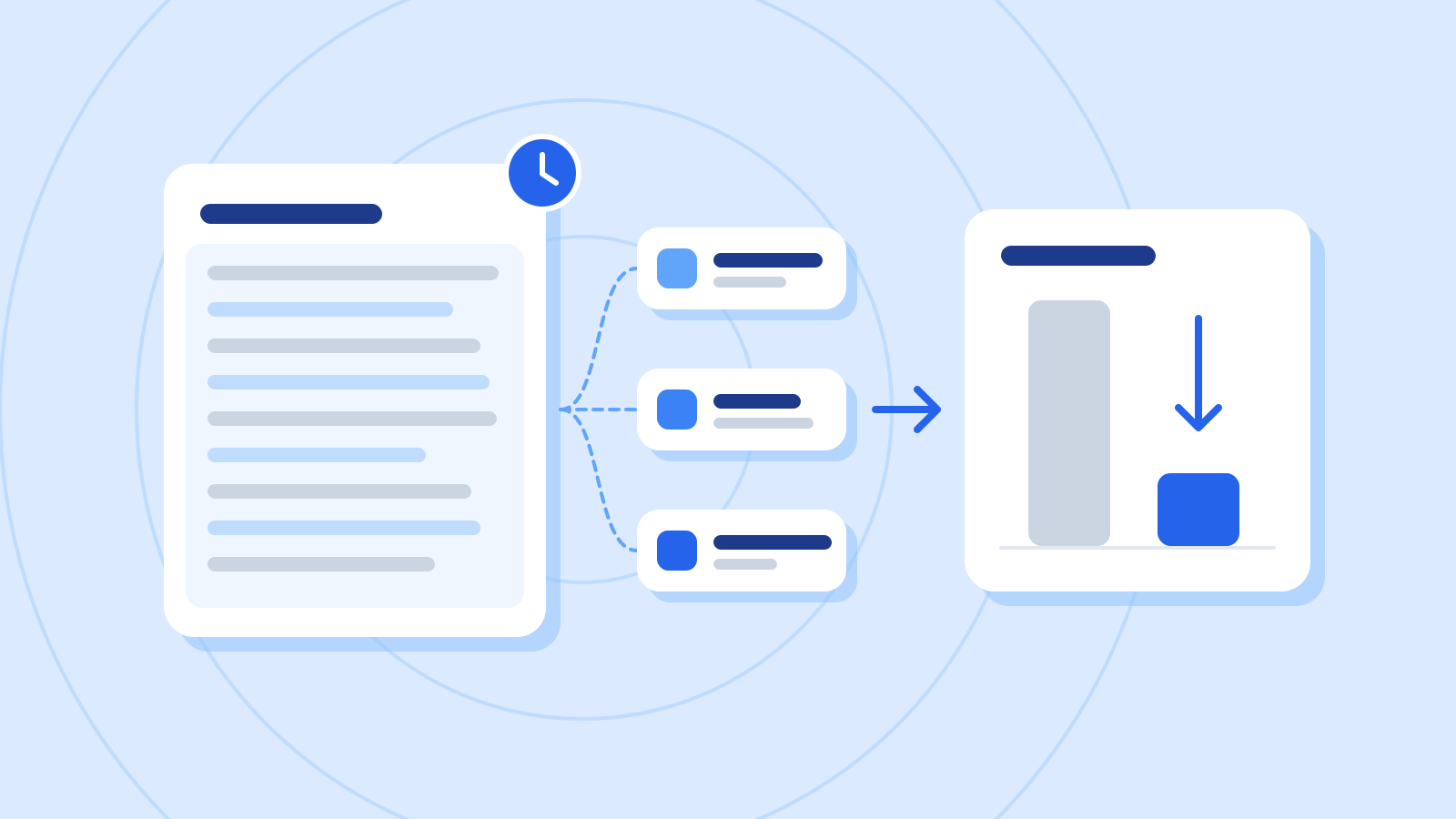
Hand over a whole feature and you'll get a change too big to review. Split the work into reviewable pieces — usually a few files at a time.
One bug, split into reviewable steps Step Ask for Done when 1 A test that reproduces the bug The test fails 2 Fix the cause of the duplicate send New and existing tests pass 3 Handle two simultaneous requests A concurrent-request test passes 4 Tidy logs and comments Changes stay within the two files Example prompt Don't change any code yet. First show me a plan that splits this into easy-to-review steps, with how to check each step is done.
Have it write the test first
For a bug, ask for a test that reproduces it, confirm the test fails, then ask for the fix. Now you have an objective way to judge the change.
Example prompt Before changing anything, write a test that reproduces the duplicate reset email. It should fail against the current code.
Example AI reply Here's a test that sends one reset request and counts the emails sent. Rename the helpers to match your project. Against the current code it should fail, because two emails go out.
Example codetest("sends exactly one email per reset request", async () => { const mailer = createFakeMailer(); await requestPasswordReset("[email protected]", { mailer }); expect(mailer.sent).toHaveLength(1); });Check it
- Run it and confirm it fails with something like "expected 1, received 2." If it passes from the start, it isn't reproducing the bug.
- After the fix, this test and all the existing ones must pass.
Let it review, but make the call yourself
When the change is done, ask it to look for missed cases and security problems. The final judgment — and the decision to ship — stays with you.
Example prompt Review the change you just made. Pay particular attention to two requests arriving at once and to the email send failing.
Example AI reply Two places need attention.
1) If two requests arrive at once, both can see "no email sent yet" and send one each. Add a constraint that stops the same request being recorded twice, such as a unique key.
2) A failed send is still recorded as sent. Record it only after the send succeeds, or roll the record back on failure, so the user can try again.
Check it
- Don't take the findings on trust: turn each case into a test and see whether it actually reproduces.
- Changes that touch security, payments or personal data get a human review as well.
Common mistakes
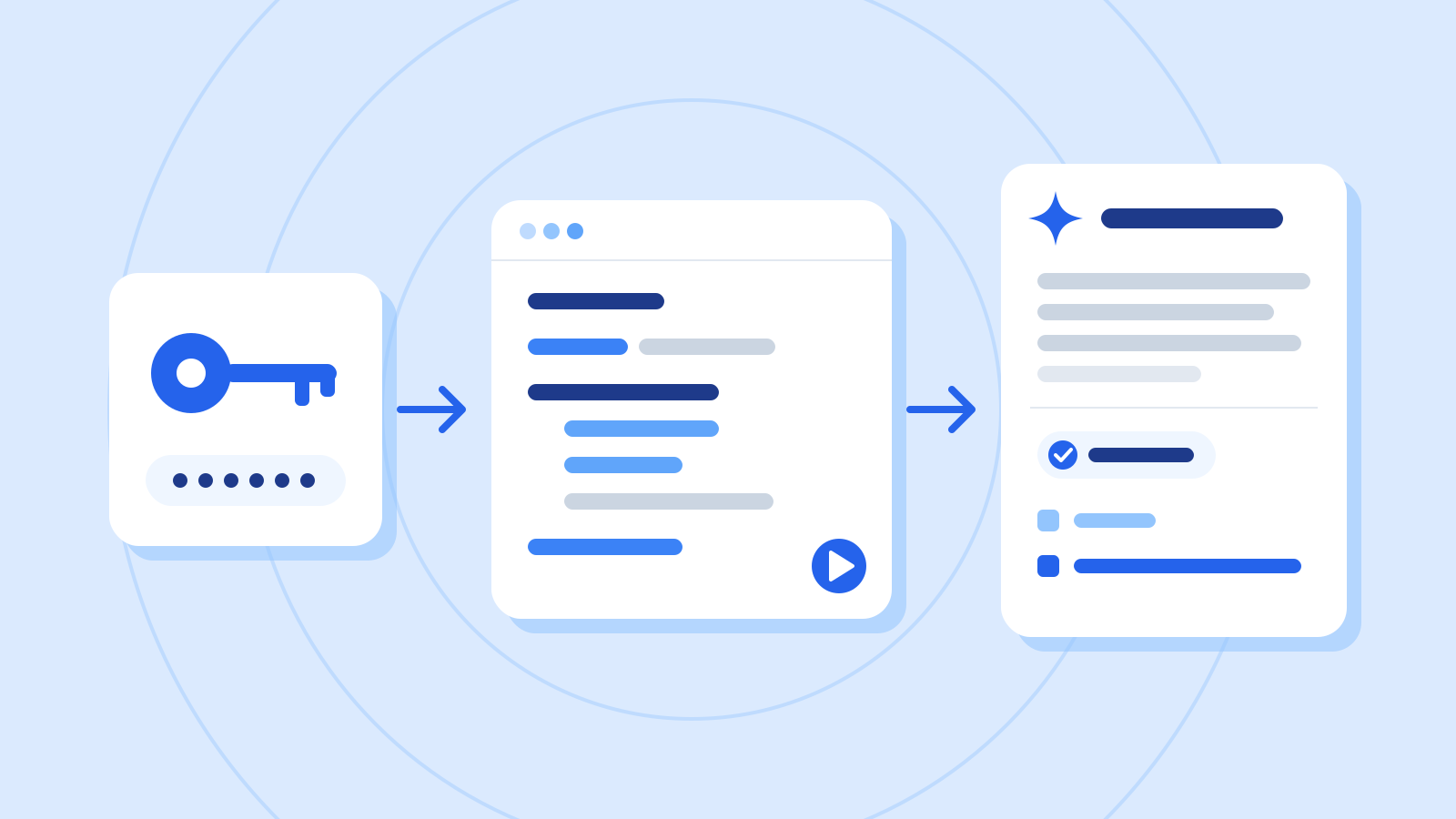
- Pasting files that contain API keys or passwords
- Handing over work too large to review
- Merging because it "seems to work," without tests
References
- Best practices for Claude Code — Claude Code Docs (Anthropic)
- Best practices for using GitHub Copilot — GitHub Docs
- API key best practices: keep your keys safe and secure — Claude Help Center (Anthropic)