Image prompt basics for designers
Just ordering your prompt as subject, style, composition and light makes a difference. Here's how to write prompts that multiply your concepts fast.
14 minAs of Oct 2026
By the end of this guide
- Write prompts in four slots — subject, style, composition, light — to get close to the image you want, fast.
- Multiply concepts by changing one element at a time, and keep track of what changed the result.
- Specify brand colors and things to leave out, and know what to check before commercial use.
Who this is for
- Anyone who has tried image generators but can't get the result they want
- Designers who need many mood boards and concepts, fast
What you need
- Any image generator (a free trial is enough)
- A few notes on the image you want
Step by step
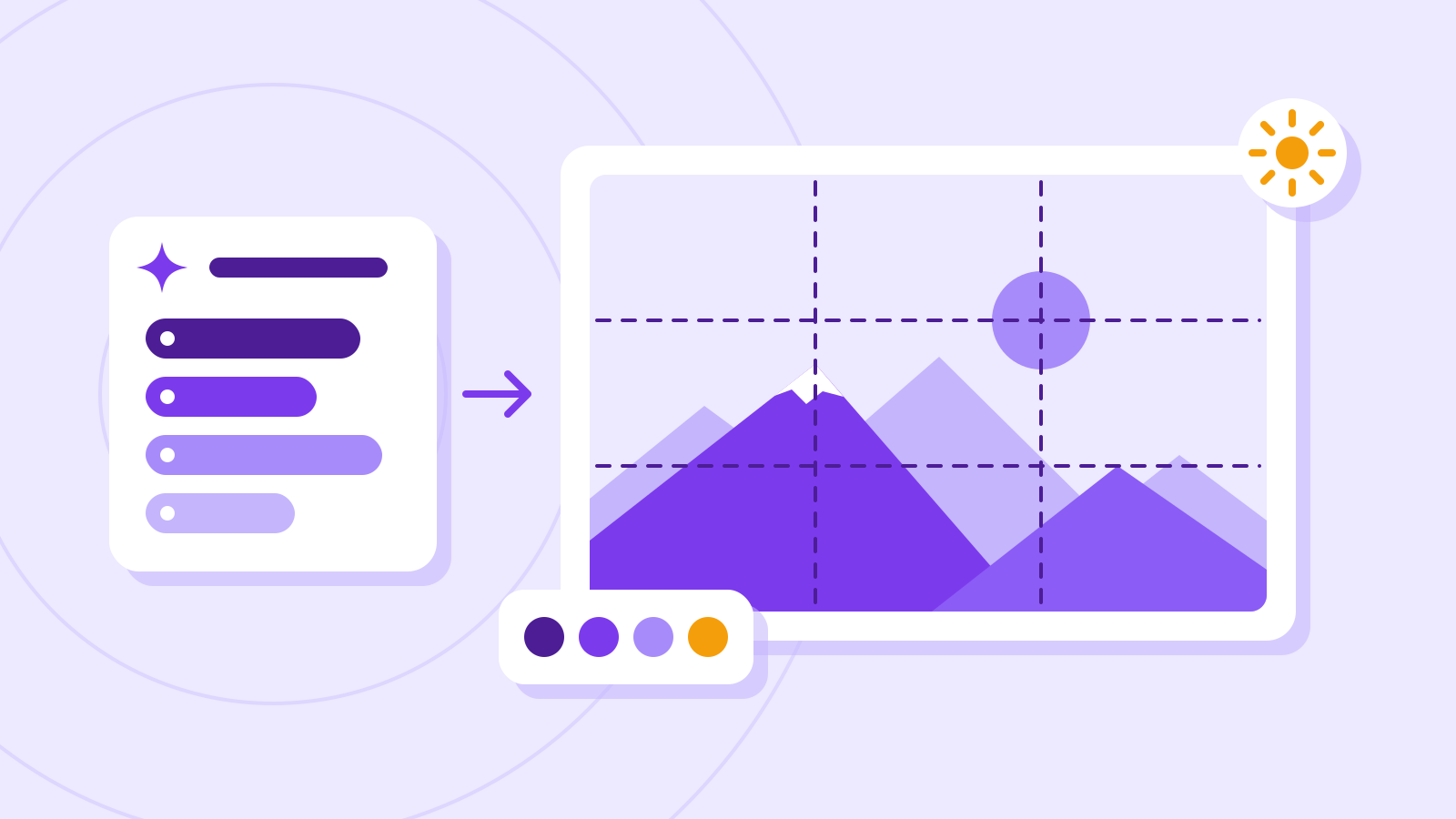
Write subject → style → composition → light
Put what you want first (subject), then the feel (style). Adding composition and light makes results far more consistent.
Swap vague adjectives like "pretty" for visible qualities like "muted colors" or "soft afternoon sunlight."
The same image, described vaguely and slot by slot Slot Vague Specific Subject A mug A white mug and a laptop on a wooden desk Style Pretty Minimal product photography, muted colors Composition (none) 45-degree overhead angle, empty space on the right Light (none) Soft afternoon sunlight from a window on the left Example prompt Subject: a white mug and a laptop on a wooden desk Style: minimal product photography, muted colors Composition: 45-degree overhead angle, empty space on the right Light: soft afternoon sunlight from a window on the left
Check it
- Hold the result up against the four slots. If one slot missed, rewrite only that slot more specifically.
- Composition instructions like "empty space on the right" land differently from image to image, so generate a few and pick the closest.
Change one thing at a time
Once you like a result, keep everything else fixed and change one element. You learn what actually moved the image, and you build a library of prompts you can reuse.
A sample concept log: one slot changes at a time Version Slot changed Change Note A — Base prompt Baseline B Light Warm orange sunset light Warmer mood C Style Film photo look, light grain Adds texture D Composition Straight on, mug in the center Product reads bigger Example prompt Keep everything from the last result, but change only the light to warm orange sunset light, and give me three versions.
Spell out brand colors and things to avoid
Name brand colors precisely — "deep navy (#1E3A8A)" rather than "blue" — and list what you don't want, such as text, faces or logos.
Some models struggle with "don't include" instructions. Describe what you want instead — "an empty street" rather than "no people" — or use the tool's exclusion field (a negative prompt) if it has one.
Example prompt Add this to the prompt above. Brand colors: deep navy (#1E3A8A) as the accent, white and light grey for the rest Leave out: text, faces, logos
Check it
- Sample the result's colors with your editor's eyedropper and compare them with the brand colors. Image generators often miss exact color codes, so final colors are safer to fix in your editing tool.
- If something you asked to leave out still appears, rephrase the request as what you do want.
Before you use it commercially
Each service has its own terms for commercial use. Steer clear of results that resemble real people, famous characters or other companies' logos.
Also, Korean and US government guidance both say images made by AI alone are hard to protect by copyright. Even if the terms allow commercial use, you may not be able to stop others reusing the same image — so rework key brand assets substantially by hand.
Check it
- Read the commercial use and the copyright or ownership sections of your service's terms.
- Look again for any resemblance to real people, famous characters or other companies' logos.
Common mistakes
- Relying on words that mean different things to different people, like "cool" or "premium"
- Changing several things at once, so you can't tell what worked
- Using generated images in client work without checking the terms of use
References
- Writing effective text prompts — Adobe Help Center
- Nano Banana image generation — Google AI for Developers
- Copyright Office Releases Part 2 of Artificial Intelligence Report — U.S. Copyright Office
- 생성형 AI가 만든 저작물 저작권은 누가 갖게 될까요? — 대한민국 정책브리핑 (방송통신위원회)