Replit Agent adds supply purchases and Google Ads with user approval
Edited and reviewed by AI Ping Editorial Team
3-line summary
- U.S. Core and Pro users can ask Replit Agent to prepare supply orders and approve the final charge through Link.
- Pro users worldwide can prepare Google Ads for a live site or app and approve campaign activation.
- Campaigns created through Replit start at a $15 average daily budget. How ad spend is billed depends on the account.

Replit added business purchasing and Google Ads to its app-building agent on November 12 (UTC). Core and Pro users in the United States can ask Replit Agent to find supplies and prepare checkout on a merchant’s website. The agent waits for the buyer to approve the total before proceeding with payment. Replit launched the advertising feature worldwide for Pro users.
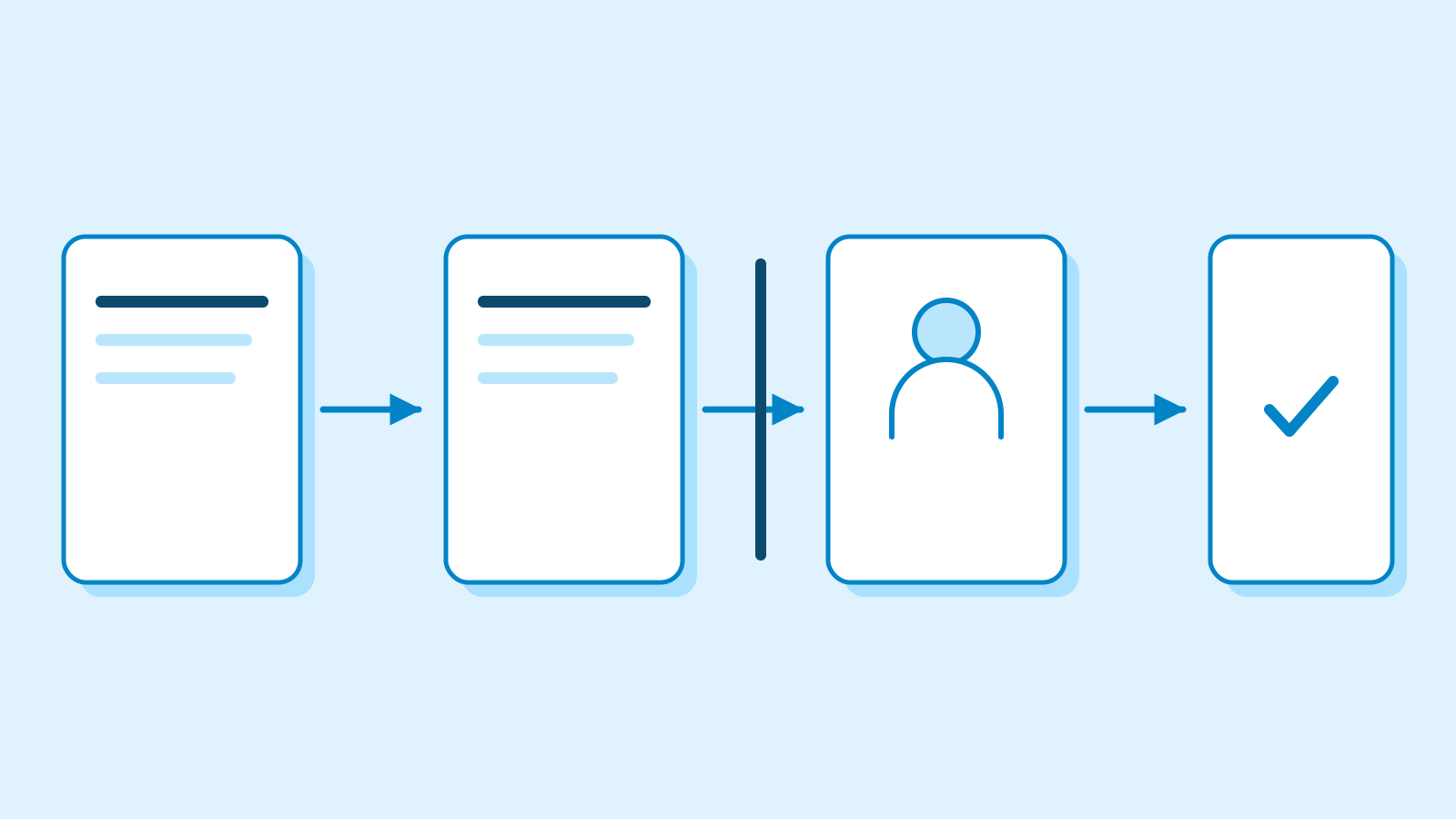
A business that built its site or app on Replit can now prepare an order or put together an ad campaign from a chat in the same workspace. The buyer checks the merchant and final charge for an order. An advertiser reviews the destination, creative and average daily budget before activating a campaign. When those ads begin to appear also depends on Google’s review and the status of the account.
A payment and an order have separate statuses
The agent puts together a cart on the merchant’s site. Once the buyer settles on details such as quantity and color, the checkout shows the delivery option, shipping address and total with taxes and fees. If the store requires a sign-in, the buyer can take over the browser to authenticate and then hand it back. Payment has its own approval step in Link, Stripe’s digital wallet.
Stripe says Link can issue a single-use card or another credential scoped to the approved payment once a person authorizes a transaction. The buyer chooses the payment method and the original card details stay in Link. Replit says it restricts general browsing during payment and checks for approval in software. Visa helps provide the payment infrastructure for Replit’s purchasing feature, according to Replit. If the terms change, Replit asks for fresh approval. The buyer can then check the outcome of payment and the merchant’s acceptance of the order separately.
Replit’s November 12 announcement described a launch limited to one-time purchases. The current help page also describes how to approve subscriptions with identical fixed initial and renewal charges. It excludes arrangements such as free trials and subscriptions with usage-based or variable renewals. The public material reviewed for this story leaves the start date for fixed-price subscriptions unconfirmed.

The ad account determines who bills for a campaign
Advertisers can bring an existing Google Ads account or create one that Replit manages. An existing account keeps its Google Ads billing setup. Opening a managed account requires a personal Pro workspace, a live site or published app, available credits and automatic top-ups. Ad spend on that account uses the Replit credit balance. Replit also counts the work of preparing and managing the campaign separately from the cost of running the ads.
The integration supports Performance Max at launch. The agent uses a site or app to prepare copy and images. The advertiser sets the destination page, geographic and language targeting, and the action the campaign should drive. Google then combines the materials for placements across Search, YouTube, Display, Discover and other channels. Google reviews new and edited materials, including the text, images and landing page, for compliance with its advertising policies.

Campaigns start at a $15 average daily budget
The minimum average daily budget for a campaign created through Replit is $15. Google uses that setting to pace spending across a month, so charges can vary from day to day. Under Google’s standard budgeting rules, most campaigns can be billed up to twice their average daily budget on an individual day, subject to a monthly spending limit.
Advertisers can save a campaign in a paused state, look over the creative and budget, and approve activation when ready. Accounts created by Replit can run one campaign at a time. Charges for ads that have already run can appear after a pause because Google reports activity with a delay. To count actions such as sign-ups or completed purchases after an ad interaction, the advertiser defines a conversion and sets up measurement. Replit Agent can help add that tracking to the app. Once measurement is set up, Google reports conversions by campaign so advertisers can compare the actions their ads drive.
Sources
- 구매와 광고 기능 발표 · Agentic Commerce and Agentic Ads announcement — Replit
- 구매 및 결제 승인 도움말 · Purchasing and payment approval — Replit Docs
- 캠페인 계정·예산·운영 조건 · Google Ads in Replit — Replit Docs
- 링크 에이전트 지갑의 승인 및 결제 · Giving agents the ability to pay — Stripe
- 평균 일일예산과 청구 한도 · Budgets overview — Google Ads Help
- 광고 소재 심사 절차 · About the ad review process — Google Ads Help
- 전환 추적과 캠페인 보고 · About conversion measurement — Google Ads Help
- 실적 최대화 유형 · Create a Performance Max campaign — Google Ads Help
- 크레딧과 자동 충전 · Managing Your Spend — Replit Docs