Kiro bots coordinate coding workers with separate memory and permissions
Edited and reviewed by AI Ping Editorial Team
3-line summary
- AWS makes persistent responsibility-based bots generally available in Kiro Crew.
- Each bot has its own workspace and memory, with recurring work schedules.
- A running host is required, and model activity uses the existing credit allowance.

AWS made Kiro bots generally available in Kiro Crew on November 5. Bots gather parallel coding results in one conversation where developers direct work and resolve decisions.
A bot starts from the default or a custom agent. Custom agents supply instructions, models and tools; bots add a workspace, standing conversation, goals and check-ins. Recurring responsibilities can continue across individual sessions.
Memory is separate for each bot. AWS says requirements, past decisions and corrections accumulate within that bot's specialty. Users can inspect, edit or delete what it remembers. A redacted run log groups status, usage, tool activity and approvals for dispatched work.
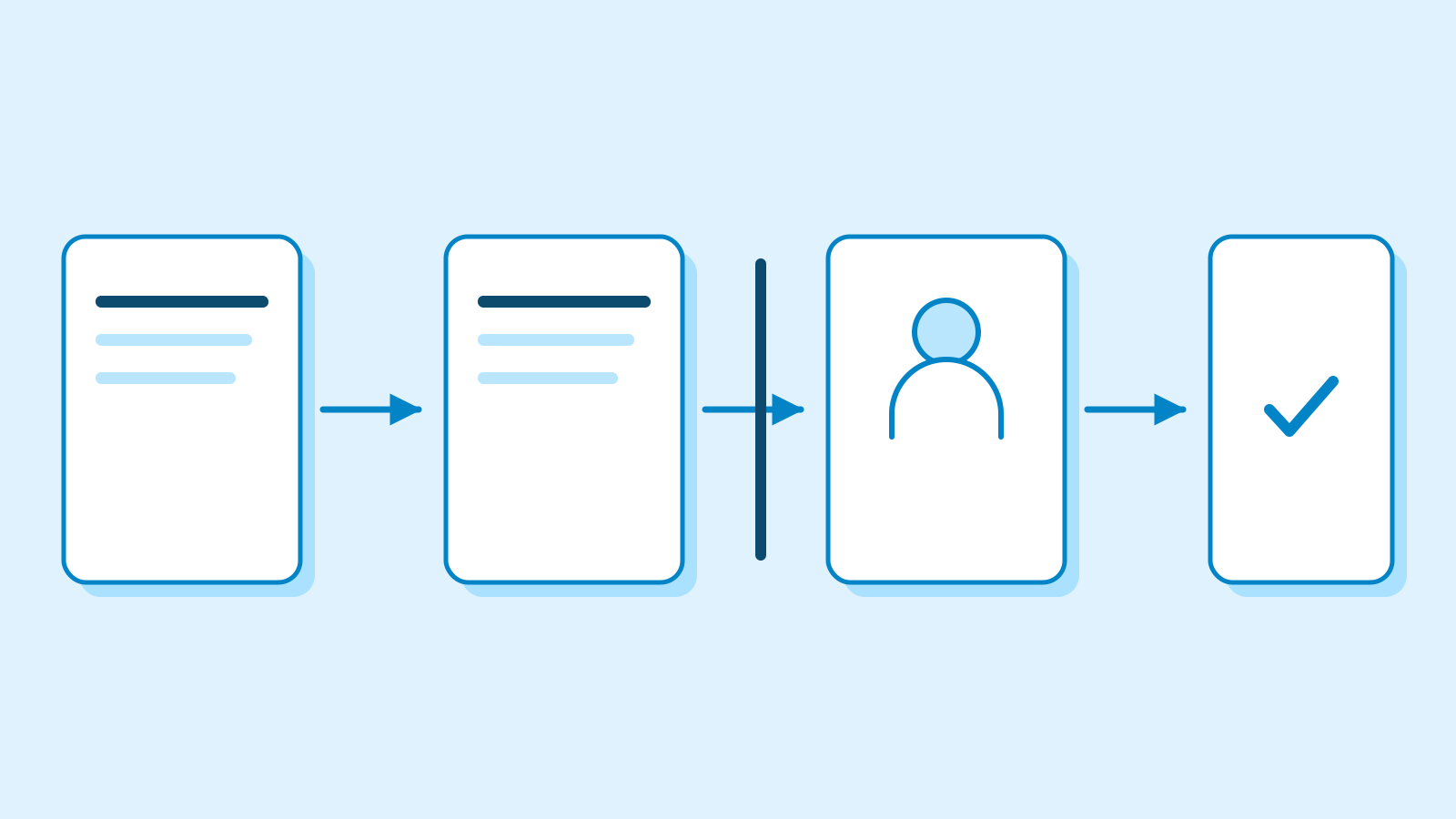
Authority is configured by responsibility. AWS's example review bot can comment and request revisions, but cannot approve or merge. Adding tools requires the user's permission. While one task waits for a human decision, the bot can continue work that does not depend on that answer.

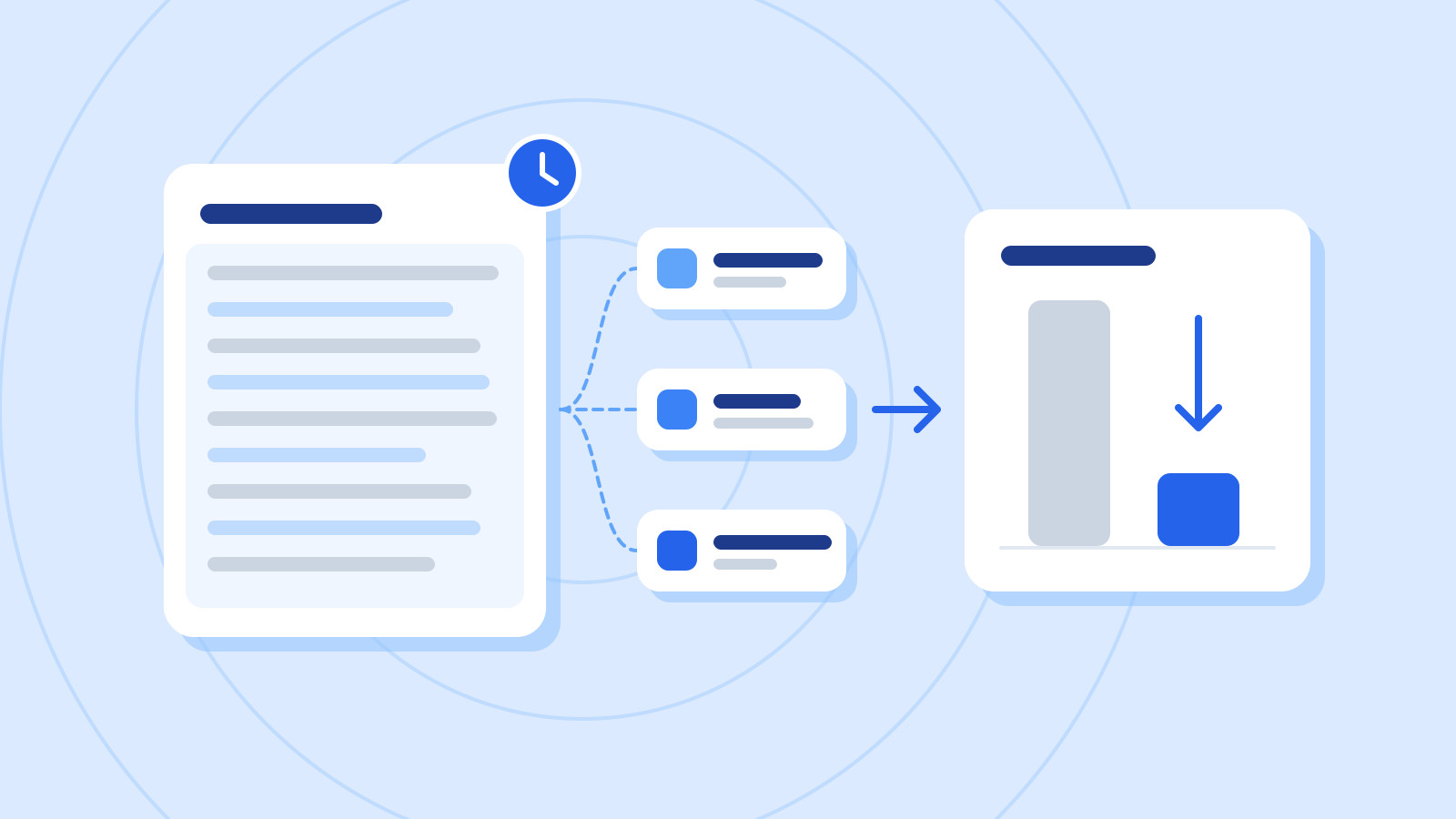
Recurring work uses Crew's scheduling system. Jobs support individual timezones and a default 30-minute execution budget, extendable to 24 hours. A persistent session is the default; fresh sessions are also supported. The documentation describes result notifications as well as a silent mode for jobs that should only report when explicitly instructed. Jobs get a small random delay by default; strict scheduling disables it. Timezones fall back to the global setting, then UTC.
Host capacity constrains concurrency. Crew's system documentation says critically low memory defers scheduled work and leaves new work queued or rejected. Accepted background jobs enter a durable queue and return to scheduling after a service restart. Run records also display credits consumed alongside elapsed time. Displayed token totals are estimates from stored sessions: input includes cached context, while output estimates omit tool calls and reasoning. Unreadable sessions are excluded.
A running host and metered model use
Crew runs on a user's laptop, a separate server or an EC2 instance. Continuing while the laptop sleeps requires an always-on remote host. The existing deployment guide lists roughly 10GB of memory as a minimum for a remote Linux machine, with 16GB providing more headroom for tool activity.
The coordinating bot and its workers can use different models. Credit multipliers also vary: the current catalog lists GPT-5.6 Sol at 4.4 times the base rate and Luna at 0.6 times for requests up to 272,000 tokens. These are Kiro credit rates, separate from providers' dollar-denominated API prices. Both are available to paid US and EU profiles, and their multipliers double above that request length.

Individual plans list 50 monthly credits on Free, or 1,000 for $20 a month on Pro. Paid users can buy additional credits at $0.04 each, before applicable taxes. Complexity and model choice change consumption, so a credit allowance does not represent a fixed number of completed tasks.
Crew itself has no separate subscription fee; inference uses the connected Kiro plan, and users supply its hosting hardware. AWS says scheduled and background work consumes the same allowance when it uses agent reasoning. Scheduled scripts or commands that make no model call use no requests. Users control concurrency/timeouts and inspect usage.
Sources
- Introducing bots in Kiro Crew — November 5, 2026 — Kiro / AWS
- Kiro Crew — bots, custom agents and billing scope — Kiro / AWS
- Cron & scheduling — execution budgets and session reuse — Kiro Docs
- System & storage — capacity, durable queues and run usage — Kiro Docs
- Running 24/7 — host availability and requirements — Kiro Docs
- Available models — current credit multipliers — Kiro Docs
- Pricing — individual plans and credit charges — Kiro / AWS
- Custom agents — existing configuration scope — Kiro Docs
- Memory — inspection, editing and deletion controls — Kiro Docs