Qwen Code skips AI turns when scheduled checks find nothing new
3-line summary
- An optional precheck can finish a scheduled poll without sending a prompt.
- PR probes retain a cursor and report new transitions rather than repeated state.
- Managed probes withhold prompts on failure, including a 20-second timeout.

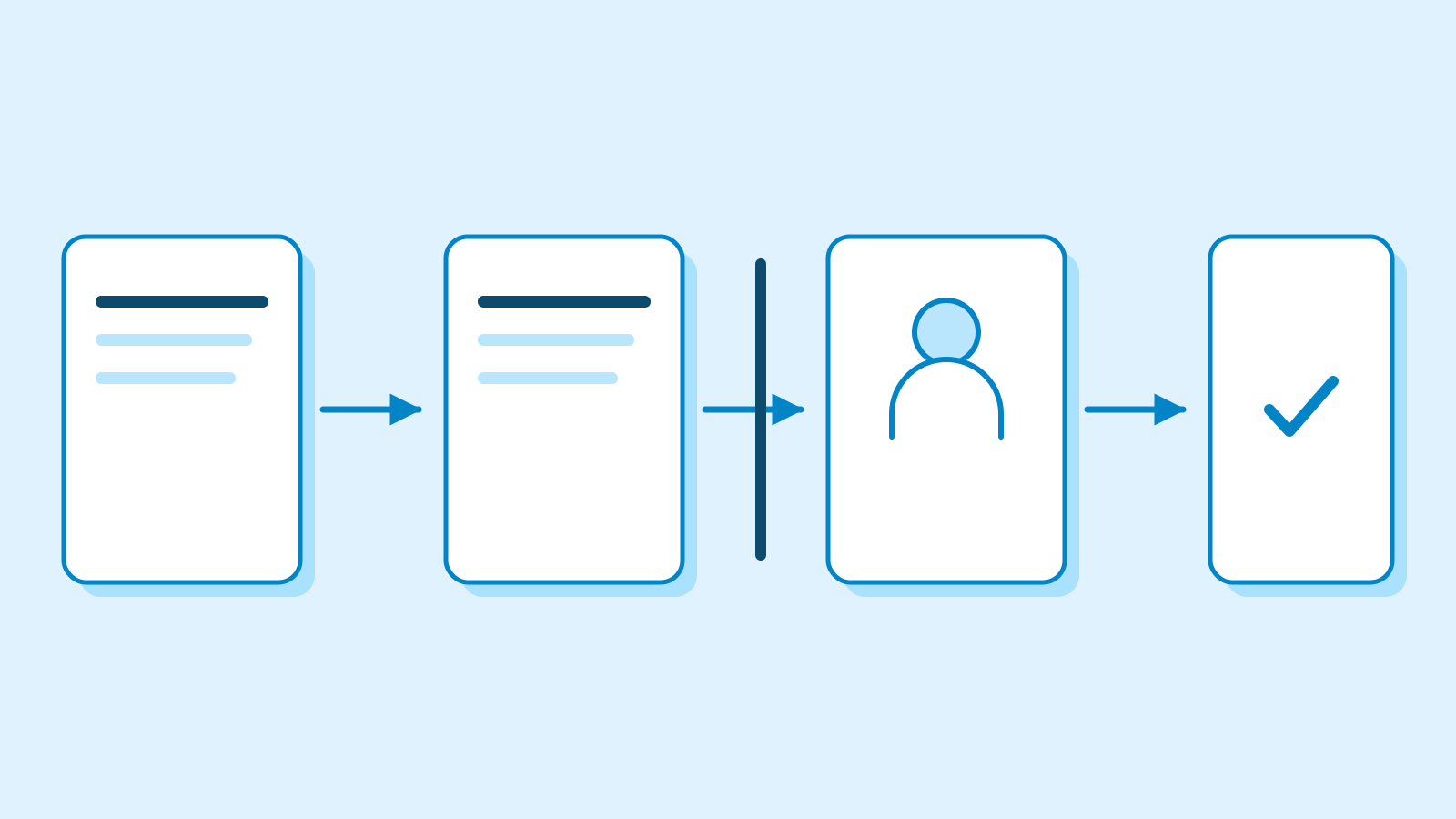
Qwen Code can now skip an AI turn when a scheduled check has nothing to report. Stable version 0.26.1, published October 24, adds an optional precheck: if its command exits successfully without output, no prompt enters the conversation.
Qwen Code is an open-source coding agent spanning terminals, editors, desktop, browsers and messaging integrations. It supports OpenAI, Anthropic, Gemini and Qwen APIs, alongside local models, with providers switchable at runtime. Its Web UI and multi-client daemon remain experimental.
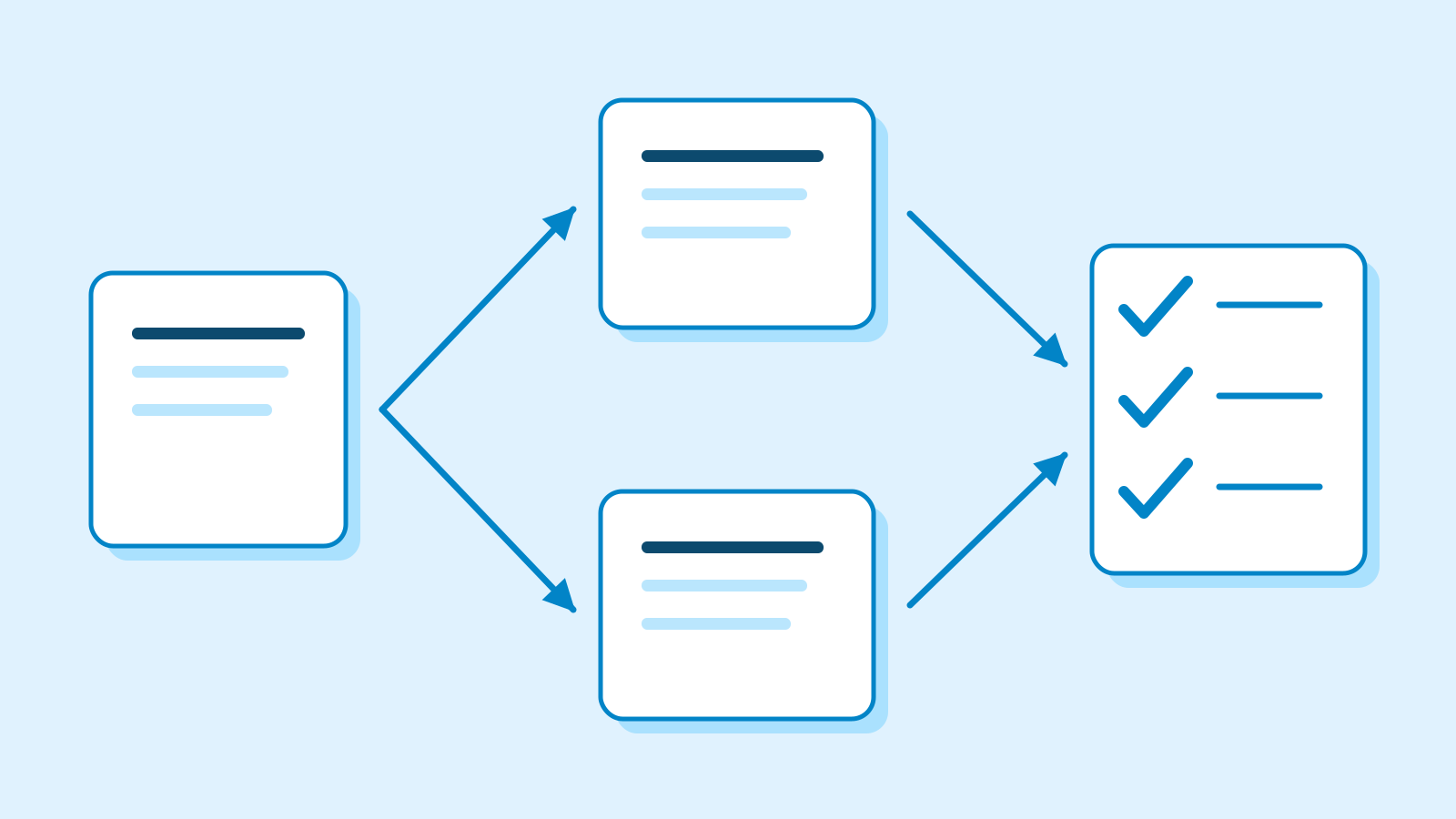
New pull-request probes supply those checks. The author-side probe tracks newly failed checks using each check’s latest run, merge conflicts, comments and reviews from others, and externally moved heads. A cursor records reported events so an unchanged PR stays quiet on the next poll. Losing that cursor can cause outstanding items to be reported again.
The repository watcher detects opened or pushed PRs and drafts marked ready; its first run silently records existing items. These probes report events. The follow-on author workflow, including pushing fixes and replying, was outside this change’s scope.

Gates are optional; ungated schedules retain their behavior. Commands use the session’s directory, environment and permissions. Allowing task creation alone does not approve its command. Execution checks permission rules again, including denials, and wraps output as data for the model.
Manual runs still start with the model
Daemon and Web Shell support carries the command through task creation and editing. The web form exposes its field and recent outcome only when the daemon advertises support. Gates attach to recurring schedules; the server rejects one on a one-shot task. Tasks bound to the current session can use them too.
The “Run now” path has a different cost boundary. Without the scheduler in that path, the model receives instructions to execute the gate first under normal tool approval and stop if it prints nothing. A manual run therefore still starts a model turn even when the subsequent check is quiet.

Managed automations probe in the Workspace Runtime before claiming work. Quiet success skips the occurrence without a journal commit, input or turn. Failure, including exceeding 20 seconds, withholds the prompt and retains error details and a failure count.
After a lost reply or Harness restart, repeated processing reuses the Runtime Broker’s execution receipt. An indeterminate result withholds the occurrence instead of executing again.
Managed gates require a Shell profile, Runtime Broker and matching server, Broker and Harness builds. The initial database schema changes, assuming fresh initialization for existing databases. The public Web Shell editor for Managed definitions was excluded.
Sources
- Release v0.26.1 — stable release — Qwen Code
- Scheduled-task precheck — #15069 — Qwen Code
- PR transition probes — #15057 — Qwen Code
- Daemon and Web Shell gates — #15211 — Qwen Code
- Managed automation probes — #15218 — Qwen Code
- Product overview — v0.26.1 — Qwen Code
Corrections
- Clarified the English wording for the initial database schema.