Copilot use in OpenCode now shows up in GitHub usage reports
3-line summary
- GitHub added Copilot model usage from tools such as OpenCode to reports on October 23.
- Reports separate requests, sessions and tokens by tool; requests are not user prompts.
- Authorized enterprises and organizations can access daily and 28-day reports with metrics enabled.
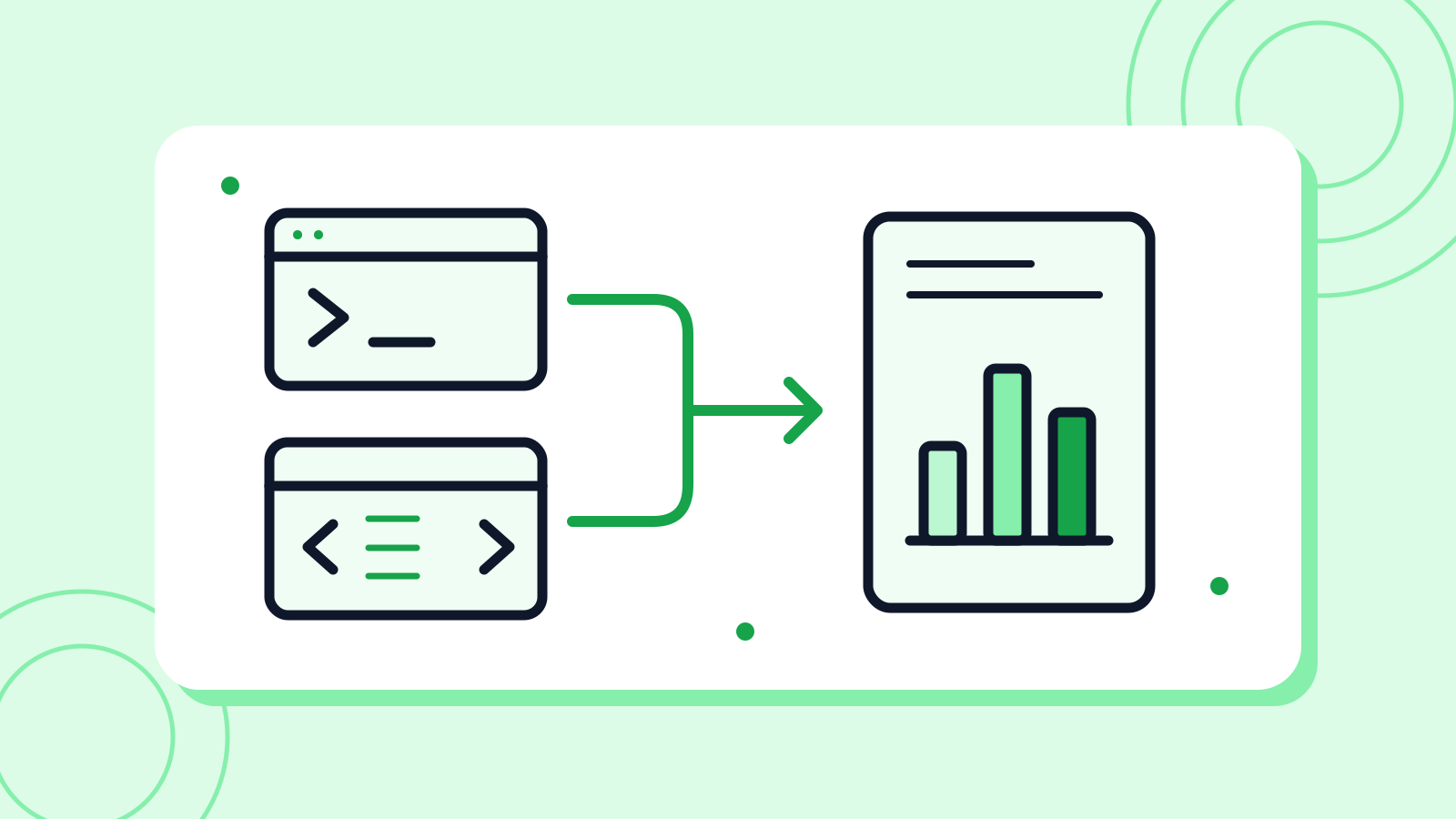
GitHub expanded Copilot usage reporting on October 23. Server-side counts now include tools such as OpenCode when they use Copilot as their model provider.
New totals_by_client entries show successful model calls, sessions and input/output tokens. Tool labels follow request integration IDs and are best-effort groupings, not verified identities.
The change covers enterprise, organization and their per-user daily and 28-day reports. The REST reference says reports are generated daily for processed periods. Access requires enterprise owner or billing-manager status, organization ownership, or the relevant metrics-viewing permission, with the Copilot usage metrics policy enabled.
A request_count measures model calls: one prompt can trigger several. Agent-app jobs started on GitHub are a separate measure. Existing IDE metrics also depend on client telemetry and processing time, so comparisons should align reporting periods, scope and data readiness first.
Why it matters
AI Ping sees a stronger basis for deciding which developer tools to support beyond the editor. Teams should agree on what each metric counts before treating traffic as evidence of work outcomes.
Who it's for
- Developers
- Compare requests and tokens over matching periods, then review actual work results separately.
- Office workers
- Label prompts, model calls and agent jobs as separate units in internal usage reports.
Sources
- Usage metrics API adds usage from tools like OpenCode — GitHub Changelog
- REST API endpoints for Copilot usage metrics — GitHub Docs
- Data available in Copilot usage metrics — agent apps metrics fields — GitHub Docs
- Reconciling Copilot usage metrics across dashboards, APIs, and reports — GitHub Docs