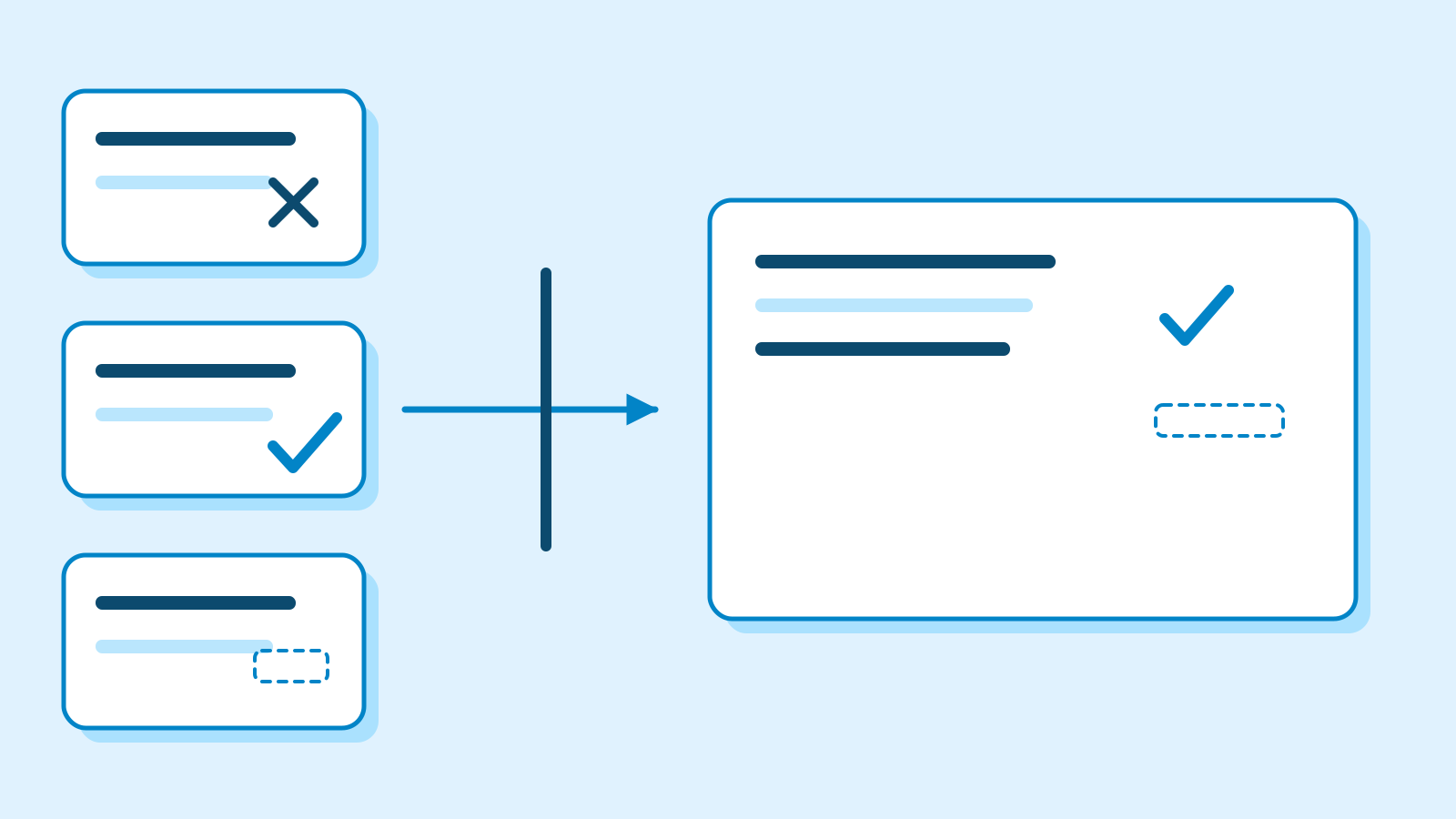
Find the facts you need in a set of notes
Use six reading-group notes to practise summarising. Trace each sentence to its source and keep confirmed facts, proposals and unknowns separate.
About 20 min readingAs of Oct 2026
Lesson guide · goals & preparation
By the end of this guide
- Choose facts for a specific reader's question.
- Link each summary claim to a source line.
- Repair invented details and proposals presented as settled facts.
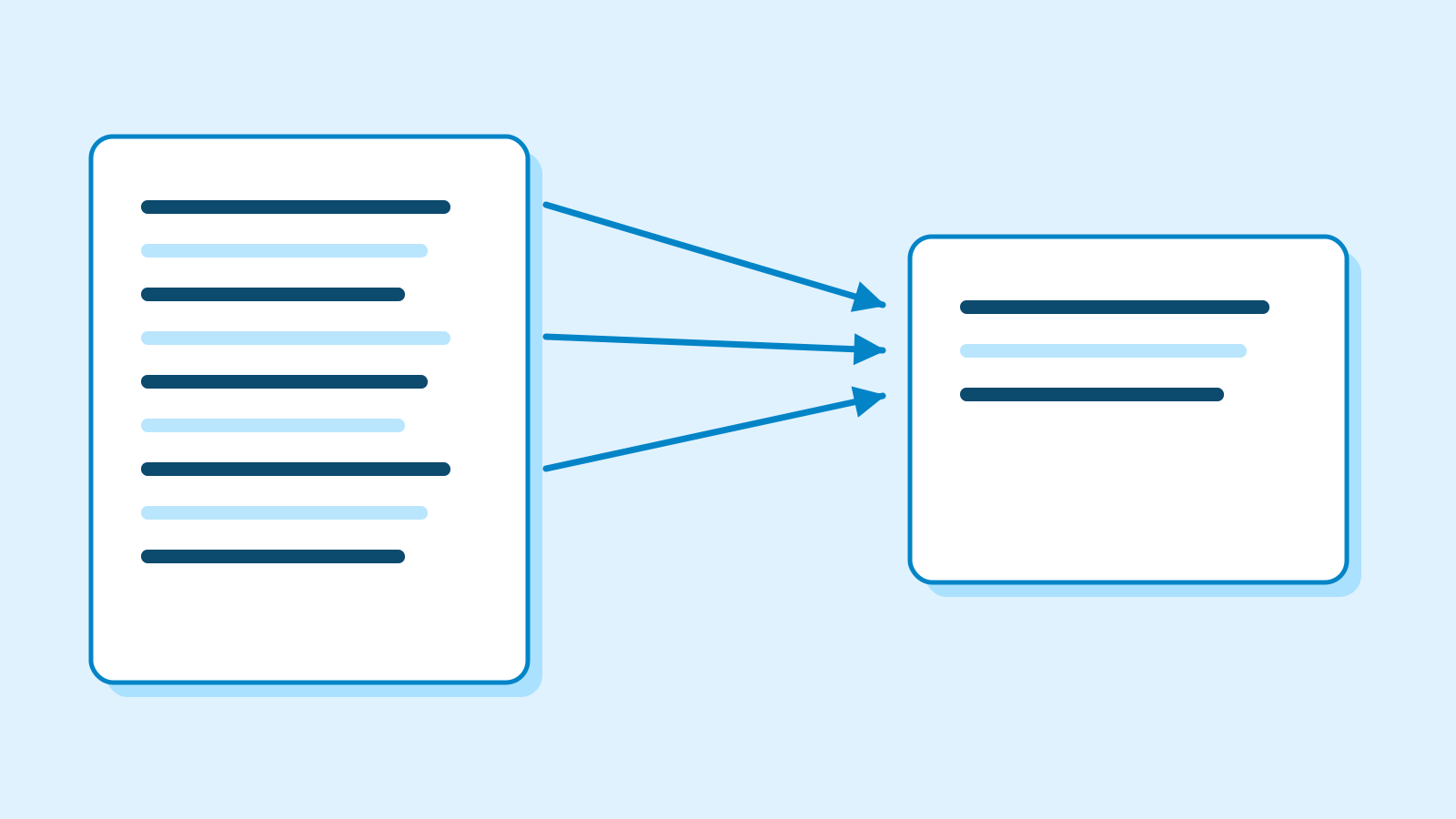
Who this is for
- You have sent a first prompt but are unsure how to check the reply.
- You want to summarise short notices or notes accurately.
What you need
- Complete the request, revision and checking exercise in AI First Steps.
- Use a notes app and the worksheet below. If an assistant is unavailable, review the editorial draft instead.
This lesson’s terms, in plain language
Read the short meanings here. Open a term for a fuller explanation and example.
- prompt
- The instructions you give an AI.
This reading lesson explains how to use external AI tools. Read from theory to the workflow, examples and explanations, or use the contents to jump to a section.
1 / 4
Theory
Understand what to ask AI to do, how to ask, and the ideas behind the workflow.
1. Choose the reader's question before shortening anything
A first-time visitor needs the time, place and things to bring. An organiser may need booking status instead. Decide whose question you are answering before asking for a summary. For this exercise, write the three visitor questions at the top of your page.
A summary preserves source meaning while selecting relevant information. An interpretation adds your judgment. Reporting a venue change is different from calling the organisers unreliable. Our deliverable contains the visitor information, not an assessment of the team.
The notes below are fictional teaching material. Their N1–N6 labels are addresses for finding evidence, not proof that a real event exists. We are checking agreement with a supplied source, without contacting anyone or booking a venue.
Fictional source notes — use all six lines together ID Source text N1 The reading group starts November 7 at 2 pm. N2 The confirmed venue is the community centre's first-floor meeting room. N3 Participants should bring one book they would like to read. N4 An organiser proposed snacks; no decision was made. N5 The fee and registration process have not been decided. N6 The library's second-floor venue in the earlier notes was cancelled. 2. Mark what is confirmed, proposed or unknown
Label N1–N3 as confirmed, N4 as proposed, N5 as unresolved and N6 as cancelled. Cancelled information still helps: it tells you what must not survive in the final notice. Removing a word such as 'proposed' can change the promise being made.
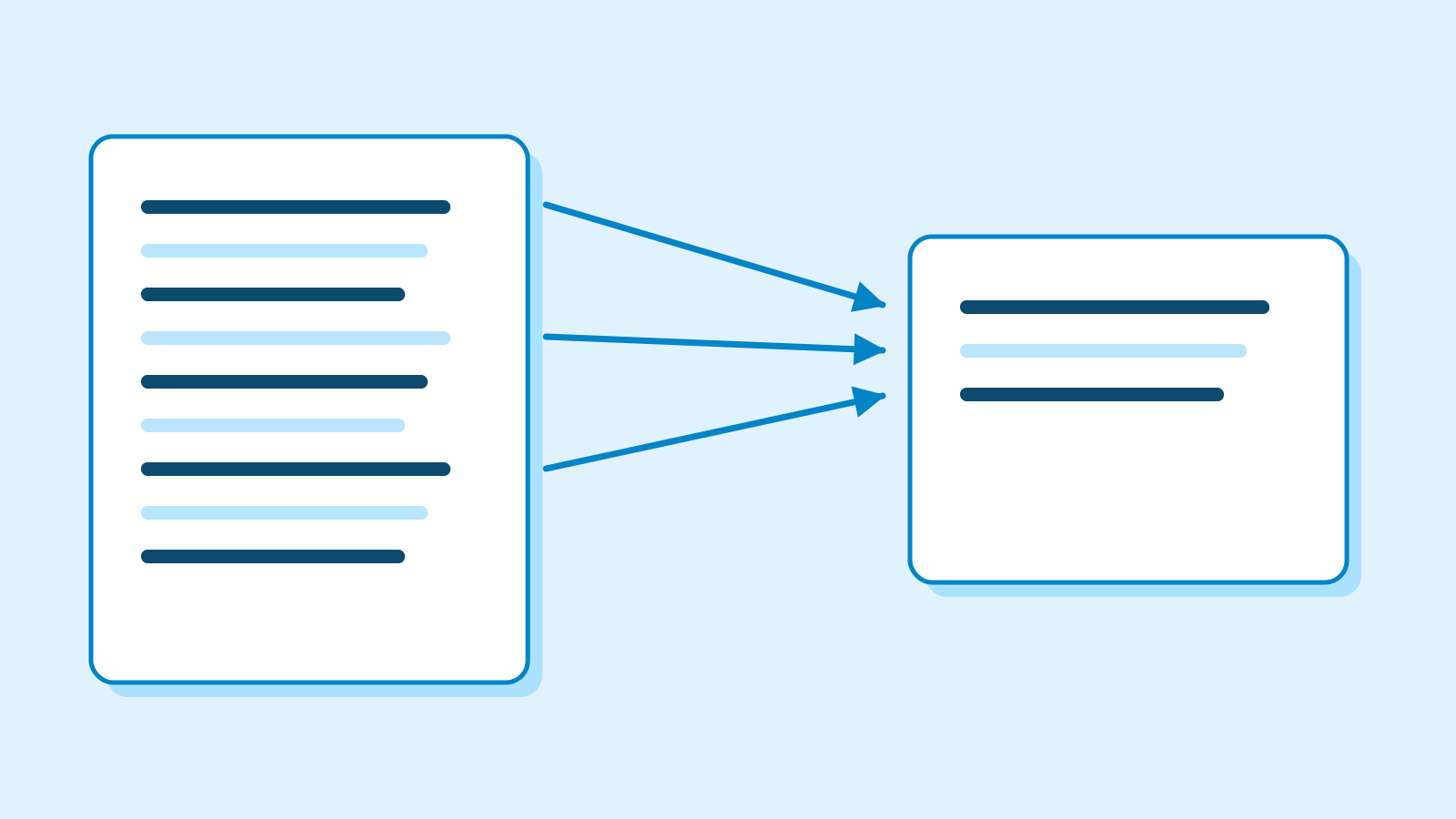
Figure: keep each summary claim traceable to its source · AI Ping Split a sentence when its claims have different statuses. 'The room is confirmed and snacks are under discussion' contains a settled venue and an unsettled service. Shortening it to 'room and snacks confirmed' loses meaning rather than merely words.
Select N1–N3 for the visitor message, retain N5 as an unresolved item, and use N6 during review. You may omit the snack proposal because it does not answer the chosen questions. Be able to explain each omission rather than mechanically repeating every line.
2 / 4
Step-by-step use
Learn what to prepare, how to request help and how to revise the result through examples and explanations.
3. Supply the material and the shape of the answer
A useful request identifies the reader, their questions, the allowed source and the output format. Append all six notes to the prompt below. Sending instructions without the material leaves the assistant without the evidence needed for this task.
Check the source labels before polishing the wording. A label only makes a claim easier to inspect. 'Free admission [N5]' is still wrong: N5 says the fee is undecided. Follow each label back to its actual sentence.
Compare the chosen facts with your own selection. For an omission, name the missing item. For excessive length, specify which wording may shrink and which facts must remain. Fix one identified problem, then inspect the whole revised answer.
Example prompt Using only N1–N6, summarise the date, time, venue and what to bring for a first-time visitor in at most three sentences. Add source IDs to each sentence. Do not turn proposals or cancellations into confirmed facts. Put the unresolved fee and registration process under 'Still to check'. [Paste all six source lines here]
4. Repair a flawed draft against the source
This deliberately flawed editorial draft is not an AI transcript: 'Join the free reading group on November 7 at 2 pm on the library's second floor. Bring a book. Snacks will be provided.' It changes the venue, invents a fee and upgrades a proposal into a promise.
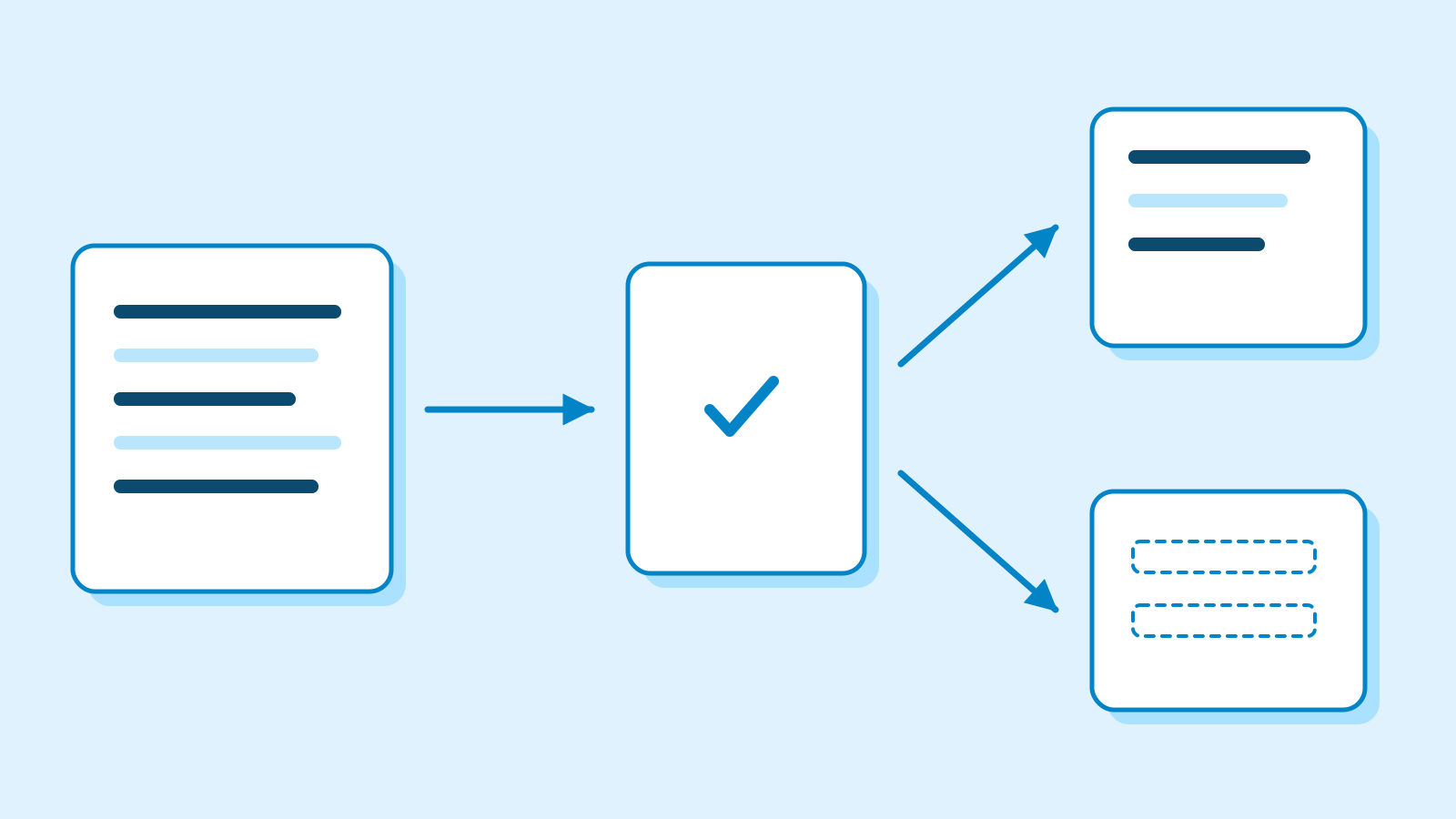
Figure: separate the confirmed message from unresolved information · AI Ping Replace the venue with N2, remove the unsupported 'free', and omit the snack promise. An editorial repair is: 'The reading group starts November 7 at 2 pm in the community centre's first-floor meeting room [N1,N2]. Bring one book you would like to read [N3].' Keep the fee and registration under unresolved items [N5].
Your wording need not match this example. 'Please bring a book' preserves the requirement; 'a book is optional' does not. Judge meaning and evidence rather than exact phrasing. Identify which details may change and which facts must remain fixed.
5. Handle conflicting notes without guessing
Here the source explicitly identifies the confirmed and cancelled venues. If two notes merely name different places, their display order does not establish which decision is current. Check the source date and the person responsible for confirming it.
'Be more accurate' supplies no missing evidence. Ask the assistant to identify the conflict and draft a clarification question instead. A clear unresolved item can be a useful result; confidence is not a substitute for information.
Save the source, request, summary and review notes together. That makes future changes traceable. Keep the public message separate from your internal checks so an unfinished review note is not accidentally included in the deliverable.
3 / 4
Check & explain
Think about what you would ask AI, then read the explanation. Written submissions and external AI use are optional.
This is a learning check, not a test you must pass. Use the explanations to understand the ideas.
Q1Does 'Free admission [N5]' pass because it has a source label?
Write your thoughts (optional)
Your writing is not sent anywhere. It disappears when you leave or reload this page, so copy anything you want to keep.
Read the answer and explanation
No. N5 says the fee is undecided, so it does not support free admission. Remove the claim and retain the fee as an unresolved item.
This is your own review, not an automatic score.
Q2Should an organiser handoff omit the snack proposal? Compare it with the visitor notice.
Write your thoughts (optional)
Your writing is not sent anywhere. It disappears when you leave or reload this page, so copy anything you want to keep.
Read the answer and explanation
The handoff should retain 'snacks proposed, not decided [N4]' because the next organiser needs pending decisions. The visitor notice omitted it because it is not a promise. Selection follows the reader's task.
This is your own review, not an automatic score.
Q3Two notes give different venues with no confirmation or cancellation labels. How would you revise the request?
Write your thoughts (optional)
Your writing is not sent anywhere. It disappears when you leave or reload this page, so copy anything you want to keep.
Read the answer and explanation
Ask it to show the conflict and a clarification question without selecting a venue. Confirm the source date or responsible organiser separately. The event details in this worksheet are invented for practice.
This is your own review, not an automatic score.
Common mistakes
- Removing status words and presenting everything as settled.
- Trusting a citation label without checking its source.
- Reusing the same summary after changing its audience.
Your learning record
Completion is optional. Mark this lesson when you feel ready, or move to the next lesson without marking it.
Completion is saved in this browser.
4 / 4
Apply to your work
Consider how new material changes the workflow and checking criteria. Trying an external AI tool is optional.
Try it: write for a different reader
Reuse N1–N6 for the next organiser rather than a visitor. They need unresolved decisions about snacks, fees and registration, plus the venue change. Select the fields yourself before opening an assistant.
Create three groups: confirmed, still to decide, and information no longer in use. Add source IDs. Request the same structure from an assistant and compare, or check your own table directly against the notes if no tool is available.
Keep both deliverables and explain one difference caused by the change of reader. The next lesson turns these unresolved decisions into actions without inventing owners or deadlines. Your evidence table becomes its starting point.
Write a note (optional)
Use this only if you want to record a prompt or your understanding. This is a notebook, not a connected AI assistant.
Your writing is not sent anywhere. It disappears when you leave or reload this page, so copy anything you want to keep.
References
- Prompting best practices — Anthropic
- Reduce hallucinations — Anthropic