Find insights in campaign results
Do the maths in your spreadsheet and the interpreting with AI. Turn campaign results into insights written as observation, hypothesis and how to check, then pick your next experiment.
About 14 min readingAs of Oct 2026
Lesson guide · goals & preparation
By the end of this guide
- Agree on definitions for CTR, CVR, CPA and ROAS, and calculate them exactly with spreadsheet formulas.
- Draw out insights with AI in the form observation → hypothesis → how to check.
- Avoid the traps of tiny samples, different counting rules and averages, and write a three-line report with a next experiment.
Who this is for
- Marketers who report results by channel after every campaign
- Anyone who has the numbers but isn't sure what they say
What you need
- Excel or Google Sheets
- Any chat assistant
- Reading "Write spreadsheet formulas with AI" first makes the formula part easier.
This lesson’s terms, in plain language
Read the short meanings here. Open a term for a fuller explanation and example.
- conversion rate
- Goal actions divided by a defined set of visits or interactions.
- hypothesis
- An unverified idea that can be investigated through observation or a test.
This reading lesson explains how to use external AI tools. Read from theory to the workflow, examples and explanations, or use the contents to jump to a section.
1 / 4
Theory
Understand what to ask AI to do, how to ask, and the ideas behind the workflow.
Agree on the metrics first
Before you show any numbers to an assistant, agree on the definitions as a team. Even conversion rate can use a different denominator depending on the platform — "interactions" such as video views rather than clicks — and some tools use other names, as Google Ads does with "cost per conversion" for CPA and "conversion value per cost" for ROAS.
This guide uses the September ads for the 10-minute reading-log app from the earlier guides. A conversion is a paid subscription starting, revenue is the first payment, and all the numbers are made up.
Tables and reports below are editorial solutions. Nothing establishes random assignment across channels, so this table cannot prove a message caused an outcome. A 100% ROAS also does not establish break-even after other costs.
The metric definitions used in this guide Metric Formula What it tells you CTR (clickthrough rate) Clicks ÷ impressions How often an ad impression turns into a click CVR (conversion rate) Conversions ÷ clicks How often a click turns into a subscription CPA (cost per acquisition) Cost ÷ conversions Ad spend per new subscription ROAS (return on ad spend) Revenue ÷ cost Revenue for each unit of ad spend (100% means revenue equals spend) Check it
- Write the definitions down in a shared team doc and make sure every report uses them.
2 / 4
Step-by-step use
Learn what to prepare, how to request help and how to revise the result through examples and explanations.
Calculate in the sheet, and get the formulas too
Assistants sometimes get sums wrong. Calculate every number you'll report in the sheet, and ask the assistant for both the results and the formulas so you can compare them with the sheet.
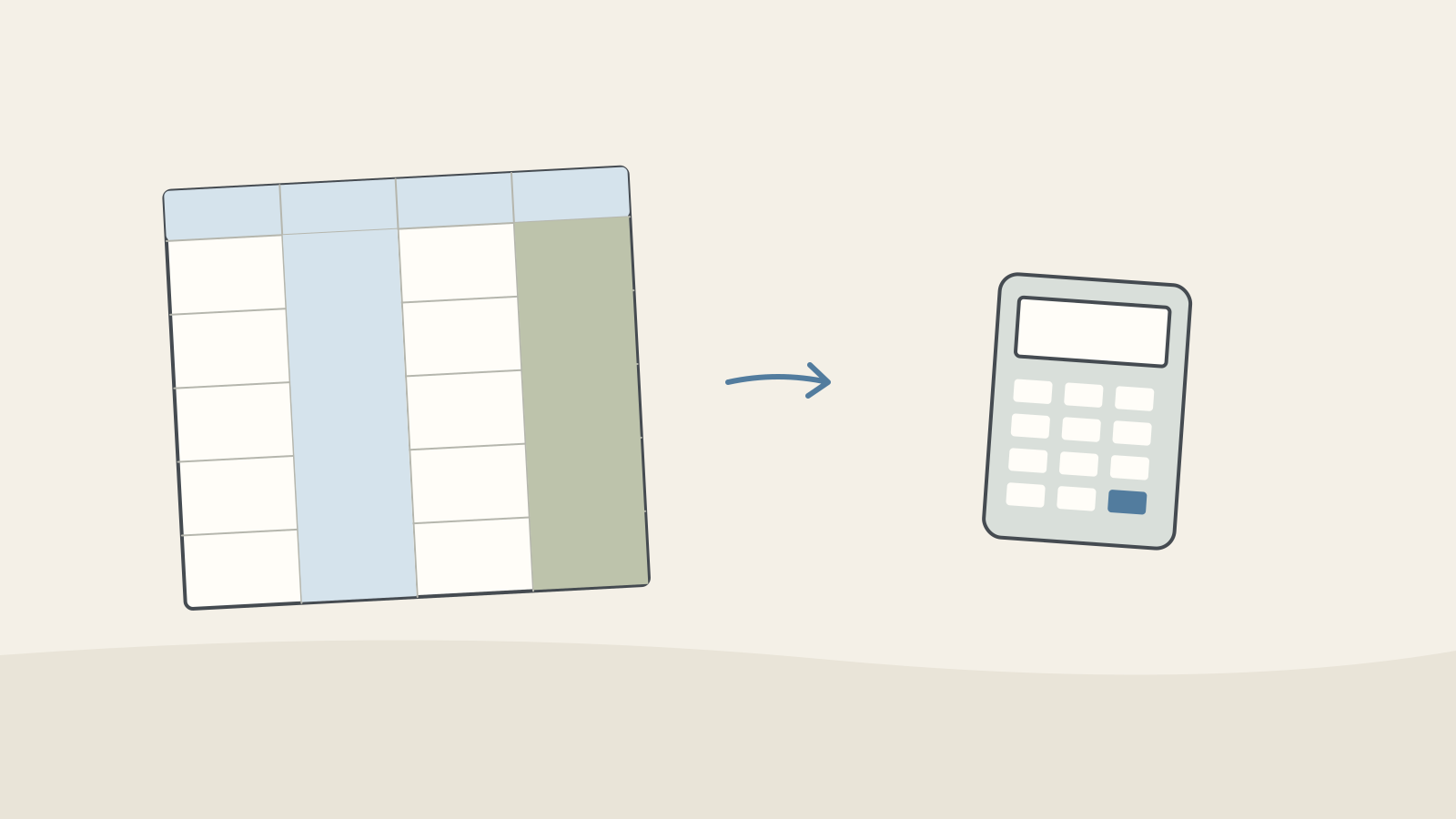
Figure: Two raw-count columns connect to a calculator to form a rate · AI Ping CSV makes rows and columns explicit but does not prevent parsing errors. Check delimiters, quoting, units, row count and headers, along with period and attribution basis.
September ad results (example, 1–28 September) Channel Impressions Clicks Conversions Cost (₩) Revenue (₩) Search ads 40,000 1,600 96 1,440,000 3,024,000 Social feed A (time-saving) 250,000 3,000 75 1,500,000 2,100,000 Social feed B (myth-busting) 250,000 2,000 70 1,500,000 2,310,000 Video 180,000 1,260 25 900,000 750,000 Display 300,000 900 3 300,000 90,000 Total 1,020,000 8,760 269 5,640,000 8,274,000 Example prompt Here are our September ad results as CSV. Every channel ran from 1 to 28 September, and conversions (paid subscriptions started) and revenue (first payments) were counted in our analytics tool on a last-click basis. Channel,Impressions,Clicks,Conversions,Cost,Revenue Search ads,40000,1600,96,1440000,3024000 Social feed A (time-saving),250000,3000,75,1500000,2100000 Social feed B (myth-busting),250000,2000,70,1500000,2310000 Video,180000,1260,25,900000,750000 Display,300000,900,3,300000,90000 Calculate CTR (clicks ÷ impressions), CVR (conversions ÷ clicks), CPA (cost ÷ conversions) and ROAS (revenue ÷ cost) for each channel as a table, with a total row at the end. Round CTR and CVR to one decimal place as percentages, CPA to the nearest won and ROAS to a whole percentage. Assume the data sits in Excel range A1:F6, and give me the formula for each metric.
Worked example & explanation Put these formulas in row 2 of columns G to J and fill them down to row 6. Format CTR and CVR as percentages with one decimal place and ROAS as a whole percentage, and the sheet will match the table below.
For the total row (row 7), add up columns B to F with SUM, then divide the totals — rather than averaging the rates.
=C2/B2- Column G, CTR: clicks ÷ impressions
=D2/C2- Column H, CVR: conversions ÷ clicks
=E2/D2- Column I, CPA: cost ÷ conversions
=F2/E2- Column J, ROAS: revenue ÷ cost
=C7/B7- Total-row CTR: total clicks ÷ total impressions. Do the other metrics the same way within row 7.
The metrics the assistant calculated (example) Channel CTR CVR CPA ROAS Search ads 4.0% 6.0% ₩15,000 210% Social feed A (time-saving) 1.2% 2.5% ₩20,000 140% Social feed B (myth-busting) 0.8% 3.5% ₩21,429 154% Video 0.7% 2.0% ₩36,000 83% Display 0.3% 0.3% ₩100,000 30% Total 0.9% 3.1% ₩20,967 147% Check it
- Put the same formulas in your sheet and compare the results with the assistant's table cell by cell. Where they differ, use the sheet's value.
- Total-row rates must divide totals. Averaging the five channel CTRs gives 1.4%, but the real overall CTR is 8,760 ÷ 1,020,000 ≈ 0.9%.
Write insights as observation → hypothesis → check
An insight isn't a conclusion; it's a hypothesis to check. Asking for an observation (numbers from the table), a hypothesis (why it might be so) and a check (how to find out) keeps convincing interpretations from passing as facts.
The sums are done, so hand the assistant only the interpreting. Give it a rule for channels with very few conversions, so it doesn't draw conclusions from them.
The fewer-than-ten-conversions rule is an editorial triage flag, not a statistical adequacy threshold. Required sample size depends on effect, variability and design. Limited sample and unestablished causation are separate limitations.
Example prompt Using the raw data and the metrics table above, write three insights. Give each one as observation → hypothesis → how to check, and use only numbers from the tables in the observations. For any channel with fewer than 10 conversions, draw no conclusion and just say the sample is too small.
Worked example & explanation Here are three insights. Treat each one as a hypothesis to check.
1) Observation: Social feed B has a lower CTR than A (0.8% vs 1.2%) but a higher CVR (3.5% vs 2.5%) and ROAS (154% vs 140%). Hypothesis: the myth-busting message may draw fewer clicks but more committed subscribers. Check: compare the two ads' mix of monthly and annual plans, and their 30-day retention.
2) Observation: search ads have the highest CVR (6.0%) and ROAS (210%) but the fewest impressions (40,000). Hypothesis: these are people already looking for a reading session app, and because only so many people search, a bigger budget may not keep the same efficiency. Check: raise the budget by 20% for two weeks and watch how impressions and CPA change.
3) Observation: video first-payment ROAS is about 83%. Hypothesis: last-click attribution may omit earlier video touchpoints. Check consistently defined path data, while recognizing that presence in a path does not establish incremental sales impact.
Display has only 3 conversions, so the sample is too small to judge.
Check it
- Match every number in the observations against the tables. If one isn't in them, ask for it to be removed.
- Give each check a date and an owner, so the hypothesis actually gets tested instead of just sitting in a report.
Avoid the traps that mislead
An assistant can read the numbers convincingly, but it doesn't know the conditions behind them. Before you report an insight, check it against the four traps below.
Take the conversion window: how many days after an ad click a conversion still counts. A shorter window records fewer conversions, so numbers from platforms with different settings can't be compared as they are.
Traps when reading campaign results Trap In this campaign How to avoid it Tiny samples Display has 3 conversions. One more would move its CPA from ₩100,000 to ₩75,000 Check tracking and denominators, then plan further data collection and comparison. Do not pool unrelated channels merely to increase counts. Different periods or budgets Same dates here, but budgets range from ₩300,000 to ₩1,500,000 — five times apart Compare like with like, and note the budget next to each result Platforms counting differently Attribution models and conversion windows differ by platform, so adding up each ad platform's own conversion counts may not match your real subscriptions Recount everything on one basis, such as your analytics tool or payment data Averages hiding gaps Overall ROAS of 147% looks healthy, but video (83%) and display (30%) are below 100% Break results down by channel, device or age group Check it
- Run each of your three insights past the four traps. In the example, insight 2 (a bigger search budget) runs straight into "different periods or budgets".
Report in three lines and pick the next test
Keep the report short and narrow the next step down to one. Use only numbers you've checked in the sheet, and label any unconfirmed interpretation as a hypothesis.
You can draft the next variations with the method in "Draft A/B ad copy with AI". When the results come in, calculate and interpret them again in the order of this guide.
Example prompt Write a three-line report for my manager from these insights: line 1 the overall result, line 2 the hypothesis to check first, line 3 the next experiment. Keep each line to 20 words or fewer, and label anything unconfirmed as a hypothesis.
Worked example & explanation 1. September: ₩5.64M in ad spend brought 269 subscriptions and about ₩8.27M in revenue (ROAS 147%).
2. Hypothesis: ad B draws fewer clicks but more committed subscribers.
3. Next test: define allocation, observation period and metrics before comparing A and B.
Check it
- Check the report's numbers against the sheet: ₩5,640,000 is ₩5.64M and ₩8,274,000 is about ₩8.27M.
- Change one thing per experiment. Change the ad and the budget together and you can't tell which one made the difference.
3 / 4
Check & explain
Think about what you would ask AI, then read the explanation. Written submissions and external AI use are optional.
This is a learning check, not a test you must pass. Use the explanations to understand the ideas.
Q1A report averages search 4% and feed A 1.2% to get 2.6% overall CTR. What is correct?
Write your thoughts (optional)
Your writing is not sent anywhere. It disappears when you leave or reload this page, so copy anything you want to keep.
Read the answer and explanation
Divide 4,600 combined clicks by 290,000 impressions, about 1.59%. Do not simply average rates with unequal denominators. These are fictional figures.
This is your own review, not an automatic score.
Q2A row with zero conversions displays CPA as zero. Correct it.
Write your thoughts (optional)
Your writing is not sent anywhere. It disappears when you leave or reload this page, so copy anything you want to keep.
Read the answer and explanation
Show it as undefined because conversions are zero, with the original spend and conversion count. Zero CPA would misleadingly imply free conversions.
This is your own review, not an automatic score.
Q3B has higher ROAS, so its copy is declared causally better. What is missing?
Write your thoughts (optional)
Your writing is not sent anywhere. It disappears when you leave or reload this page, so copy anything you want to keep.
Read the answer and explanation
Check audience, assignment, timing, tracking and uncertainty. Equal spend alone does not isolate copy or establish that a difference exceeds chance variation.
This is your own review, not an automatic score.
Common mistakes
- Letting the assistant do the sums and never checking them in the sheet
- Cutting a channel or raising its budget on the strength of three conversions
- Reporting an untested hypothesis as if it were a conclusion
Your learning record
Completion is optional. Mark this lesson when you feel ready, or move to the next lesson without marking it.
Completion is saved in this browser.
4 / 4
Apply to your work
Consider how new material changes the workflow and checking criteria. Trying an external AI tool is optional.
Try it: separate measured results from unknown causes
Search CTR is 1,600/40,000 = 4%; feed A is 3,000/250,000 = 1.2%. Their simple average is 2.6%, but combined CTR is 4,600/290,000, about 1.59%. Combine counts before dividing when denominators differ. All figures are fictional.

Figure: Calculated results and proposed explanations sit on separate notes · AI Ping A higher search CTR does not prove better copy. Search and feed audiences may be in different situations. A calculated ranking is an observation; the explanation is a hypothesis.
For a new row with zero conversions, CPA cannot be calculated by dividing spend by zero. Do not show zero cost per conversion; show the undefined result and reason. Distinguish a true zero from missing data.
Keep raw counts, formulas, units, observations, hypotheses and one next check. This analysis does not itself authorize moving a live campaign’s budget.
Write a note (optional)
Use this only if you want to record a prompt or your understanding. This is a notebook, not a connected AI assistant.
Your writing is not sent anywhere. It disappears when you leave or reload this page, so copy anything you want to keep.
References
- Clickthrough rate (CTR): Definition — Google Ads Help
- Understand your conversion tracking data — Google Ads Help
- Conversion window: Definition — Google Ads Help
- Get started with attribution — Analytics Help