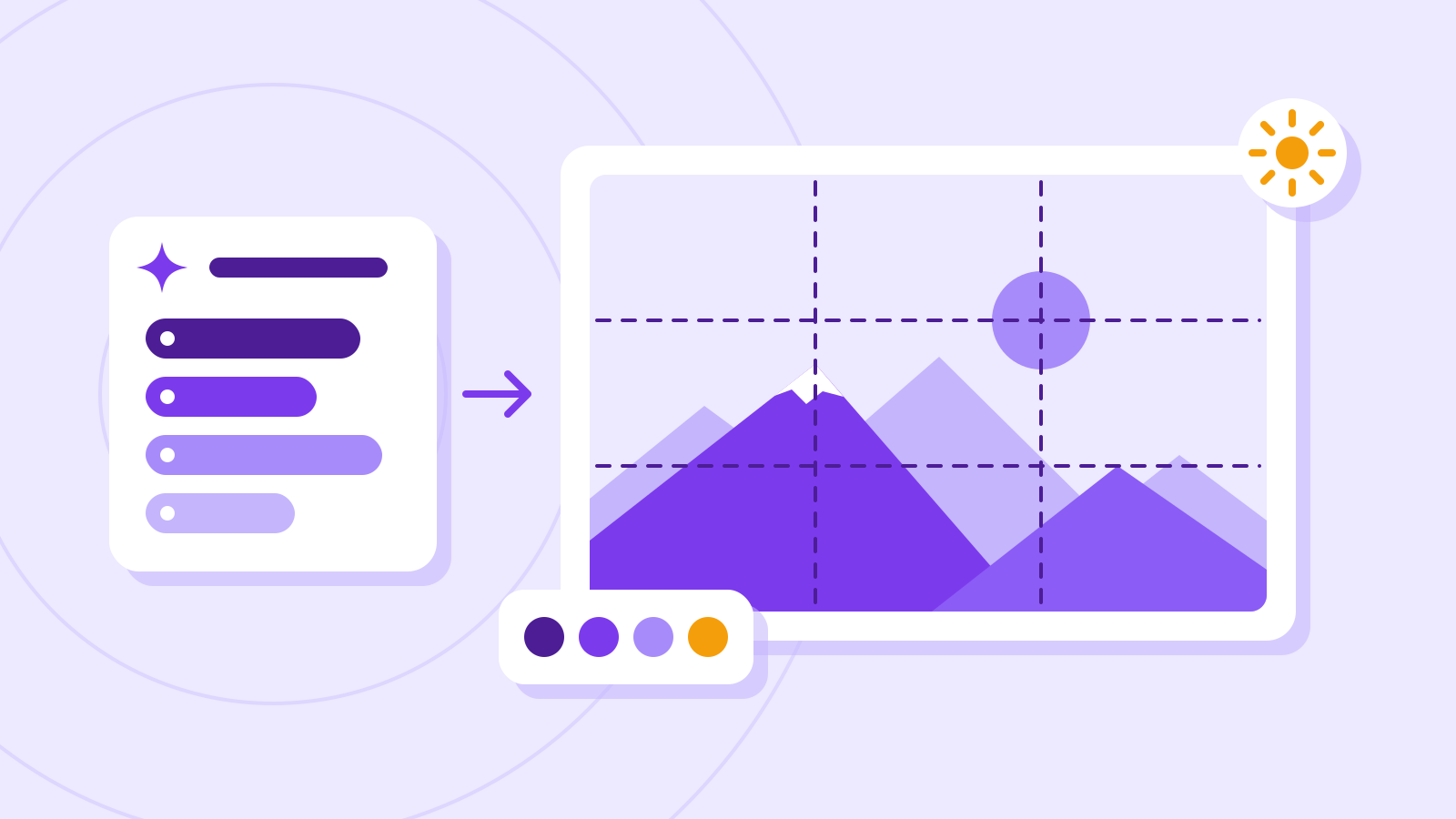
Plan first, render second: Canva’s new image model Craft
3-line summary
- Canva announced Craft, its own image model that plans composition before rendering.
- It supports up to 2K output; public API access is available, while MCP integration is planned.
- Dream Lab generation, reference images and resolution boosting can consume AI usage allowance.
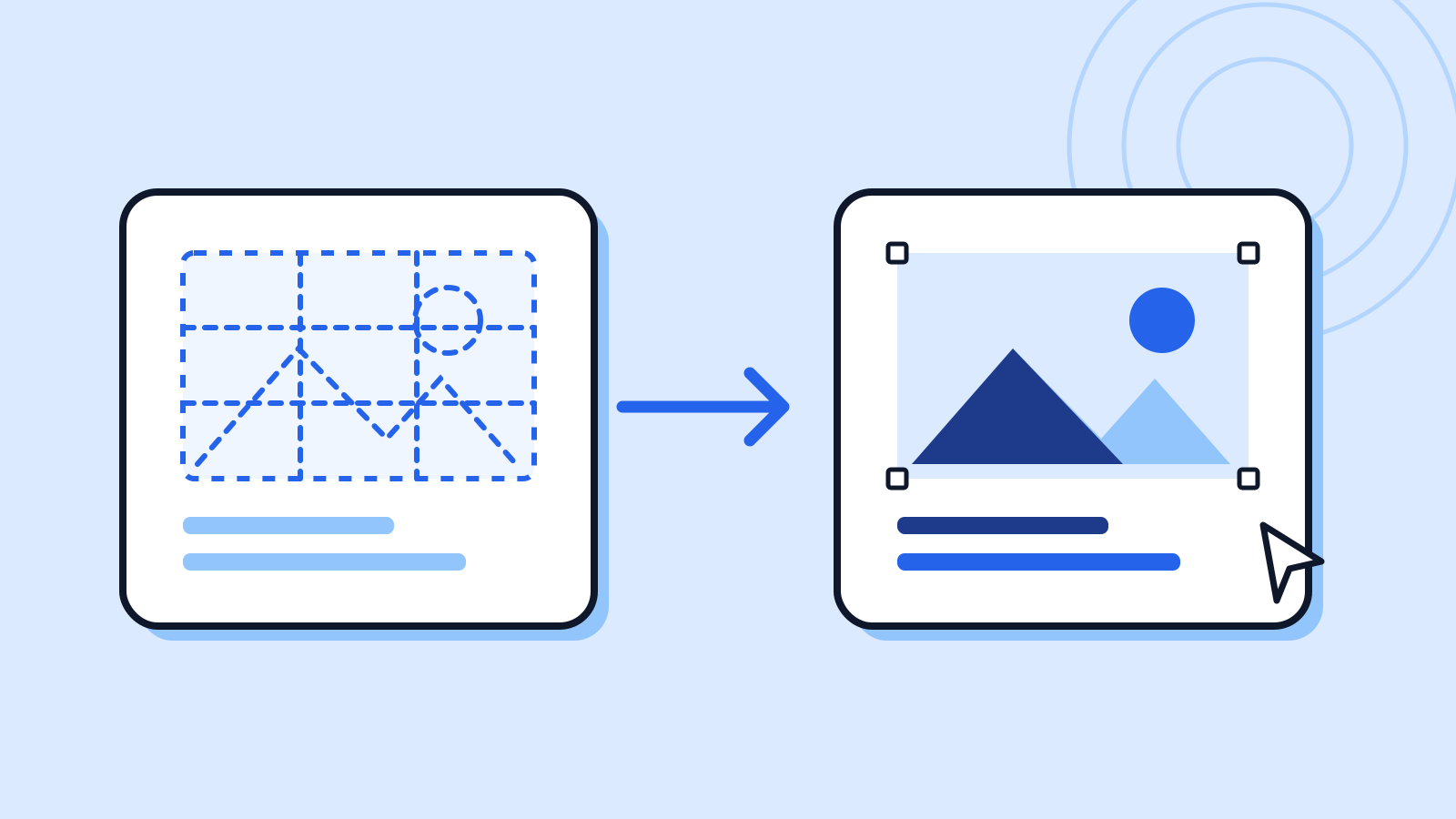
Canva announced its own image-generation model Craft on October 23. According to the company, one stage plans elements, relative scale and text, before a second stage renders that composition into an image.
Canva’s research introduction also emphasizes editing after generation. Its separate Magic Layers tool decomposes flat images and provides editable text. The Craft announcement describes using that tool to edit generated results.
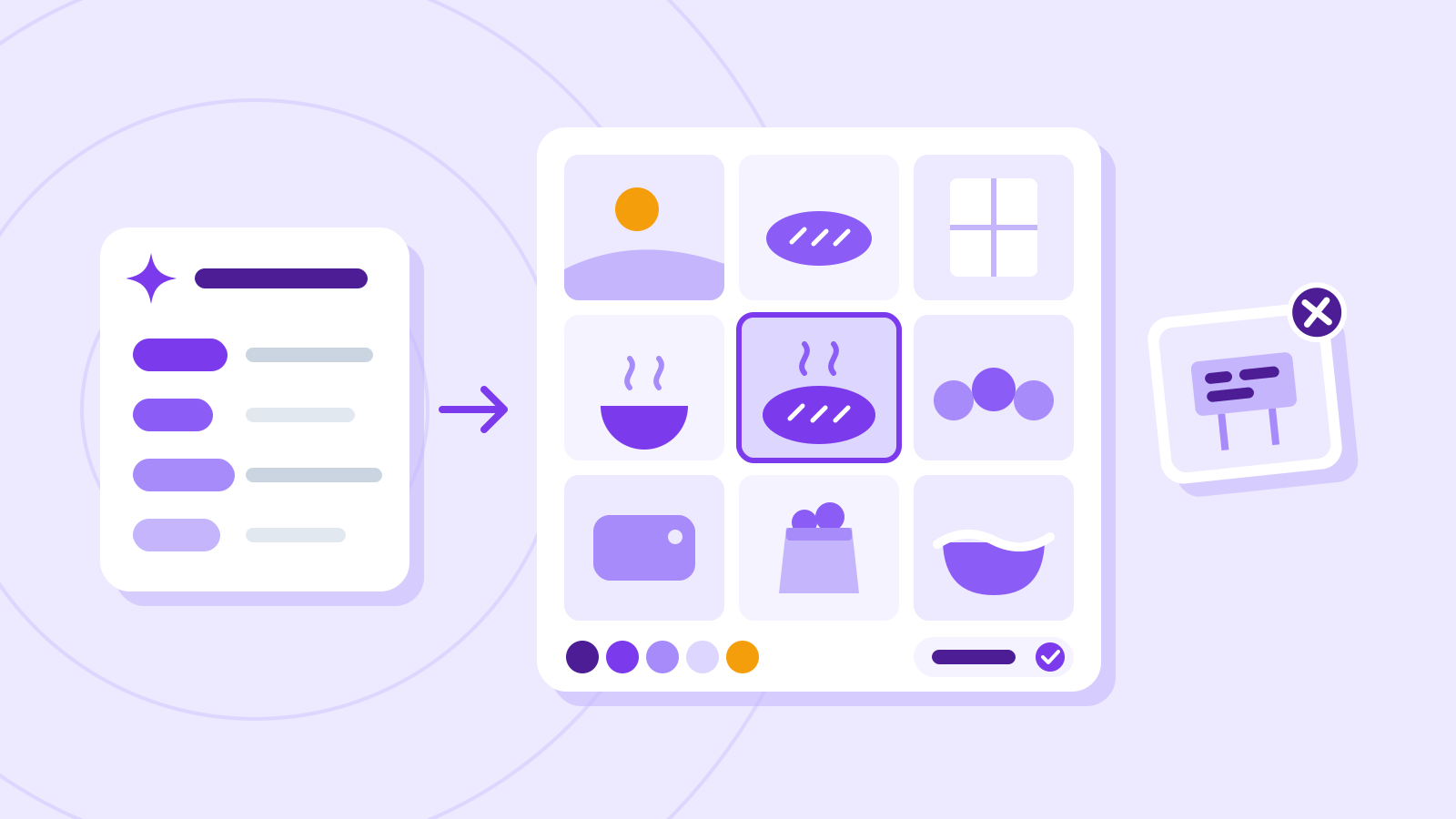
Canva says Craft is available through Dream Lab and its public API. Craft integration with Canva MCP remains planned. Help documentation says generation, reference images and resolution boosting consume AI allowance, so availability should not be read as unlimited free use. This article does not report a hands-on image-quality comparison.
Why it matters
AI Ping sees the effort needed to revise text and layout as an important comparison alongside image quality. Test the editing process and usage allowance against real design tasks.
Who it's for
Sources
- Introducing Canva Craft — Canva
- Introducing Canva Research — Canva
- Generate images with Dream Lab — Canva Help Center