Gemini can operate Mac apps, starting with paid users in the US
Edited and reviewed by AI Ping Editorial Team
3-line summary
- A separate workspace keeps the main screen and cursor available.
- Initial access is US English for adult personal accounts on Plus, Pro or Ultra.
- App permissions, sensitive-action approval and temporary backups have distinct limits.

Google introduced computer use in the Gemini app for Mac on November 19. The assistant can click, type and navigate menus across local files, desktop applications and websites. Rollout starts in English in the United States for personal accounts belonging to adults with Google AI Plus, Pro or Ultra subscriptions.
Gemini operates in a separate background window, leaving the main screen and cursor available. A live preview in the conversation shows progress, which the user can pause. Google cites transferring PDF details into shipping forms as one possible workflow.
App access and sensitive actions have separate controls
Computer use requires macOS Accessibility and Screen & System Audio Recording permissions. Users can allow or block individual apps. Always allow saves app access for future tasks.
For file-based tasks, Connected folders accepts selected files and directories. Items can be disconnected. Requested changes to connected files are made by default. App control has its own permissions.
Tasks appear alongside chats in the sidebar, with status indicators for completed work, ongoing work and requests for attention. The progress indicator opens a review of completed steps. Google says listing tasks requires activity history to be on. Deleting a task thread removes the task, related activity and schedules, while retaining files already created or changed in Workspace. Remote-browser and code-execution data also require separate management.
Permission choices have different lifetimes. Allow once covers a single step; Allow for this chat applies within the current thread for connected Google products. Always allow changes the preference for future tasks. Connected apps also have separate permissions for actions such as reading, creating or deleting information.

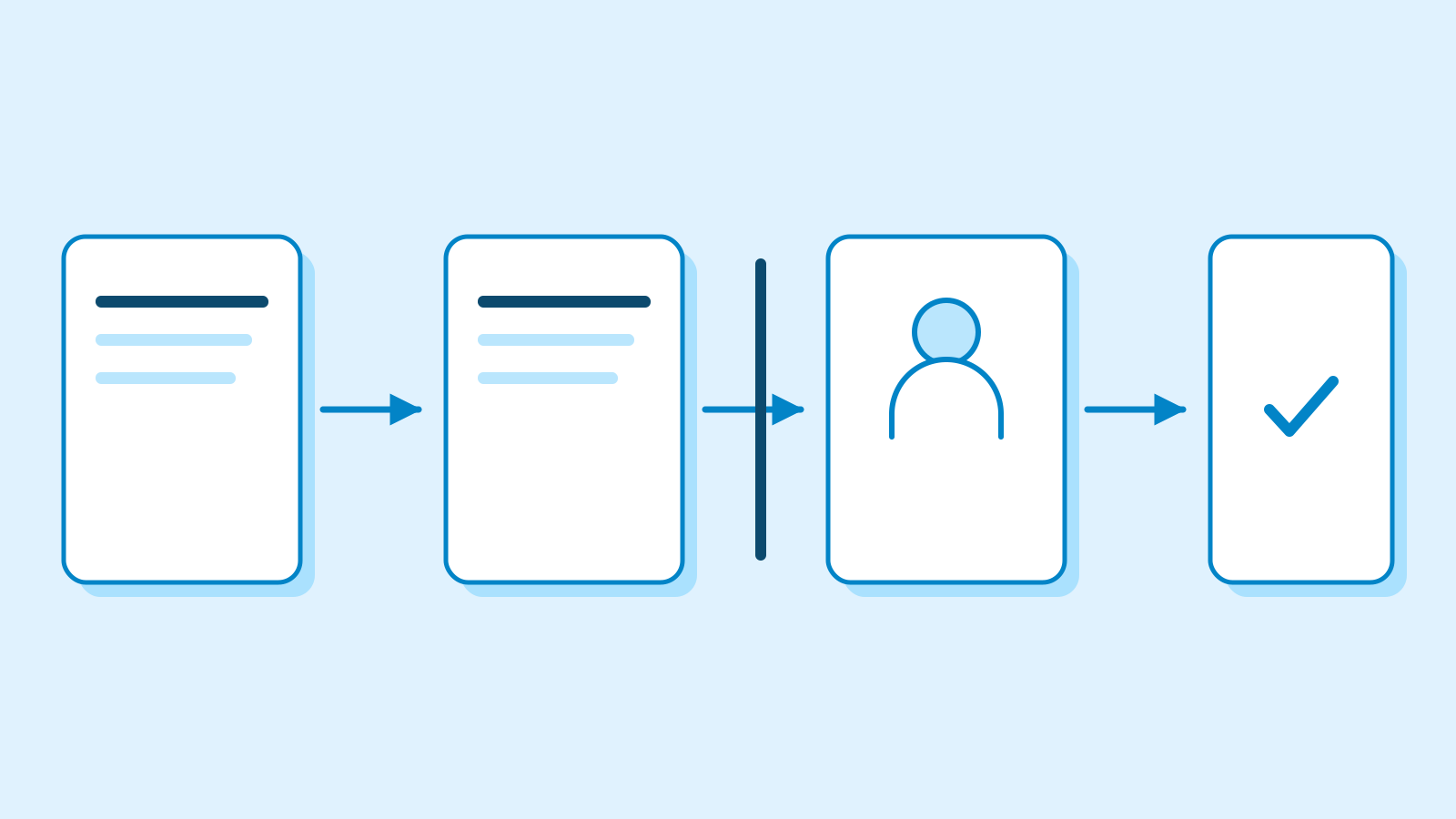
Google says very sensitive actions still require confirmation each time, even when routine actions are allowed automatically. Its examples include sending messages, deleting data, sharing sensitive information, purchases and financial transactions. A step requiring a password or payment details can be handed back to the user in the browser.
File recovery has limits. The Mac computer-use guide says Gemini attempts temporary backups but cannot always create them. Copies last for 24 hours or until the next prompt; app settings and permissions can exclude some content. Some changes remain irreversible because of how the application works.
A separate working window also leaves data-access questions to consider. Google’s task guidance describes prompt injection: hidden instructions in websites, emails or documents can redirect an agent toward unintended disclosures or actions. When using local Chrome, Gemini can use the same signed-in sites as the user and share relevant information from conversations or connected apps with websites.

Browser-based tasks have their own preferences. Google AI subscribers can let Gemini choose between Chrome on their device and a remote browser, or select remote browsing only. A separate setting controls whether opening a browser requires permission. Those choices govern browsing, while the Mac computer-use list controls access to desktop apps.
Computer use has a narrower account scope than the Mac app generally. The app’s installation guide includes personal accounts and eligible work or school accounts enabled by administrators. It supports writing, summaries and coding questions, with window sharing to provide context. The computer-use guide currently limits the new capability to tasks in personal accounts.
The app requires Apple Silicon and macOS Sequoia 15.0 or later. General installation requirements include at least 8GB of memory, 200MB of free space and a stable internet connection. Older app versions may lack some features, with updates available through the app menu.
Sources
- Let Gemini tackle repetitive chores on your Mac — November 19, 2026 — Google
- Use Gemini to work with apps on your Mac — Google Gemini Apps Help
- Manage browser & app permissions for tasks in Gemini — Google Gemini Apps Help
- Manage your tasks & workflows in Gemini Apps — risks and confirmation controls — Google Gemini Apps Help
- Use the Gemini app on Mac — requirements and account access — Google Gemini Apps Help
- Find & manage your tasks in Gemini Apps — progress and deletion scope — Google Gemini Apps Help
- Assign tasks in the Gemini app on Mac — connected folders and backups — Google Gemini Apps Help