macOS 27.3 beta lets users choose which apps and folders AI tools can access
Edited and reviewed by AI Ping Editorial Team
3-line summary
- Apple added controls in macOS 27.3 developer beta 2 that let users choose which apps or protected folders to open to certain automation tools.
- Users can require confirmation for each app a tool controls. For some tools, disk access can be limited to selected folders.
- The new choices appear on new approvals. Previously granted permissions stay in effect.

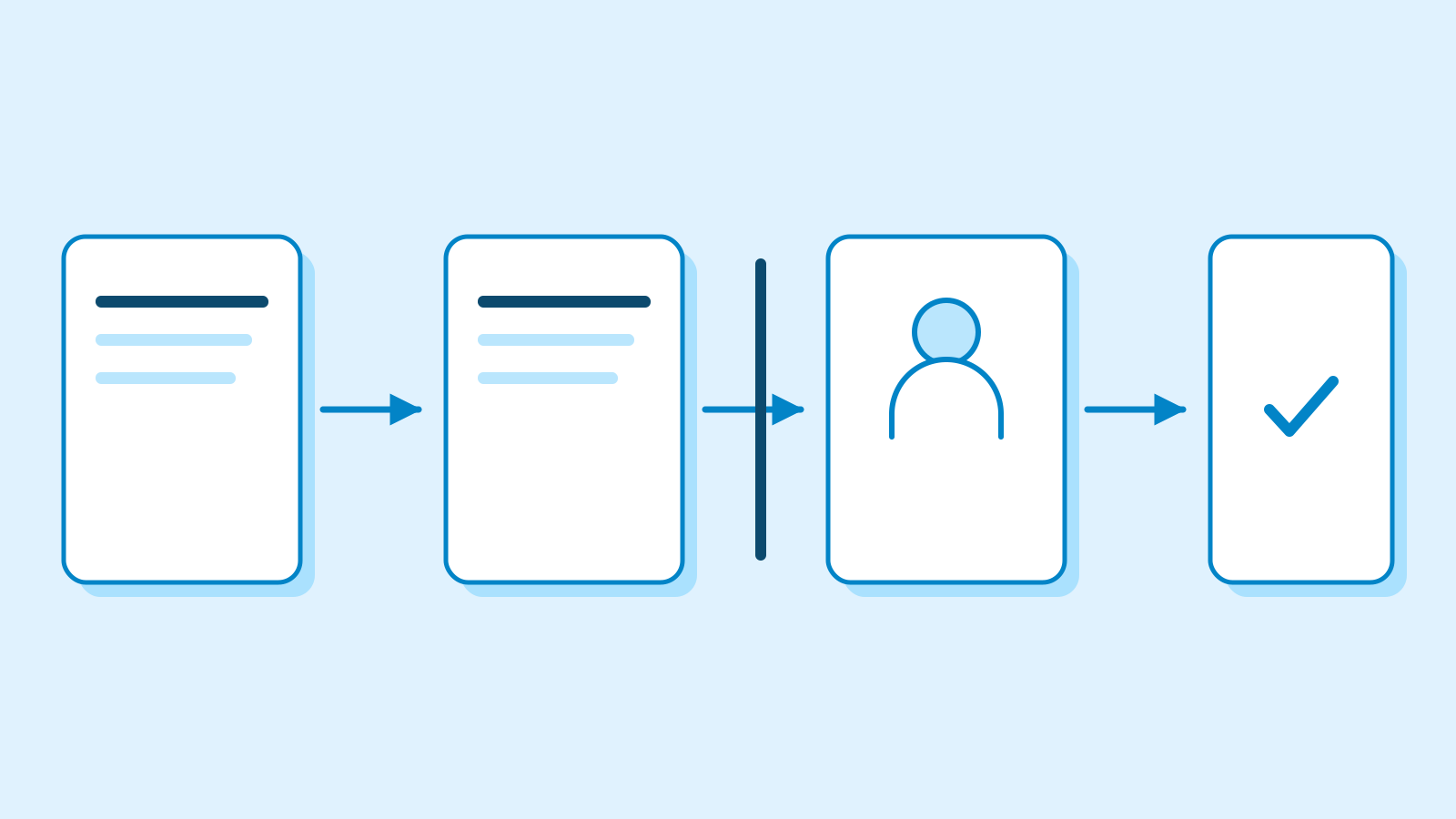
Apple’s second macOS 27.3 developer beta, released November 16, lets people limit some requests from AI automation tools to selected apps or folders. A tool asking to control other apps can be limited to the ones the user selects. A tool asking for Full Disk Access may be given a specific protected folder instead. Apple lists the developer beta as build 26C5047e.
The new choices appear when users approve a new request. Apple says permissions they granted earlier stay in effect. An AI tool that already has Full Disk Access therefore keeps that access after the update, while new requests go through the updated approval flow.
Apple announced plans to change disk permissions on October 2. It pointed to backups as a reason an app might need to reach many parts of the disk. The company also said broad access could expose email, messages and browsing history, affecting the people in those conversations as well as the Mac owner. Apple cited the growing autonomy of AI agents as a reason to give users more control.
Decide which apps a tool can control
Apple has split the former Device Control and Data Access setting into System & App Protection Override and Accessibility. App-by-app controls live under the former. Some software, including screen readers and voice control tools requesting Accessibility, may present a single decision about granting access.
For each selected app, a user can set the tool to Ask First or At Any Time. A person could let an automation tool work with both a calendar and an email app, for example, while requiring confirmation for the email app alone. macOS shows an indicator when a tool uses System & App Protection Override to control another app.
Apple’s support document says unrestricted control can give a tool visibility into background windows and keystrokes. With a limited grant, a tool that only needs the calendar can be confined to that app. System protections continue to apply elsewhere.

Allow access to a project folder
Full Disk Access remains a separate permission. Where the folder chooser is available, someone could give an automation tool access to one protected folder containing its work files. Other protected data stays under the Mac’s existing controls. Some apps, including certain backup tools, may still present a choice to allow or deny the full permission.
Apple says Full Disk Access allows a tool to read, edit, delete or export files. A document sorter working on a single project, for example, could stay within that project folder while the rest of the Mac’s protected files remain out of reach.
Users can review or remove existing grants in Privacy & Security settings. Apple’s support guide says that someone who wants to narrow an existing broad grant can remove it and add the tool again. The folder or app choice depends on what macOS offers for that tool.

Separate provisions for backups and accessibility
Apple has put apps that request these permissions into a list from which users can select the app. It told developers to prepare their setup flows for restricted grants and to make sure their programs can handle access to only some of the folders or apps they request. In a workflow that spans several apps, the steps an automation tool can perform depend on which apps the user chooses.
Developers of disk backup apps and assistive tools can request entitlements to preserve the pre-27.3 experience for new installations. Apple says apps it already recognizes can currently keep working as before without the entitlement. The entitlement for new installations is a separate matter from the choices users have already made about the apps on their Macs.
Apple plans to provide more information about the entitlements. Its November 16 announcement covers the developer beta and gives no date for the final macOS 27.3 release.
Sources
- November 16 announcement of granular app and folder permissions — Apple Developer
- macOS 27.3 beta 2 release listing (26C5047e) — Apple Developer
- App control, folder choices and changes to existing grants — Apple Support
- October 2 statement on disk access and AI agent risks — Apple Developer