New Agent 365 Cloud PC customers move to Copilot Credits
Edited and reviewed by AI Ping Editorial Team
3-line summary
- New Agent 365 customers use credits; existing customers can retain their plans or migrate.
- Migrating an existing pool takes effect immediately and cannot be reversed.
- Internal-app access is in preview; the Foundry integration preview is planned for early 2027.

Microsoft has changed billing for Windows Cloud PCs used by AI agents. At Ignite on November 17, it announced eligibility for Copilot Credits. That week's official release notes specify that new customers using Windows 365 for Agents through Agent 365 are billed in credits. Existing customers can keep their current plans or migrate.
The change covers computers checked out by agents for work. Microsoft's billing documentation says migration takes effect immediately without reprovisioning a pool and cannot be reversed. Copilot Credits becomes the only billing option for new customers on this Agent 365 route.
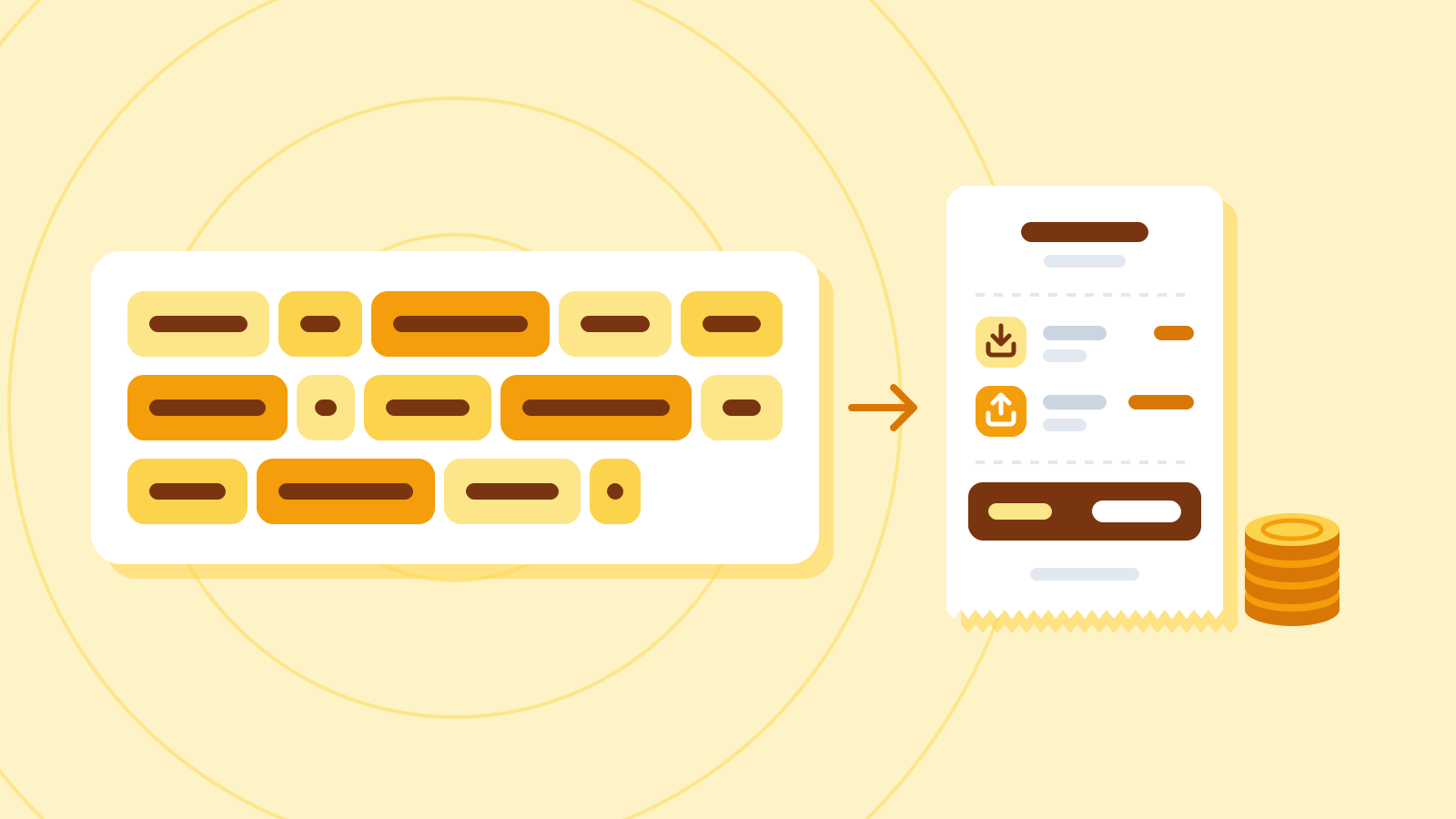
Each checkout checks whether a spending policy covers the agent. Without coverage, checkout fails. Monthly charges for always-available machines also go to a spending policy; a pool fails if none of its assigned agents is covered when that charge runs.
Credits measure consumption across eligible Microsoft AI services. Administrators set spending limits and alerts in the Microsoft 365 admin center and review consumption by service and agent. Depending on the service, organizations can use prepurchase plans, pay-as-you-go billing or supported combinations, so their chosen arrangement determines how consumption becomes a bill. Spending policies automatically cover newly supported services by default. Administrators can turn that setting off for individual policies that require a separate review before adding a service.
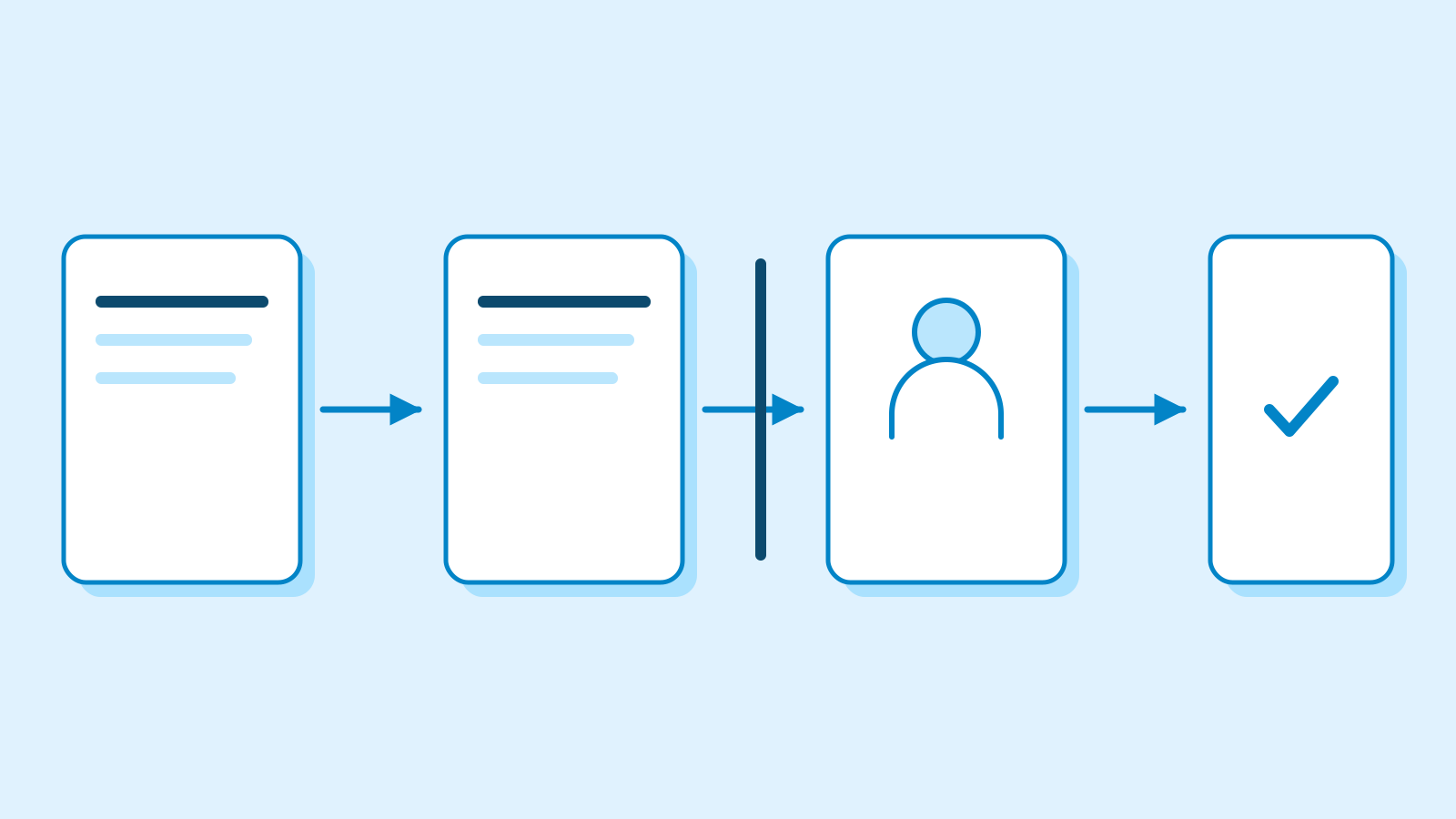
Windows 365 for Agents supplies a Windows desktop hosted in the cloud. An agent checks a machine out of a pool, works with applications and files, then checks it back in after the task. Organizations allocate resources through pools, applying device-management policies and agent identities to the machines.
The public-preview license and utilization report represents agents through session utilization hours. Administrators can examine usage by pool or user. Longer reporting windows refresh daily, making this an operational usage view rather than a real-time determination of the cost of a task that just finished.
Internal applications retain their access controls
On-premises application access, also introduced that week, is in preview. It connects an agent's Cloud PC to private business applications, including those requiring browser interaction because they lack APIs. The documented scenarios include retrieving information and entering business data.
An agent needs a network route and authorization to use the resource. Opening the route preserves the application's existing permissions and group-based controls. Microsoft's guidance describes limiting access to required applications, servers and ports, then reviewing network, sign-in and resource logs together.

Microsoft's November 17 internal account describes a live quote-to-cash pilot in one operating unit, with expansion planned in coming months. Cloud PCs handle steps requiring desktop interaction or interface validations.
In that workflow, agents record evidence and escalate exceptions with context. Human reviewers receive the completed steps, the blockage and what follows when control returns. Microsoft says people retain responsibility for approvals and decisions. The company is also exploring processing orders with tens of thousands of lines across multiple Cloud PCs.

Availability varies by integration. Windows 365 for Agents can already serve as a computer-use tool in Copilot Studio's standard harness. A preview in the Microsoft Copilot harness is scheduled to start in December. A streamlined setup experience for Microsoft Foundry is planned for preview in early 2027.
Persistent Cloud PCs for long-running agents were also announced for a Frontier private preview, with early-access applications and no firm general-availability date. The release notes caution that monthly updates can take up to a week to reach all customers.
Sources
- What's new in Windows 365 for Agents — Microsoft Learn
- Set up billing for Windows 365 for Agents — Microsoft Learn
- Understand usage-based billing and cost management for Copilot Credits — Microsoft Learn
- What is Windows 365 for Agents? — Microsoft Learn
- License and utilization in Monitor Cloud PCs (preview) — Microsoft Learn
- On-premises resource access for agent users with Microsoft Entra Kerberos (Preview) — Microsoft Learn
- When digital workers need a computer: How we're using Windows 365 for Agents at Microsoft — Microsoft Inside Track
- Windows 365 at Ignite 2026: Introducing new Cloud PC capabilities for people, agents and IT — Microsoft Windows IT Pro Blog