DomoAI’s InkoAI Agent brings script, storyboard and video into one chat
Edited and reviewed by AI Ping Editorial Team
3-line summary
- DomoAI announced InkoAI Agent, a chat workspace that turns a script into shots and assembles a video.
- Planning uses no credits. In manual mode, creators approve paid generation after seeing a credit estimate.
- The launch includes workflows for short drama, anime, cartoons and narrated stories.

DomoAI announced InkoAI Agent on November 13, adding a chat workspace that can turn an idea or an existing script into a short video. The agent breaks the story into shots, generates images and clips, and assembles a cut. The company’s Japanese launch announcement dates the start of service to November 12. The tool runs on desktop and mobile browsers with a DomoAI account.
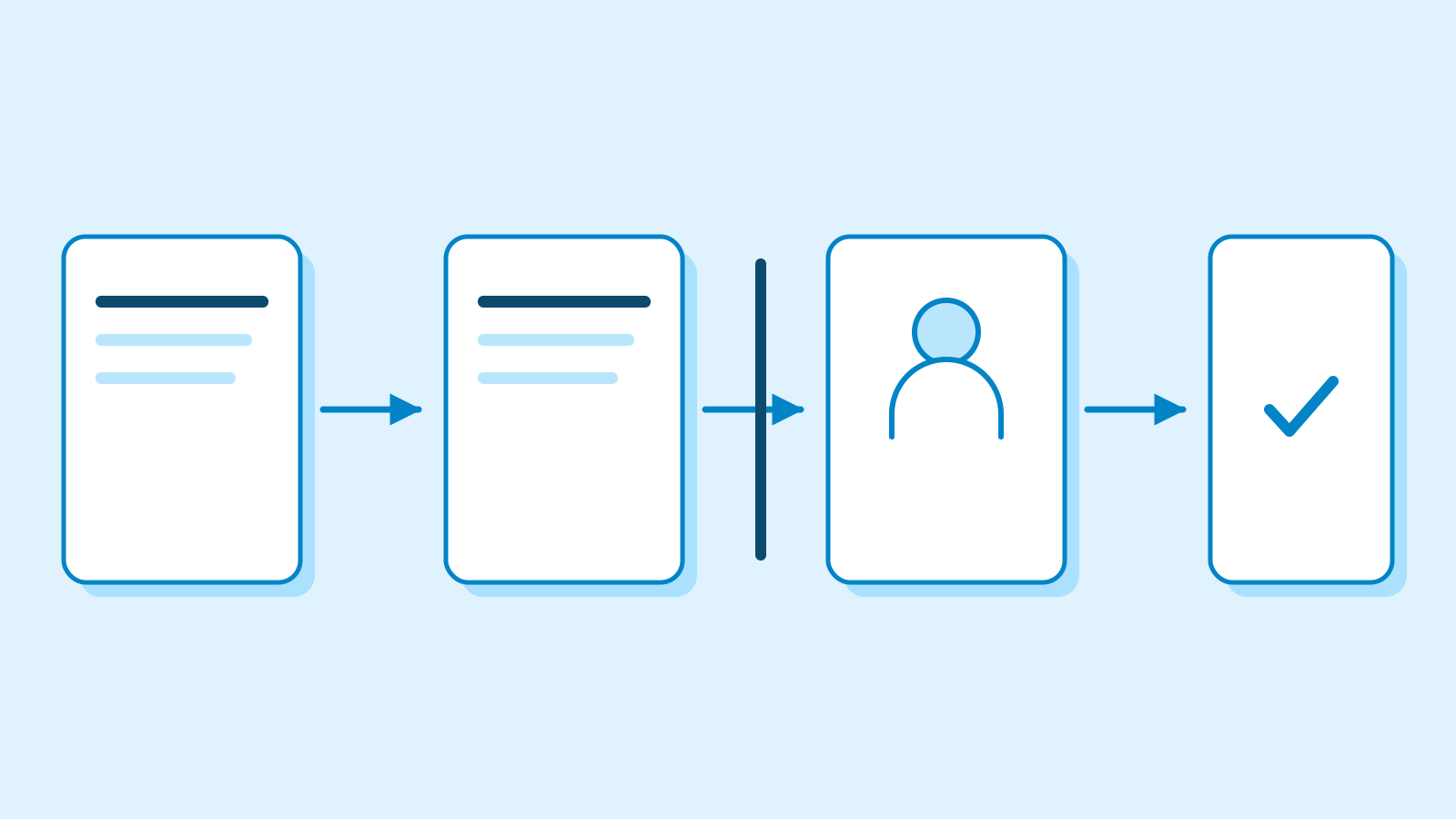
InkoAI brings several decisions that creators would make on separate generation screens into the same conversation. It drafts a production plan and lets the creator review the script, characters and shots as the project develops. Chat and planning use no credits. In the default manual mode, each paid generation shows its model and estimated credit cost before the creator approves it.
A storyboard becomes a set of editable shots
DomoAI introduced four production workflows for short drama, anime, cartoons and narrated stories. In the drama and anime workflows, the agent can match a character’s mouth movements to dialogue. The narrated story workflow uses a voiceover to tell the story alongside the images. In the cartoon workflow, choosing 2D or 3D sets the direction for the characters and scenery.
In DomoAI’s short-drama example, the agent turned a story idea into a script and a five-shot storyboard. The project used reference images for the characters and settings. The team’s demonstration moved from five approved keyframes to five video clips, then showed the assembled cut in the same workspace. Creators can preview and download the resulting cut there. The shot count was specific to that project.
Creators can also supply a script they already wrote, character designs or other reference material. The company lists a limit of 10 MB per image and 20 MB per document. It accepts PDFs and Word files for scripts and formats such as PNG for character art. An approved character drawing can serve as a reference for several shots. For a scene that takes the same character from a kitchen to a street, for example, the creator can keep the approved costume reference and work on the changed setting and action.

Credits are shown before generation
DomoAI lists six image models and nine video models at launch. The defaults are GPT Image 2.5 Sunburst for images and Seedance 2.5 for video. In manual mode, a cost card shows what the tool is about to make, the model it will use and the estimated credits. A creator can change the model or an available setting such as resolution before committing to the run. A paid retry brings up a fresh estimate and requires its own approval. Image and video generation follows DomoAI’s existing web credit system.
The agent can replace an individual shot while keeping the earlier take. That lets a creator compare two versions of a shot without rebuilding the surrounding sequence. If a clip fails to generate, DomoAI’s guide says that the team can retry the clip and keep the other finished shots in the final cut.

A frame from an earlier clip can also serve as the opening image of a new shot or as a reference for another angle. The feature works with clips generated in the chat and videos already stored in DomoAI’s library. The Japanese launch information specifies up to 60 still frames per hour per account at no credit cost. Generating a new clip from one of those frames consumes credits separately.
Videos made in InkoAI are available in the original conversation and in DomoAI’s asset library. InkoAI results are filed separately from the history on DomoAI’s existing video creation page. The chat supports seven languages, including Korean. DomoAI says it plans to add workflows for tutorials, music videos and ads that start from a product photo or link.