Runway App Studio turns repeatable creative work into custom apps
3-line summary
- Runway announced App Studio for describing and building custom creative apps.
- Paid plans include access; the building guide requires about 700 credits to start.
- Official descriptions disagree on sharing apps outside a workspace.

Runway announced App Studio on October 26, letting users describe custom apps for image, video and audio work. It packages repeatable creative processes into dedicated interfaces. Access is included in every paid plan, while building, running and hosting consume existing credits.
Runway’s previous Apps were ready-made tools for defined jobs, including product reshoots and advertising concepts. App Studio adds a place to describe and build a custom app, with a separate store of examples to remix. The classic catalog remains accessible, with input formats and generation costs varying by app. Its image, video and audio categories identify the output type. The existing guide positions apps around defined use cases and the agent around broader, iterative work. The changelog lists it under October 23; the detailed launch announcement followed on October 26.
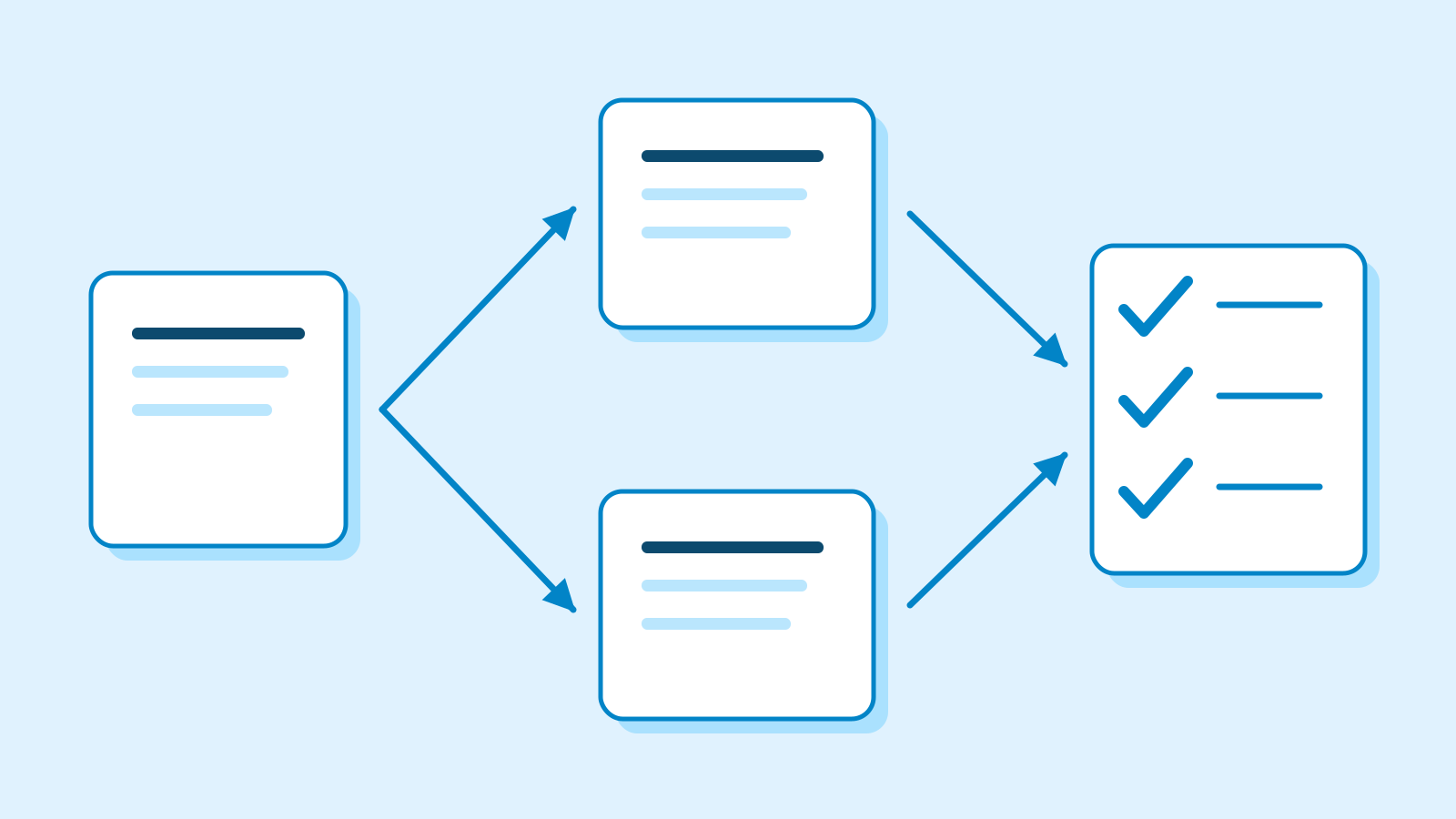
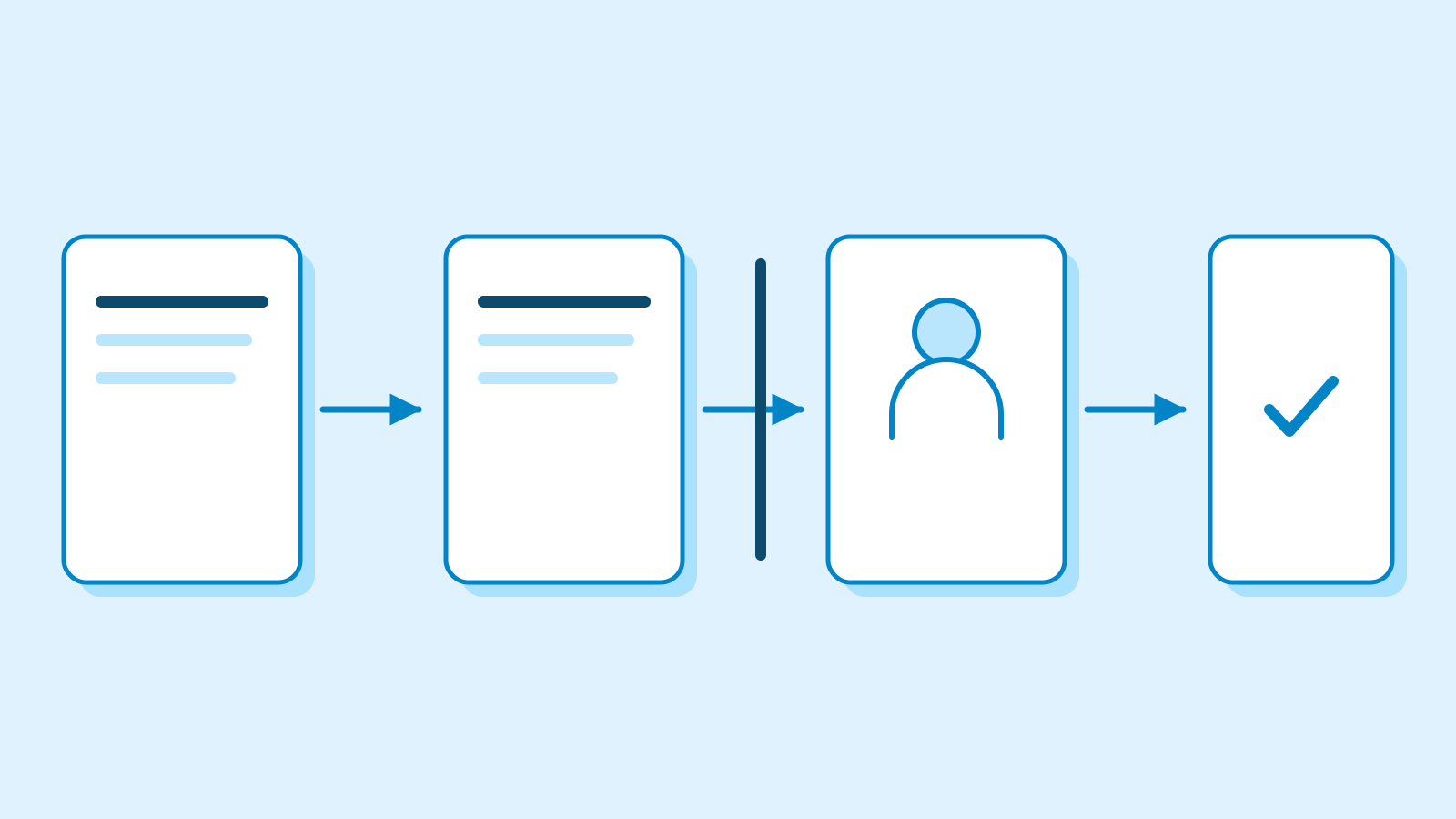
Publishing a workflow as an app was already possible. Creators could lock core settings and expose selected inputs and outputs, giving colleagues a simpler interface for the same process. The earlier publishing process included labeling and hiding inputs and outputs, then updating the app from its original workflow. Its guide says taking that app down leaves the underlying workflow intact. App Studio adds conversational interface creation.
Runway says an existing workflow can become an app with prompts, models and settings fixed. Updated brand materials and references feed later outputs, enabling reuse across product assets.

A starting balance beyond the subscription
The building guide specifies a minimum balance of about 700 credits to start a session. Model usage during construction is charged in blocks of roughly 50 credits. The 700 figure is a starting requirement, not a fixed per-app price. Creators can request changes in a preview and inspect the code files. They can switch models for generation steps and download published source files.
Standard currently costs $12 per month when billed annually and includes 625 monthly credits. A single monthly allotment falls below the guide’s approximate starting balance. Comparing those figures establishes a balance gap, not a total app cost or the amount a particular account must buy.
The credits guide sets a minimum additional purchase of 1,000 credits for paid users. Standard monthly credits expire on the billing date; purchased credits do not expire. Workspace members draw from one shared balance. Spending uses current monthly credits first, followed by rollover and purchased credits. Annual subscribers also have a monthly credit renewal date. The listed monthly allotments are 2,250 for Pro and Unlimited, and 9,500 for Max. Web-service and developer-API credits are separate.

Official descriptions conflict on external sharing. The announcement says paid users can publish a public link for other Runway accounts. The sharing guide’s FAQ says access is restricted to workspace members, while its own audience menu includes anyone with a link. External-account availability could not be established in this check.
The sharing guide consistently describes an unpublished app as a private preview for its creator. Publishing gives the chosen audience a link. Later edits stay in preview until published again, while audience changes apply immediately on saving. Remixing a colleague’s app produces a separate app and leaves the original intact.
App Studio’s guide currently lists deletion and unpublishing as unavailable. To stop teammates opening an app, it directs creators to restrict the audience to themselves. Enterprise organizations can enable App Studio by workspace.
Sources
- Introducing Runway App Studio — Runway
- Building apps with App Studio — Runway
- Creating with Apps — Runway
- Publishing Workflows as Apps — Runway
- Pricing — Runway
- How do credits work? — Runway
- Sharing apps from App Studio — Runway
- Changelog — Runway