Krea Bots opens a beta waitlist for AI creative teams in chat
Edited and reviewed by AI Ping Editorial Team
3-line summary
- Krea Bots gives image makers, video editors and other specialist agents a shared project chat.
- Bots can hand off work. Lessons from teammates await approval.
- The beta waitlist asks for a work email. Krea is offering $1,000 in credits to participating teams.

Krea has opened a beta waitlist for Krea Bots, a set of AI agents that can take on jobs such as making images, editing video and checking brand designs in a shared project chat. The company introduced the product on November 12 and said it would offer participating teams $1,000 in credits to test the features. The public signup form asks for a work email.
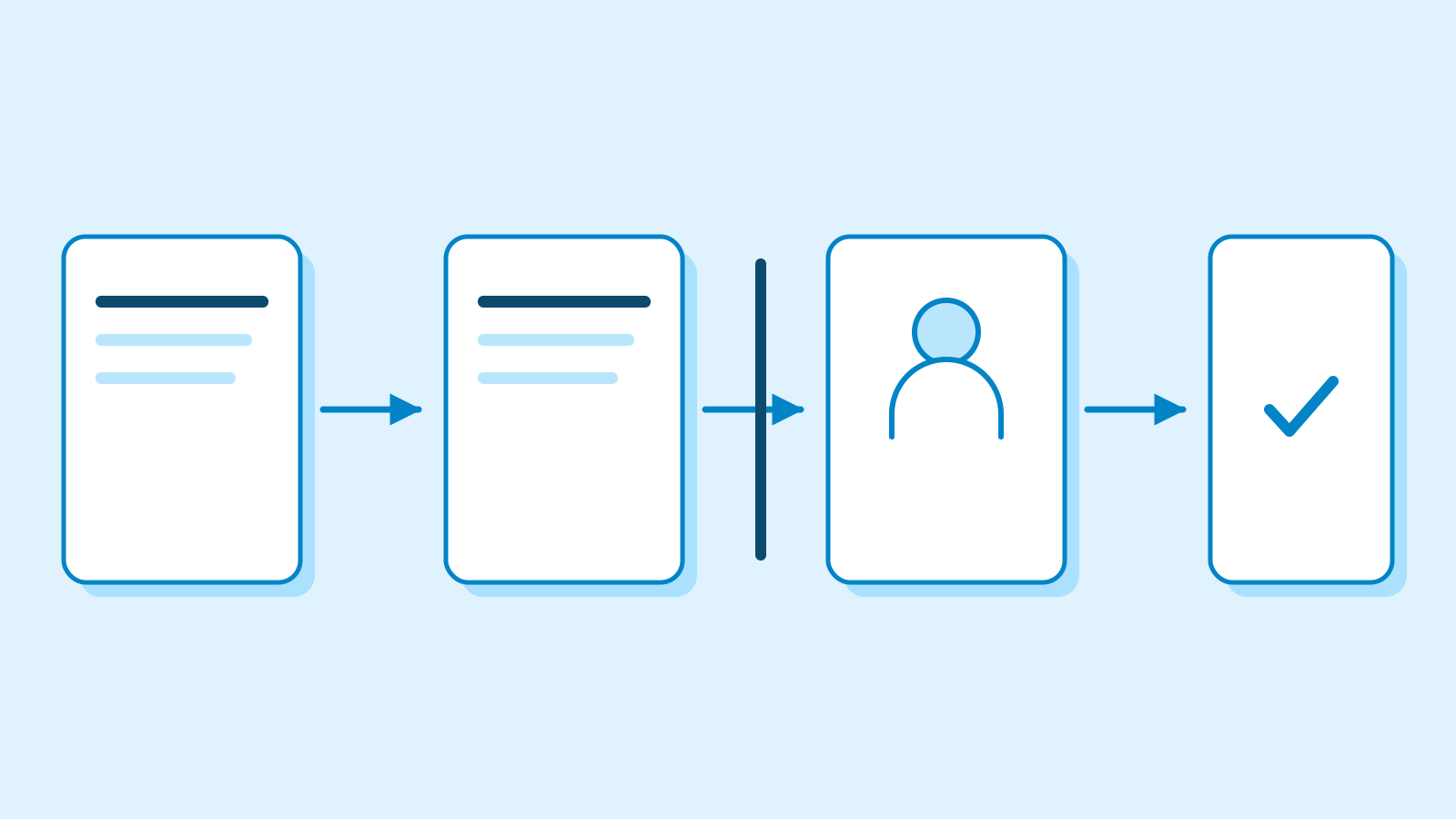
A creative team can address a bot by name, give it a brief and have it pass work to the specialist responsible for the next step. In Krea’s example, a director named North plans the job, produces an initial pass and brings other bots into the project. That makes the handoff part of the same conversation where the team assigns the work and reviews what comes back.
Krea Agent already handles several stages of production from one request. In its September guide, the company described an assistant that plans a job, chooses tools for images, video or audio, and saves the work in a shared library. The library already keeps current project files, personal materials and team brand assets at separate levels. The Bots beta gives a team several collaborators with standing assignments and instructions, so the person briefing a project can address the role responsible for a particular deliverable.
A project moves from one specialist to the next
In an example on Krea’s site, a campaign moves from product shots and a storyboard to a 3D model, motion, sound and a video cut. Separate roles prepare material for social channels and check its branding. In that sequence, a storyboard establishes the planned motion before the editor receives the material for a cut. Krea presents it as a campaign example.
A bot can ask about an open decision in the brief before it starts. Once it finishes its part, it can pass the result to the next specialist in the chat. Teams can give a video editor standing instructions that apply to its work and keep a campaign’s current materials in the project conversation. A request to shorten one cut can then stay with that campaign, while the editor can carry its standing instructions to another job.
Krea shows Slack as a place to receive requests and post updates, and Figma as a place where a bot can open files and lay out designs. Its Meta Ads example says a bot can prepare a campaign and launch it after approval. The public description identifies that approval step for advertising and leaves the finer permissions for other connected tools unspecified.

Three places for the team’s feedback
Krea’s memory design gives instructions different scopes. A bot can retain lessons about its own craft. The bots in a project chat can all read notes pinned there. A workspace can also set a house style for work across projects. Krea illustrates the distinction with a writing preference for a social bot, a lighting note for one campaign and a logo placement rule that applies throughout the workspace.
When a teammate teaches a bot something, the lesson waits for the user’s approval. Krea says its Lessons page lets users keep, discard or share what a bot has learned. For instance, feedback about a particular campaign can stay with that chat, while a general editing preference can become an approved lesson for future work.

The beta credit offer
In a follow-up to the launch post, Krea said it had started onboarding teams. The signup form is the entry point for the waitlist, and the credits are for teams trying the beta. Krea gives no timetable for invitations and no terms covering when credits expire or how they are used. The waitlist page does not specify whether an existing subscription affects invitations.
Krea’s September guide described the existing Krea Agent as included on certain paid plans, with access codes for accounts on other plans and generations billed in its regular compute credits. The new waitlist gives Krea Bots its own route into the beta. The company has announced neither a general release date nor post-beta pricing for Bots.