Adobe adds plan approval and reusable context to Firefly AI Assistant
Edited and reviewed by AI Ping Editorial Team
3-line summary
- Plan mode allows review and approval before creative work runs.
- Memory, reusable elements and brand references carry context forward.
- The web beta has account eligibility and credit conditions.

Adobe announced new controls and personalization for the Firefly AI Assistant beta at Adobe MAX on November 10. A Plan mode lets users inspect a proposed workflow before approving execution. Model selection, remembered creative preferences, reusable image elements and brand references extend the context available to the assistant.
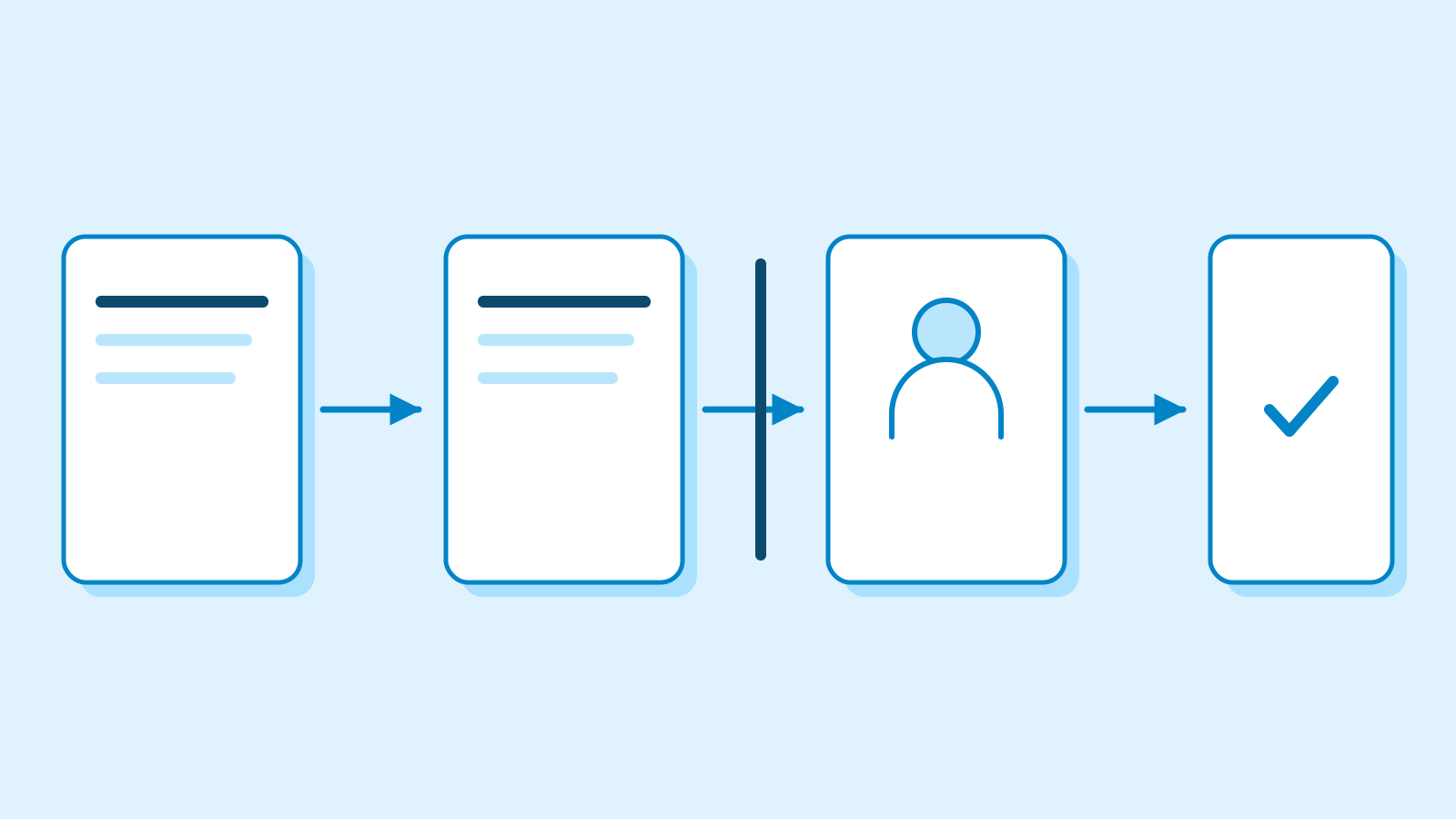
In Plan mode, the assistant explains its intended steps. Users approve or revise it before spending credits or changing assets. Auto mode skips that approval.
The assistant normally selects a model for the request; customization lets users restrict the image and video models it can use. Prompt-field settings are session-only; saved model preferences persist.

The assistant interprets a creative goal, breaks it into steps and selects tools. Adobe describes a conversational workflow spanning image edits, video creation and resizing for social formats. Users can redirect the work or refine details after an output arrives, continuing within the same conversation. Adobe’s examples include batch photo adjustments and turning a product photo into a short ad. Semantic search retrieves existing assets through natural-language descriptions.
Memory supplies recurring context, including preferred colors, dimensions, file types and working habits. It is enabled by default and rolling out first in Firefly AI Assistant and Boards. Automatically saved memories may be added without an individual notification; saved items remain visible in Settings.
Turning Memory off stops new memories and use of existing ones in new chats. Stored memories remain until deleted separately, including after deletion of the originating chat. Current instructions take precedence. Adobe distinguishes explicitly saved preferences, seen with every message, from relevant memories selected for a particular request.
Reusable elements instead preserve a recurring character, location or object from an uploaded or generated image. Asking the assistant to save one classifies it and creates three coverage views. An initial element reference can then be reused by name within that chat; a different chat needs a new initial reference. Saved elements can be renamed and their descriptions or reference images revised, with background removal, upscaling and additional views also available.
A brand kit can begin with a concept photo, visual reference or finished logo. Brand references can be extracted from a PDF containing colors, logos and guidelines. Users review the extracted information before reusing it for generation or checking an existing image. If the assistant finds a mismatch, it suggests changes, providing material for the user’s review. The help page supplies no accuracy or error-rate measurements for that check.
The Firefly assistant is available on the web in Firefly, Boards, Design and Graph. Its FAQ identifies paid Creative Cloud subscribers, some free accounts and adults aged 18 or older as eligible. Enterprise all-apps and higher-education accounts are not yet optimized; K–12 and certain legacy enterprise plans are excluded.

Paid accounts still spend AI credits on some generation and editing actions. Consumption varies by action, and Adobe describes current rates as introductory and subject to change.
Adobe describes Firefly-generated outputs as commercially safe; users must assess partner-model suitability. The assistant remains a testing-and-feedback beta, with Memory appearing in stages.
Sources
- Adobe Firefly Expands as the AI Creative Studio — November 10, 2026 — Adobe
- Auto and custom modes in AI Assistant — Adobe
- Firefly AI Assistant Memory FAQ — Adobe
- Save image assets as reusable elements — Adobe
- Build and work with brands — Adobe
- Firefly AI Assistant overview — Adobe
- Firefly AI Assistant FAQ — Adobe
- Generative credits overview — Adobe