Grok Bot adds Gopuff grocery checkout inside chat
Edited and reviewed by AI Ping Editorial Team
3-line summary
- Gopuff launched grocery checkout inside Grok Bot on November 11.
- The bot builds a basket from local stock and shows the total and delivery estimate before the shopper approves payment.
- Shoppers need Grok Bot access, a Gopuff account and an eligible delivery address. Gopuff packs and delivers the order.

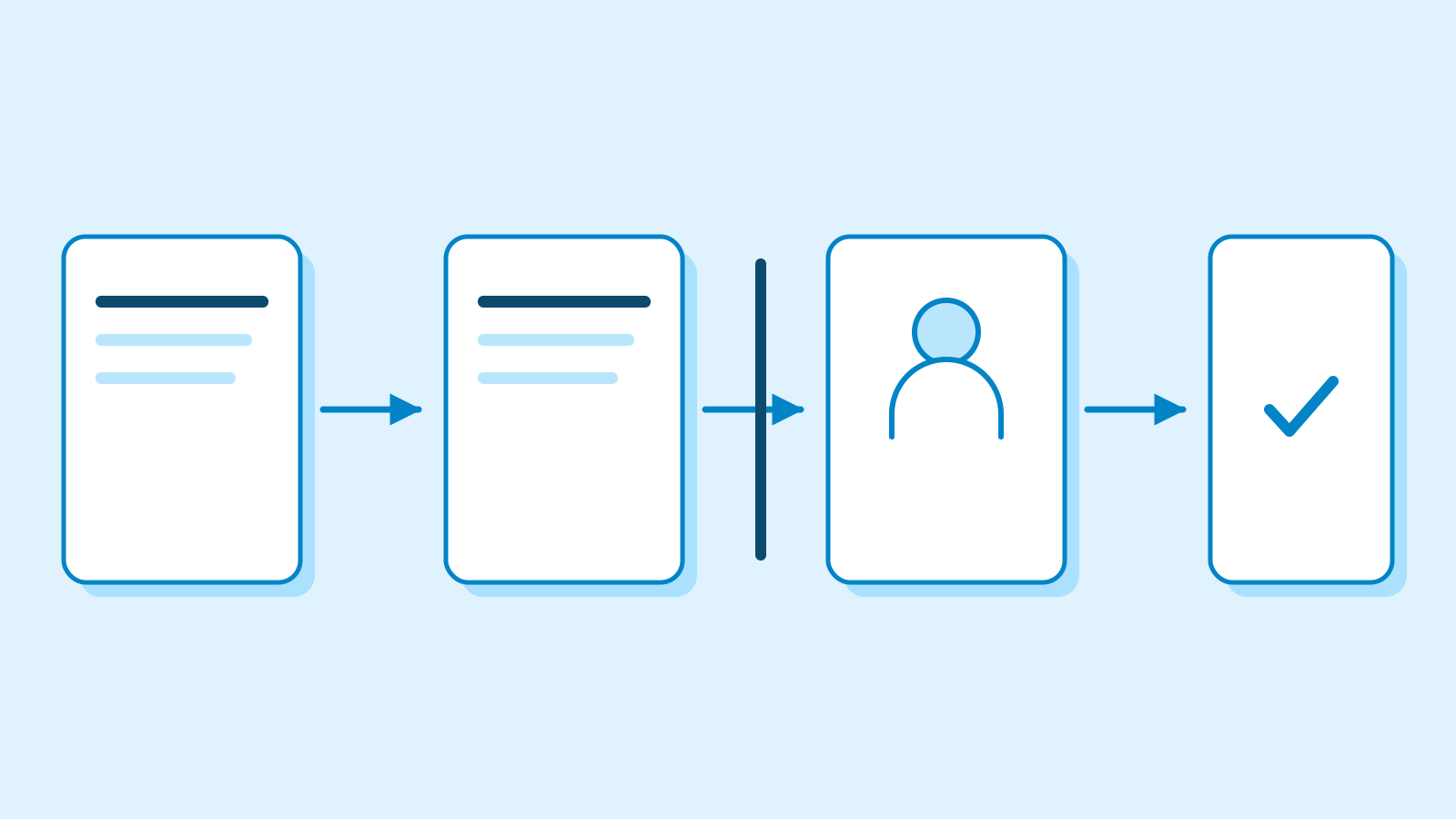
Gopuff launched grocery delivery checkout inside Grok Bot on November 11. After linking a Gopuff account, a shopper can describe what they need, review a cart built from available products, see the total and estimated delivery time, and approve payment in the conversation. Gopuff prepares and delivers the order.
Grok Bot’s November 5 changelog already described product search and account linking for Gopuff. The November 11 launch adds a way to finish the transaction in the chat that started it. The two companies had already worked together on Go, a shopping assistant that Gopuff introduced in its own app in June. Go can suggest a basket from a customer’s shopping history. The new integration makes Gopuff a store that a customer can order from inside Grok Bot.
The shopper confirms payment
Once an account is connected, the bot looks up products that are available to that shopper. Gopuff describes requests such as restocking groceries for the week or getting snacks for a movie night. Cursor’s documentation says searches, carts and completed orders go to the shopper’s Gopuff account. Gopuff handles the account sign-in and processes payment and delivery as it would for a regular order.
In Grok Bot’s shopping flow, the order card shows the seller, items, delivery address, payment method and total before the shopper approves it. The shopper can pay or cancel at that point. Canceling the card before paying leaves the shopper uncharged. An expired card can be replaced with a fresh price check. The shopping documentation also says that only a bot’s owner can pay for its orders, a limit that applies when a bot is shared.
The approval screen can vary with the payment method. Grok Bot’s general payment documentation describes an order card for a saved card. If a shopper enters a card for a purchase and leaves it unsaved, the bot asks them to approve the exact total in the chat. Gopuff’s announcement does not list availability by payment method.
Gopuff says the inventory, promotions, prices and delivery slots shown to the bot come from the systems it uses in its own app. Cursor’s listing says the integration uses app prices with no extra markup or service fee. Gopuff separately lists fees for its regular U.S. service, including charges that can apply to small orders or optional priority delivery. The card shows the total for the order before approval.

The delivery estimate depends on the order
The items offered in the chat come from inventory near the shopper’s delivery address. Two shoppers asking for the same groceries can see different baskets if their local facilities stock different products or have different delivery windows. After the shopper approves the order, Gopuff handles packing and delivery. Cursor’s listing says the bot can track the order until it arrives.
Gopuff says delivery can be as fast as 15 minutes. The time it gives an individual shopper is an estimate for that specific basket and address. Gopuff operates in the United States and the United Kingdom. Its launch announcement did not give a separate country or city list for the Grok Bot integration.

Gopuff’s U.S. help page describes what happens after an order is placed. A shopper can cancel in the Gopuff app before packing starts. After packing starts, its published policy allows cancellation through customer support if the order is undelivered and at least 60 minutes have passed since it was placed.
The integration requires access to Grok Bot as well as a Gopuff account. SpaceXSI’s getting-started guide lists Premium, Super and Ultra on The X Subscription among the plans that include the bot. It also lists legacy paid individual Cursor plans and self-serve Cursor Teams. Customers with certain existing subscriptions, including SuperGrok and X Premium+, can link the eligible Grok account. The desktop app supports Windows, macOS and Linux, and Grok Bot is also available on iOS and Android. Gopuff did not publish a device-by-device rollout schedule for checkout.
Sources
- November 11 launch of Gopuff checkout in Grok Bot — Gopuff
- November 5–11 Grok Bot change log — SpaceXSI
- Shop with a Bot — SpaceXSI Docs
- Grok Bot payment approval — SpaceXSI Docs
- Gopuff listing and checkout terms — Cursor Marketplace
- Gopuff sign-in and order routing — Cursor Marketplace
- U.S. order fees and cancellation — Gopuff
- June launch of Go in the Gopuff app — Gopuff and SpaceXAI
- Grok Bot plans and desktop availability — SpaceXSI Docs
- Grok Bot for Mobile — SpaceXSI Docs