Kimi promises 25% quota reset after usage-limit apology
3-line summary
- All active subscribers were promised one-off monthly quota relief.
- Coding clients require explicit delegation and warn about Swarm usage.
- Five-hour windows and legacy weekly limits remain alongside monthly totals.

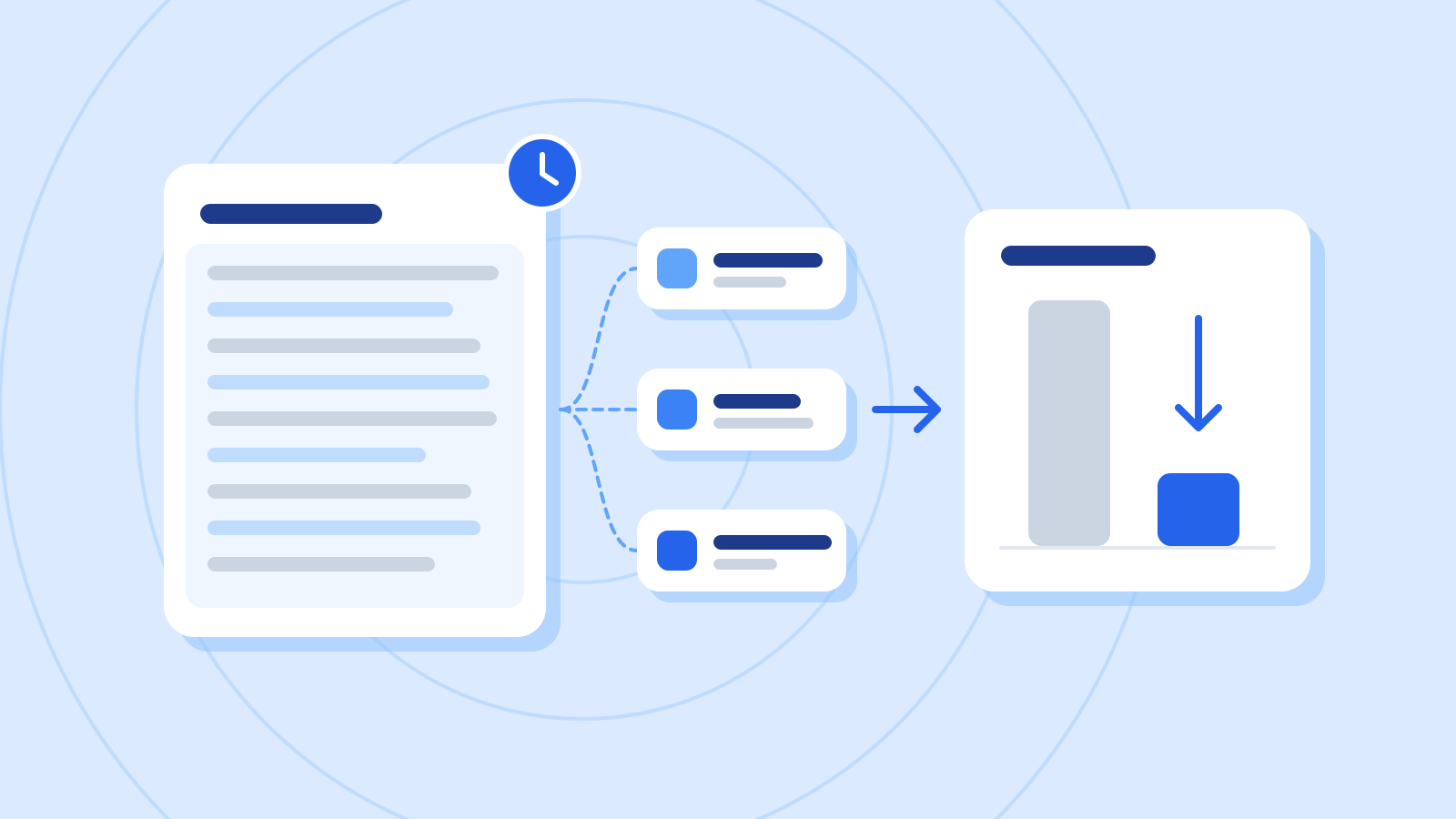
Moonshot AI has apologized for K3.1 Pro usage limits and wasted quota. Its official X statement promised every active subscriber a one-time restoration of 25% of their monthly quota, covering every subscription tier.
Members who have consumed less than 25% will have their recorded usage reset to zero. Moonshot said it had adjusted settings and was reducing unnecessary helper-agent calls and response length. It promised the adjustment on usage bars by the end of the announcement day in PST.

The monthly allowance draws on Kimi’s shared credit pool. Existing guidance says chat, coding, document work, presentations and deep research use the same balance. The system moved from separate allowances for individual features to credits calculated from resource use, including both input and output tokens.
A larger reading or generation task can therefore consume more credits than a smaller request of the same type. The subscription display lists a percentage balance, the next refresh date and the last ten transactions, with timestamps, features and deductions. The guidance allows a reporting delay typically under five minutes.
One firsthand complaint came from Hacker News user waximabbax, who reported exhausting a five-hour allowance within minutes on two small-repository tasks using official CLI version 2.3.1. They involved movie recommendations and website-code analysis. Neither task finished, the author said, putting usage including cached input at about 1.59 million tokens. The poster disclosed developing a competing coding agent and withheld the private repository logs.
Short-term limits remain alongside monthly relief
Official error documentation gives separate messages for five-hour, weekly and monthly quota exhaustion. All use HTTP 429, a code also used for concurrent-request restrictions. The latter follow an account policy unrelated to remaining allowance. The five-hour allowance recovers when its window ends, with reset timing available in the console. An error number alone consequently does not establish which limit stopped a request.
New Kimi Code plans retain a rolling five-hour window and monthly total while removing the weekly cap. Legacy plans retain that weekly cap. Desktop, terminal, editor extensions and third-party clients share allowance. Exhausting the monthly pool freezes coding access even when a coding-specific allowance still appears available. Opt-in Extra Usage can fund continued use; spending from that balance has no monthly cap unless one is enabled.
Client defaults have changed too. The October 25 releases of CLI 2.3.2 and Desktop 1.1.3 make the agent handle work directly instead of proactively spawning helpers. Delegation now needs an explicit request in a message or work instructions, or an enabled multi-agent mode.
Swarm coordination also requires the user to enable its mode. Automatic swarms consequently disappear from non-interactive command runs and external editor connections such as Zed. The October 26 CLI 2.3.3 and Desktop 1.1.4 releases add a high-usage warning when that mode is enabled.

Model selection also changes consumption. Current documentation describes K3.1 Pro Highspeed as offering the standard model’s capabilities at roughly two to three times the speed while consuming about twice the coding quota. Those speed and usage figures are Moonshot’s published descriptions.
Switching models or reasoning effort invalidates existing context caches, requiring fresh input processing and increasing token use, the model guide says. K3.1 Pro requires reasoning and offers low, high and maximum effort, currently defaulting to high. Moonshot recommends starting a new conversation when moving from an older model.
Subscription allowance is separate from developer API billing. The official FAQ distinguishes quota-inclusive Kimi Code membership from the pay-as-you-go Kimi Open Platform, with different service addresses and key sources.
Sources
- We're sorry for the rate limits and unnecessary quota consumption on the K3.1 Pro subscription plan. — Kimi.ai
- Kimi Membership Credit System Update — Moonshot AI
- Ask HN: Kimi Code hit its 5-hour limit after $1.37 of API usage — waximabbax / Hacker News
- Error Reference — Moonshot AI
- Membership Benefits — Moonshot AI
- Changelog — Moonshot AI
- Changelog — Moonshot AI
- Model Configuration — Moonshot AI
- FAQ — Moonshot AI