Google Meet expands speech translation to 63 languages
3-line summary
- Korean is supported.
- Access depends on the host’s plan and organization settings; room hardware supports listening only.
- Scheduled Release domains begin receiving the update on November 2.
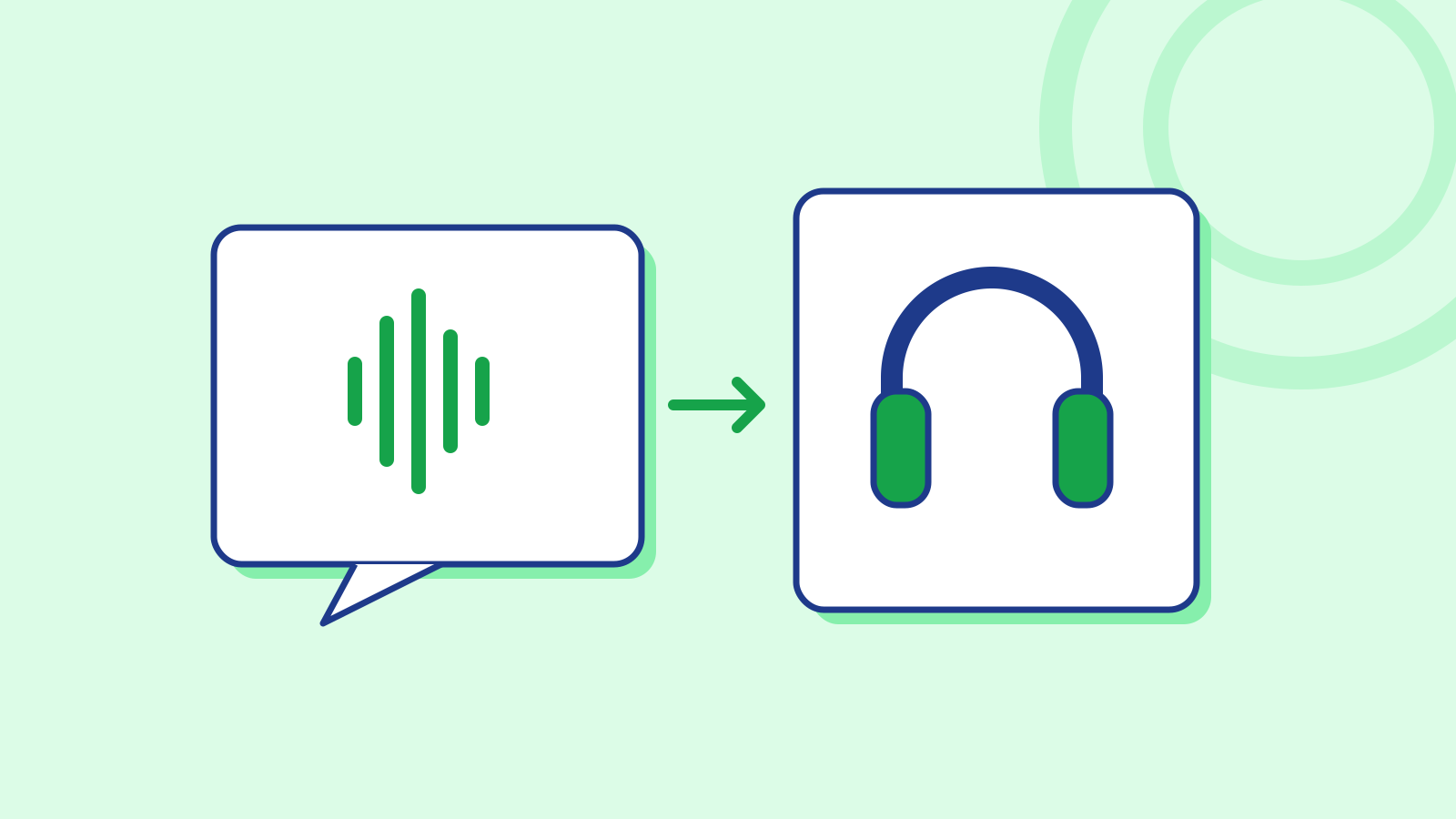
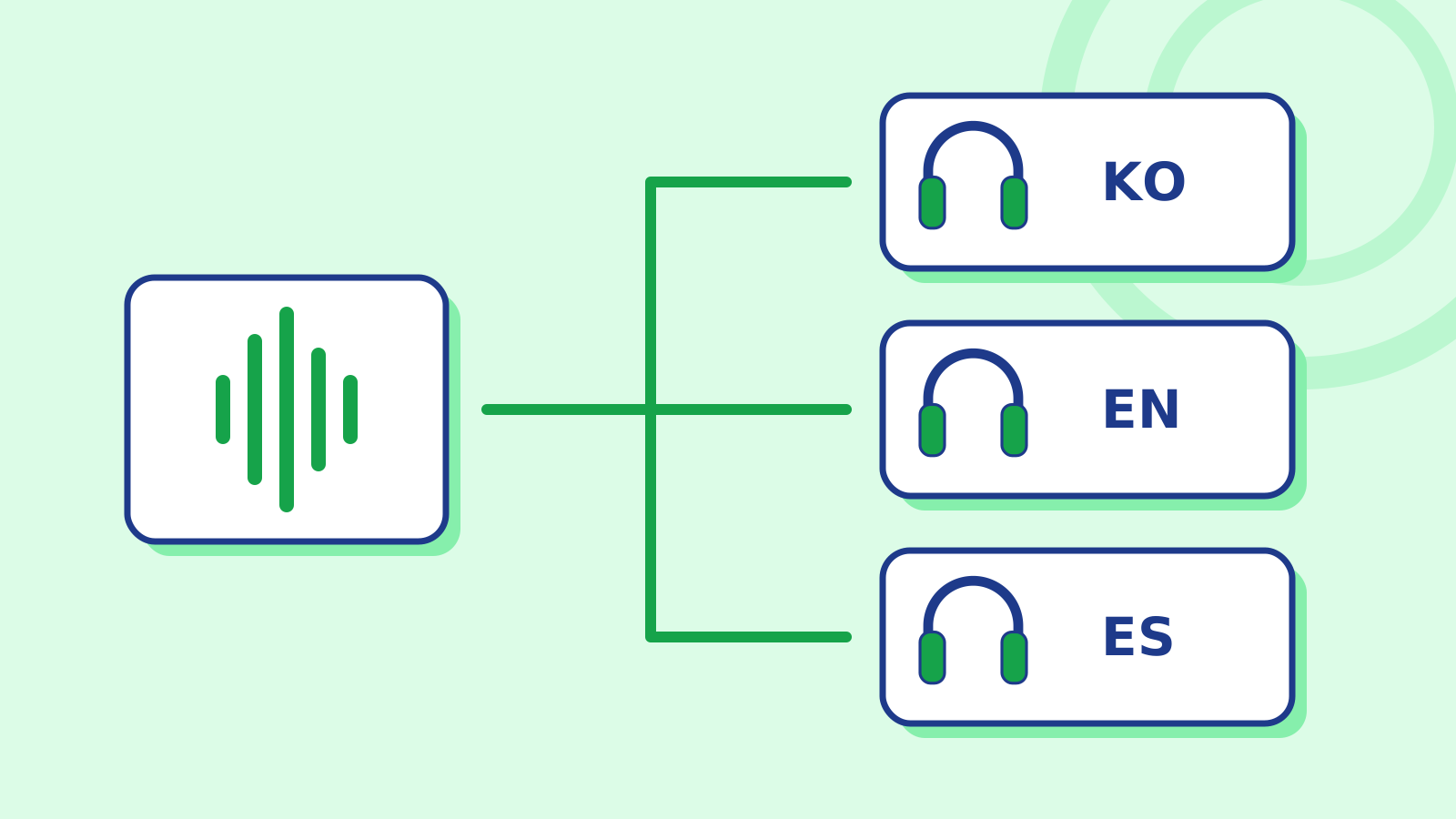
Google is expanding Meet speech translation to 63 languages. Its October 22 release notice replaces the previous meeting-wide language pair with automatic language detection and a listening language chosen by each participant.
Supported languages include Korean, English, Japanese and Spanish. Listeners can also specify languages they already understand, leaving those contributions untranslated. When speech translation and captions are both enabled, the captions match the translated audio.
The underlying model is Gemini 3.5 Live Translate, which Google introduced in June. Google says it processes incoming audio continuously and generates translated speech without waiting for an entire turn to end. It is designed to preserve the original speaker’s intonation, pacing and pitch. The June announcement covered more than 70 languages for the model, while the current Meet release specifies 63 for the meeting product.
For scheduled meetings, the organizer needs an eligible plan; participants from outside the organizer’s domain can use translation as well. Supported Workspace editions include Business Standard and Plus, Enterprise Standard and Plus, Frontline Plus, and Google AI Pro for Education. Administrators control access by department or group, with the Gemini administrative setting also required.
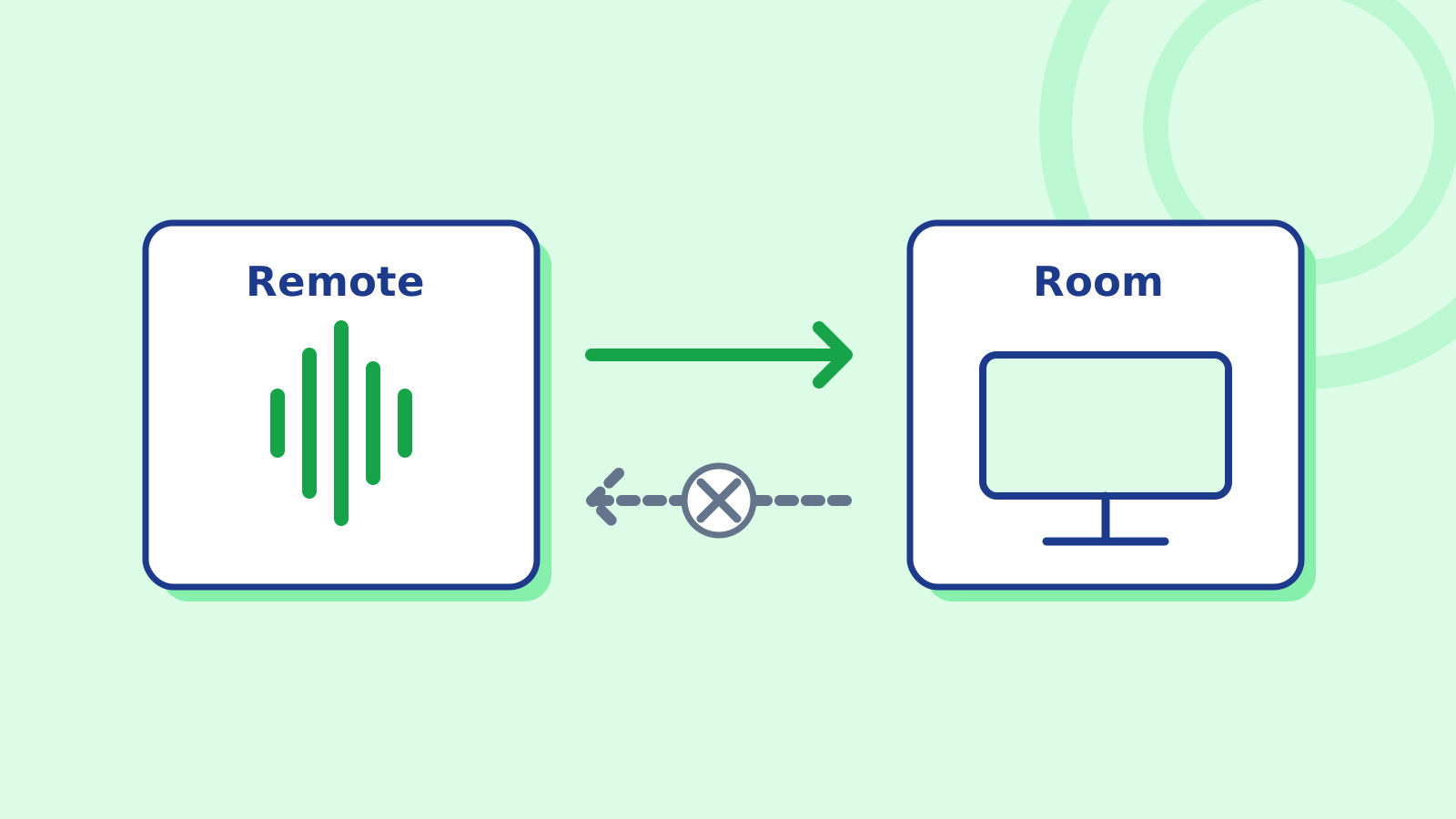
Eligible base Workspace editions and Google AI Pro allow up to 90 minutes of translation per meeting. AI Expanded Access and Google AI Ultra are among plans allowing eight hours. Access covers the web, Android and iOS. Meet room hardware can receive translated speech from remote participants, but speech originating from room hardware is not translated for others.
Live streams, recordings and client-side encrypted meetings are excluded. Regional and age restrictions also apply.
Listening to translations and allowing one’s voice to be translated are separate choices. Speakers must consent before their translated speech reaches other participants. Retention also depends on separate meeting features: Meet’s security documentation says activating recording, transcription or note-taking allows video or audio records to be stored temporarily to provide that feature.
The model still has limitations. DeepMind’s August model card identifies difficulties with non-native accents, similar languages and rapid language switching. During fast multi-speaker exchanges, the translated voice can become stuck on one speaker; voices can also change after a long pause. Background noise may introduce artifacts into the translated audio.
Rapid Release domains started receiving the update on October 22 over one to three days. Scheduled Release domains follow from November 2 over up to 15 days. Initial feature and caption availability may vary; mobile access requires an updated Meet app.
Sources
- Real-time speech translation in Google Meet expands to 63 languages with automatic language detection — Google Workspace Updates
- Use Speech Translation — Google Meet Help
- Turn Speech translation on or off for Meet — Google Workspace Help
- Fluid, natural voice translation with Gemini 3.5 Live Translate — Google
- Gemini 3.5 Audio — model card — Google DeepMind
- Google Meet Security & Privacy for users — Google Meet Help
- Speech translation in Google Meet is now rolling out to mobile devices — April 8, 2026 background — Google Workspace Updates