AI logs in without seeing your password: 1Password expands agent access
3-line summary
- 1Password announced a platform that fills sign-in credentials after a person approves access.
- Muse and Grok Bot integrations are rolling out and are included in Individual and Family plans.
- Protecting passwords is separate from controlling what an agent does after signing in.
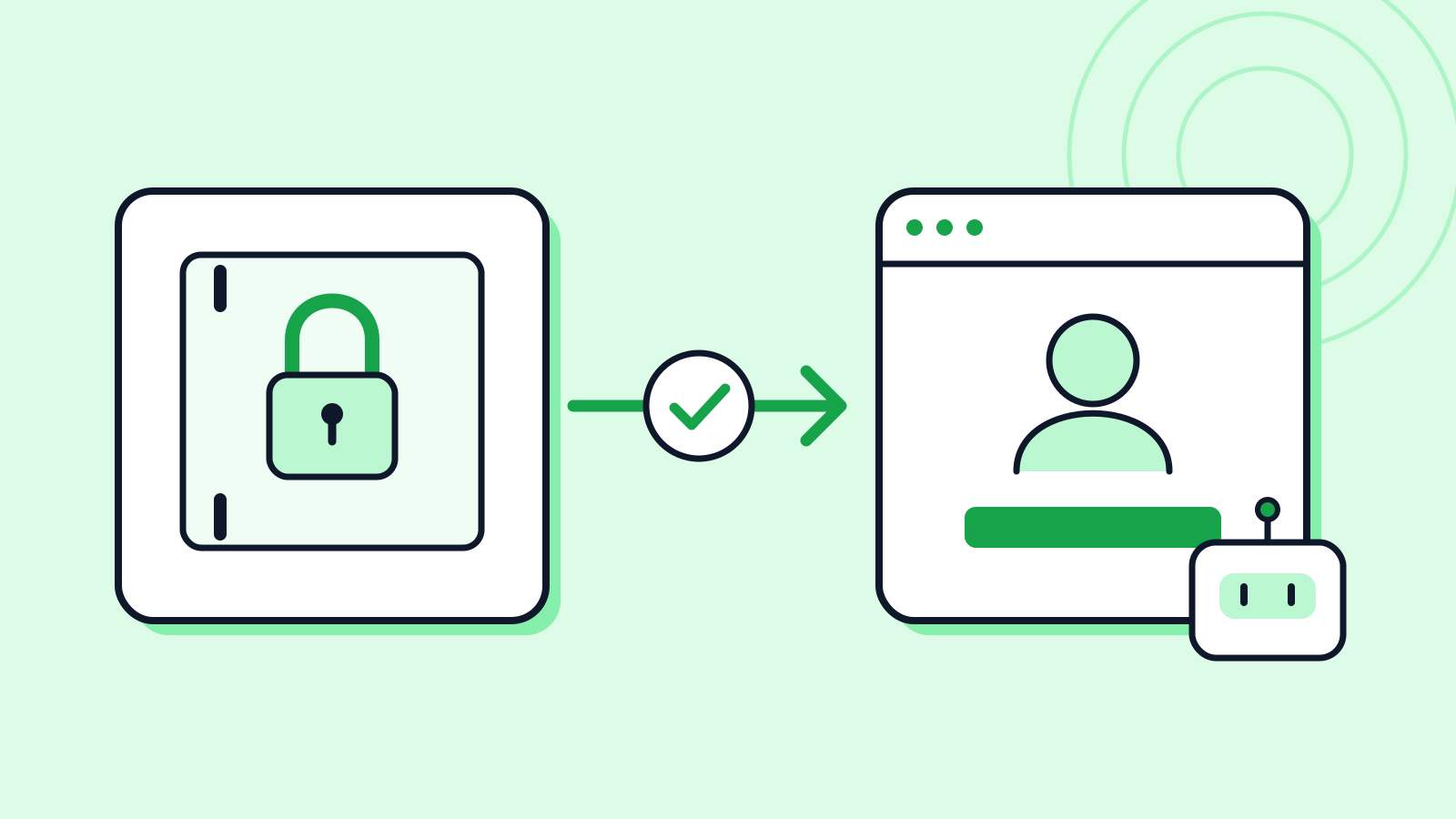
1Password announced 1Password for Agents on October 22. The company says users review which account an agent needs and why, then approve or deny access on their own device. Approved credentials are filled into the sign-in form rather than sent to the AI.
A partner mention does not mean every integration is available. The product page lists Muse and Grok Bot as rolling out over the coming days. The press release describes the Claude Duet connection as forthcoming; that timeline should not be confused with the existing Claude integration.
The product page says the feature is included in Individual and Family plans. Availability and setup can vary by integration, region, device and sign-in method. It does not support every AI tool, and approval frequency can also vary between integrations.
The public FAQ says an agent may see information or take actions inside the signed-in account. Security documentation for the existing Claude integration likewise separates credential protection from control of subsequent agent behavior. This article does not report a connected-account test or security assessment.
Why it matters
AI Ping sees credential delivery and the scope of delegated work as linked decisions. Users still need to decide which tasks an agent should perform in which account.
Who it's for
- Office workers
- Check the integration’s actual availability and define the account and task before connecting it.
- Developers
- Do not equate keeping passwords hidden with controlling every action in a signed-in session.
Sources
- 1Password for Agents Launches as the Trust Layer for Personal AI Agents — 1Password
- 1Password for Agents — supported integrations and FAQ — 1Password
- About the security of 1Password for Claude — 1Password Support