Perplexity brings Teammates for recurring work to its Mac app
Edited and reviewed by AI Ping Editorial Team
3-line summary
- Perplexity said on Nov. 13 that Teammates are available to Max subscribers in its Mac app.
- A Teammate can follow a schedule or act on changes in connected services and deliver results for review.
- Mac app access is separate from the on-device mode Perplexity offers for Computer.

Perplexity said on Nov. 13 that its Teammates AI agents are available to Max subscribers in the company’s Mac app. Subscribers can use the desktop app to assign work that continues across several sessions, such as tracking a market or sorting incoming customer requests. A dedicated Teammate conversation gives users a place to check progress, review the results and give feedback on the next run.
Perplexity first made Teammates available on the web earlier in November as a research preview. Its Nov. 5 announcement described web access, and the Nov. 13 announcement added the Mac app. The initial preview documentation names individual Max as the plan for using Teammates. Pro users need an upgrade and the enterprise tiers have no access by default.

Work that follows a schedule or a change
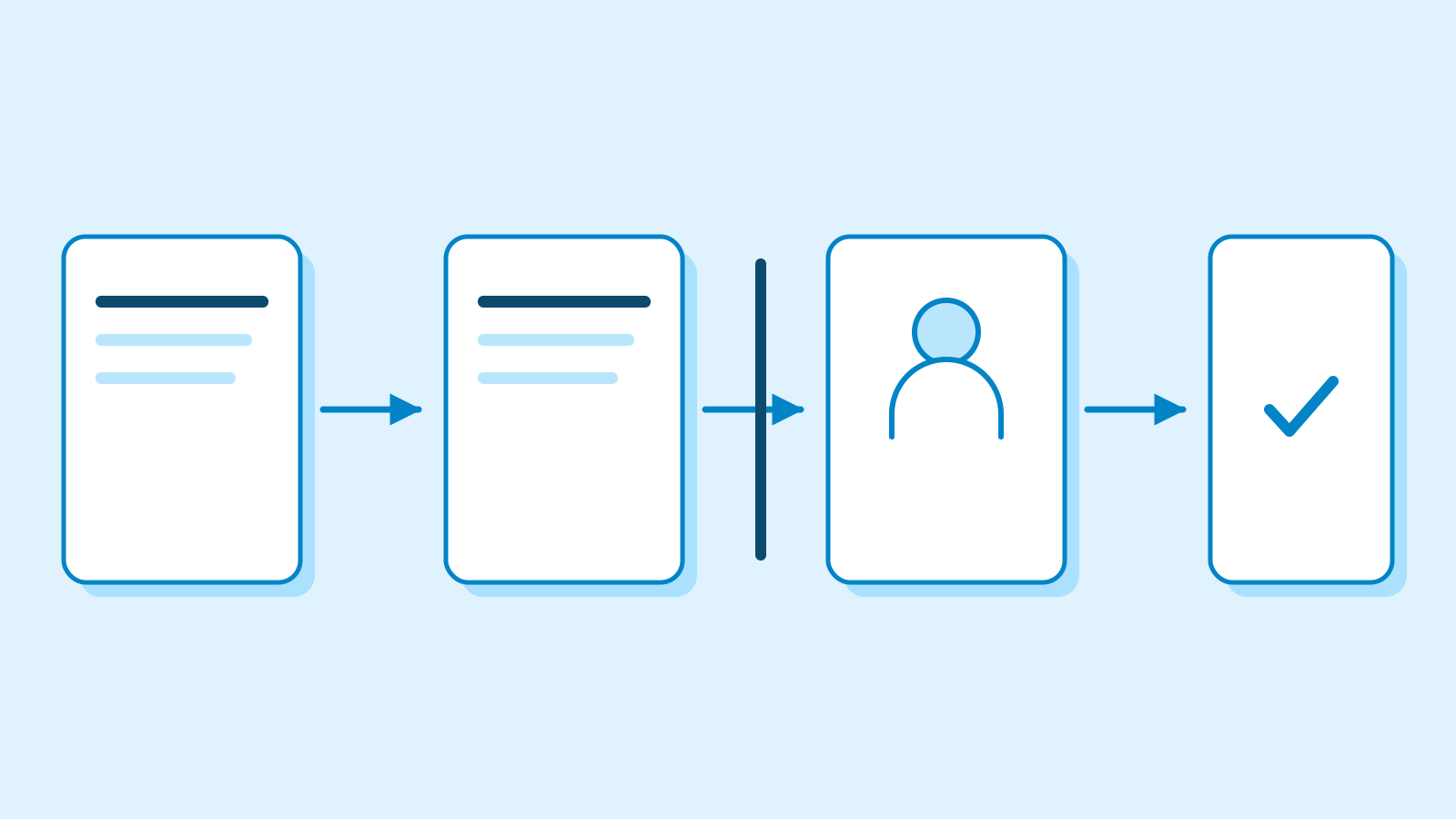
A Teammate can be given a source to watch, a result to deliver and a schedule. For example, a recurring research assignment can call for a weekly summary of product changes, with each report delivered to the same conversation. Connected services can also trigger work when something changes, such as when a new item appears in a designated work queue.
A user can assign different responsibilities to different Teammates. Perplexity says an agent can divide a larger assignment into parts, delegate parts that can run in parallel and assemble the findings for review. Teammates in the same project can draw on the same files and instructions while handling different parts of the work.
The assignment can continue after the first report is delivered. Perplexity says Teammates retain context and apply feedback in future runs. A user who wants different figures in a recurring report can make that change in the same conversation. The agent can also send a question when it needs input or return a draft for review.

Mac access and on-device processing
The Mac app is an additional way to access Teammates. In its product documentation, Perplexity describes each Teammate as working in its own isolated desktop and browser. The company also offers a separate Local mode for Computer on supported Apple silicon Macs. Perplexity’s documentation for that mode describes running the model and the tools on the device. The Nov. 13 notice addresses access from the desktop app.
When a Teammate uses a connected account or a project, it works within the access granted to those services. Perplexity says connecting a new service requires signing in and approving its requested access. The product documentation also describes being able to inspect what a Teammate is doing in its browser and take over when a task needs human input, such as signing in to a site, and then hand control back.
Perplexity also documents a Hybrid mode for Computer that starts in the cloud and assigns some work with private files to the Mac. Perplexity described both options when it announced the local mode in October. Its new Teammates notice leaves the execution location and minimum Mac app version unspecified.
The Teammate’s conversation is visible to its owner. Perplexity describes shared conversations as read-only for other people. Perplexity says colleagues can assign work or ask for a progress update in a Slack channel the Teammate monitors.
Subscription price and usage credits
Perplexity lists individual Max at $200 per month or $2,000 per year in its U.S. dollar pricing. The annual payment option is available through its web app. The company’s credit guide lists 10,000 monthly credits for individual Max. The account’s usage page shows what has been spent and what remains. Perplexity says jobs that use several agents or process large files and run frequently can draw more from that allotment.
The credit guide says active work pauses with its progress saved when a user runs out. It resumes automatically when a new monthly allowance arrives or the user adds credits. Subscribers can purchase extra credits manually or enable an automatic refill, which is off by default.
Sources
- 11월 13일 맥 제공 및 앞선 웹 공개 · Mac and earlier web announcements — Perplexity
- 맥 앱의 Max 제공 발표 · Announcement for Max subscribers on Mac — Perplexity
- 공개 회사 게시물 · Mac availability and browser controls — Perplexity
- 할당·프로젝트·권한 · Assignments, projects and access — Perplexity Help Center
- 웹 첫 공개와 역할·작업 검토 · Original web launch and task review — Perplexity
- 컴퓨터의 별도 로컬 실행 모드 · Computer’s separate local mode — Perplexity
- 개인 Max 표시 가격 · Individual Max pricing — Perplexity Help Center
- 구독 크레딧과 사용 한도 · Credit allotments and limits — Perplexity Help Center