Google Antigravity previews the script before agents start a workflow
Edited and reviewed by AI Ping Editorial Team
3-line summary
- Antigravity now writes a Python script to coordinate work across agents in Dynamic Workflows.
- When approval is required, developers see the script before it runs. Agent progress is then visible during the run.
- Google AI Pro and Ultra subscribers can use it in the Antigravity app and command-line client.

Google has added Dynamic Workflows to Antigravity, giving its coding assistant a way to write a Python script that schedules work across several agents. Google listed the feature in Antigravity App 2.32.0 on November 13 and says Google AI Pro and Ultra subscribers can use it in the app and the command-line client. The app update is rolling out gradually.
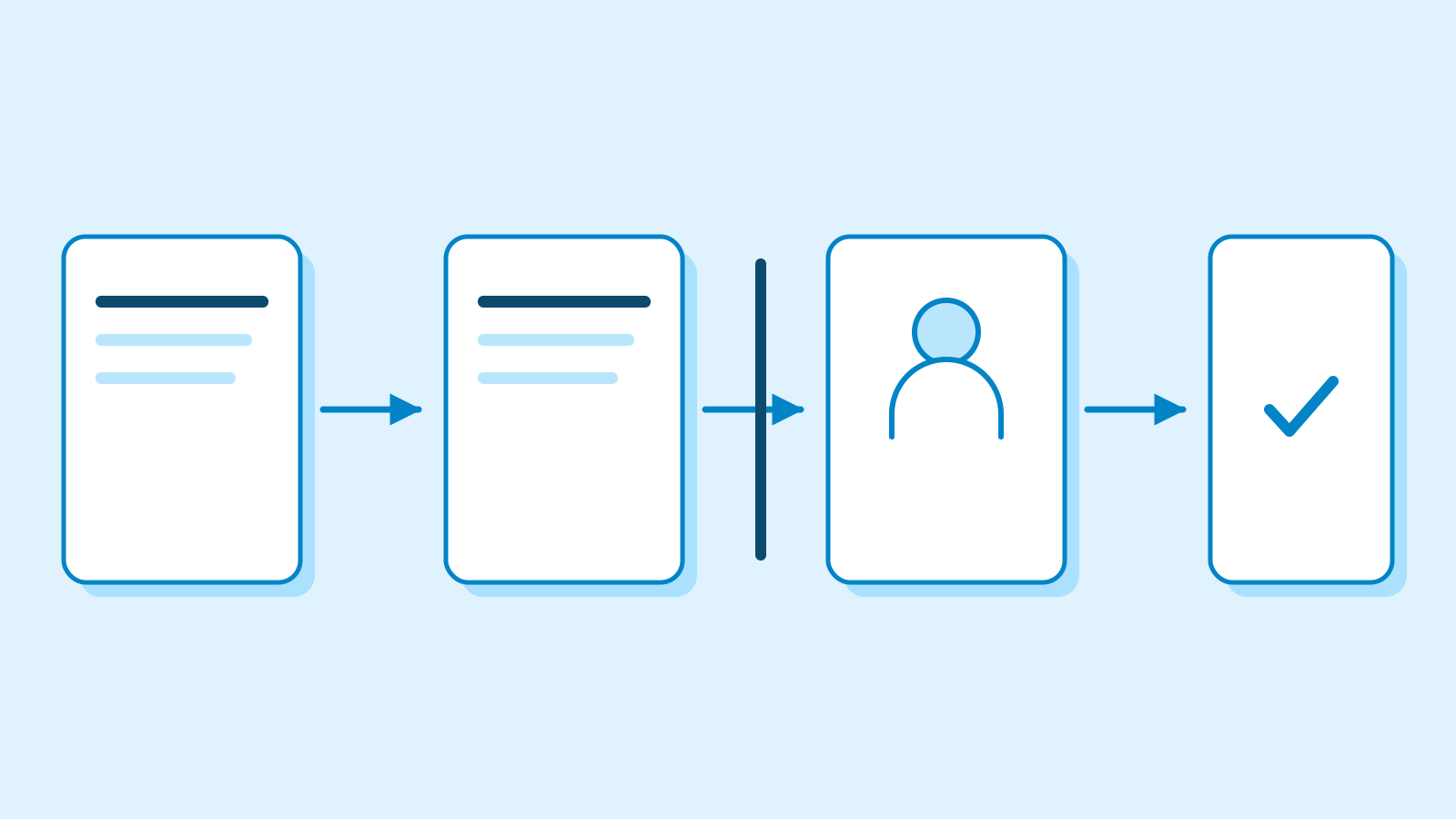
When a developer asks for work across several files or gives the assistant a job with dependent steps, Antigravity drafts a script that puts those steps in order. Developers can request a workflow in plain language or use the `/run-workflow` command. When the permission settings require approval, the assistant presents the script before it starts the agents. The developer can approve the run or ask for a change to the plan.
Approval before and during a run
The first approval concerns the script that will run. The permission preset can also allow execution without an extra prompt. Antigravity's permission documentation spells out how rules are resolved. A rule that blocks an action takes precedence, followed by one that requires a prompt and then one that allows the action. Projects in the app can inherit global permissions or have their own preset. Under the default preset, terminal commands run in a sandbox with access to the workspace and temporary folders. Commands that need resources outside it may require a separate prompt, depending on the rules in effect.
A second check can come up after the workflow starts. Each agent follows the applicable permission settings and waits in its own conversation if one of its actions needs approval. In the app, the developer can open that conversation from the agent's entry in the workflow to see its request. Stopping the parent conversation also stops the workflow and its active agents.

One step can supply work for several more
Google illustrates the feature with a code review. One agent produces a list of changed files. Only after it returns the list does the script give each file to a separate reviewer. The reviews can then proceed at the same time and return results in a prescribed format. Tasks with dependencies can run in sequence, such as having one step write a test and the next make the code change that the test will check.
Each agent works in a separate conversation. The script gives it the task, the relevant context and the form its answer should take. The main conversation shows the current phase and agent status while the workflow runs. The parent agent collects the results at the end, while the details of a file read or a test stay in the conversation where that work took place. The workflow runs in the background in both interfaces.

How it fits alongside Swarm and older workflows
Google added Swarm to the app on November 9. Its agents coordinate on a shared message board. In Dynamic Workflows, the generated script sets the order and passes results between stages. Google lists repeated work across files or packages and tasks with a prescribed sequence as uses for the new tool. Teamwork covers longer projects with milestones and begins by asking the user to establish the scope. In the Orchestrator mode Google introduced on November 12, Gemini 4 Carbon can plan and review inside one session while Gemini 4 Hydrogen handles some routine work. With a workflow, the reviewable script tells the agents when to start and how to pass back their results.
Antigravity previously used the name “workflows” for repeatable instructions stored in Markdown files. Google documents moving those instructions to reusable agent skills. A Python script produced by the new feature can be saved as a file inside the workspace and run again for future work. The permission for that script determines whether Antigravity asks for approval the next time. Antigravity includes the Python runtime used by workflows and may take a moment to unpack it on the first run.
Sources
- 앱 2.32.0 버전과 배포 · Antigravity release notes — Google Antigravity Docs
- 워크플로 구조와 이용 조건 · Dynamic Workflows — Google Antigravity Docs
- 명령별 적용 범위 · Slash commands — Google Antigravity Docs
- 실행 승인 조건 · Agent permissions — Google Antigravity Docs
- 프로젝트별 설정 · Antigravity settings — Google Antigravity Docs
- 공유 게시판 방식 · Swarm — Google Antigravity Docs
- 이정표와 검토 · Teamwork agent teams — Google Antigravity Docs
- 기존 문서형 워크플로 전환 · Migrate from workflows to skills — Google Antigravity Docs
- 세션 내 모델 분담 · Gemini 4 Hydrogen and Orchestrator — Google Antigravity Blog