AWS Kiro comes to Android with cloud coding sessions and code review
Edited and reviewed by AI Ping Editorial Team
3-line summary
- Kiro is now on Google Play. Developers can resume cloud sessions from the same account.
- The app shows questions and code changes. Final merges still happen in GitHub or GitLab.
- Kiro Mobile requires Android 10 or later and a paid plan. Individual Pro costs $20 a month.

Amazon Web Services announced on Nov. 12 that its Kiro coding assistant is available for Android on Google Play. Developers can open a cloud coding session they started on a computer, see what the assistant has done and answer questions that are holding up the work. The Android app can also start a session, show changes file by file and ask Kiro to open a pull request.
Kiro Mobile requires Android 10 or later and a paid Kiro plan. The app is free to download on Google Play. Access to cloud sessions from the app starts with Kiro Pro, which lists at $20 per user per month. Kiro's iPhone app remains in early access.
The same session follows users between devices
Android connects to the cloud sessions already available through Kiro's web app, desktop editor and command line. When a developer signs in with the same account, the conversation and history are already there. Repositories connected through Kiro Web and settings the developer has synced carry over too. Someone who leaves a cloud session running at their desk can open the same conversation on a phone, send clarification and return to the work on a computer later. The handoff covers a cloud session. Changes that exist only in a laptop’s local working copy are outside that session.
The session list shows where the work is taking place, how recently it was active and whether its pull requests are open or merged. Inside the conversation, replies and activity appear as the assistant works. A card for each edited file shows lines added and removed. Developers can reply when the assistant asks for a decision, add an image for context or stop the session from the phone.

Work can continue with the phone app closed
For a new repository task, Kiro sets up an isolated cloud environment and copies the selected repositories into it. Its setup guide says the first response takes longer than later replies while that environment starts. The session can keep running when the Android app is closed or the laptop is off. If the phone goes offline before sending a message, the Android app retains the message for the user to resend after reconnecting.
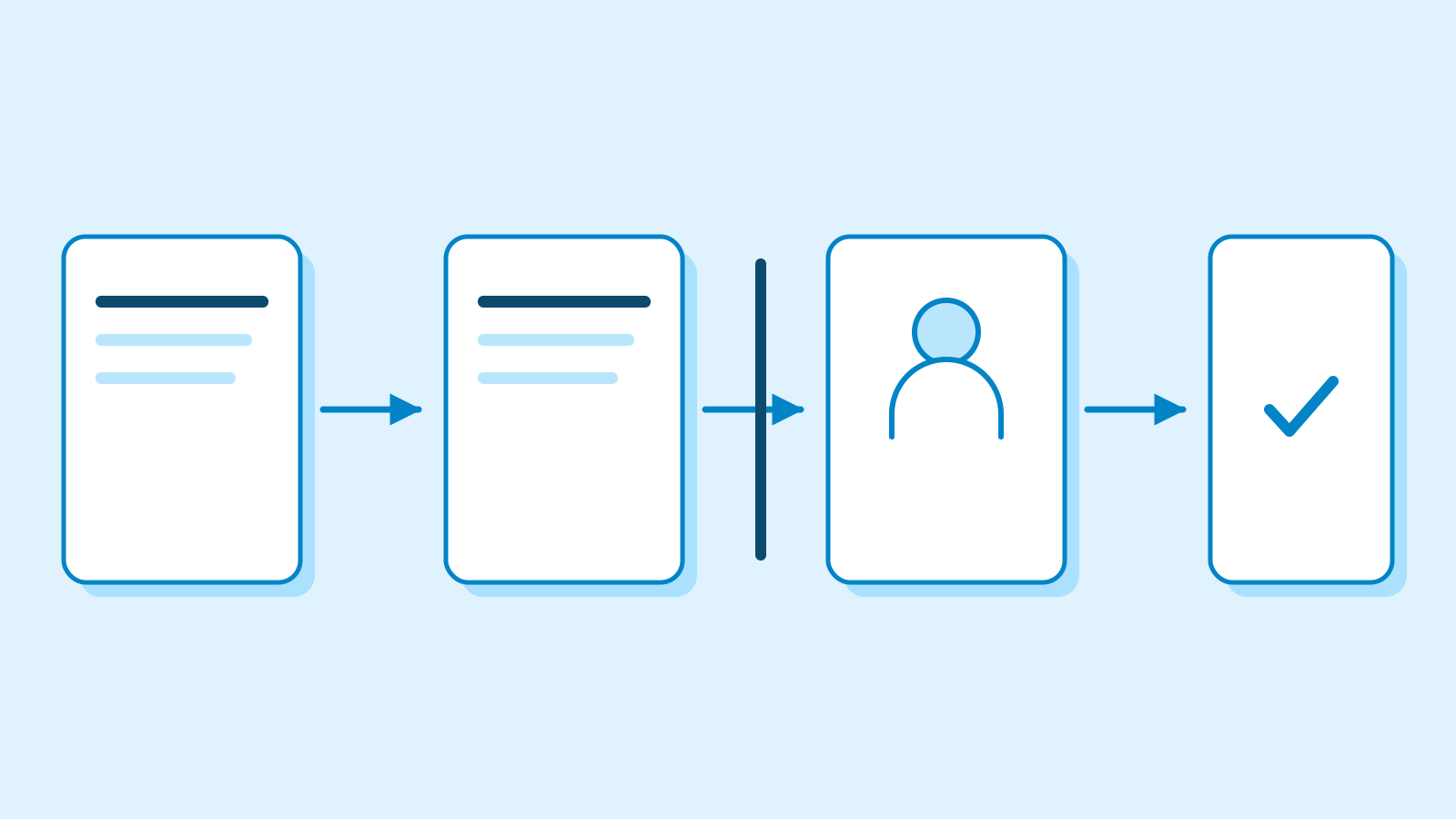
A developer can ask Kiro to open a GitHub pull request or a GitLab merge request when a change is ready. The app tracks its status, and the review and merge take place in GitHub or GitLab. Kiro Web is still where developers connect or change repository providers and browse session files. The same applies to managing scheduled tasks. The phone app also offers an optional lock that uses the device’s biometrics or passcode and hides the session preview in the app switcher while locked.

Plans and organization settings carry over
The mobile documentation lists Pro, Pro+, Pro Max and Power as eligible plans. Kiro's price page lists 1,000 monthly credits for the individual Pro plan. The Play Store listing covers the download, while Kiro's plan requirements govern access to the sessions inside the app. Kiro says cloud sessions use the existing credit balance and carry no separate charge for cloud compute.
For managed organization accounts, mobile follows the cloud session settings used by Kiro Web. An administrator has to enable those sessions before staff can open them from a phone. Kiro currently runs cloud sessions in its US East region in Northern Virginia. For organizations using AWS Identity Center, Kiro says the setting has to be enabled in the AWS account that owns each profile staff may use.
Sources
- 안드로이드 앱 공개 · Android launch — Kiro
- 아마존 키로 모바일 스토어 정보 · Amazon Kiro Mobile listing — Google Play
- 안드로이드·아이폰 제공 범위 · Mobile availability — Kiro Docs
- 최소 운영체제와 이용 조건 · Mobile setup and requirements — Kiro Docs
- 세션에서 볼 수 있는 정보와 검토 절차 · Session activity and review — Kiro Docs
- 휴대전화 앱 잠금과 웹 설정 · App lock and settings — Kiro Docs
- 클라우드 작업의 위치와 이용 범위 · Cloud execution and session scope — Kiro Docs
- 조직별 클라우드 세션 조건 · Cloud sessions for managed accounts — Kiro Docs
- 키로 프로 요금과 크레딧 · Kiro Pro pricing and credits — Kiro