Google lets Gemini managed agents run tools in a sandbox developers control
Edited and reviewed by AI Ping Editorial Team
3-line summary
- Google announced self-hosted environments for Gemini API managed agents on November 11.
- Google still runs the model and directs the agent. Tool work such as reading and writing files can take place in a sandbox the developer controls.
- Google named seven launch partners, including Vercel, Modal and Daytona. File retention and compute charges depend on how the separate environment is operated.

Google opened self-hosted environments for Gemini API managed agents on November 11. Developers can choose where an agent reads files and runs software when they give it a task such as preparing a report or testing code. Those actions take place in a sandbox, an isolated environment for running the tools the agent calls. Google's own hosted sandbox remains the default.
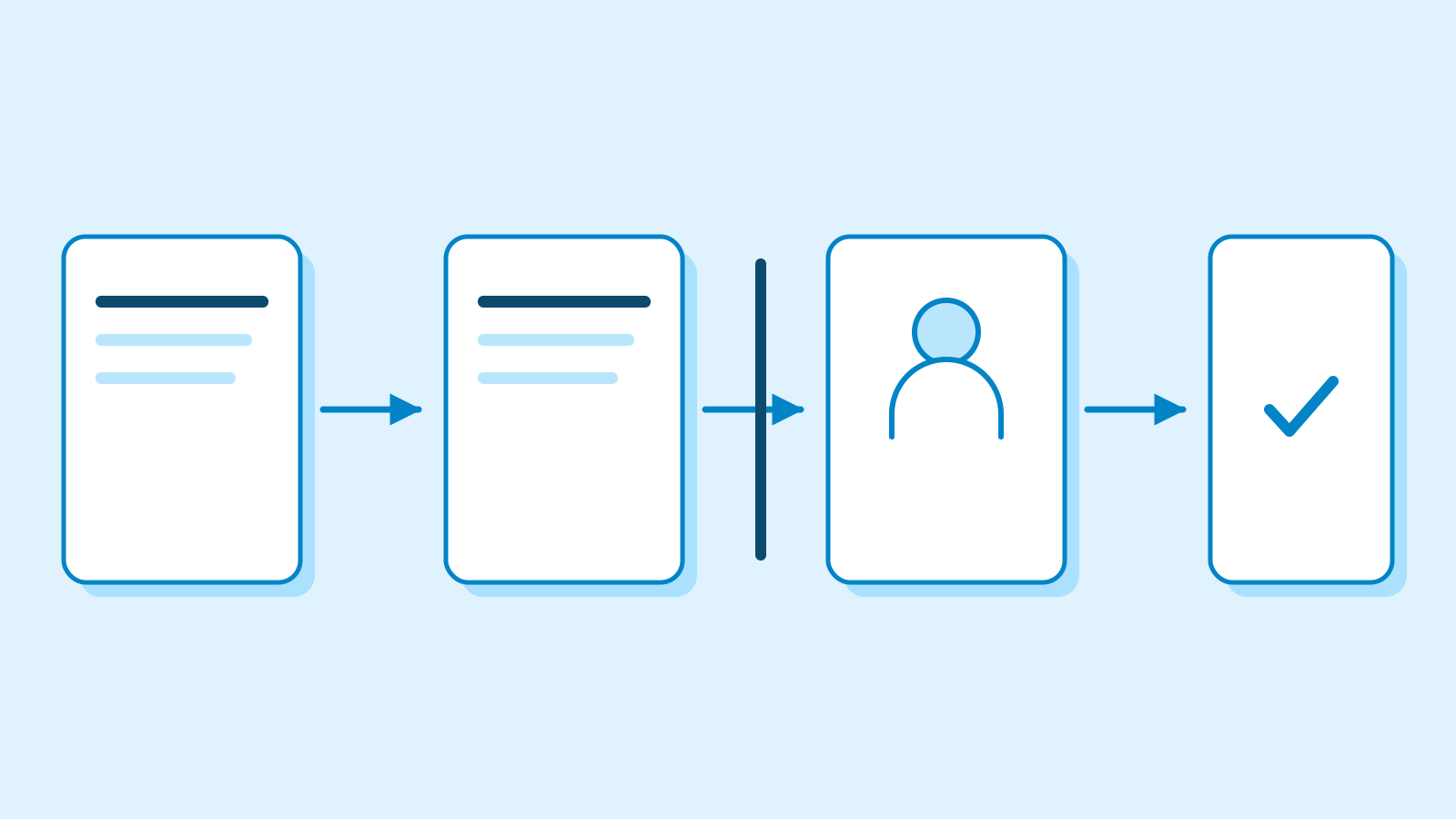
Google continues to run the Gemini model, decide the agent's next steps and stream its progress back to the application. Daytona's integration guide describes what happens when the agent needs a tool. Google passes the request to the worker in the connected sandbox, where the operation takes place. The result goes back to Google so the agent can use it in deciding what to do next.
Where the tool work runs
A self-hosted sandbox starts an outbound HTTPS connection to Google. Google says developers can connect it without opening an inbound port on their firewall. An environment identifier ties the sandbox to a request. The application sends that request to the Gemini API and names the environment that should run its tools.
Google announced Vercel, Modal, Daytona, Fly.io, Google Cloud, Cloudflare and E2B as launch partners. Its Google Cloud example uses Cloud Run. The documentation also describes connecting a container the developer operates with Docker or rootless Podman. In Daytona’s example the application sends the task to Google, and Daytona supplies the isolated computer for the tools. The application and the tool environment can run separately.

What happens to files after a task
When Google introduced managed agents on May 19, the service ran file operations and programs in a Linux sandbox hosted by Google. That option includes features for providing files at startup and downloading a snapshot of the workspace. The environment documentation limits those snapshot, source and network configuration options to Google-hosted sandboxes. In a self-hosted setup, the operator handles what files are available and when the workspace is retired. Google’s hosted environment takes a snapshot and stops after 15 minutes of inactivity. Google retains it for seven days after the last activity, during which a new request can resume it.
Daytona documents two setups with different consequences for files. A long-running sandbox keeps the files it has written available to later requests while it stays up. Its other setup gives each request a fresh sandbox and deletes it when the request ends. Daytona says the second approach adds a few seconds of startup time per request.
The sandbox files and the API’s interaction records have separate lifecycles. Google says paid projects can view stored requests in AI Studio’s logs and set retention to 7, 14, 28 or 55 days. That setting governs records in Google’s project storage. An application can reference an earlier interaction to continue a conversation. Whether the agent can also reopen a file from that interaction depends on how the separate sandbox is managed.

Preview billing
Managed agents and their environments are in public preview. Google says it is waiving compute charges for its own hosted sandboxes during the preview. Model usage and billable tools have their own rates. Google's pricing page explains agent charges in terms of the model tokens consumed and the tools called during a task.
Separate sandbox providers have their own charges. Daytona, for example, charges for reserved CPU, memory and disk while a sandbox is running. Its billing documentation says a sandbox that remains in the stopped state still incurs charges for reserved disk. Deleting a Daytona sandbox ends the resource charges for that sandbox. Any snapshots saved separately still incur storage charges.
Sources
- Self-hosted environments availability, November 11 — Google AI Studio
- Seven release partners, November 11 — Google AI Studio
- Environments in managed agents — Google
- Introducing Managed Agents in the Gemini API, May 19 — Google
- Managed agents overview and public preview — Google
- Interactions API data storage and retention — Google
- Gemini API pricing for agents — Google
- Run Gemini Managed Agents on Daytona — Daytona
- Sandbox billing by lifecycle state — Daytona