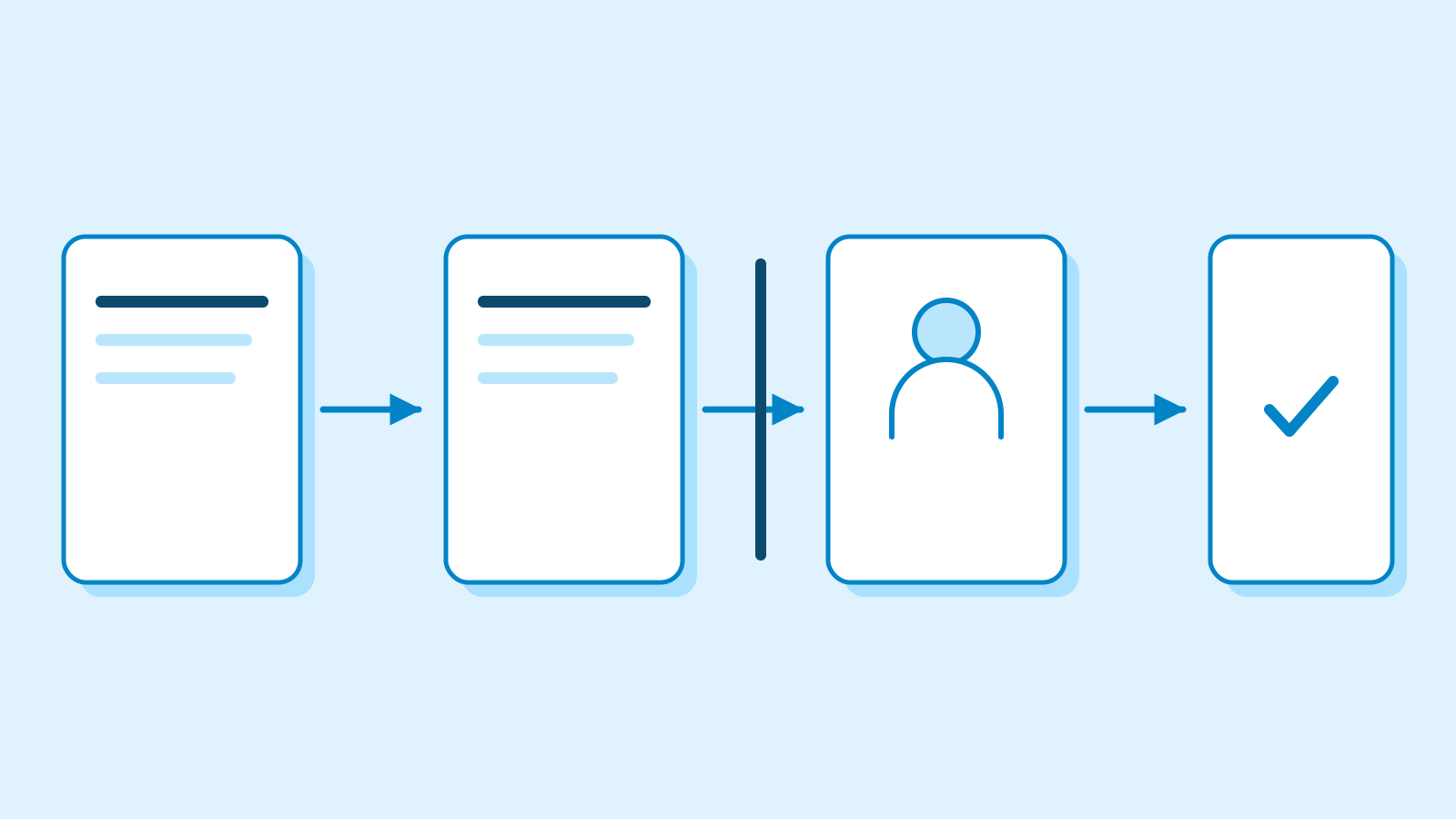
Cursor Projects lets teammates’ AI agents coordinate work
Edited and reviewed by AI Ping Editorial Team
3-line summary
- Cursor began rolling out a beta that lets teammates join the same Project.
- Members share a board and project files, and their AI agents can message one another.
- Sharing requires a team account, Cursor 3.26.13 or later, and repository access for invitees.

Cursor began rolling out a beta on November 10 that lets software teams work together in its Projects feature. Colleagues can join one project, see a common task board and work from the same set of documents. Their AI agents can also contact one another directly. When two assignments touch the same part of a product, the agents can exchange progress and plans without asking their users to relay each update.
Cursor announced a gradual rollout. The company’s documentation says sharing requires a team account and Cursor 3.26.13 or later. An invited teammate also needs access to the code repository connected to the project. Each person gets a chat of their own, with a coordinator that can delegate tasks to other agents.
One board for tasks and pull requests
Cursor introduced Projects in September for work that spans several tasks, such as a feature or a code migration. A user described the goal to a coordinator, which assigned parts of the work to other agents and brought back the results for review. Agents within the same project could already use a common set of files. The September version also let the coordinator start an agent on the developer’s computer to try a change locally. The new beta brings several people into that workspace.
The shared board shows who is responsible for a task, what the person’s agents are doing and the pull request associated with the task, when there is one. Cursor gives the example of an engineer adding reviews to a product page while a designer reworks that page. Their coordinators can exchange plans during implementation, while both have a chance to account for the other change.

Agents reply in a separate conversation
Cursor identifies the agent asking about a teammate’s work. The recipient opens a side conversation based on its existing chat, replies there and notes the exchange in the main chat. The user can read or stop the side conversation.
Cursor gives the side conversation read access to the task board. The user’s approval is required to share their personal files or data from a connected service.
Requirements, technical plans and mockups can go into the project’s shared files. Agents working for any member can read and update that material. Cursor described an internal handover in which an incoming on-call engineer’s agent could pick up the previous shift’s work and see the items still awaiting attention.
Preferences and instructions can stay in each member’s personal store. Adding a preference to the shared project rules requires that member’s approval.

Repository access and usage still follow each member
Members of the same Cursor team can accept invites and direct their agents in a shared project. Cursor’s existing cloud agent links let a teammate open an individual run and see its conversation, code changes and other outputs. The view is read-only by default. An administrator can enable team members to send follow-up messages in that run.
Team administrators also control whether Projects is available to their team. Cursor’s release notes say turning it off hides the feature for members, prevents new projects from starting and removes the team’s project agents from its cloud agent lists.
Cloud agents use the plan’s allowance at the rate of the selected model. Cursor says a chat in a shared Project runs and bills under the member who starts it. Under Cursor’s newer team subscription, paid seats have separate weekly allowances and some external model charges come out of a team prepaid balance. Cursor lists monthly seat prices of $30 for Premium, $100 for Super and $200 for Ultra on that subscription. Existing teams on legacy terms retain their seat prices and allowances.
Cursor stores code and environment data in the cloud while cloud agents run. Its standard Privacy Mode supports them. Privacy Mode (Legacy) blocks that storage and excludes users from Projects. Archived projects and projects on self-hosted machines also fall outside the multiplayer beta.
Sources
- Cursor Projects is now multiplayer — Cursor
- Projects — multiplayer, sharing and agent conversations — Cursor Docs
- Introducing Projects, September 10, 2026 — Cursor
- Cloud Agents — sharing and usage — Cursor Docs
- Team Pricing — seat allowances and prepaid balance — Cursor Docs
- Cloud Agents — Privacy Mode compatibility — Cursor Docs
- Web release notes — team Projects setting — Cursor Docs
- Cloud Agents release notes — team Projects setting — Cursor Docs