Fireflies puts Fred on its home page to search meetings and connected apps
Edited and reviewed by AI Ping Editorial Team
3-line summary
- Fireflies began giving new accounts a home page built around Fred on November 11.
- Users can ask about past meetings and draw on material from connected work apps.
- Users review and send email drafts, while access to scheduled FredBots is rolling out in stages.

Fireflies began rolling out a redesigned home page centered on a prompt box for its AI assistant Fred on November 11. New accounts get it first. The home page now lets users ask about decisions in past meetings and look up material from connected work apps. The company has given no date for the redesign to reach all existing accounts.
The rollout puts several tools for following up on meetings in one place. Fireflies introduced its email assistant in August and launched a daily briefing that draws from meetings, email and Slack in July. On the redesigned home page, options such as connecting email or preparing for a meeting depend on what the user has set up. The company also announced FredBots for jobs that run on a schedule, with access expanding in stages.
Choosing the sources for a question
AskFred can look across multiple meeting records to find how a topic was discussed. A user can narrow the request to a particular meeting or participant. Fireflies describes questions about decisions, outstanding actions and topics that keep coming up. The redesign keeps a route to the list of meetings and a status view where users can see whether a meeting is still in progress or its transcript is ready for review.
AskFred can draw on information outside meeting records once a user connects and enables a supported app such as Gmail or Slack. The help page says users can adjust what AskFred is allowed to view or do in each connection, or disconnect an app. By default, its general meeting search draws on meetings. Users can enable web search to bring outside information into the answer.
Meeting Prep works from a connected calendar and generates a briefing about three hours before a scheduled meeting. With an inbox connected, Fireflies says the briefing can include relevant exchanges from the past 90 days with up to five external attendees. The company also offers on-demand generation from the dashboard.

Drafts in the inbox, with the send decision left to the user
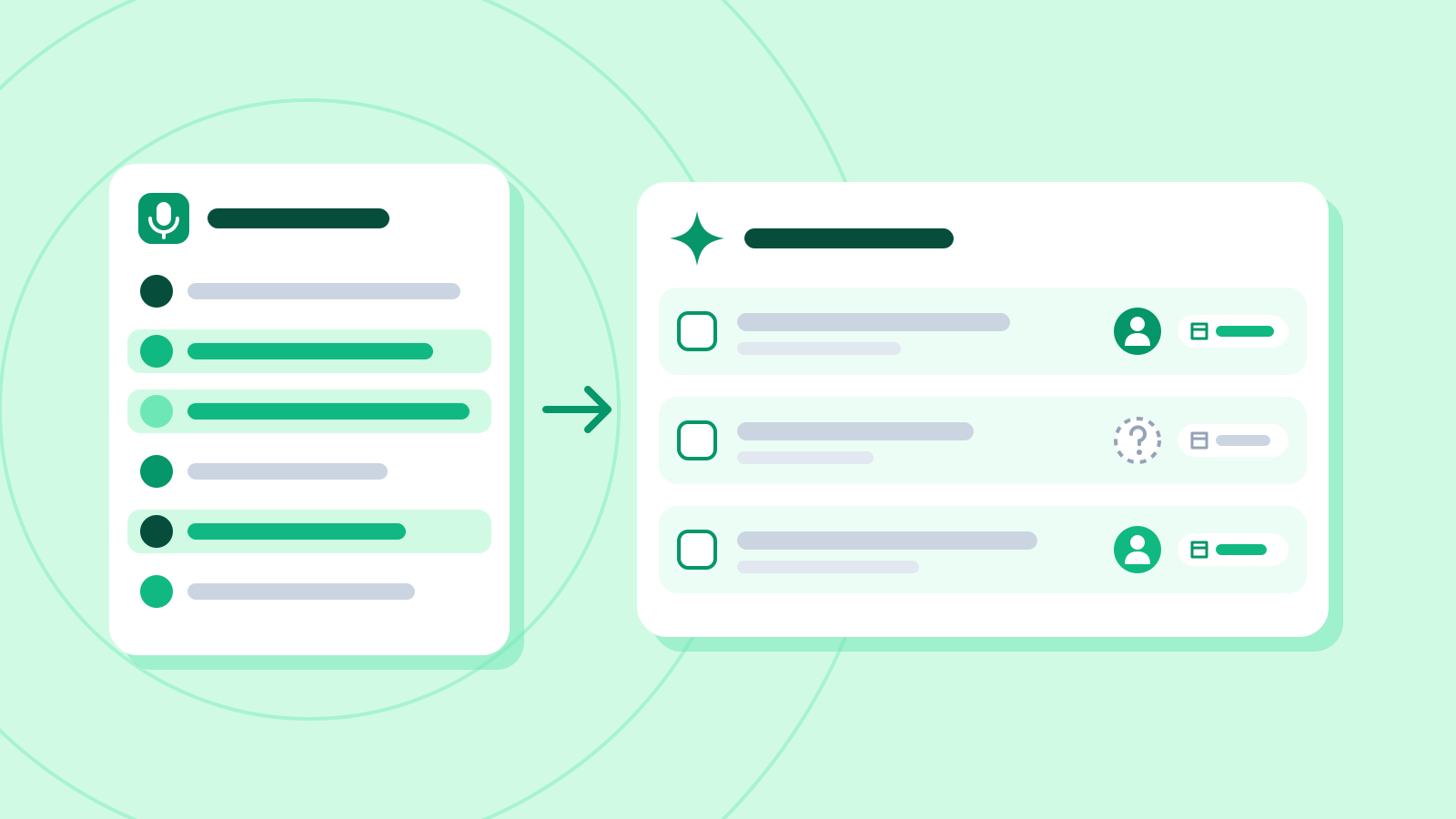
The email assistant classifies newly received mail in a connected Gmail or Outlook inbox and can prepare a draft when it identifies a message that needs a reply. It can use past meetings with the sender along with the email exchange. The draft appears in the existing thread. The user reviews it and decides when to send it. Automatic labeling starts with messages that arrive after the inbox is connected.
In Slack, Fireflies can summarize a channel or thread it has been added to, or check whether the discussion also came up in a meeting. Its help page puts the channel summary window at up to 90 days. Drafting email, asking questions in Slack and making requests in Global AskFred consume AI credits. Fireflies says the charge in credits varies with the work involved, so a longer channel summary can consume more than a short one. Fireflies also says that a shared AskFred answer can be viewed by anyone with its link, even without an account. The person who shared it can make it private again.

FredBots are rolling out in stages
FredBots are designed to repeat a job on a schedule. Fireflies gives examples such as extracting key details after each call or checking the progress of sales deals at a set time. Its product page says users can review a test run before setting the schedule. The job then runs at the intervals the user chooses.
Fireflies said on November 11 that it would begin making FredBots available in stages. The product page is taking waitlist sign-ups and points to December. The company gave no single date for all customers to get access and no final launch price for FredBots. It says Scheduler, for booking links, and Clips, for sharing screen recordings, will start rolling out over the weeks following the announcement.
Sources
- November 11 announcement and phased rollout for Fred — Fireflies.ai
- Introducing Fred and the new Fireflies experience — Fireflies.ai
- Meet the New Fireflies Home Dashboard — Fireflies Knowledge Base
- Global AskFred sources, connectors, permissions and credits — Fireflies Knowledge Base
- Email Assistant labels, drafts and usage credits — Fireflies Knowledge Base
- Meeting Prep scheduling and email scope — Fireflies Knowledge Base
- Slack Assistant message scope and credit usage — Fireflies Knowledge Base
- FredBots early access, schedule and test run — Fireflies.ai
- August 13 Email Assistant launch — Fireflies.ai
- July 28 Daily Briefs launch — Fireflies.ai