Pixel 10 gets Rambler voice typing to clean up spoken drafts
Edited and reviewed by AI Ping Editorial Team
3-line summary
- Google is expanding Gemini Intelligence in the November Pixel Drop. Four Pixel 10 models are slated to get Gboard’s Rambler dictation.
- Rambler removes filler words from a spoken draft and supports Korean input.
- Gemini app automation expands to Japan, the UK and India. Pixel 10 devices are excluded in South Korea.

Google began rolling out its November Pixel Drop on November 10, bringing Gemini Intelligence features to the Pixel 10 generation. One of the additions is Rambler, a Gboard dictation tool previously available on the Pixel 11. It turns a spoken reply into an editable draft, cleaning up filler words and punctuation before the user sends the message.
Google’s Android team named four Pixel 10 models for Rambler: the Pixel 10, 10 Pro, 10 Pro XL and 10 Pro Fold. Google says the update will reach devices over several weeks. It lists Korean among Rambler’s input languages and is offering the feature in select markets. Gemini’s separate app automation feature excludes Pixel 10 devices in South Korea.
A draft appears when the user stops speaking
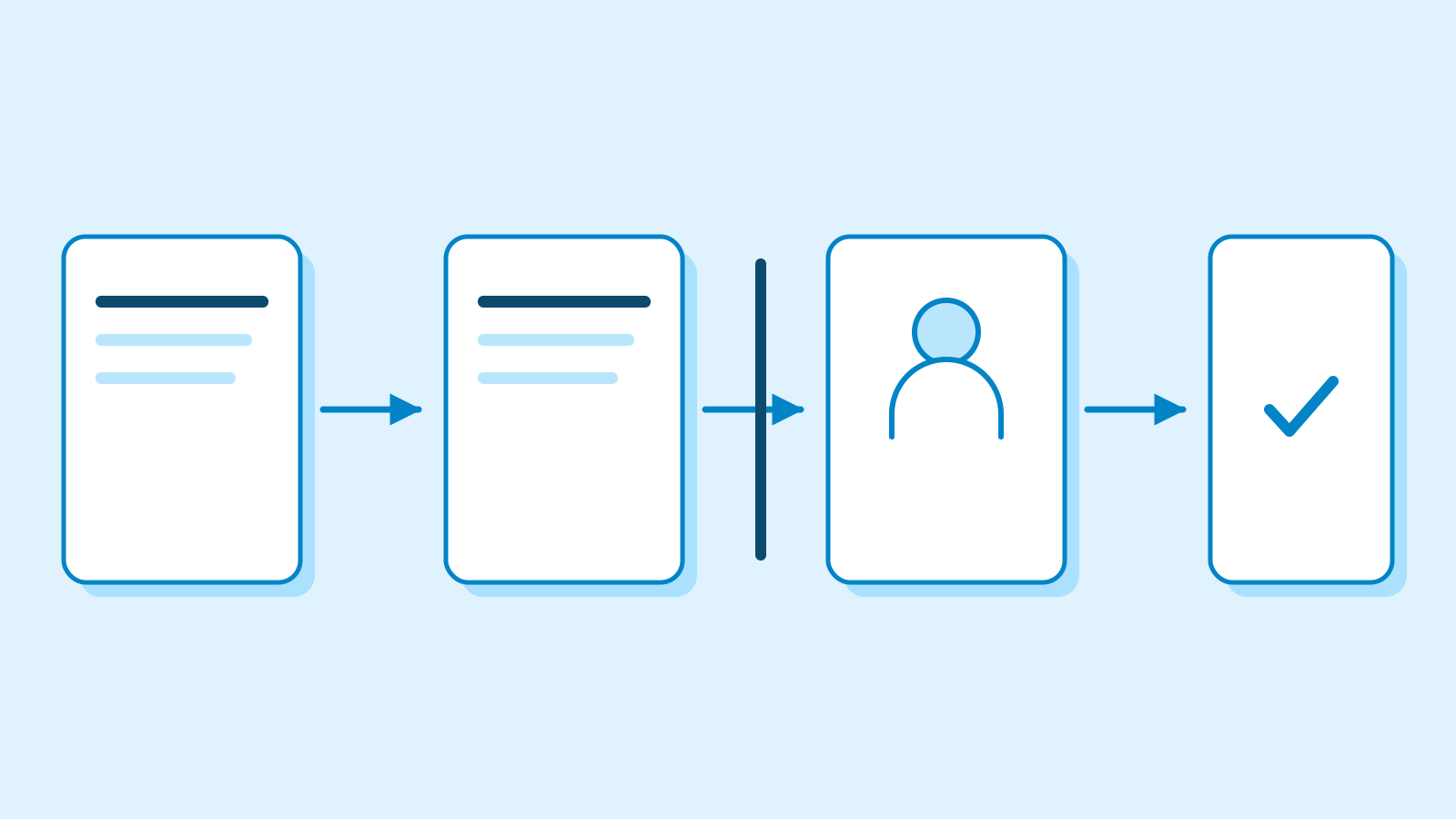
Rambler runs in text fields where Gboard works, including messages and email. A keyboard indicator shows that the microphone is listening. When the speaker finishes, the edited text appears in the field for review. Google’s Gboard help page lists a current version of the keyboard, default keyboard status and microphone permission as prerequisites for using the tool.
An existing draft can also be revised by voice. A speaker can ask for a shorter version or a change in tone, then edit any individual word directly in the field. Google says the keyboard can process a sentence that switches between supported languages, such as Korean and English.
Basic cleanup and punctuation still work offline. Style changes and more involved spoken edits need an internet connection. If the connection drops mid-dictation, Gboard can offer a retry for offline processing. Google says it temporarily processes the audio, text and any corrections to the output, then deletes them after delivering the result.

Gemini can prepare an order in supported apps
Google is expanding app automation to Japan, the UK and India. Its device list names three Pixel 10 models for this feature: the standard phone, Pro and Pro XL. The support list also includes the US and South Korea, with Pixel support in South Korea limited to the Pixel 11 generation. The Android beta is for adults with personal Google accounts, and the supported apps work in English, Japanese or Korean.
Google gives reordering coffee as one example. Gemini can use a separate virtual phone environment to open a supported app and put an item in the cart. Users can see the task running and stop it. On eligible Pixel 10 models, stopping the task is the available way to intervene in the virtual screen.
Google’s instructions put the final steps, such as placing the order or confirming a ride, in the user’s hands. Items may stay in a cart if the user leaves an order unfinished. The permission Gemini uses to read and interact with the screen is granted separately for each app and can be changed later.

Gemini can also bring information into a conversation before the user searches for it. Google describes a suggestion to share an estimated arrival time when someone asks about it in a message. The phone’s suggestions require Gemini as the default assistant and Personal Intelligence turned on. Users can choose which apps to connect.
Proactive Assistance covers all four Pixel 10 models and all four Pixel 11 models, according to Google’s support list. The feature is offered in Japanese in Japan and in English in Australia, Canada, India, Malaysia, Singapore and the United States. Google has announced support for the Pixel Watch 4 without a release date.
The same update brings Create My Widget to those Pixel phones in selected markets. A description of a trip dashboard, for example, can produce a home-screen widget that draws on Gmail and Calendar for relevant details. Widgets with personal information require a Google Workspace connection. The phone feature is available in English to adults in Australia, Canada, India, the UK and the US. The UK release leaves out connected-app integration. Google plans to add the widget tool to the Pixel Watch 4 and 5.
Sources
- Pixel 10 with Gemini Intelligence, custom widgets, and more in our November Pixel Drop — Google Pixel
- Gemini Intelligence: New features, on more devices — Google Android
- 7 can’t-miss updates from our Pixel 11 launch — Google Pixel
- Introducing Gemini 3.5 Transcribe — Gboard dictation and editing — Google
- Rambler voice input on Gboard — Gboard Help
- Ask Gemini to handle your multi-step tasks in select Android apps — Pixel Phone Help
- Let Gemini handle your multi-step daily tasks on Android — beta design — Google Gemini
- Building Gemini Intelligence on a Foundation of Security & Privacy — Google Security
- Get help with Proactive Assistance on Pixel — Pixel Phone Help
- Create custom widgets on Pixel — Pixel Phone Help