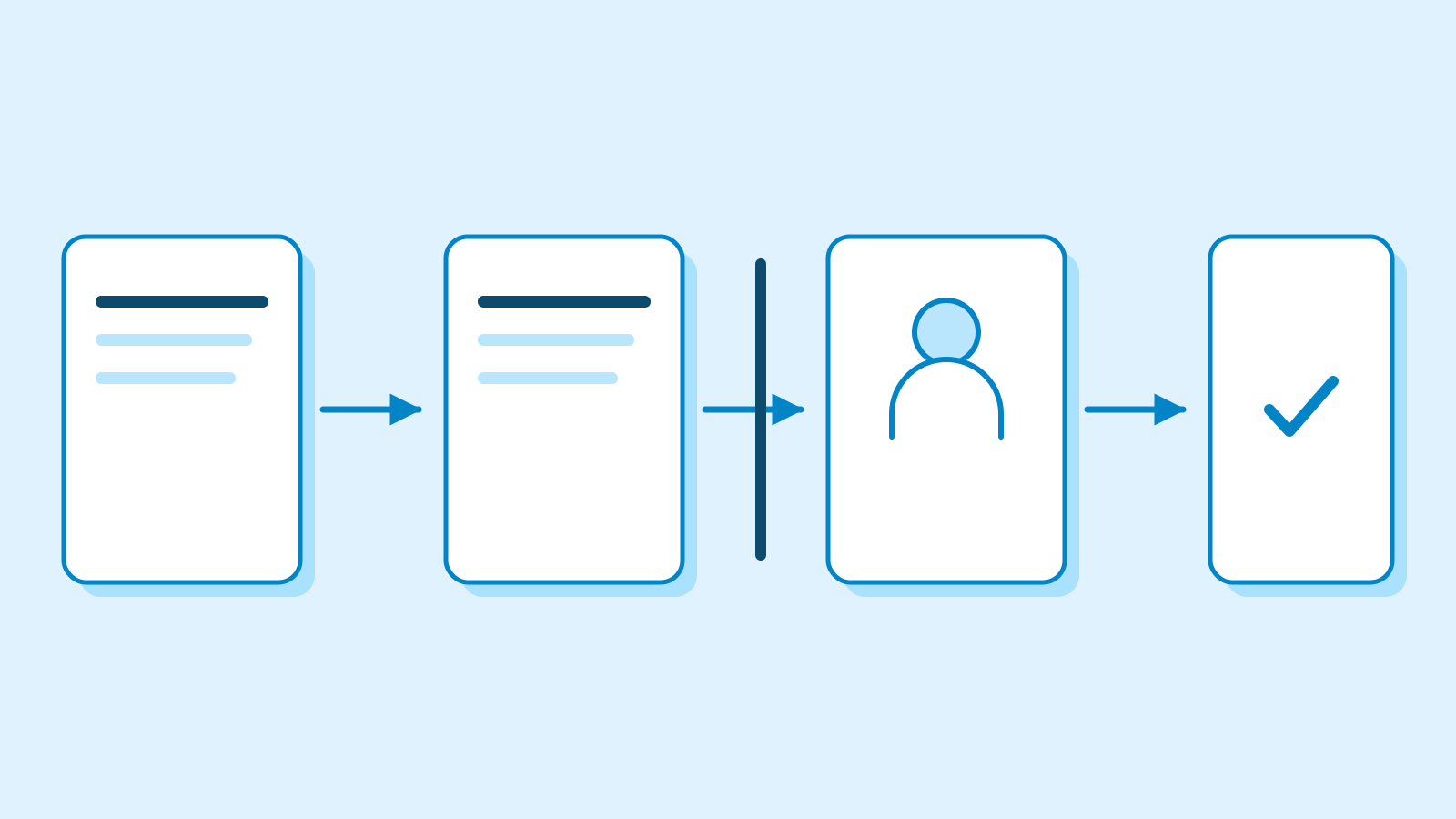
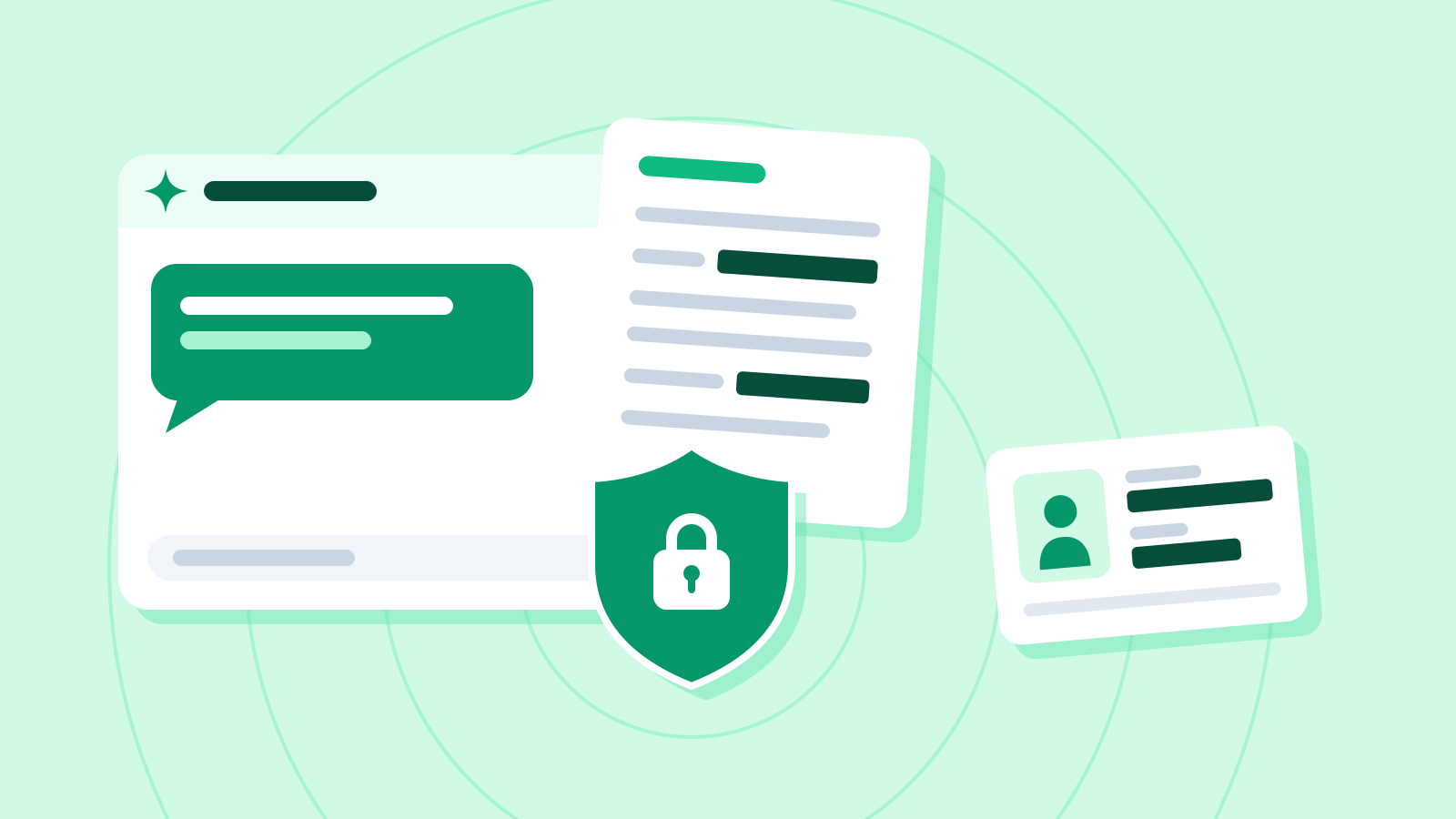
Paperclip’s new private tasks restrict routine admin access
3-line summary
- Paperclip adds private tasks and projects with separate access for people and AI agents.
- Private run content is hidden while some company-wide accounting information remains visible.
- Emergency and support reads have separate rules; the boundary does not prevent agent exfiltration.

Paperclip added private tasks and projects in v2026.1023.0, applying participant permissions to titles, discussions, files and run records. The notes are dated October 23; GitHub records publication at 00:03 UTC on October 24.
Owners and administrators do not automatically inherit private-task access. An emergency read requires a deliberate request and creates an audit entry and warning on the task. A separate Cloud customer-success inspection path can read private content when an operator enables it, using a company-scoped, read-only permit separate from ordinary plugin authority. The permit lasts at most 60 seconds and is checked for replay before a read.
Paperclip is an open-source application for organizing multiple agents through assignments, an organization chart and budgets. Company-open tasks remain the default, with private work adding a narrower audience.
Private-task readers include the responsible user, creator, current assignee, explicit grantees and members of its private project. Access can have more than one basis. Removing a sharing grant does not cancel project membership or current assignment; an assignment grant also persists until explicitly revoked, even after reassignment.
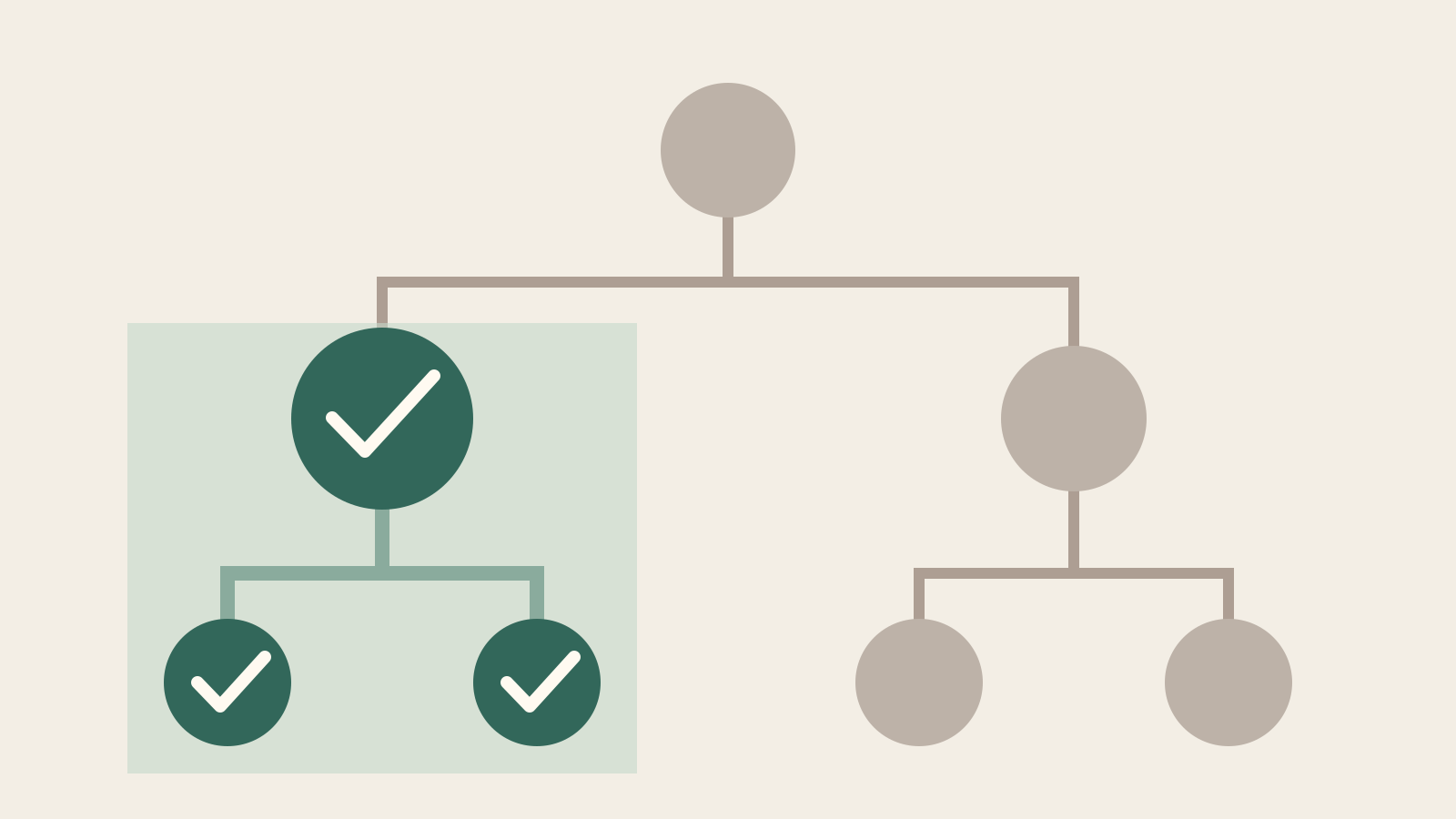
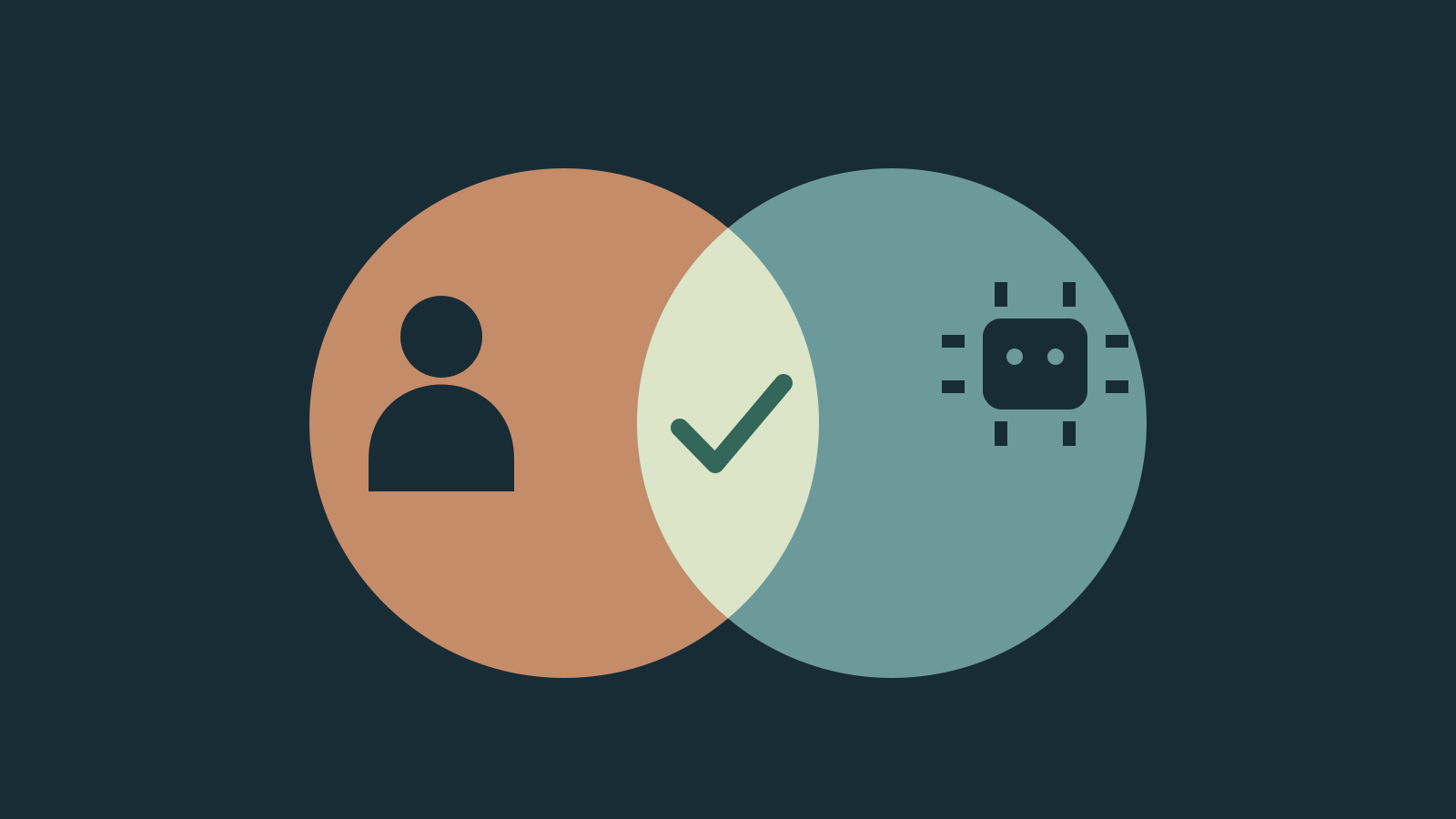
Sharing follows the task tree downward. Sharing a child includes its descendants, while its parent and siblings need separate access. Published regression tests cover denial after revocation and a shared agent acting for an unauthorized colleague. Run authority requires both the agent and the responsible user to have access.
Some company-wide operational information remains visible. Non-members receive a redacted run row with agent, status, timing, token and cost information, rather than task content. Dashboard totals can include private work. These exceptions retain accounting visibility while withholding the underlying task; private does not mean the work disappears from every aggregate.
The boundary is a Paperclip data-access control. An authorized agent may still copy information into shared memory, its home directory, an external tool or a later public answer. The project explicitly treats that as a residual risk: task permissions are not a sandbox or a data-loss-prevention system.
Plugins receive no general oversight exemption for private content. Tests in the released version check filtering across subtree, relationship and document reads, including queries starting from an open task. Private titles, bodies and attachment information must not enter those payloads. Shared-channel notifications and digests remain subject to the same reading boundary.
Enforcement is on by default through enforce mode. The diagnostic shadow mode records would-deny decisions without blocking them; off disables the task predicate. The published tests include a shadow-mode read that returns private execution content.
Sources
- v2026.1023.0 release notes — Paperclip
- Paperclip product overview, release-pinned README — Paperclip
- Private tasks and projects — policy and limits — Paperclip
- Private-task production regression cases — Paperclip
- Run-record privacy regression cases — Paperclip
- Plugin orchestration privacy regression cases — Paperclip
- Cloud customer-success inspection support — Paperclip