Wordflow fixes topic results that changed from run to run
3-line summary
- Version 0.7.18 fixes the order of parallel topic calculations.
- Developer tests returned 302 topics across different thread counts.
- It also reduces memory use; topics can differ from older versions.

Wordflow’s stable 0.7.18 release fixes topic groups that changed between runs with unchanged input, settings and seed. The LDaCA team published it on October 24. The problem could affect parallel processing of corpora with more than roughly 8,000 text segments.
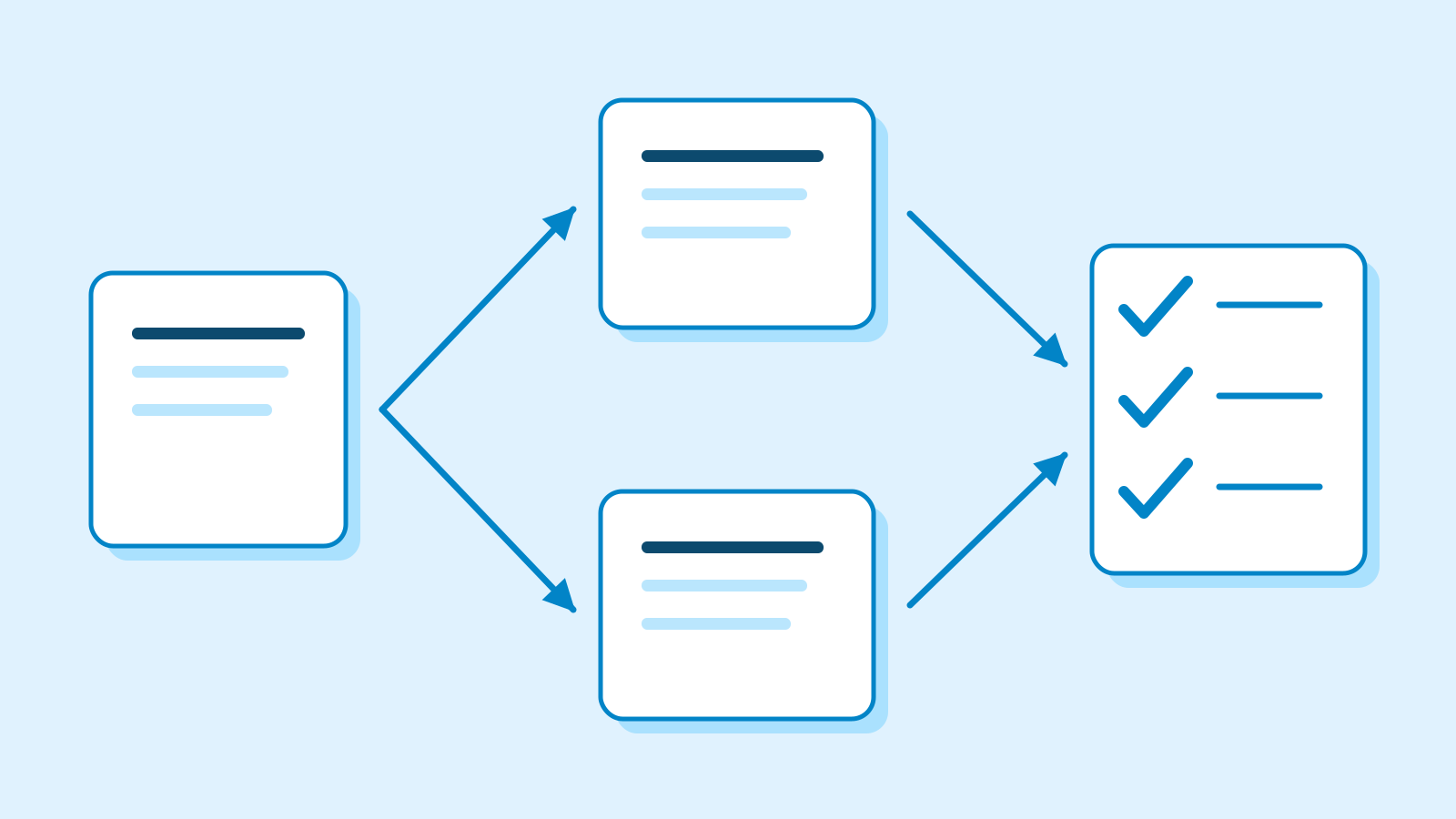
Wordflow is a code-free text-analysis application for exploring document collections. It combines word frequency, searches in context, trends and topics in one workspace. Results become Data Blocks that can be filtered or passed to another analysis. Topic views connect groups with the passages behind them; the new fix concerns the computation that forms those groups.
The team documented the failure on 40,860 Hansard paragraphs about GST. It reused identical cached embeddings and seed 0. With the earlier polars-text 0.7.1, three eight-thread runs produced 308, 305 and 313 topics. Three single-thread runs each produced 302.
The cause was in PaCMAP’s arranging stage: concurrent insertion changed its nearest-neighbour index, while calculation chunks were summed in thread-completion order. The patch divides the index into four fixed shards, fills each in row order and combines parallel calculations in a fixed order.

After the patch, the developers report 302 topics and 25,049 ungrouped documents in three runs each at one, three and eight threads, using the cached GST data. There was a tradeoff: arranging a separate 81,431-segment housing corpus with eight threads took 6.0 seconds instead of 4.5. Those figures describe one stage, rather than the whole analysis.
A separate fix reduces memory used while preparing results. Previously, Wordflow padded every document’s topic coverage to every topic. The team says the first-run totals need only positive shares, so the new code retains those entries.
On 76,312 housing paragraphs, with cached embeddings and eight threads, the team’s comparison of the memory patch reduced coverage entries from 29,151,184 to 78,195. Extra memory fell from about 7.8 GB to 1.9 GB, and the whole run from 27.0 to 19.7 seconds. The totals and ungrouped counts still use the same positive shares.

The two fixes have different effects on results. The release warns that rerunning an analysis with 0.7.18 can produce slightly different topics from an older version because of the reproducibility patch. The memory optimization alone leaves topics and their sizes unchanged.
The project currently lists 0.7.18 as stable and 0.8 as beta. Windows and Apple Silicon Mac downloads are published alongside online, Binder and Python options. Binder links are pinned by version, and downloaded Projects can move between these options. That catalog does not establish which version is currently deployed on the hosted service.
Sources
- Wordflow 0.7.18 — release, October 24, 2026 — LDaCA Wordflow
- Wordflow — text analytics and topic exploration — University of Sydney / LDaCA
- Issue 437 — repeated-run failure, cause and fix — LDaCA Wordflow
- Version 0.7.18 implementation record — V07-366 — LDaCA Wordflow
- Issue 436 — sparse topic coverage and measured conditions — LDaCA Wordflow
- Current stable, beta and version-pinned distribution catalog — LDaCA Wordflow