Yogurt brings free, local AI meeting notes to Mac, Windows and Linux
Edited and reviewed by AI Ping Editorial Team
3-line summary
- Frigade released Yogurt, a free app that records and summarizes meetings on the computer.
- It works on Mac, Windows and Linux without a bot joining the call.
- A connected AI app may send meeting data to its own online model.

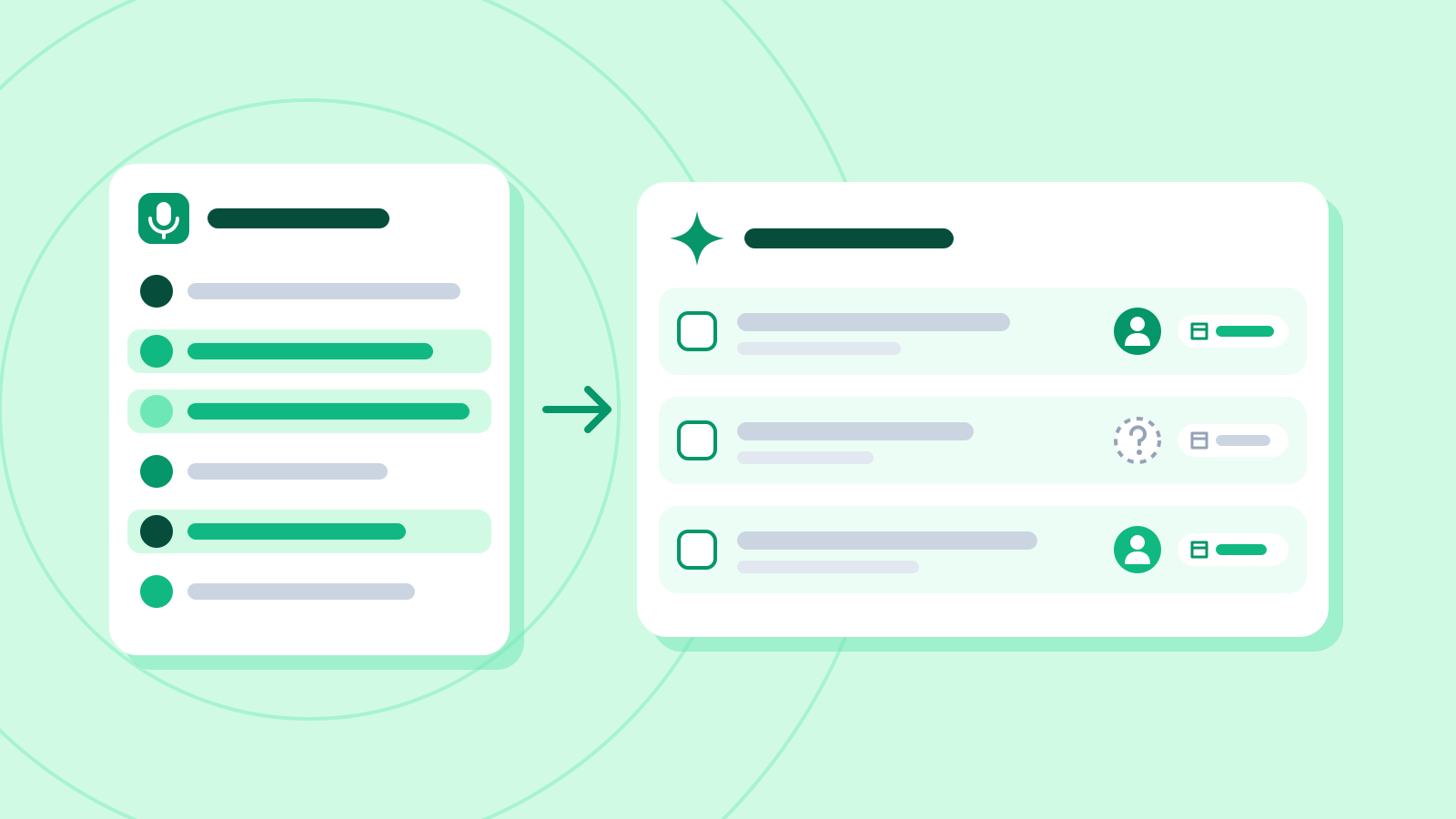
Frigade publicly introduced Yogurt, a free desktop app for recording and summarizing meetings, on November 11. The app captures the computer’s microphone and the sound it plays, so a meeting bot never needs an invitation. Frigade published installers for Mac, Windows and Linux. The app works without an account.
Yogurt transcribes speech on the same computer and uses any notes the user took to prepare the summary. That gives people a way to draft meeting notes without uploading the call to a transcription service. Version 0.3.1 appeared on GitHub before the developer introduced the app on Hacker News later that day. Version 0.3.10 was the latest public release when checked on November 13. Frigade publishes the source under the MIT license.
A call reminder leaves recording up to the user
Yogurt can offer to record when it detects a Zoom, Microsoft Teams or Google Meet call. The app checks which programs are using the microphone and can use a browser tab title or a nearby calendar event to identify a call in the browser. It waits for the user to start recording. Frigade’s documentation tells users to inform other participants that they are recording, since no additional participant appears in the call.
People can start a recording in other call apps, too, because Yogurt captures the computer’s sound. On Mac, the app needs access to the microphone and system audio to capture both sides. With Accessibility permission it can also read a speaker’s name when a supported call app displays it. The Mac app can also pull titles and attendees from calendars already on the computer. Frigade lists calendar access and speaker names from call apps as Mac-only features.

Hardware and language settings shape the transcript
Yogurt supports Apple silicon Macs running macOS 14.4 or later, x64 PCs running Windows 10 version 2004 or later, and x64 Linux systems running Ubuntu 22.04 or a compatible release. Frigade lists 8 GB of memory as the minimum. Linux needs PulseAudio or PipeWire. On Windows and Linux, setup checks whether the computer can transcribe speech fast enough and stops if it falls short. The help page for version 0.3.10 says the Windows installer is still unsigned.
The app downloads its models during and after setup. Frigade says the first, smaller notes model is about 5 GB. A model suited to the computer can follow in the background. Frigade lists a roughly 14 GB download as an example for a Mac with 64 GB of memory. Once the necessary downloads are in place, the computer can transcribe a recording and summarize it offline.
English is the default transcription language. A multilingual mode covers 99 languages, according to Frigade, and users can change the setting for a meeting before or during a recording. On supported Macs, Apple’s on-device speech recognition provides the live text and Whisper produces the saved transcript. The summary uses the meeting’s main language. Answers to questions about meetings use the language of the question.
Meeting records can move to another computer
People can find a meeting by folder or title and search for words in its transcript or notes. The app can answer questions across meetings, such as whether a decision changed from one call to the next. Answers link to the meeting records they draw on. Notes and transcripts can be saved as Markdown files. An exported transcript includes the elapsed recording time at the start of each turn, so readers can locate a passage in the audio.
Yogurt also packs meetings and their audio into a ZIP archive. A backup made on a Mac can be restored on Windows or Linux, for example. Meetings in the trash are excluded. An import fills in meetings missing from the destination computer and preserves the copies it already has.

Yogurt also goes online to check for updates. An optional connection lets a separate AI app read meetings, notes and transcripts. The connection is off by default and grants read-only access. The published code also exposes the local audio file paths for completed recordings to a connected app. Frigade says a connected app may send what it reads to its own online model.
Sources
- Developer introduction on Hacker News — Frigade
- First public desktop installers — Frigade
- Public desktop release checked on November 13 — Frigade
- Recording, supported languages and local model documentation — Frigade
- Requirements, permissions and data handling — Frigade
- Markdown export implementation — Frigade
- Backup and restore implementation — Frigade
- Read-only AI app interface — Frigade
- Mac calendar integration — Frigade
- MIT license — Frigade