Claude joins Google Meet and drafts documents during the call
Edited and reviewed by AI Ping Editorial Team
3-line summary
- Anthropic started rolling out Claude Meetings in beta on November 12 for Team and Enterprise plans.
- Claude appears as a Google Meet participant and can make documents and whiteboards that colleagues can edit while the call continues.
- Team owners can turn the feature off. Enterprise owners decide which users get it, and guest access has a separate setting.

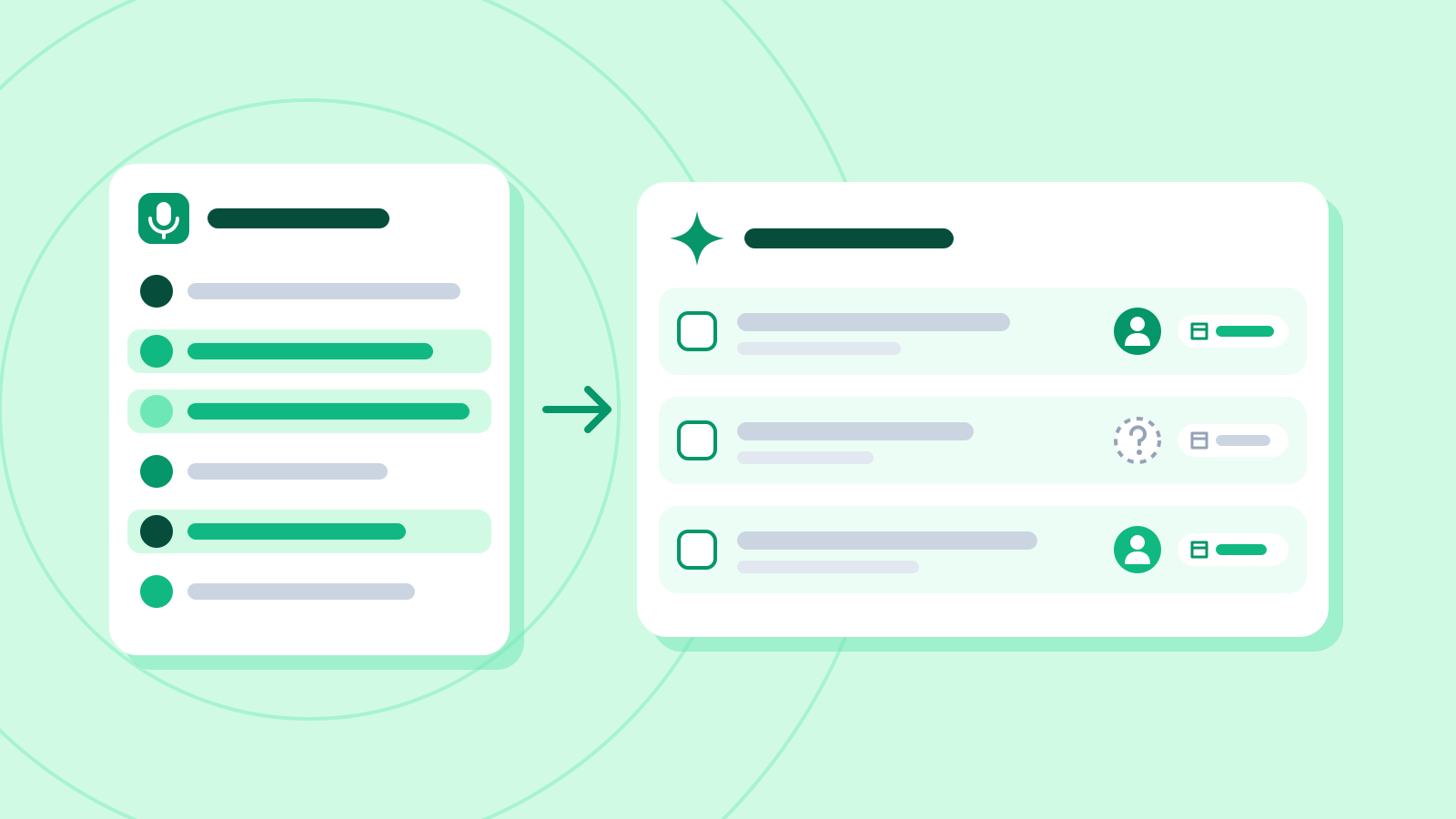
Anthropic began rolling out Claude Meetings on November 12, allowing Team and Enterprise customers to add the assistant as a visible participant in Google Meet. Once it joins, Claude posts a notice in the meeting chat. Teammates can ask it to turn a discussion into a document or a whiteboard and edit what it makes while they are still on the call. The meeting also produces notes and a list of follow-up tasks.
Anthropic previewed the feature on November 10 alongside other work tools. Its November 12 release notes mark the start of the beta rollout in Claude and Claude Desktop. Google Meet is the first supported video service. Anthropic says it plans to support others, with no dates in the announcement. The beta is rolling out to organizations on the two business plans.
Answers in Meet, drafts on a Claude page
Claude Meetings draws on the participant’s connected Google Calendar. An organization owner has to enable the calendar connection before members can use it. Members can add Claude to a meeting individually or set it to join their meetings automatically, with an option to exclude one-on-ones. The organization controls whether the feature is available, and each member controls their own auto-join setting. If a host declines a request to join, Claude waits for another invitation to that call.
During a call, people can address Claude aloud or write to it in Meet chat. Its default response appears as text in the chat and is visible to the people on the call. Documents, slides and whiteboards go to the separate Claude meeting page. That is where teammates on the invitation can revise a draft as the conversation continues. The chat on the Claude page is internal to their organization. If Claude leaves and is invited back during the same call, it returns to the original meeting page.
An action that uses a connected service, such as sending a Slack message, uses the requesting person’s connection. Anthropic’s help guide says Claude asks that person for permission the first time and can carry the approval forward. When a request is spoken, Claude checks who is speaking each time. Workspace owners can control whether meetings use members’ connected tools at all.

Who can see the meeting record
After a call, the meeting page holds the transcript, the summary, any action items and the materials created during the discussion. Claude also keeps descriptions of what was on screen. It does not retain an audio recording. People from the organization who were on the invitation receive a recap link by email. The page can also be shared with other people inside the organization.
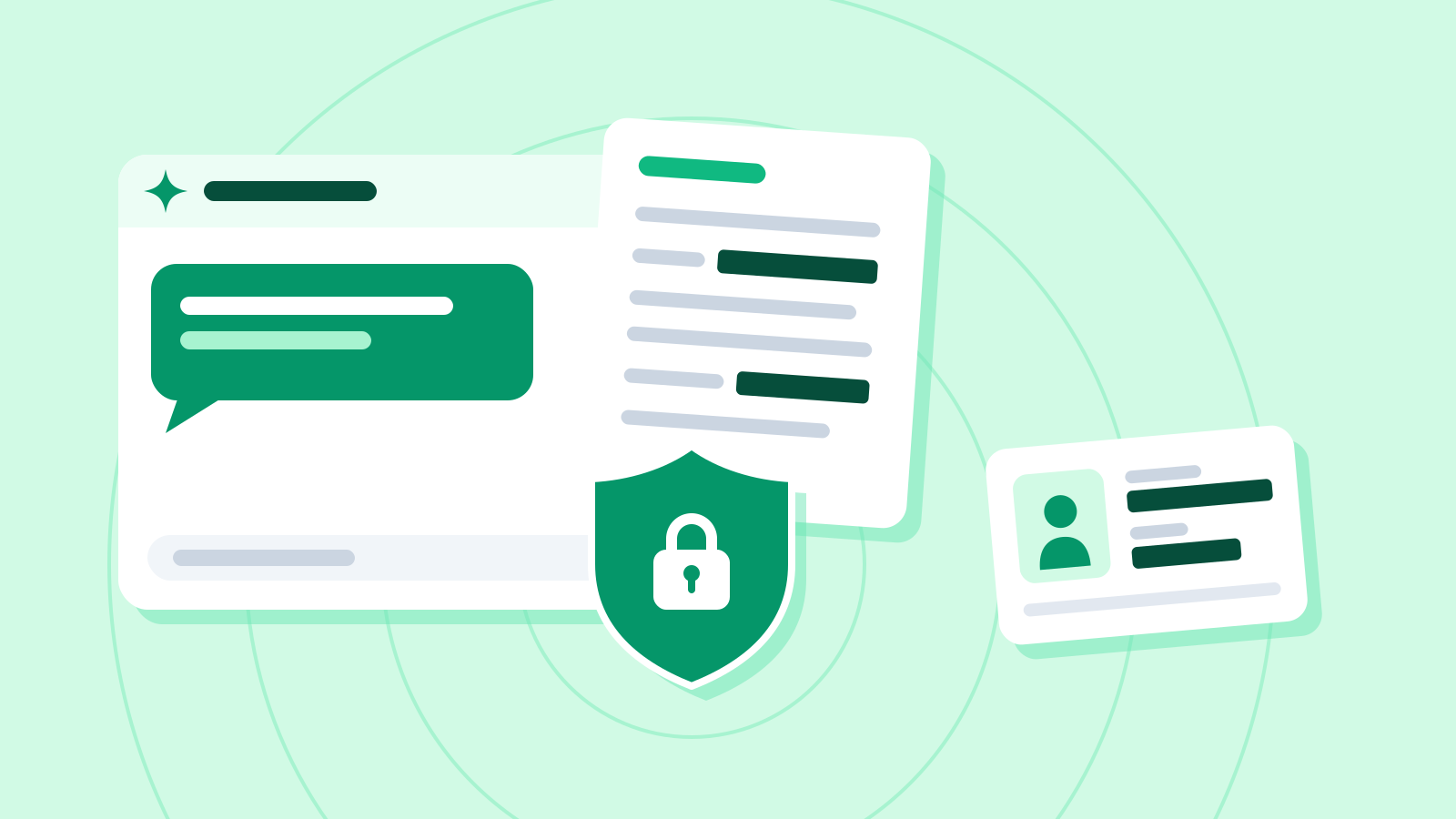
Anthropic’s plan-specific help guide says meetings with outside guests are allowed by default on Team, where an owner can disable them. Enterprise defaults to internal meetings and requires an owner to allow external guests. When outside guests are allowed, Claude posts its notice and takes notes that can include what guests said. In that mode, it does not answer in Meet chat, and outside guests do not receive access to the Claude meeting page or the recap email.

The overall feature is enabled by default on Team. On Enterprise, an owner can enable it for everyone or for selected roles. Some organizations are excluded during beta, including those with zero data retention, HIPAA-ready configuration or customer-managed encryption keys. Anthropic asks customers to check that participants are comfortable with transcription before adding Claude or enabling auto-join.
Notes, transcripts and answers that use no connected tools are included in the two plans. Documents and whiteboards made during calls are free through February 10, 2027. Using connected tools counts toward the requesting member’s usage and can create charges for the organization. Anthropic has not announced what it will charge for meeting documents and whiteboards after that date.
Sources
- Introducing Claude Meetings — Anthropic
- Claude Help Center release notes for November 12, 2026 — Anthropic
- Use Claude Meetings — Anthropic
- More ways to work with Claude, November 10 announcement — Anthropic
- Use Google Workspace connectors — Anthropic
- Use connectors to extend Claude’s capabilities — Anthropic